


Zapier Alternatives: 7 Tools Compared by What They Actually Bill You For
Zapier counts every completed action as a task, so a five-step Zap costs five times a one-step Zap on the same trigger. Seven alternatives compared by the unit each one meters: operations, executions, flow runs, compute seconds, workers and enabled Applets.
Nearly every list of Zapier alternatives compares connector counts. That is not why anybody leaves. People leave when the invoice arrives and they work out what the number on it was counting.
The real reason people leave Zapier
Zapier's own help centre is blunt about the unit: "A task is an action your Zap successfully completes." Not a Zap. Not a trigger. An action. So a Zap that creates a contact, writes a spreadsheet row and posts a Slack message spends three tasks every time it fires, while a one-action Zap fires for one. Two automations triggered by the same event can differ threefold in cost, and nothing on the pricing page makes that obvious before you build them.
The free plan then makes the expensive shape hard to test. It allows 100 tasks a month, two-step Zaps only, and a 15-minute polling interval. Two-step means one trigger and one action, which is exactly the workflow that the per-action model prices most kindly. The moment you add the third step that made the automation worth building, you are on Professional, which starts at $19.99 a month billed annually for 750 tasks. Month to month it is $29.99. Team starts at $69 a month annually and $103.50 monthly. Most listicles copy the annual figure and print it as if it were the monthly price.
None of that makes Zapier a bad product. It has the largest connector catalogue in the category and if the one integration you need exists nowhere else, this argument is over. But if you are leaving, leave for a tool whose meter counts something that suits your workflows, not one that just quotes a smaller number.
How I picked these
- One first-party source per number. Every price, licence and limit below came from the vendor's own pricing page, documentation or licence file, checked on 25 August 2026. No review aggregators, no roundup blogs.
- A different billing axis each. Operations, workflow executions, flow runs, compute seconds, worker capacity, enabled automations. Those words are not synonyms and each one produces a different bill from the same work.
- Dropped rather than guessed. Anything I could not price from the vendor directly is not here.
- Ours is included, ranked last, and labelled. Notis publishes this post. It is at the bottom with its own limitations written out.
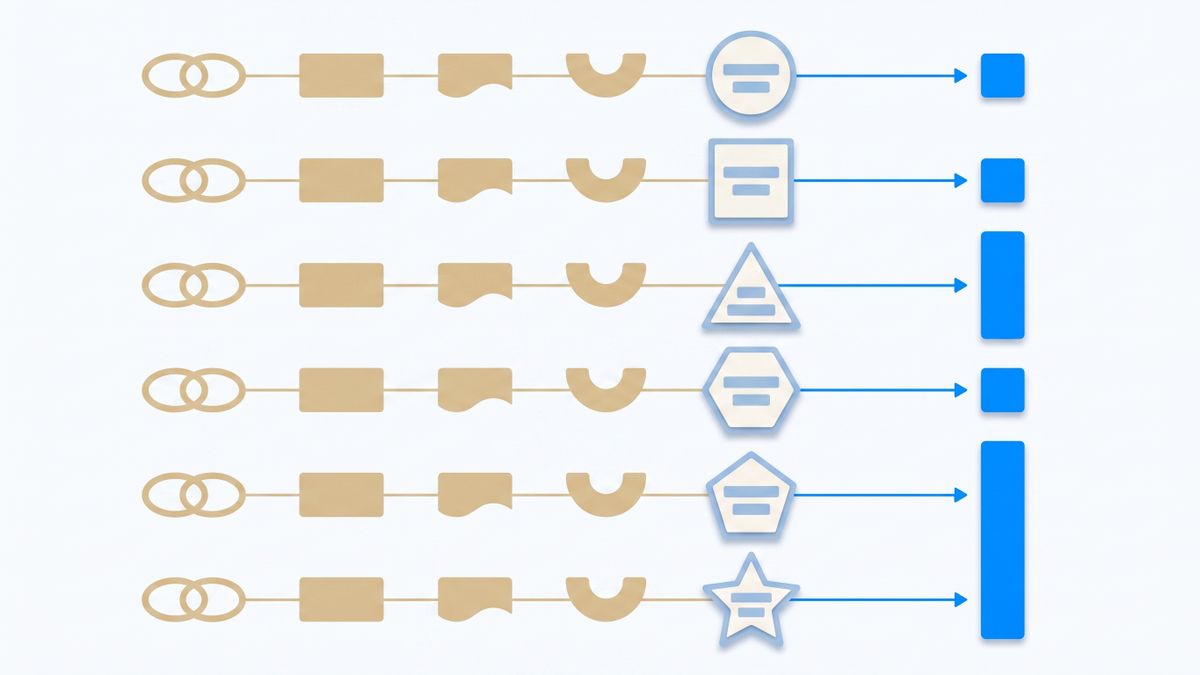
The short version
- Make charges per module action, the closest thing to Zapier's meter, but the entry tier buys far more of them.
- n8n charges per whole workflow run, so step count stops mattering. Its licence is not open source.
- Activepieces charges one credit per flow run and its core is MIT licensed, so self-hosting is genuinely free.
- Pipedream charges for compute seconds, which rewards short workflows and punishes slow APIs.
- Windmill charges for seats and workers, so volume is free and capacity is what costs.
- IFTTT charges for how many automations you are allowed to keep switched on, not how often they run.
- Notis charges a flat subscription and has no workflow builder at all. You ask for the outcome in a message.
1. Make
Make is the obvious lateral move, and it keeps the same billing philosophy: "Each module action in your scenario, like adding a Google Sheet row or fetching Gmail account data, counts as one credit." Every step still costs. What changes is the exchange rate. The free plan includes up to 1,000 credits a month against Zapier's 100 tasks, and the entry paid tier is listed at $9 a month for 10,000 credits. Read that number carefully, because the pricing page carries a monthly and annual toggle advertising a saving of 15 percent or more on annual, so the headline you see depends on which switch is set.
The visual builder is also more capable than Zapier's linear editor: routers, iterators and error handlers are first-class, and Make does not bill for router or error-handler modules. If your problem with Zapier is that you ran out of tasks rather than that you dislike per-step metering, this is the shortest migration on the list.
The catch: a ten-module scenario still costs ten times a one-module scenario, so you have swapped the price of the meter, not the meter itself. Heavy fan-out work gets expensive here in exactly the way it does on Zapier.
2. n8n
n8n changed the axis. Its pricing page is explicit that billing is based on monthly workflow executions regardless of complexity, with each plan sold as executions "with unlimited steps". A twenty-node workflow and a two-node workflow cost the same to run. Starter is 20 euros a month billed annually for 2,500 executions, with the annual toggle advertised as a 17 percent saving over paying monthly. That is the single largest structural difference from Zapier on this list, and it is why teams with long enrichment chains move here.
Before you self-host it to avoid the bill, read the licence. n8n uses the Sustainable Use License, which it describes as fair-code rather than open source, and the restriction is specific: "You may use or modify the software only for your own internal business purposes or for non-commercial or personal use. You may distribute the software or provide it to others only if you do so free of charge for non-commercial purposes." Running it internally is fine. White-labelling it, or hosting it for your customers as part of a paid product, is not.
The catch: the concurrency ceiling is the hidden limit rather than the execution count, at 5 concurrent executions on Starter and 20 on Pro, and the jump from Pro at 50 euros to Business at 667 euros a month is a cliff, not a step.
3. Activepieces
Activepieces uses the same run-based unit as n8n and states it plainly: "A credit is the single unit behind everything your automations do. Running a flow costs 1 credit, however many steps are in it." The cloud Plus plan is $16 a month billed yearly, and the free cloud tier works on credits that refresh daily rather than a monthly pool, which suits steady low-volume automations better than a bucket you can drain in a bad afternoon.
The differentiator is the licence. The licence page states the core is released under the MIT license, with enterprise and cloud features in the ee directories under a separate commercial licence. MIT is real open source, so the self-hosted Community Edition is, in the vendor's words, free forever with no cap on runs, users or flows, and there is no clause forbidding you from building a commercial product on top.
The catch: the connector library is a fraction of Zapier's, and the pieces you care about may be community-maintained rather than vendor-maintained. Team features such as SSO and audit logs sit behind the commercial licence even when you host it yourself.
4. Pipedream
Pipedream is the one that bills for time. Its pricing documentation is precise: one credit per 30 seconds of compute time at 256MB of memory per workflow segment, and "Pipedream does not charge for usage based on the number of steps." Building and testing in the workflow builder consumes no credits at all, and doubling a workflow's memory to 512MB doubles the credit cost for the same running time.
For fast API-to-API work this is the cheapest model on the page, because a workflow that finishes in one second and a workflow that finishes in fifteen both cost a single credit. It is also the most code-forward option here: steps are Node or Python, which is a feature if you have engineers and a wall if you do not.
The catch: billing by wall-clock time means you pay for other people's latency. A workflow that spends twenty seconds waiting on a slow vendor API costs twice one that waits ten, for identical work. The free plan is also governed by a daily credit limit plus caps on active workflows and connected accounts, so free usage cannot be banked.
5. Windmill
Windmill stops metering runs entirely. Its pricing page lists the free, self-hostable edition at $0 with unlimited executions, and prices the commercial tiers on capacity instead: $20 per developer seat a month, $10 per operator seat, and $50 per worker a month for a worker with a 2GB memory ceiling, with enterprise starting at $120 a month. You are buying compute and people, not events.
That inverts the economics of everything above. A million small runs cost the same as a thousand, provided your workers keep up. For high-frequency internal jobs, scheduled scripts and data plumbing, this is usually the cheapest honest answer.
The catch: capacity pricing means capacity planning. If your queue backs up, the fix is buying another $50 worker rather than shrugging at a usage bar, and the free tier's support is a community Discord. This is developer infrastructure with a UI on top, not a no-code catalogue.
6. IFTTT
IFTTT charges for a fourth thing again: how many automations you are permitted to have running. Its plans page allows 2 Applets on the free tier, 20 Applets on Pro at $2.99 a month billed annually, which it shows as $35.88 billed annually, and unlimited Applets on Pro+ at $8.99 a month, shown as $107.88 billed annually. Run one of those Applets a hundred thousand times and the price does not move.
For the personal end of automation, where a handful of rules run constantly and forever, that is by far the most rational meter on this list. It is also the only tool here where the yearly cost of the whole account is smaller than one month of a mid-tier Zapier plan.
The catch: Applets are deliberately simple, and the ceiling arrives fast if you need branching, error handling or multi-step business logic. The free tier's two-Applet allowance is a demonstration, not a plan.
7. Notis
Disclosure: Notis is our product, which is why it is last. It is at the bottom because it is the least like Zapier on this list, not because it is the least good, and if you want a canvas with nodes on it you should stop reading at Windmill.
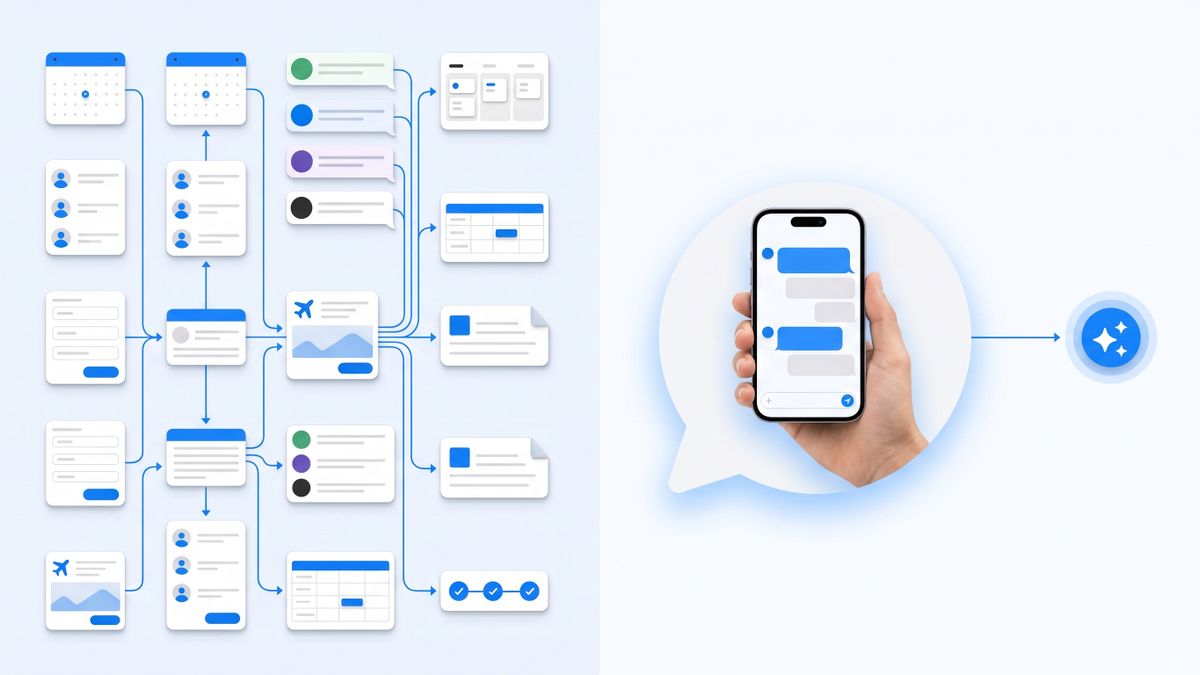
Notis is a personal assistant you message from WhatsApp, iMessage, Telegram, Slack or email, and reach from your coding agent over MCP. There is no builder. You describe the outcome in a sentence, and the assistant reaches your connected apps, of which there are over a thousand, to do it. Scheduled and event-triggered automations are prompts that run on a cron or when something happens in a connected app, so the thing you maintain is an instruction rather than a graph of nodes.
The meter is the difference. Pricing runs from $0 to $149 a month as a flat subscription, so a five-step request and a one-step request cost the same, which is nothing extra. The free tier is the CLI only; messaging channels start at $20 a month. If your reason for leaving Zapier is that a long workflow costs several times a short one for the same trigger, that axis simply is not present here.
The catch: Notis is not a workflow engine and does not pretend to be one. There is no canvas, no per-step retry policy, no branch-level error handling and no run history you can replay node by node. It is closed source with no self-hosted edition, there is no Notis mobile app because it lives inside the messaging apps you already have, and usage is metered against your plan even though the subscription is flat. For deterministic, high-volume, audited pipelines, one of the six tools above is the right answer.
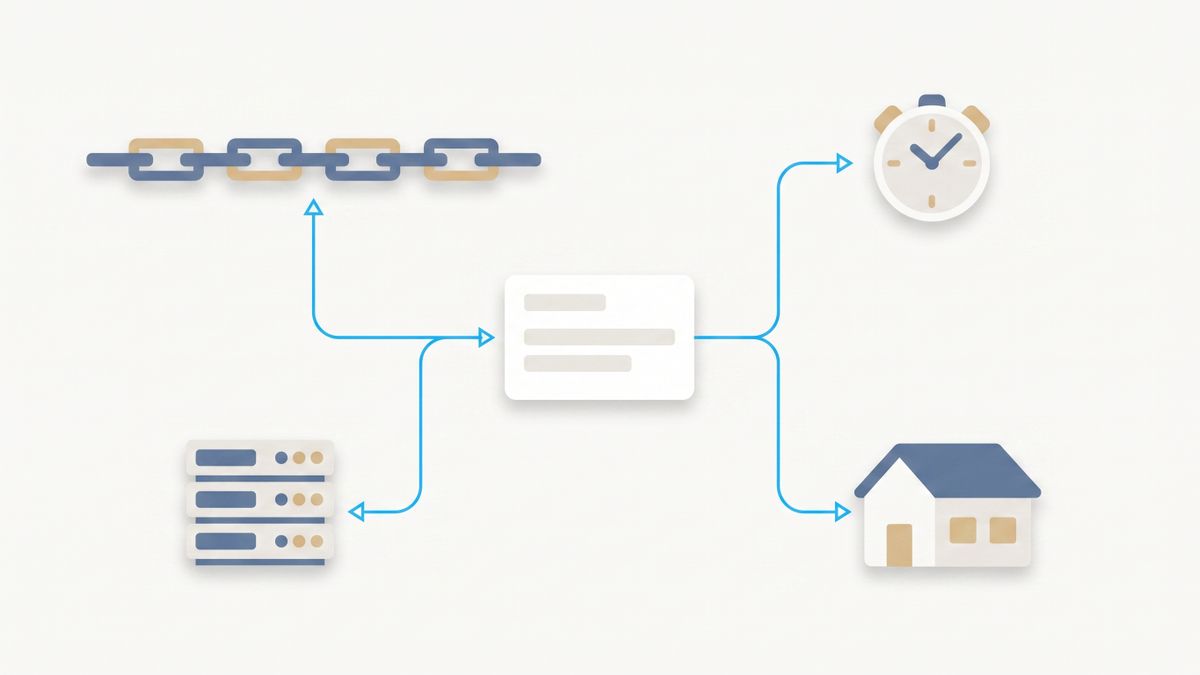
Which should you choose
- You ran out of tasks but like the model: Make. Same shape of meter, far more of it per dollar.
- Your workflows are long: n8n or Activepieces. Both charge per run, so steps become free.
- You need to ship it inside a product you sell: Activepieces. The MIT core has no internal-use clause; n8n's licence does.
- Your team writes code and your workflows are fast: Pipedream. Compute-time billing is the cheapest possible unit for short jobs.
- You run enormous internal volume: Windmill. Pay for workers and seats, then stop counting events.
- You have five personal automations that never change: IFTTT, for less than the price of a coffee a month.
- You do not want to build or maintain a workflow at all: Notis, with the limitations above understood.
My verdict
If you are replacing Zapier like for like, the honest recommendation is n8n or Activepieces, because both of them delete the specific problem that made you look: paying more for a five-step automation than a two-step one that fires the same number of times. Choose Activepieces if the licence matters to you or you want to self-host without reading a clause about internal business purposes. Choose n8n if you want the larger node library and the bigger community, and you are certain you will never resell what you build on it.
Make is the right answer only if migration cost dominates, because it is the least disruptive move and the least structural change. Pipedream and Windmill are for engineering teams and will feel like a demotion to anyone who wanted a drag-and-drop tool. IFTTT is for your house, not your company.
And the option nobody prices against: not building the workflow. A large share of Zaps in the wild are one person moving information between two apps they use daily. That does not need a canvas or a meter. It needs something you can ask.
Sources and research notes
Every figure here was read from the vendor on 25 August 2026 and can be rechecked at the same address. Prices move; the billing axis rarely does, and the axis is the part that decides your bill.
- Zapier task definition and plan limits: help.zapier.com and zapier.com/pricing.
- Make credit definition and plan pricing: make.com/en/pricing.
- n8n executions, concurrency and licence: n8n.io/pricing and the Sustainable Use License documentation.
- Activepieces credits and MIT core: activepieces.com/pricing and activepieces.com/docs/about/license.
- Pipedream compute-time credits: pipedream.com/docs/pricing.
- Windmill seats, workers and free edition: windmill.dev/pricing.
- IFTTT Applet allowances: ifttt.com/plans.
- Notis plans and automations: notis.ai/pricing and help.notis.ai.

Flo is the founder of Mind the Flo, an Agentic Studio specialized into messaging and voice agents.
Related posts
Codex CLI: What It's Good At (and What It Isn't)
An honest read on Codex CLI: the repo loop and codex exec it nails, the five-hour windows and non-code jobs it cannot touch, and what to run beside it.
Manus AI Pricing: What Credits Really Cost Per Task
Manus credits cost $0.005 each, so its own published examples run $1.00 to $4.50 a task. The real math, and why I price in dollars instead.
Is Notion AI Worth It? An Honest Test After a Year Inside Notion
A year of daily Notion AI use, the credit meter behind Custom Agents, and an honest verdict on when the $20 seat pays for itself.