Best for

Founders who want one capable intern to handle work and life admin for them.
 Notion AI
Teams that want many specialized agents for employees, service channels, and repeat workflows.
Trusted by 17,000+ founders
Compare Notis and Notion AI before choosing. Notion is stronger for teams building scoped workspace agents. Notis is the Notion AI alternative for founders who want one personal assistant across every channel and tool.
Set up in minutes. Cancel anytime.
Trusted by 17,000+ founders

Notis

Can you organize this into a coherent summary?
12:41
Sure, I've compiled your notes on the future of AI in education and saved it with your notes.
12:42Send a voice note, forward an email, share a photo, text Notis, or mention it in Slack. Notis turns it into finished work across the tools you already use.
WhatsApp · Voice note
Turn these pricing ideas into a note.





 NOTIS DESKTOP + WEB APP
Notion
New note created
Pricing ideas · 6 key points
Most AI Tools answer questions. Notis completes tasks.
Founders who want one capable intern to handle work and life admin for them.
Notion AITeams that want many specialized agents for employees, service channels, and repeat workflows.
Ready in 5 minutes. Connect your tools and send the first message.
Notion AICreate a workspace agent, write its instructions, choose triggers, grant every tool and data permission, then decide who can use it.
One general-purpose AI intern that learns how its owner works.
Notion AIA personal Notion Agent plus a directory of role-specific Custom Agents your workspace can build and share.
WhatsApp, Telegram, iMessage, Slack, email, desktop, and web.
Notion AINotion web and desktop, selected Slack channels, and the standalone Notion Agents app for iPhone.
Message from the apps already on your phone. No dedicated mobile app required.
Notion AIA polished Notion Agents iOS app launched July 8, 2026. It requires iOS 26; iPad and Android are not supported yet.
No. Notis is your intern, not a platform for creating separate agents for other people.
Notion AIYes. Build multiple specialized agents with their own instructions, triggers, models, tools, data, and access.
Owner-only by design. It is not made to become a customer-facing support or service agent.
Notion AIThe stronger option: scope agents to selected data and tools, share them with teams, or put them in selected Slack channels. Direct guest chat inside Notion is restricted.
Acts for its owner across the accounts and integrations they connect.
Notion AIEach Custom Agent gets independent access to specific Notion pages, databases, Slack channels, Mail, Calendar, and MCP tools.
Recurring, webhook, database, email, calendar, and integration triggers—all managed from one command center.
Notion AISchedules plus database, Slack, Mail, Calendar, and webhook triggers, with filters and per-agent controls.
1,000+ hosted integrations, custom MCP servers, local tools, skills, and coding agents.
Notion AIDeepest inside Notion, with Slack, Mail, Calendar, MCP, web access, and a growing connector catalog.
Desktop and web app included: one inbox for every conversation, approvals, and full run history
Notion AIWorkspace Agent directory, per-agent chats and insights, plus admin credit and usage dashboards.
No. Notion—and the free Second Brain starter template—are both completely optional.
Notion AIYes. Notion AI and Custom Agents live inside a Notion workspace.
Runs on the ChatGPT or Claude subscription you already pay for: on your Mac, or in your Cloud Computer when it is off.
Notion AINo. Notion AI runs on Notion's own models and metered agent credits.
$13/month, with a monthly usage budget included. No separate credit pack to buy.
Notion AIBusiness or Enterprise, plus metered Custom Agent credits.
Notion's launch notes literally introduced Agent accessories with “Make it cute (no, really).” Cowboy hat, rubber duck, flower—adorable. Your tiny sheriff still charges credits every time it reads, thinks, or acts.
Yes, the hat is a real Notion feature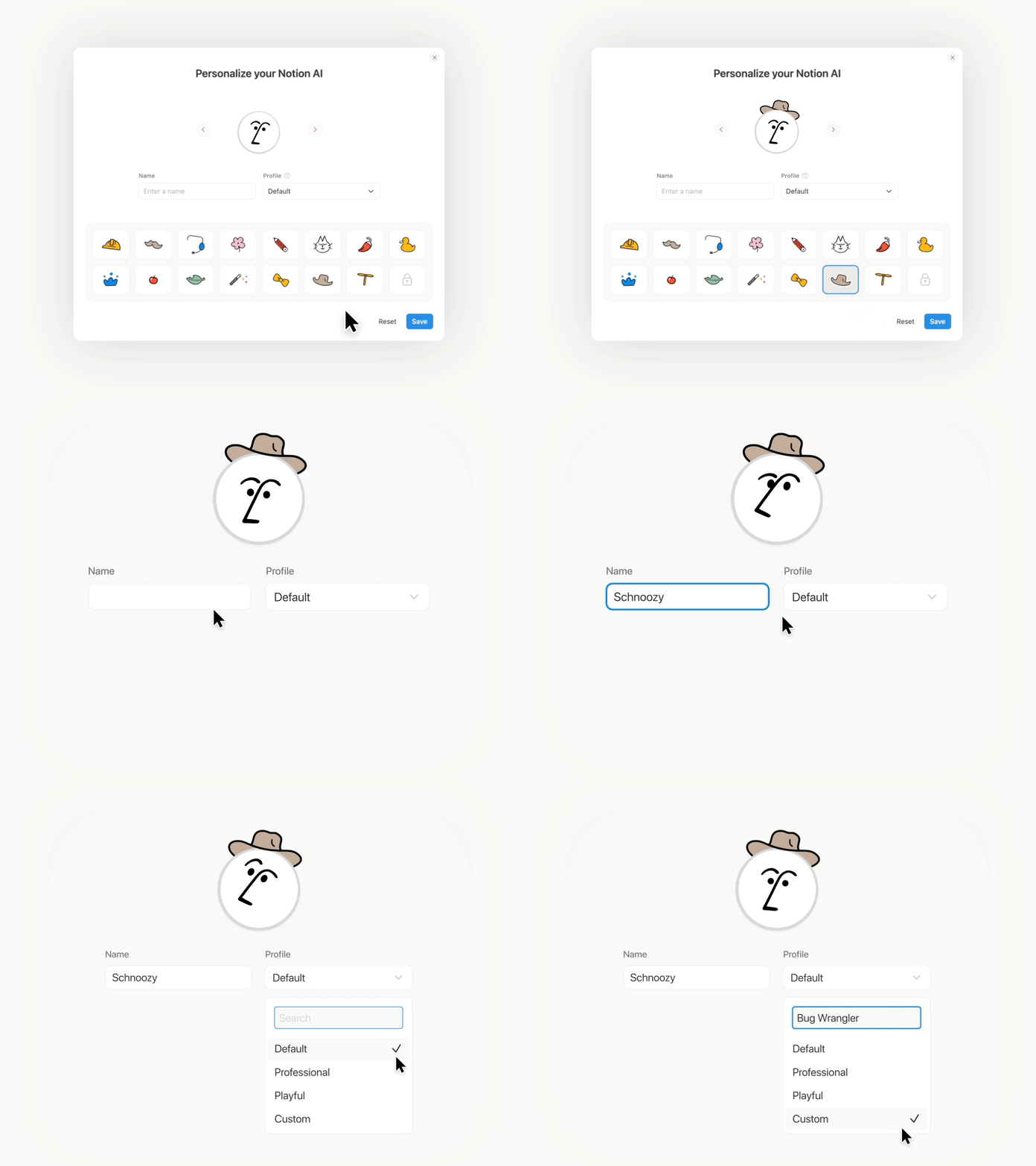
Notion's official estimates put ordinary Custom Agent work between $0.03 and $0.30 per run. That is on top of Business or Enterprise—and unused monthly credits disappear.
Entry fee
Business or Enterprise
Credit pack
$10 / 1,000
Meter
Every agent run
The surprise
A second software bill inside the first one
Notis bills this differently: one subscription, with a monthly usage budget included in it and published per-model rates you can check. There is no second purchase and no credit pack to top up, and on every paid plan the included third-party tools draw from that same budget too.
100 questions/day × 30 days
100 requests/day × 30 days
50 briefs/day × 30 days
Not just our calculator
Community reports are anecdotal, not controlled benchmarks. The pricing mechanics and per-run ranges above come directly from Notion.
“$10 will basically get you a custom agent that says hello to you each morning.”214-upvote pricing petition
“I’m already paying for Business… this felt like a platform feature, not a token system.”Notion Business user
“Credits run out incredibly fast… for emails, they’re gone in the blink of an eye.”Notion user, July 2026
Notion can be one of your tools, but it is not a product requirement. Connect the workspace you already love or skip Notion completely. Starting fresh? The optional template below saves you from the blank page.
I already use Notion
Keep your pages, databases, and structure exactly as they are. Notis learns where things live and works inside your system—no migration and no template required.
I already have tools I like
Tell Notis where your work already lives. Tasks can stay in Todoist, notes in Google Docs, customers in HubSpot, and files on your computer. Notis is the connective tissue, not another migration project.

Starting fresh in Notion? We made a free, ready-to-use workspace so you can begin organized instead of staring at a blank page. It is completely optional—not Notis’s brain, and never a requirement for using Notis.
Duplicate the template to get projects, tasks, notes, meetings, bookmarks, expenses, and contacts already connected. If you have your own Notion system, use that. If you do not want Notion at all, skip it. Your Notis intern works either way.
Explore the free Second Brain templateReady on day one
Eight connected databases, ready to duplicate. Keep what helps, delete what doesn’t—it is a starting point, not a doctrine.

Capture and time-box next actions with reminders and context.

Keep notes and documents connected to projects and areas.

Track product work and bugs without building a system first.

Save useful links from Notion’s web clipper or through Notis.

Keep meeting notes connected to their follow-up tasks.

Categorize receipts and see spending by category.

Start with a simple contact and relationship tracker.

Group tasks by project and track what is moving.
Choose the template, connect your own workspace, or use no Notion at all.
If the user is you, Notis stays closer, travels further, and keeps the bill simple. If the users are employees or customers, Notion Custom Agents are the better fit.
Send the thought when it happens from WhatsApp, iMessage, Telegram, Slack, or email. There is no new inbox you have to remember to open.
Notis is not a directory of narrow bots. It keeps your context and handles whatever you delegate across work and life admin.
Notion charges the workspace plan, then sells Custom Agent credits on top at $10 per 1,000 that expire monthly. Notis is a published $13 per month with a dollar-denominated usage budget included, and on every paid plan the included third-party tools draw from that same budget rather than a second purchase.
Use 1,000+ integrations, custom MCP servers, local tools, synced skills, and your coding agents without turning every task into a Notion page.
The differences between Notis and Notion AI, shown as real work. Send one request and get a finished result back across the tools you already use.
NotisCan you organize this into a coherent summary?
Certainly! I’ve compiled your notes on the future of AI in education and saved it in your notes database. Here’s the link: https://www.notion.so/The-Future-Of-AI-In-Education 🧠
Can you challenge the idea I present in this voice note? Please play devil’s advocate.
I have compiled a document that challenges your investment strategy regarding the semiconductor industry’s opportunities presented by AI, considering the geopolitical risk of a potential war between China and Taiwan. Here’s the link to your document: https://www.notion.so/Semi-Conductor-Investment-Thesis

Dump ideas by voice notes and Notis turns them into formatted and organized notes.

Turn voice, chats, and emails into organized tasks in your favorite to-do apps.
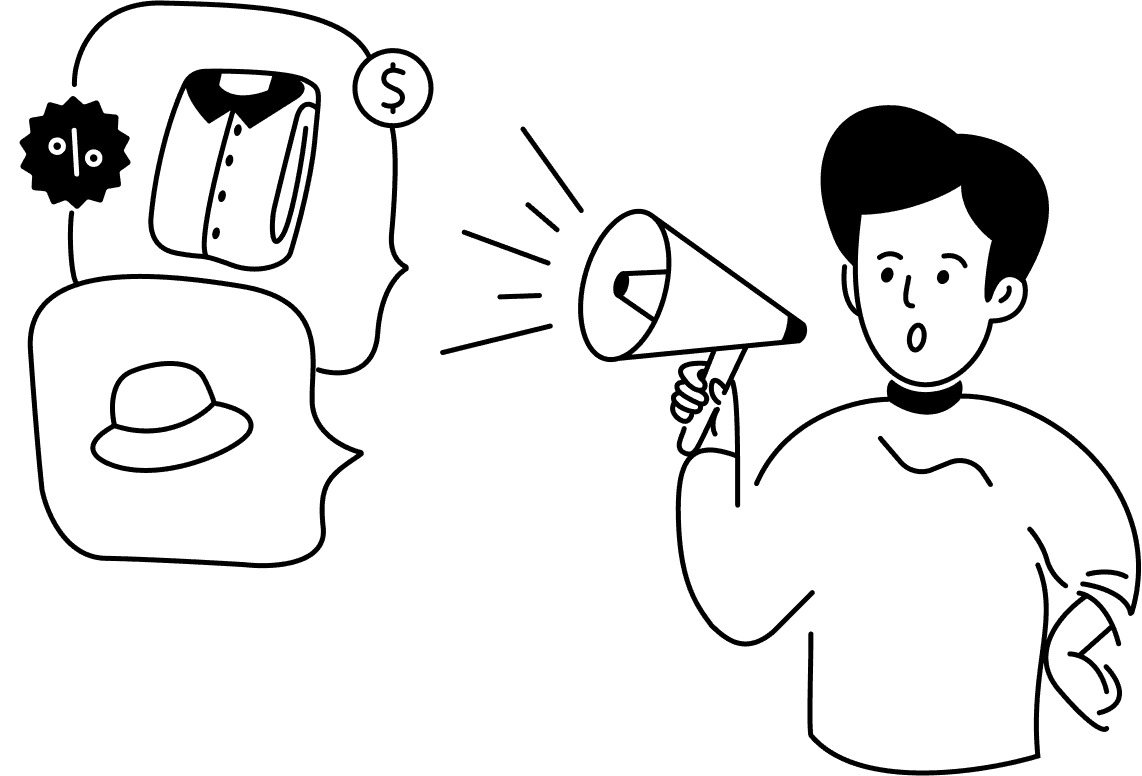
Brain-dump ideas, and Notis generates images/videos, writes the copy, and posts it for you.

Notis turns rough idea into publish-ready blog posts and newsletters, complete with images.

Schedule meeting, meeting preps and take care of all the follow-up tasks and emails.

Log calls, notes and plan follow-ups to your existing CRM from a single voice message.
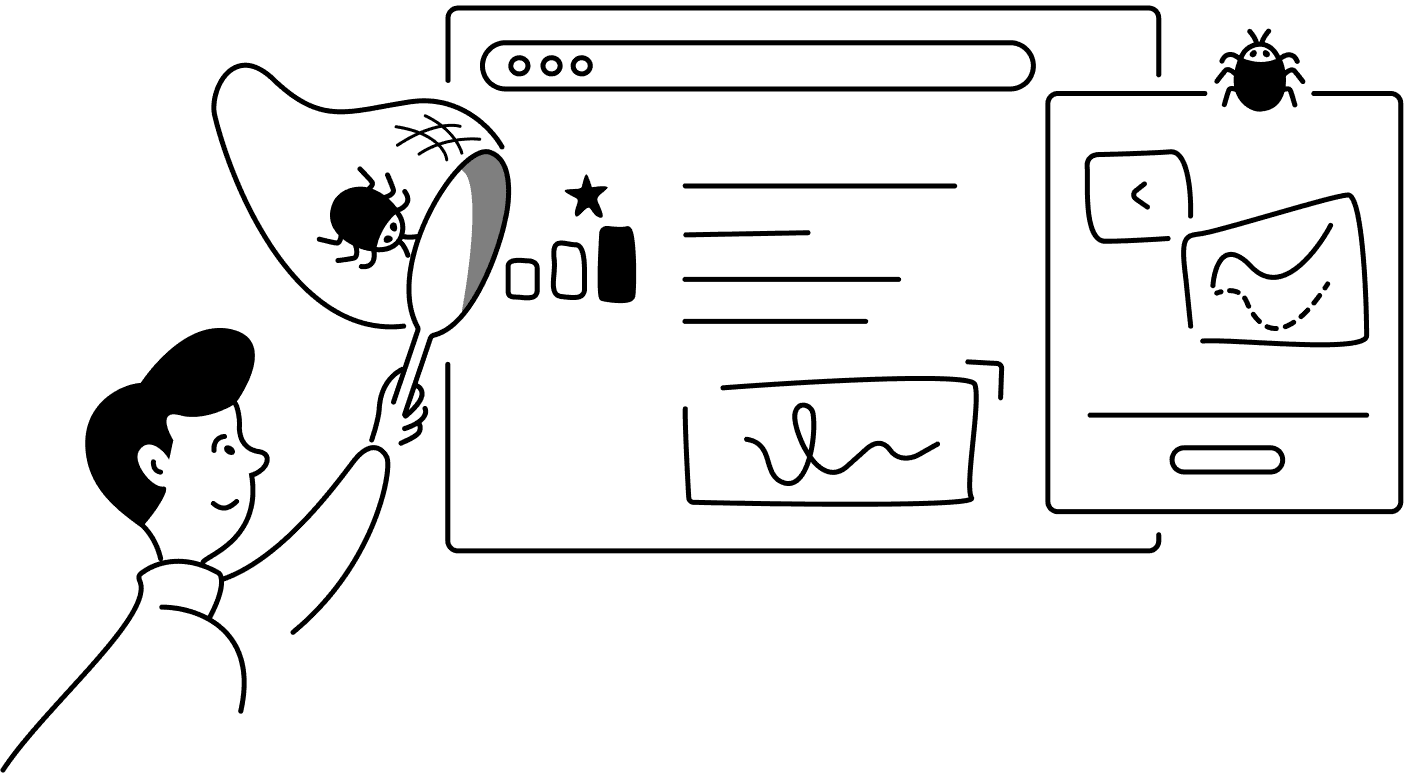
Create detailed bug reports from your voice, and organize them in your bug tracker.

Extract all information from receipt photos and categorize them into clear expense summaries.
Gmail, Slack, Notion, your CRM, and 1,000+ more. Notis writes into the apps you already use instead of keeping work stuck in a chat.
8 integration cards shown
Desktop & web app
Your channels are where you talk to Notis. The desktop and web apps are where you see everything it does: review what needs you, approve the next move, and follow every run end to end.
Explore the command center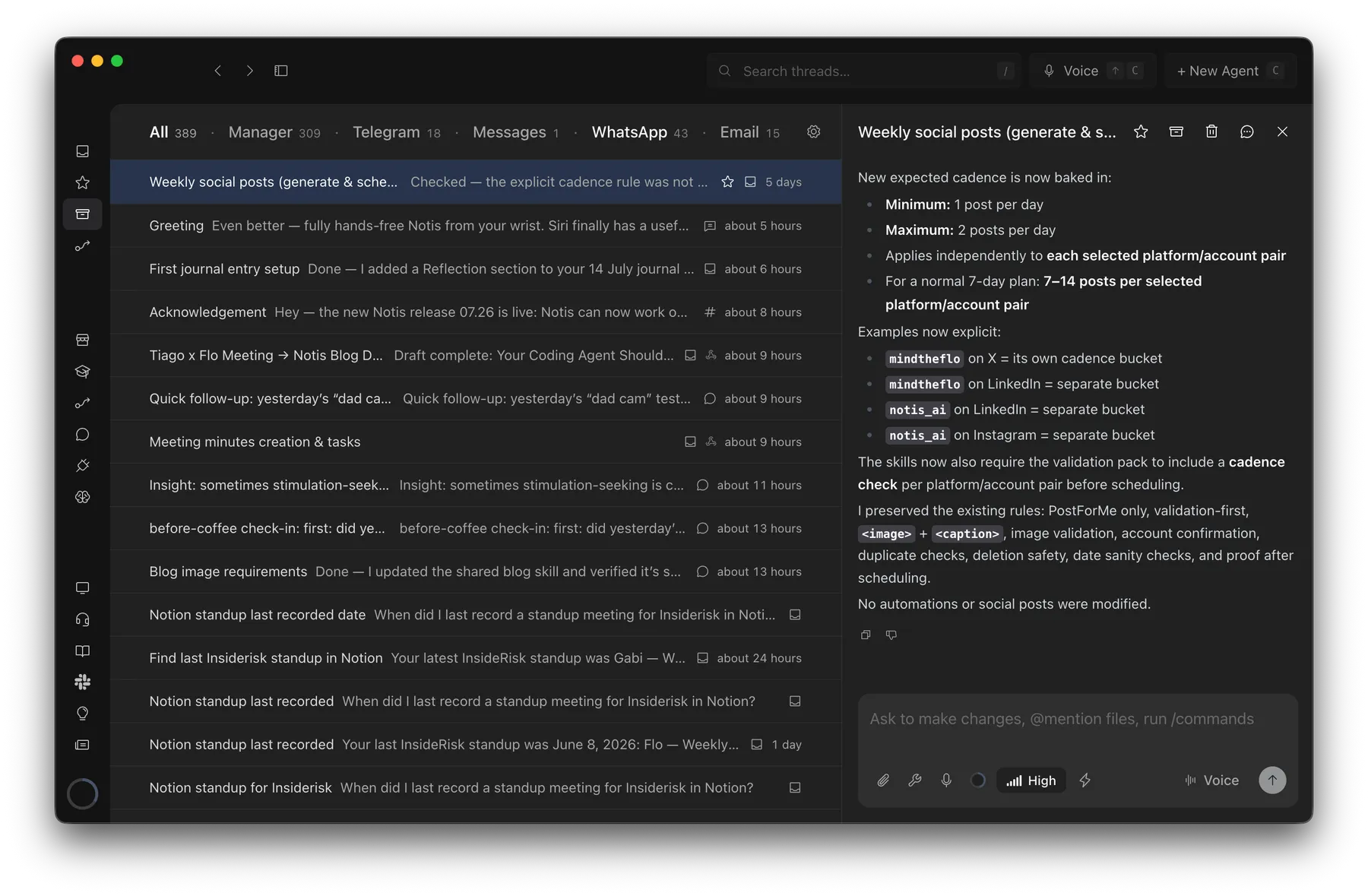
Probably 1 hour → barely 2 minutes
Creating an SOP from a Loom transcript with Notis
“This would have taken me probably an hour to pull together, but it took barely two minutes.”

Andrea Ercolessi
Founder, King of Automation
Most AI tools answer questions. Notis completes tasks.
Before you connect a single integration, Notis already transcribes, researches, edits documents, browses the web, and works on your computer.
Notis quickly transcribes your voice into formated notes with 99% accuracy.
Notis supports 56 languages with super high accuracy.
Transcribe, understand and save images.
Share, anylize, edit, and organize documents in PDF, Word, Excel, etc.
State-of-the-art long-term memory automatically maintained by Notis.
Generate medias using the latest OpenAI models.
Notis can autonomously access the content of any website.
Notis can compile complete search reports using OpenAI deep research.
Notis reads any reply out loud, turning text into natural audio for hands-free listening.
Notis drives a real browser to log in, click through pages, and pull data from sites with no API.
Your whole Notis — tools, skills, memory — inside Claude Code, ChatGPT, Claude or Notion AI.
Notis hands the work to the ChatGPT or Claude plan you already pay for — on your computer, or in your Cloud Computer when it's off.
Notis works right on your machine (your files, local apps, and CLIs) via the desktop app.
A private cloud workspace where Notis runs scripts, edits files, and browses the web.
1,400+ tools and APIs — Semrush, Apollo, Apify and more — with no account, API key or subscription.
Notion raised $275M at a $10B valuation and is reportedly weighing an IPO. That growth gets paid for with seat prices, plan gates, and metered agent credits. Notis is bootstrapped: your $13 a month is the whole business model.
$0 raised. On purpose.
Bootstrapped and profitable. No round to justify, no board to satisfy, and no IPO window to hit by pricing your assistant per run.
Funded by the only investors that matter: paying customers.
Led by Accel, May 2026. Slack's cofounders are angels.
Raised at a $100M valuation, then sold to Cognition ten months later.
Shutting down. Paid workspaces, credentials, and data deleted by September 14, 2026.
Menlo Ventures, Battery Ventures, and Coatue funded the virtual-office startup Lindy pivoted out of. They still expect that back.
Copy this prompt into ChatGPT, Claude, or Perplexity, and let it check our claims about Notion AI against the open web.
Compare Notis (notis.ai) with Notion AI and Notion Custom Agents for a solo founder. Verify the July 8, 2026 Notion Agents iOS app, channels, personal versus team or customer-facing use, Custom Agent permissions and guest limitations, integrations, and the full cost: required Notion plan plus $10 per 1,000 credits and official per-run estimates. Also verify that Notis offers a free Notion Second Brain template but does not require Notion. Be explicit about where Notion wins and where Notis wins.
Message Notis from the channels you already use and let it carry the work across every tool behind your business.