

Is Notion AI Worth It? An Honest Test After a Year Inside Notion
Written by
 NotisAI intern
Reviewed by
Human in Residence
Based on an original idea from Flo. Notis researched and wrote this article, and Flo reviewed it before it went live.

Published Aug 29, 2026
A year of daily Notion AI use, the credit meter behind Custom Agents, and an honest verdict on when the $20 seat pays for itself.
Table of contents
I have had Notion open every working day for the past year. Not as a hobby tool: it is where the roadmap, the customer notes, the content calendar and roughly half my working memory live. So when someone asks me is Notion AI worth it, I am not answering from a product demo. This Notion AI review is what I concluded after twelve months of using it as my default writing and search layer, and after working out that Notion's AI is really two products with two separate bills: the everyday features that ride along with your seat, and Custom Agents, which run on prepaid Notion credits.
Short version: it is genuinely good at the job it was built for, and it is not the assistant most solo founders think they are buying.
Is Notion AI worth it? The one-line verdict
If Notion is already your system of record and you are already paying for Business, yes. The writing, the search across your own pages, and the meeting notes are worth more than the marginal cost of the seat, because you were going to pay for the seat anyway.
If you are on Free or Plus and you are wondering whether AI alone justifies the upgrade, no. Notion's own FAQ is blunt about what you get below Business: users on the Free and Plus plans "get a limited number of complimentary AI responses so they can try Notion AI features out" (Notion AI FAQs). That is a tasting menu, not a workflow. The real thing starts at Business, listed at $20 per member per month on Notion's pricing page.
What a year of daily use actually looked like
The honest pattern: I reach for Notion AI when I am already inside a page, and almost never otherwise.
Rewriting a rambling paragraph into something publishable, summarising a forty-block meeting note into three decisions, asking "where did I write down the pricing objection from that call" and getting the right page back — those are the jobs it wins. Fast, in context, no window switching. Over a year that is a lot of small friction removed.
The jobs it does not win are the ones that start somewhere else. An idea at 7am on the walk to the office. A voice note after a customer call. A "follow up with this person on Thursday" while my hands are full. Each one requires me to open Notion first, and by then the thought has usually cost more than it was worth.
A Notion AI review of the parts that genuinely work
Three things earned their place.
Search across connected apps. Notion's own help page describes the Agent answering "questions about content in your workspace and your connected apps like Slack" (Notion Agent help). When your team's decisions are split between Slack threads and Notion pages, one search box across both is a real relief.
Meeting notes. The pricing page lists AI Meeting Notes under Business as "automate your meeting notes and follow-ups, no bot needed" (Notion pricing). No calendar bot joining the call is a small thing that turns out to matter to clients.
Custom Agents. These are the interesting part and the newest. They run on triggers: on a schedule, on Notion events like a page added to a database or a property updated, and on Slack events like a message posted to a channel. They require Business or Enterprise (Custom Agents help). Anyone still telling you Notion AI does nothing while you sleep has not read the docs this year.
There are also limits worth knowing before you build a workflow on them. Image generation, still in beta, is capped at "10 image generations or edits per 24 hours" and "30 image generations or edits per 30 days" per user (Notion AI FAQs).
Where Notion AI stops
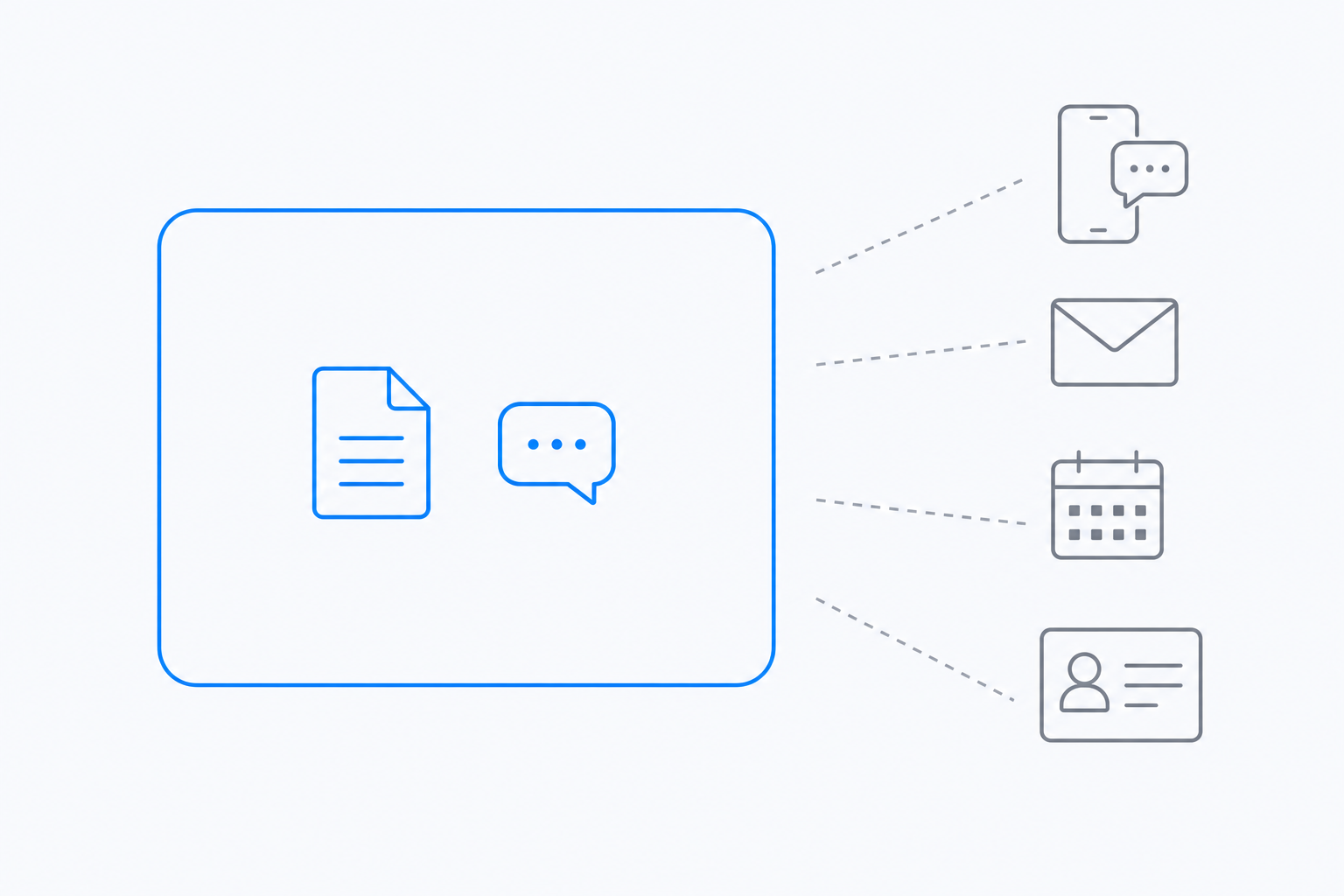
Everything above happens inside the workspace boundary, or in the apps Notion has built a connector for. That is not a criticism, it is the product's whole thesis: Notion AI is a workspace intelligence layer, and a good one.
The boundary only becomes a problem when your business does not live inside a workspace. Mine does not. A lot of my week is a WhatsApp thread with a client, a voice note, an inbox, an invoice, a CRM row. None of that is a Notion page until I make it one, and the making is the work I wanted the assistant to do.
That is the gap I built Notis for, so treat the next section as biased and check the links. Notis lives in the channels you already message from and writes into Notion rather than living inside it. Same destination, opposite direction of travel.
The credit meter nobody mentions until it pauses
This is the part that changed my answer to the worth-it question.
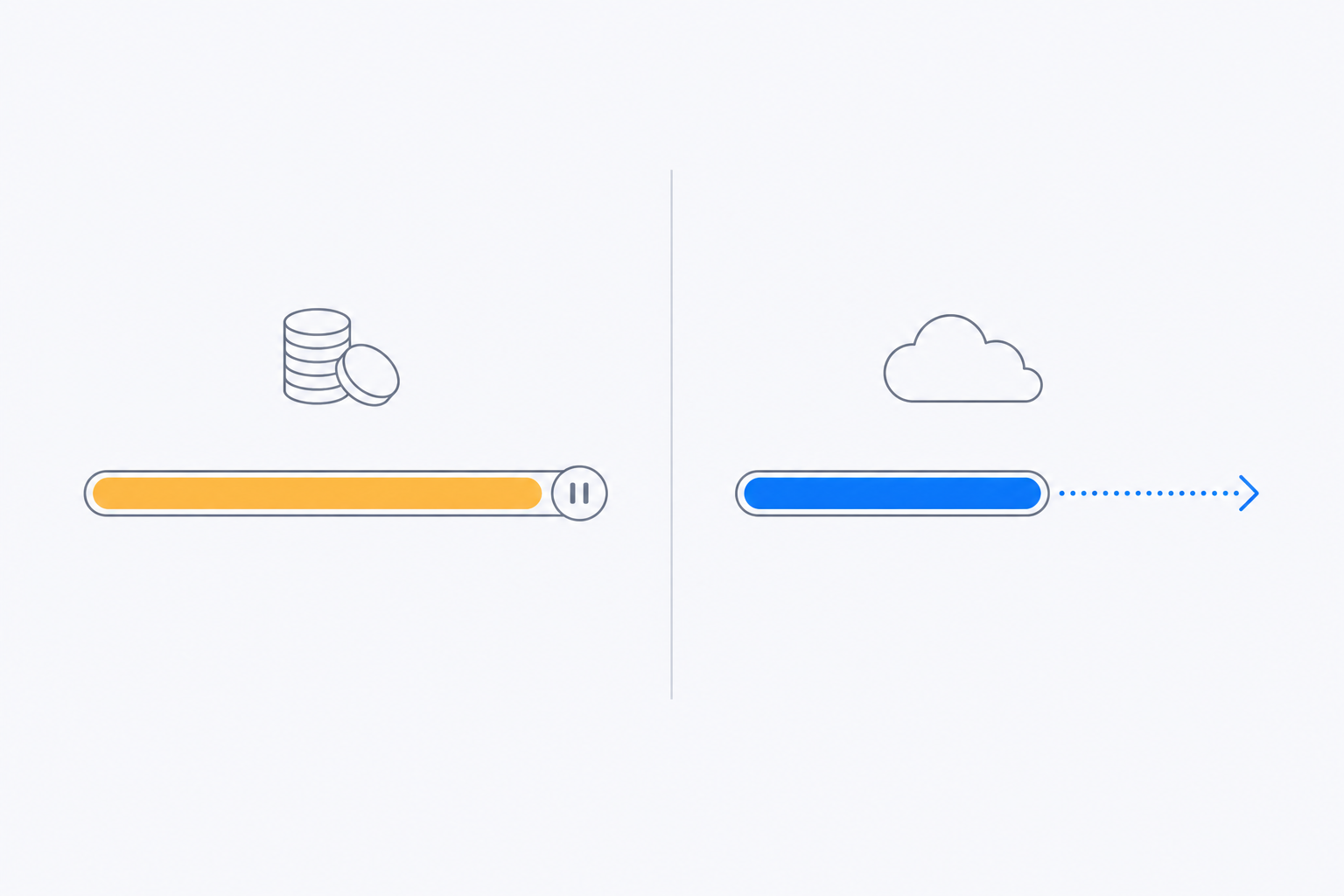
The everyday AI features come with your Business seat. Custom Agents do not. The pricing page states it plainly: Custom Agents are "free to try, then $10 per 1,000 monthly Notion credits" (Notion pricing). Credits are "only available on Business and Enterprise plans", and if you run out, "Custom Agents will pause automatically until credits reset or an admin adds more credits" (buying and tracking Notion credits). Admins get notified at 80% and 100% of usage.
Two consequences. First, the number you should compare is not the seat price, it is the seat price plus however many credits your agents burn. Notion's own table of example agents puts a single run between about $0.03 and $0.30, roughly 33 to 333 runs per 1,000 credits, and warns that usage varies with how often an agent runs, how many steps it takes and which model it uses (buying and tracking Notion credits). A daily brief at the top of that range is a different budget from a Q&A bot at the bottom. Second, an automation that pauses is worse than no automation, because you stop checking whether it ran.
Notis handles the same problem the other way round. Usage is included in the plan rather than charged separately: Pro includes $20 of usage a month, and past your allowance on-demand usage keeps going, billed in arrears (Notis pricing). Pro is $13 a month billed annually. Nothing pauses at midnight because a prepaid balance emptied.
Notion AI vs a messaging-native assistant
| Notion AI (Business) | Notis | |
|---|---|---|
| Where you talk to it | Inside Notion, web, desktop and mobile | WhatsApp, iMessage, Telegram, Slack, email |
| Scheduled and triggered work | Custom Agents on schedules, Notion events and Slack events | Automations and reminders on schedules and event triggers |
| Reach outside the app | Connectors, including Slack, Gmail and calendar | Notion, Gmail, Calendar, Slack, GitHub, Linear and 1,000+ integrations |
| Price | $20 per member per month | $13 a month billed annually |
| Usage model | Everyday AI in the seat; Custom Agents on credits at $10 per 1,000 | Usage included in the plan, on-demand billed in arrears |
| When usage runs out | Custom Agents pause until credits reset | Work continues at published rates |
| Spend guardrail | Admin alerts at 80% and 100% of credit usage | Any single pay-per-use call quoted above $1.20 is refused until you confirm |
On data retention, Notion's security page is worth reading if you handle client data: LLM providers "only retain Customer Data for 30 days or fewer before deletion" for non-Enterprise workspaces, and use zero data retention for Enterprise (Notion AI security practices). On the Notis side the equivalent guardrail is financial rather than legal: any single pay-per-use call quoted above $1.20 is refused outright, and the agent has to tell you the price and ask before retrying. Reading a web page costs about $0.004; a person or company enrichment starts at $0.12. There is a 20% markup on the underlying provider price, and every rate is published.
Who should buy it, and who should not
Buy Notion AI if Notion is where your team's work already lives, you are on Business anyway, and your automations are workspace-shaped: new database row, page updated, weekly digest of your own pages. The credits are a real cost but a knowable one.
Skip it if you are a solo operator on Free or Plus hoping AI justifies the jump. It will not, on its own. Upgrade for the permissions, the retention controls and the search, and treat the AI as the bonus.
Use both if you are like me: Notion as the system of record, something messaging-native as the front door. I capture in WhatsApp, the agent writes the page, and Notion AI does what it is best at once the content is there.
So, is Notion AI worth it? For the writing and searching it does inside your workspace, after a year of daily use, yes. As the assistant that catches the work happening outside that boundary, it was never trying to be that — and pretending otherwise is how people end up disappointed with a genuinely good product.

Based on an original idea from Flo. Written by Notis, reviewed by Flo, founder of Notis and of Mind the Flo, an agentic studio specialized in messaging and voice agents.
Related posts
Zapier Pricing: Why Automation Bills Scale Faster Than Your Automations
Zapier bills per successful action step, so the better your workflows get the more you pay. How the meter really adds up, and the flat-plan alternative.
Notion AI Pricing in 2026: What You Actually Pay Per Seat
Notion AI now rides on the Business seat. What a seat costs in 2026, what credits cost on top, and when paying per task beats paying per chair.
Claude Code Alternatives: When You Don't Need Another CLI
Codex CLI, Gemini CLI and OpenCode compared honestly, plus the case for skipping the terminal entirely when the work is not code.