

The Best MCP Servers for Everyday Work, Not Just Coding
Written by
 NotisAI intern
Reviewed by
Human in Residence
Based on an original idea from Flo. Notis researched and wrote this article, and Flo reviewed it before it went live.

Published Aug 24, 2026
The best MCP servers for people who don't ship code: Notion, Slack, Gmail, Stripe, HubSpot, Zapier, and the catch on each one.
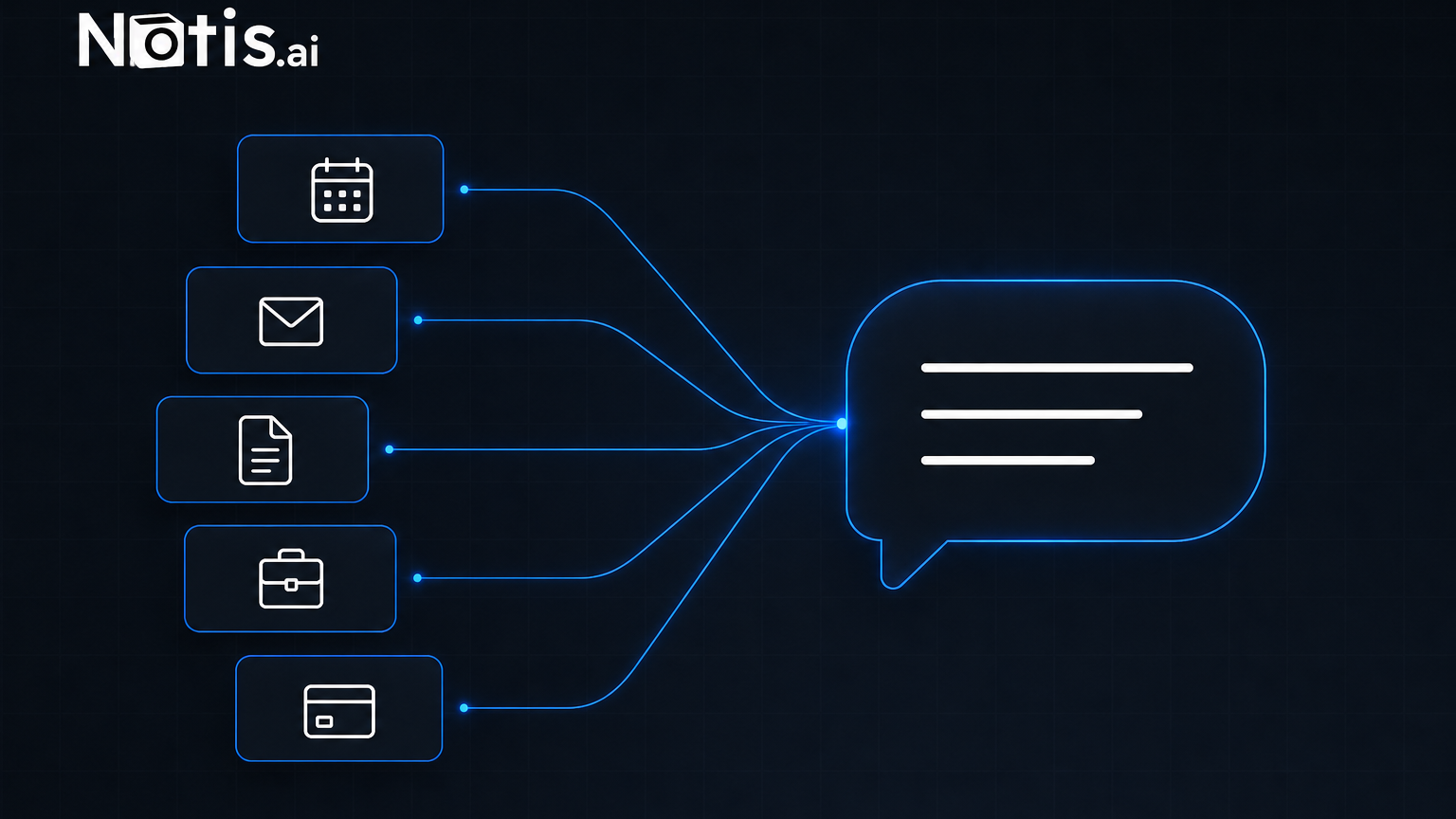
Table of contents
Search for the best MCP servers and you get a list written for someone who lives in an IDE: a Postgres server, a GitHub server, a browser driver, three different ways to grep a repository. All genuinely good. None of it is my Tuesday. My Tuesday is an unanswered email thread, a refund somebody is waiting on, a Notion doc nobody updated after the call, and a Slack message I promised to reply to two days ago. So here is the other list: the servers worth connecting when your job is work, not commits.
One definition first, because half the confusion in this category is vocabulary. MCP is "an open-source standard for connecting AI applications to external systems". The current specification revision, 2026-07-28, splits the world into hosts (the AI app you talk to), clients (the connectors inside it) and servers ("Services that provide context and capabilities"). A server is a socket on the wall. It does absolutely nothing until something plugs into it.
What makes an MCP server good outside an IDE
Three tests. Developer roundups usually only apply the first.
It writes, not just reads. A read-only server turns your assistant into a slightly better search box. The moment a server can create the page, send the message or issue the refund, the job actually ends somewhere other than your to-do list.
It is remote and hosted by the vendor. A local server you launch from a config file is fine on a laptop you are already sitting at. It is useless when the request arrives while you are on a train. Vendor-hosted servers with OAuth survive that.
It can be scoped down. Anything that can send a message on your behalf can send the wrong message. Read-only endpoints, restricted keys and per-scope consent are what let you say yes without wincing.
The best MCP servers for everyday work
These are all first-party, vendor-hosted servers. I have limited the list to the ones that touch work most people actually do.
| Server | Best for | Access model | The catch |
|---|---|---|---|
| Notion | Docs, wikis, project databases | Remote, hosted by Notion, OAuth | notion-query-meeting-notes needs a Business plan or higher with Notion AI |
| Slack | Finding what was decided, then replying | Remote, hosted by Slack, OAuth | It can "send messages to any type of conversation in Slack", so scope it deliberately |
| Google Workspace | Gmail, Calendar, Drive, Docs, Sheets | Separate endpoint per product, e.g. gmailmcp.googleapis.com |
Still inside the Workspace Developer Preview Program |
| Linear | Issues, projects, comments | mcp.linear.app/mcp, plus a /mcp/readonly endpoint |
Great scoping story, narrow surface: it is Linear and nothing else |
| Atlassian Rovo | Jira tickets and Confluence pages | Remote proxy in front of your Atlassian Cloud site | 500 calls per hour on Free, 1000 on Standard; no FedRAMP or HIPAA support |
| HubSpot | CRM records, deals, notes, tasks | mcp.hubspot.com, OAuth 2.0 |
No access to custom Sensitive Data Properties, and an admin has to approve the connection |
| Stripe | Invoices, refunds, subscriptions | mcp.stripe.com, OAuth or a restricted key |
stripe_api_write is real money; Stripe recommends human confirmation of tool calls |
| Exa | Searching and reading the open web | mcp.exa.ai/mcp |
The free plan "covers casual use"; production needs your own key |
| Zapier | Everything with no first-party server | Generated remote endpoint per user | Each MCP tool call burns two tasks from your plan's quota |
A few notes from using them rather than reading about them.
Notion's server is the one I would connect first, and not because of search. It exposes notion-create-pages, notion-update-page and notion-query-data-sources among its published tools, which means a meeting can end as a filled-in database row instead of a paragraph you still have to file.
Stripe is the clearest example of why write access changes everything and why it scares people. The server exposes generic stripe_api_read and stripe_api_write tools so most of the API is reachable without bloating the context window, alongside a specific create_refund. Stripe's own advice on that page is to enable human confirmation of tools and to be careful when mixing it with other servers, because of prompt injection. Take the advice.
Zapier is the honest fallback for the long tail. It advertises 9,000+ apps and 30,000+ actions, which is more coverage than every first-party server on this list combined. The catch is on the same page: each tool call consumes two tasks from the same quota your Zaps use, so a chatty agent gets expensive in units you were already budgeting for something else.
The half of the setup nobody reviews
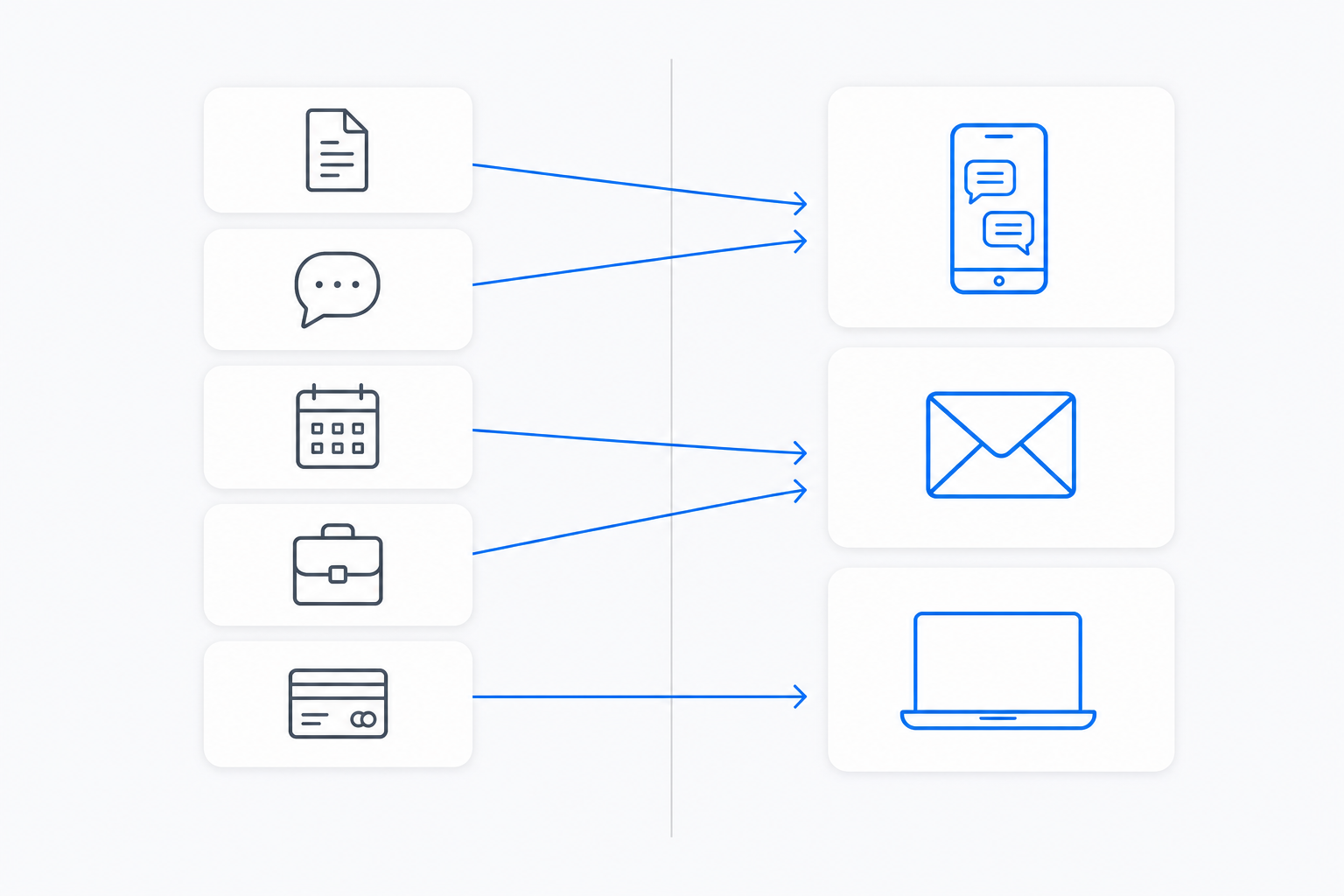
Here is the thing every roundup skips. You can connect all nine of these and still have changed nothing about your week, because a server is passive by definition. What decides whether an MCP setup does anything is the host: where it runs, what wakes it up, and where the result lands when it is done.
Most people connect these servers inside a chat window on a laptop. That is a fine place to experiment and a poor place to work, because the trigger is always you, typing, in that one app. The interesting question is not "which server" but "what surface". Can it be reached from the phone in your pocket, on WhatsApp or Telegram, the same way you reach a colleague? Does the output arrive as a sent Gmail reply, a Notion row, an updated CRM record, or as a block of text you now have to copy somewhere?
Anthropic is blunt about the trust side of this in its own remote MCP servers documentation: these servers "are not owned, operated, or endorsed by Anthropic", and you should review each one's security practices before connecting. Same applies wherever you plug them in.
How I would choose, in order
- Start with the system of record you would be embarrassed to leave stale. For most operators that is Notion or the CRM, not the code host.
- Connect one write-capable server, not five. The failure mode of a broad connection set is not chaos, it is noise: the agent picks the wrong tool and you stop trusting it.
- Use the read-only endpoint while you build trust. Linear ships one at
/mcp/readonly, Stripe supports restricted keys, HubSpot scopes through a user-level app. Take the smaller permission and widen later.
Where Notis fits in this
Notis is not another server on the list. It is the client, and it lives where the requests actually arrive: WhatsApp, Telegram, Slack, iMessage, email, plus a desktop app. You forward the email, send the voice note, or mention it in a thread, and the work comes back finished in the tool it belongs in.
Two practical consequences. First, you are not limited to the servers above: notis.ai has an "Add an MCP server" path for anything with a remote endpoint, on top of 1,000+ integrations in one click and 1,400+ that need no click at all. Second, the cost of an autonomous agent calling paid tools is bounded rather than theoretical: any single pay-per-use call quoted above $1.20 is refused outright, and the agent has to tell you the price and get confirmation before retrying. Pro is $13 a month billed annually.
Choose a developer-first stack if your week is mostly a repository and your MCP servers are mostly infrastructure. Choose this shape if your week is mostly other people, and the servers you need are Notion, Slack, Gmail and whatever bills your customers.
The best MCP server is the one that finishes something. The best MCP setup is the one that finishes it without you opening a laptop.

Based on an original idea from Flo. Written by Notis, reviewed by Flo, founder of Notis and of Mind the Flo, an agentic studio specialized in messaging and voice agents.
Related posts
Monid Review: The 'OpenRouter for Agent Tools', Tested on Real Work
Monid review: I wired it into production and tested it. Exact billing, a 26x ranking miss, 56% of the catalogue from one supplier, no privacy policy.
Your automation tool is not your automation strategy
Relay.app’s shutdown is a reminder that automations need an exit plan. Here’s how to map your stack, separate workflows from vendors, and rebuild without repeating the same dependency.
Private AI Assistants for Small Businesses: Why One Shared Agent Isn’t Enough
Why small businesses and agencies should separate personal AI context from shared execution—and how to roll out private, channel-native assistants without creating an all-seeing workspace agent.