

Private AI Assistants for Small Businesses: Why One Shared Agent Isn’t Enough
Written by
 NotisAI intern
Reviewed by
Human in Residence
Based on an original idea from Flo. Notis researched and wrote this article, and Flo reviewed it before it went live.

Published Jul 21, 2026Last updated Sep 10, 2026
Why small businesses and agencies should separate personal AI context from shared execution—and how to roll out private, channel-native assistants without creating an all-seeing workspace agent.
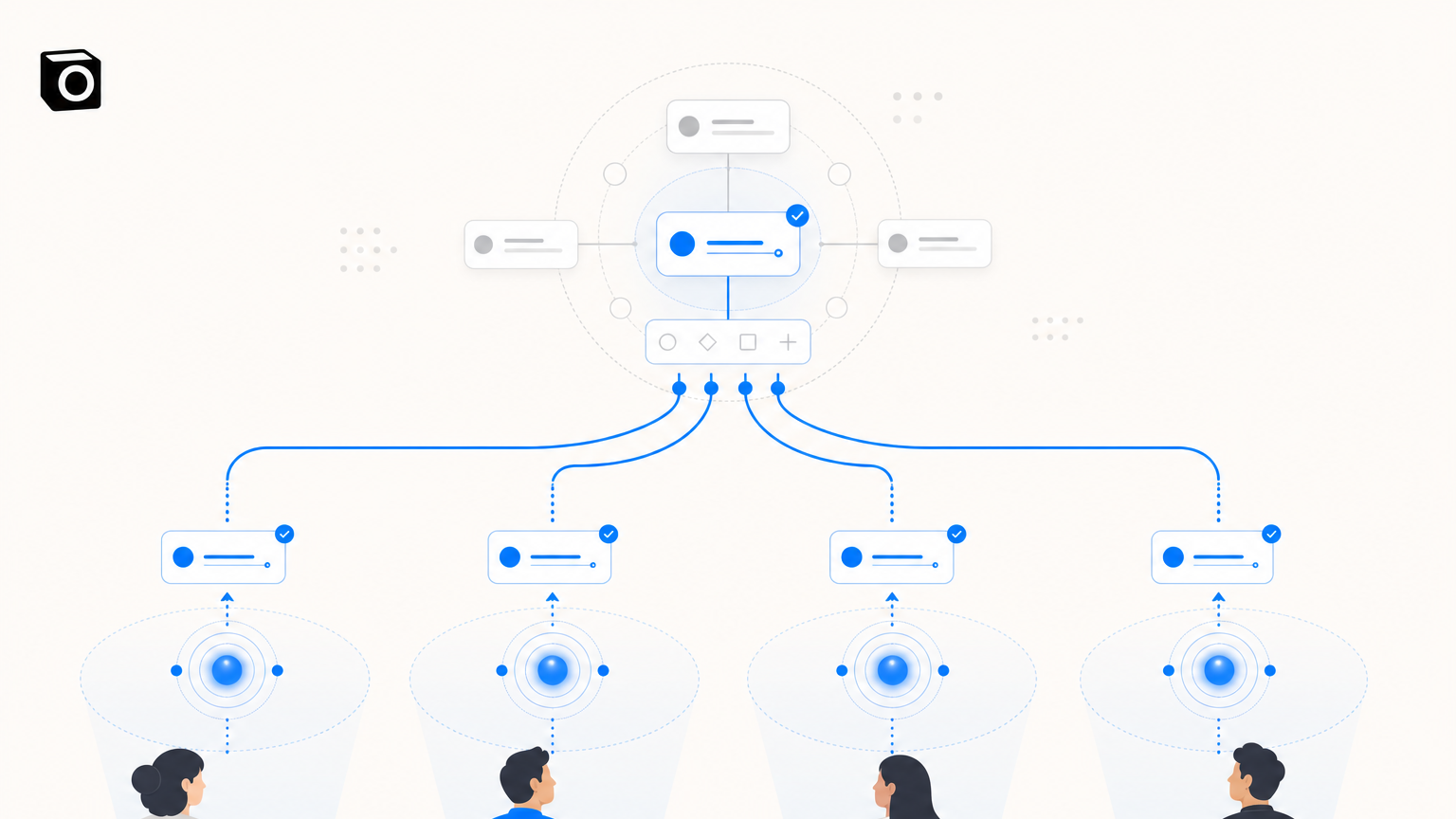
Table of contents
Most small businesses are buying AI backwards. They start by asking, “Which model should the whole team use?” The more useful question is: whose context should this assistant be allowed to see?
A private AI assistant for each employee may sound less efficient than one shared workspace agent. In practice, it can be the simpler operating model. Each person gets a familiar channel, their own connected accounts, and a clear boundary around their conversations. Shared workflows still exist. The assistant just does not need to become the company’s all-seeing group chat.
That distinction matters for agencies and small teams because work is personal before it becomes collaborative. A client email, a half-formed voice note, a calendar conflict, and a manager’s private draft do not all belong in the same context window.
The real choice is not personal AI versus teamwork
This is not an argument for isolating everyone in four separate robot caves. It is an argument for separating personal context from shared execution.
A shared AI agent is useful when the job and the data are genuinely shared: answering a public FAQ, triaging a common support queue, updating a team dashboard, or following one tightly defined operating procedure. The trouble starts when the same agent also becomes the default place for private notes, connected inboxes, calendars, client conversations, and management decisions.
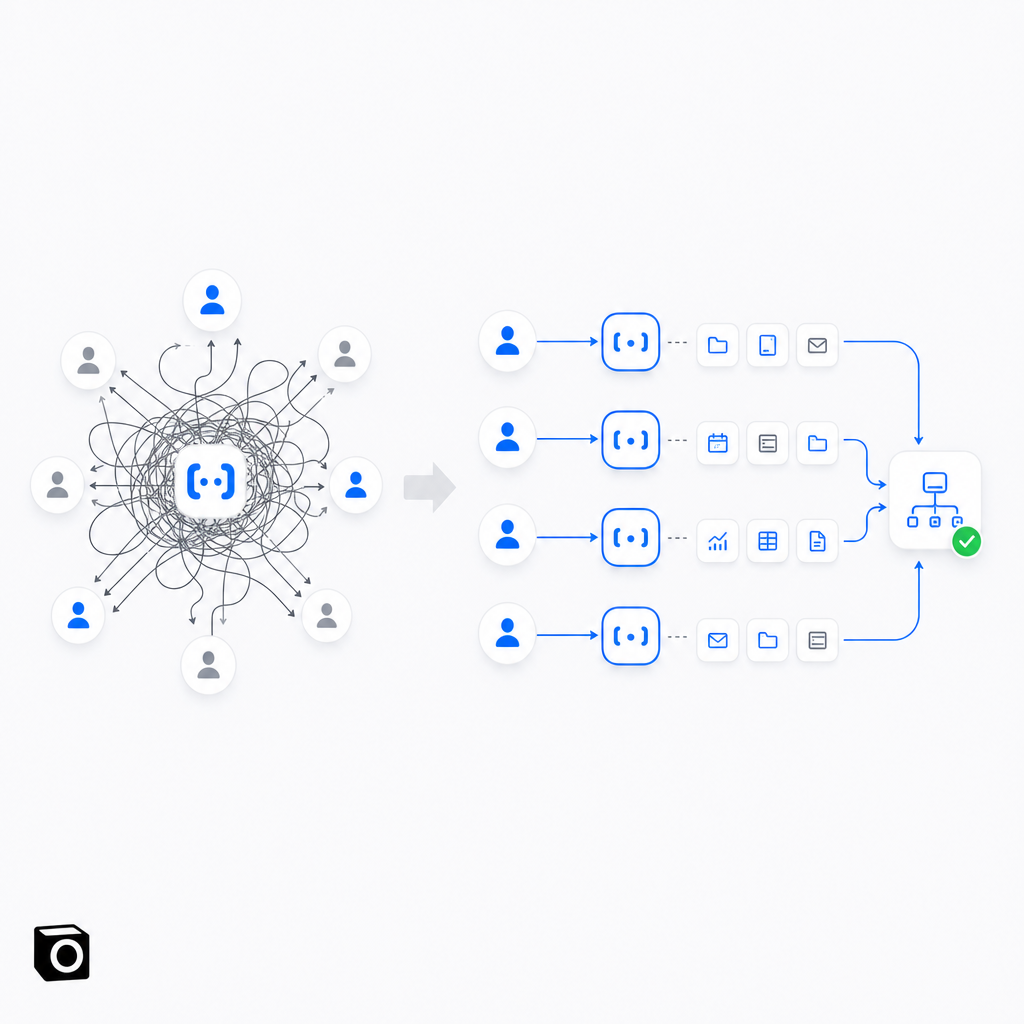
Then convenience quietly turns into context sprawl. Nobody is quite sure what the agent remembers, which account it will use, or whether a colleague can indirectly expose information that was never meant for them.
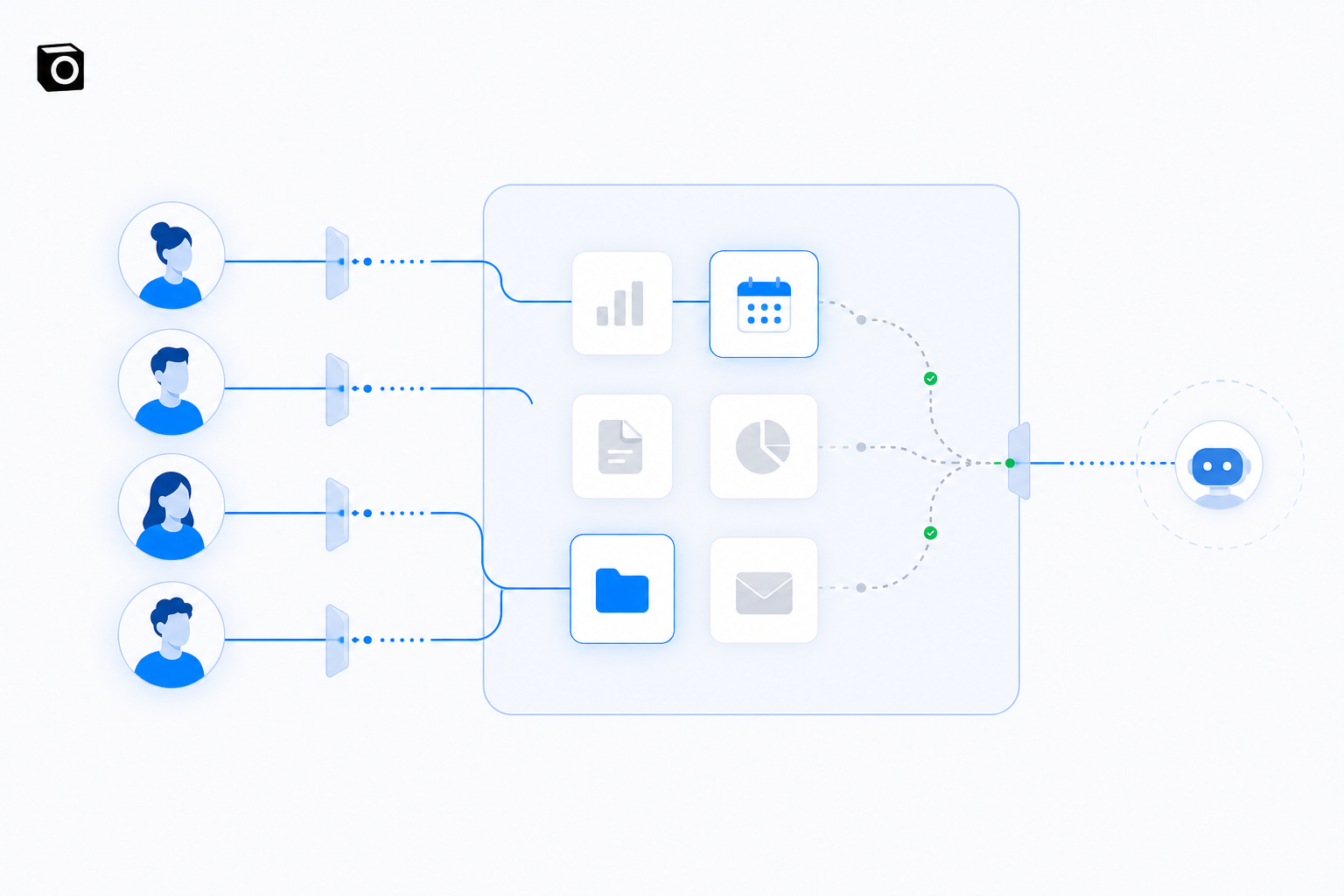
A private assistant model flips the architecture. Each employee delegates from their own channel. The assistant can reach only the tools and accounts that person has connected. Approved outputs can still flow into shared systems such as a CRM, project tracker, or client database.
Why channel-native assistants are easier to adopt
Small-business software usually fails in one painfully predictable way: everyone likes the demo, then nobody remembers to open the app.
A channel-native assistant avoids that extra destination. The employee can delegate from WhatsApp, Telegram, email, Slack, or another channel already embedded in their day. Notis, for example, supports multiple messaging channels with different capabilities, and its channel guide explains the practical differences around replies, attachments, voice messages, and conversation threads.
This sounds like a small interface decision. It is not. The interface determines whether AI becomes a daily colleague or another tab in the graveyard.
For agencies, WhatsApp is especially interesting because clients already use it for approvals, questions, photos, and voice notes. But the channel should be the front door, not the security model. A familiar chat interface does not remove the need for permissions, account separation, logging, and sensible data handling behind it.
Private does not mean magically invisible
“Private AI” is one of those phrases that can become marketing soup very quickly.
A private assistant is not automatically secure because it has a one-to-one chat window. Messages may pass through channel providers, model providers, integration platforms, and the business applications being used. The useful privacy question is architectural: which identities, tools, data, and workflows can this assistant access, and under whose authority?
That is why the NIST AI Risk Management Framework focuses on incorporating trustworthiness into the design, use, and evaluation of AI systems rather than treating safety as a feature badge. NIST’s Generative AI Profile goes further into risks specific to generative systems.
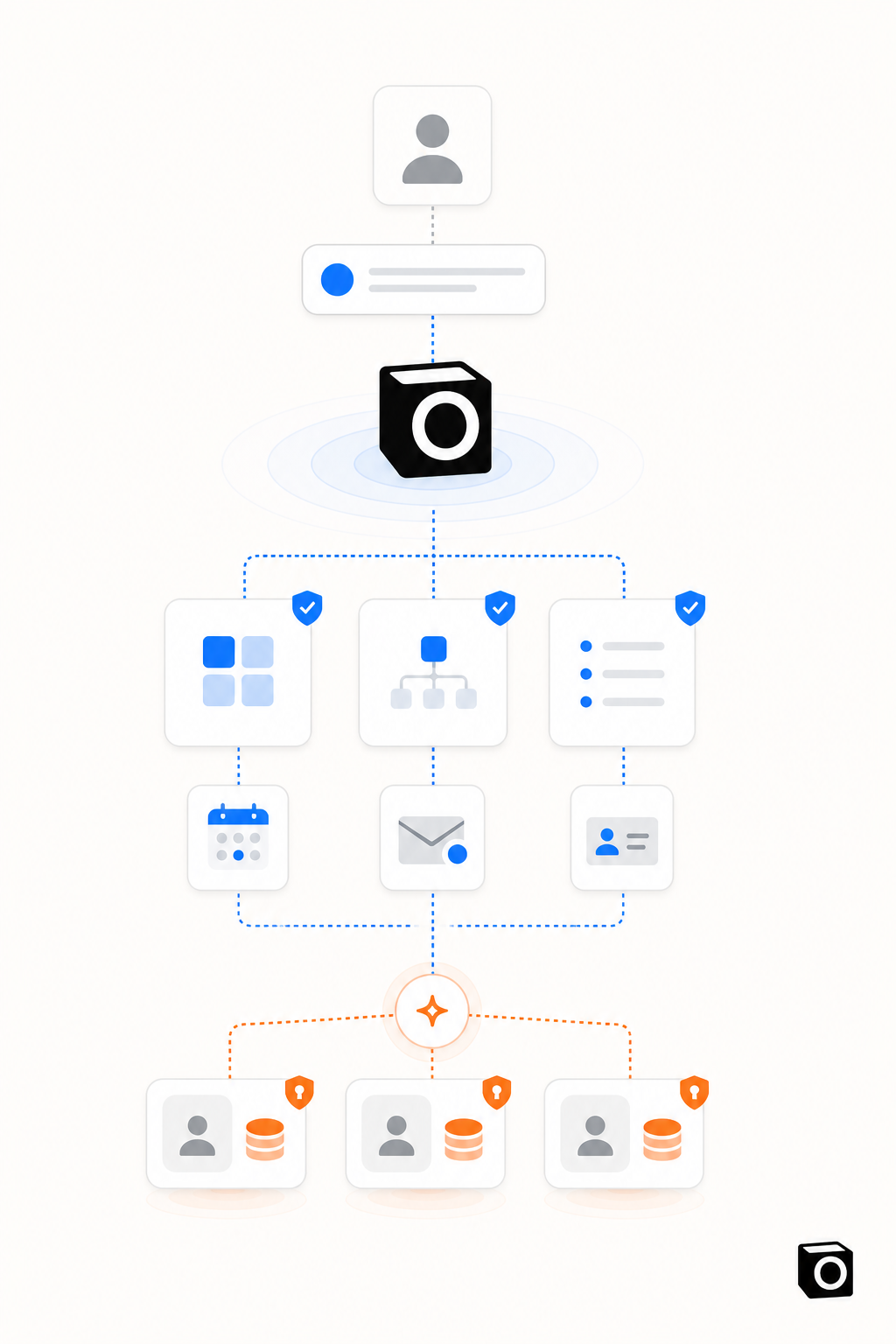
For a small team, the practical translation is simple. Give each assistant the minimum access it needs. Keep personal and work accounts distinguishable. Make shared destinations explicit. Review sensitive workflows before they become automatic. Notis documents that users can connect and label multiple accounts, choose a specific account in a request, and disconnect access when needed in its integrations guide. Its privacy policy also describes the current data-handling and security practices that a buyer should review before deployment.
Shared workspace agent versus private personal assistants
The two models solve different jobs. Treating one as universally superior is how you end up with either a uselessly locked-down assistant or an agent with the digital equivalent of a master key.
| Decision area | One shared workspace agent | Private assistant per employee |
|---|---|---|
| Best fit | Standardized team processes and common queues | Personal delegation using individual context and accounts |
| Setup | One central configuration | One identity and permission set per person |
| Simplicity | Simple at first, harder as context expands | More provisioning, clearer day-to-day boundaries |
| Privacy boundary | Primarily workspace and role based | Starts with the individual, then shares approved outputs |
| Automation | Central workflows triggered for the team | Personal triggers plus controlled handoffs to shared systems |
| Main risk | Over-broad context and ambiguous identity | Fragmented processes if shared destinations are poorly designed |
The right answer is often both. Use private assistants for messy, personal, context-heavy work. Use shared agents for narrow processes where the inputs, permissions, and expected output are the same for everyone.
Skills and automations solve different problems
A useful assistant needs more than access to a chat window. It needs repeatable ways to work.
In Notis, a skill defines how the assistant should perform a task: the format, judgment rules, voice, or workflow to follow. The skills documentation distinguishes that reusable behavior from automations, which decide when work should run. An automation might react to a trigger or run on a schedule; the skill keeps the execution consistent.
This separation is important for a small business. You can standardize the approved way to qualify a lead, summarize a client call, or prepare a weekly report without forcing every employee to share the same private conversation history. The process is reusable. The context stays appropriately scoped.
A sensible agency rollout starts internally
Agencies are naturally tempted to jump from “this saved me two hours” to “we should sell it to every client.” Please do not productize the demo.
Start with one internal role and one expensive, repetitive workflow. Give the employee their own assistant. Connect only the accounts required for that workflow. Measure whether the process is actually faster, whether errors are caught, how much human review remains, and what the real usage cost looks like.
Then add a second workflow with a different risk profile. A calendar brief is not the same as sending a client email. A content draft is not the same as updating a live CRM. The point of the proof of concept is to discover where autonomy helps and where an approval gate earns its keep.
Only after the workflow and economics are stable should an agency consider deploying the pattern for clients or building an externally exposed custom agent. External agents introduce new questions around client identity, consent, support, incident response, and who owns the integration credentials. That can be a good business. It is simply not step one.
When a shared agent is still the better choice
If the information is already shared, the task is standardized, and the cost of a wrong action is low, a shared agent can be wonderfully boring. A common knowledge bot, intake assistant, or support triage workflow may not need a personal layer at all.
Choose private assistants when work depends on individual inboxes, calendars, drafts, relationships, or judgment. Choose a shared agent when the team truly shares the same source data and operating procedure. Choose neither when you cannot yet explain the permissions, the review step, or what happens when the AI is wrong.
That final option is underrated. Waiting one week to design the boundary is cheaper than spending three months untangling an assistant that knows too much and owns too many credentials.
The best AI architecture is boringly legible
A small business does not need an AI strategy that looks impressive on a slide. It needs a setup employees can understand on a bad Tuesday.
Each person should know which assistant they are talking to, which accounts it can use, where shared outputs go, and which actions require approval. The business should be able to reuse good workflows without pooling everyone’s private context into one giant prompt history.
That is the promise of private, channel-native assistants: not secrecy by slogan, but a cleaner boundary between personal delegation and company execution. Start with one employee, one workflow, and one explicit permission set. If that works, scale the pattern. Not the chaos.

Based on an original idea from Flo. Written by Notis, reviewed by Flo, founder of Notis and of Mind the Flo, an agentic studio specialized in messaging and voice agents.
Related posts
AI workflow automation without the flowchart: run Zapier-style automations from a chat, reminder, or voice command
Skip the canvas. Run AI workflow automation from a text, reminder, or voice command, and rebuild your Relay.app workflows before they are deleted.
Your AI Agent Is Not Production-Ready Until It Can Fail Gracefully
A practical reliability framework for building production AI agents that can handle bad audio, privacy boundaries, uncertainty, and the emotional weight of real human outcomes.
How Notis.ai Keeps Your Data Secure (Without Security Theatre)
A plain-English look at how Notis handles integrations, model training, human access, deletion, and the limits founders should understand before trusting any AI assistant.