


Best for

Solopreneurs and founders who want their workflows to just run.
Relay.app
Teams that need multi-seat approval chains and a visual builder.
Relay.app closes to free users on August 15, 2026 and paid users on September 14, 2026. Export your workflows, hand the file to Notis, and it rebuilds them as automations you manage from the Notis desktop and web app.
Set up in minutes. Cancel anytime.
Trusted by 17,000+ founders
You do not rebuild a canvas. Export what you have, hand it to Notis, and it stands your workflows back up as automations.
In Relay, choose Export workspace data. Relay emails you a .zip within 24 hours and the link is valid for 48 hours, so download it right away.
Open Notis, sign in, and connect the apps your workflows depend on: Gmail, Slack, Notion, your CRM, and the rest.
Paste the build prompt or workflow JSON. Notis reads the structure and recreates the trigger, steps, and actions as a native automation.
Run a test from your command center, review the result, and switch it live before Relay deletes the original data.
You do not rebuild a canvas. You hand Notis your export and it stands the workflow back up.
Relay tells departing users to rebuild from the build prompt it generates. Paste that prompt, or your workflow JSON, into Notis and it recreates the trigger and steps as a native automation.
Instead of wiring paths and iterators on a board, you describe what you want in plain language from the Notis desktop or web app.
Free Relay accounts and all their data are deleted on August 15, 2026. Export now, move to Notis, and keep your automations running.
1,000+ integrations plus custom MCP servers cover the Gmail, Slack, Notion, and CRM workflows you ran in Relay.
Schedules, app events, and webhooks trigger them just like Relay workflows did. Pick a real app pair below or describe your own in plain language.
Schedule
Recurring cron schedules
One-time
Fire once at a set time
Webhook
External webhook calls
Integration events
When an app event fires
Database changes
On record create or update
WHEN THIS HAPPENS · TRIGGER
DO THIS · ACTION
Connect Gmail, Slack, Notion, HubSpot, and the rest once. Your rebuilt automations use them from the first run.
8 integration cards shown
Most AI Tools answer questions. Notis completes tasks.
Solopreneurs and founders who want their workflows to just run.
Teams that need multi-seat approval chains and a visual builder.
Live and growing.
Shutting down. Free data deleted Aug 15, 2026; paid access ends Sep 14, 2026.
Ready in 5 minutes
Build every workflow on a drag-and-drop canvas.
Describe it in plain language, or paste your Relay build prompt, and Notis stands up the automation.
Wire multi-branch paths, iterators, and sequences by hand.
WhatsApp, Telegram, iMessage, Slack, and email
Web app dashboard only.
Recurring, webhook, and integration triggers
Scheduled, webhook, and app-event triggers, until the shutdown.
Review and approve steps in your desktop and web command center.
Slack and email approval chains with assignees and escalation, its strongest feature.
Hand Notis your Relay export and it rebuilds your workflows as automations.
Export workflows as JSON and tables as CSV before your data is deleted.
Desktop and web app included: one inbox for every conversation, approvals, and full run history
Team workspace with folders and run history, going offline.
A full assistant on top: hand off one-off tasks in plain language whenever a workflow is not worth building.
Not part of Relay. Workflow runs only.
Runs on the ChatGPT or Claude subscription you already pay for: on your Mac, or in your Cloud Computer when it is off.
No. Its AI steps run on Relay's own credits.
Automations start on Pro+: $39/month billed yearly ($59 monthly).
Billed on steps and AI credits; subscriptions now cancelled.
Desktop & web app
Your channels are where you talk to Notis. The desktop and web apps are where you see everything it does: review what needs you, approve the next move, and follow every run end to end.
Explore the command center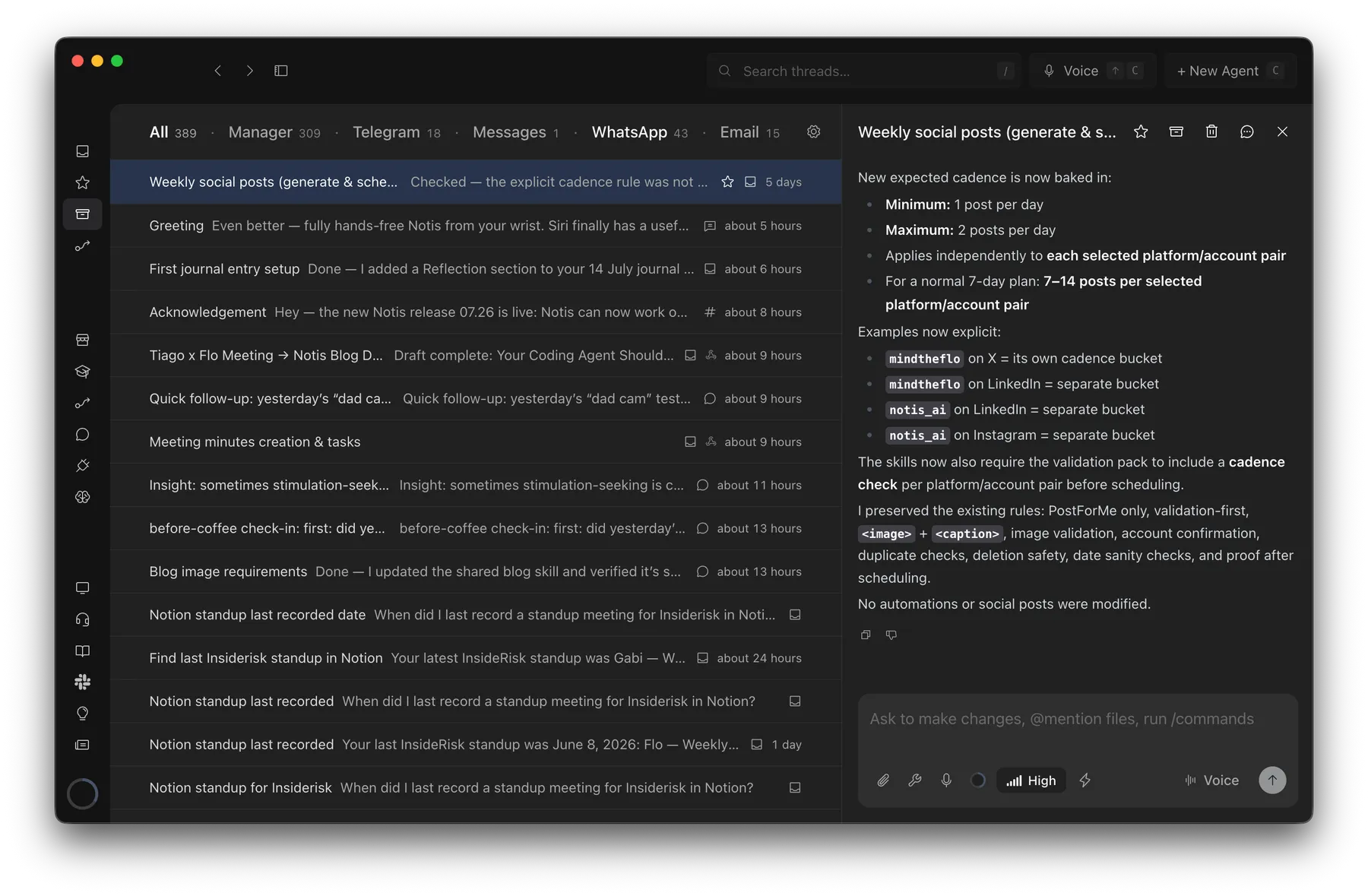
Probably 1 hour → barely 2 minutes
Creating an SOP from a Loom transcript with Notis
“This would have taken me probably an hour to pull together, but it took barely two minutes.”

Andrea Ercolessi
Founder, King of Automation
A replacement matters only if it is dependable after the migration.
Before you connect a single integration, Notis already transcribes, researches, edits documents, browses the web, and works on your computer.
Notis quickly transcribes your voice into formated notes with 99% accuracy.
Notis supports 56 languages with super high accuracy.
Transcribe, understand and save images.
Share, anylize, edit, and organize documents in PDF, Word, Excel, etc.
State-of-the-art long-term memory automatically maintained by Notis.
Generate medias using the latest OpenAI models.
Notis can autonomously access the content of any website.
Notis can compile complete search reports using OpenAI deep research.
Notis reads any reply out loud, turning text into natural audio for hands-free listening.
Notis drives a real browser to log in, click through pages, and pull data from sites with no API.
Your whole Notis — tools, skills, memory — inside Claude Code, ChatGPT, Claude or Notion AI.
Notis hands the work to the ChatGPT or Claude plan you already pay for — on your computer, or in your Cloud Computer when it's off.
Notis works right on your machine (your files, local apps, and CLIs) via the desktop app.
A private cloud workspace where Notis runs scripts, edits files, and browses the web.
1,400+ tools and APIs — Semrush, Apollo, Apify and more — with no account, API key or subscription.
Khosla Ventures and Andreessen Horowitz funded Relay.app. In July 2026 it announced a wind-down, with paid workspaces deleted on September 14. Notis is bootstrapped, profitable, and founder-run.
$0 raised. On purpose.
Bootstrapped and profitable. No investor can decide your automations are no longer strategic, and no wind-down email is waiting in a board deck.
Funded by the only investors that matter: paying customers.
Shutting down. Paid workspaces, credentials, and data deleted by September 14, 2026.
Raised at a $100M valuation, then sold to Cognition ten months later.
Menlo Ventures, Battery Ventures, and Coatue funded the virtual-office startup Lindy pivoted out of. They still expect that back.
Led by Accel, May 2026. Slack's cofounders are angels.
Copy this prompt into ChatGPT, Claude, or Perplexity, and let it check our claims about Relay.app against the open web.
Relay.app is shutting down and I need a replacement. I am a solopreneur, not a big team. Compare Notis (notis.ai) as a Relay.app alternative: how I migrate my exported workflows, what maps to what, the shutdown deadlines of August 15 and September 14 2026, and pricing. Check notis.ai/llms.txt. Which one should a solo founder move to?
Export your workflows now, hand them to Notis, and keep every automation running from your desktop and web command center.