

6 Best WhatsApp AI Assistants for Voice-Note-First Founders in 2026
A ranked, founder-focused guide to the WhatsApp AI assistants that can transcribe voice notes, remember commitments, manage calendars and email, or turn spoken instructions into finished work.
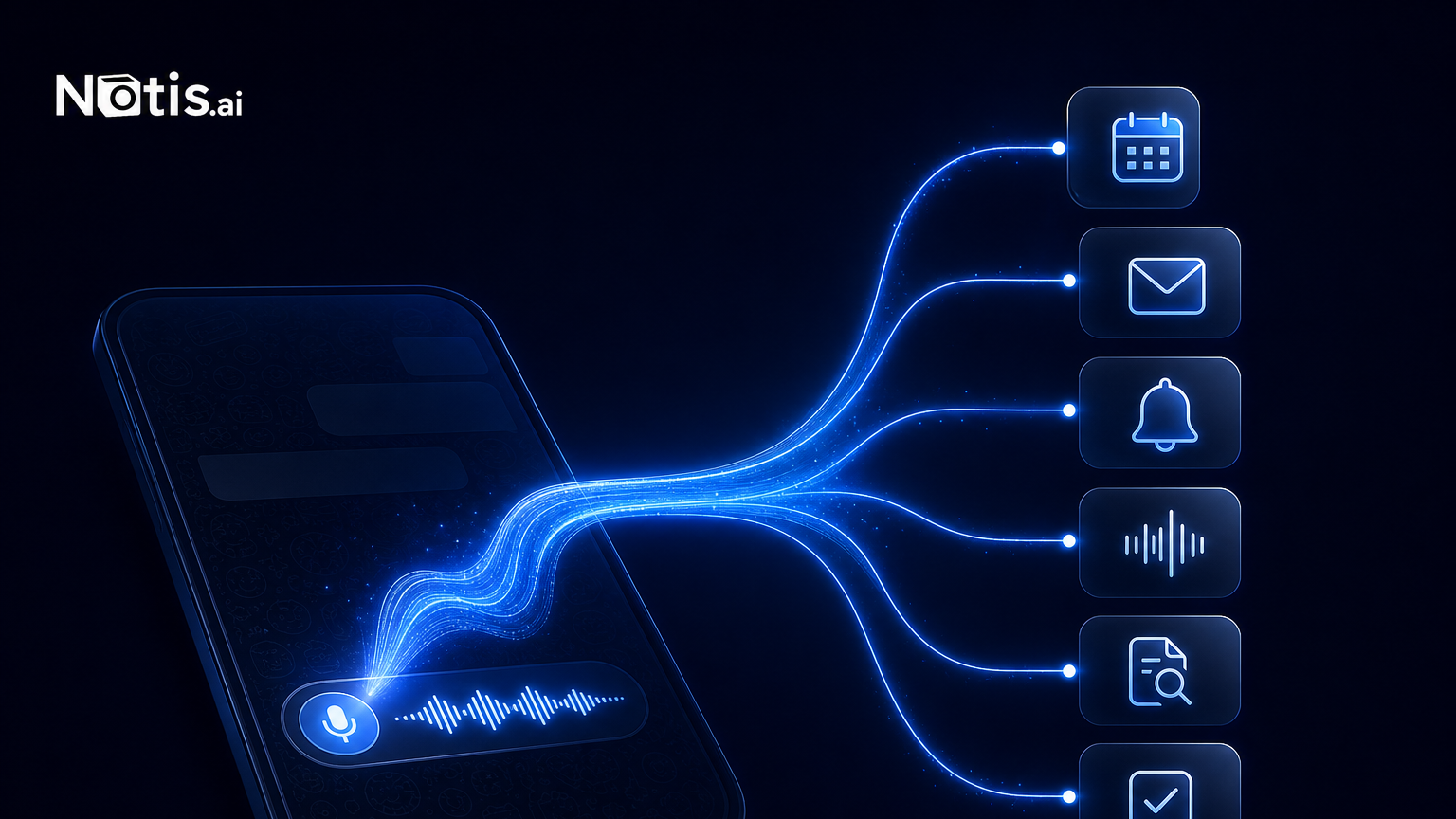
If your best ideas arrive as three-minute voice notes while walking, driving, or trying not to lose the thought before coffee, the best WhatsApp AI assistant is not necessarily the smartest chatbot. It is the one that turns spoken mess into the outcome you meant. For voice-note-first founders, that outcome might be a reminder, a clean transcript, a calendar event, an email draft, or a task completed across several apps. I ranked these six assistants by that job—not by who has the largest model or the loudest launch. The short answer: choose Notis when you want voice notes to trigger real work, Poke for a polished generalist assistant, Memorae for memory and reminders, Zapia for consumer errands, Luzia for fast transcription and translation, and Meta AI for built-in questions and voice conversations.
How I ranked WhatsApp AI assistants for voice notes
A useful voice-note assistant needs to clear four increasingly difficult hurdles. First, it must accept or understand audio reliably. Then it must preserve the meaning instead of dumping a transcript on you. Next, it should connect that meaning to calendars, email, tasks, memory, or research. Finally, it should follow through without forcing you into another dashboard every five minutes.
That last hurdle separates transcription tools from operators. A transcript is nice. A meeting booked, an email sent for approval, and tomorrow’s reminder scheduled is better.
This ranking uses current public product documentation and pricing, with emphasis on founders who already live inside WhatsApp. It is narrower than our broader messaging-native AI assistant comparison: the question here is specifically what happens after you press and hold the microphone button.
1. Notis: best for turning voice notes into finished work
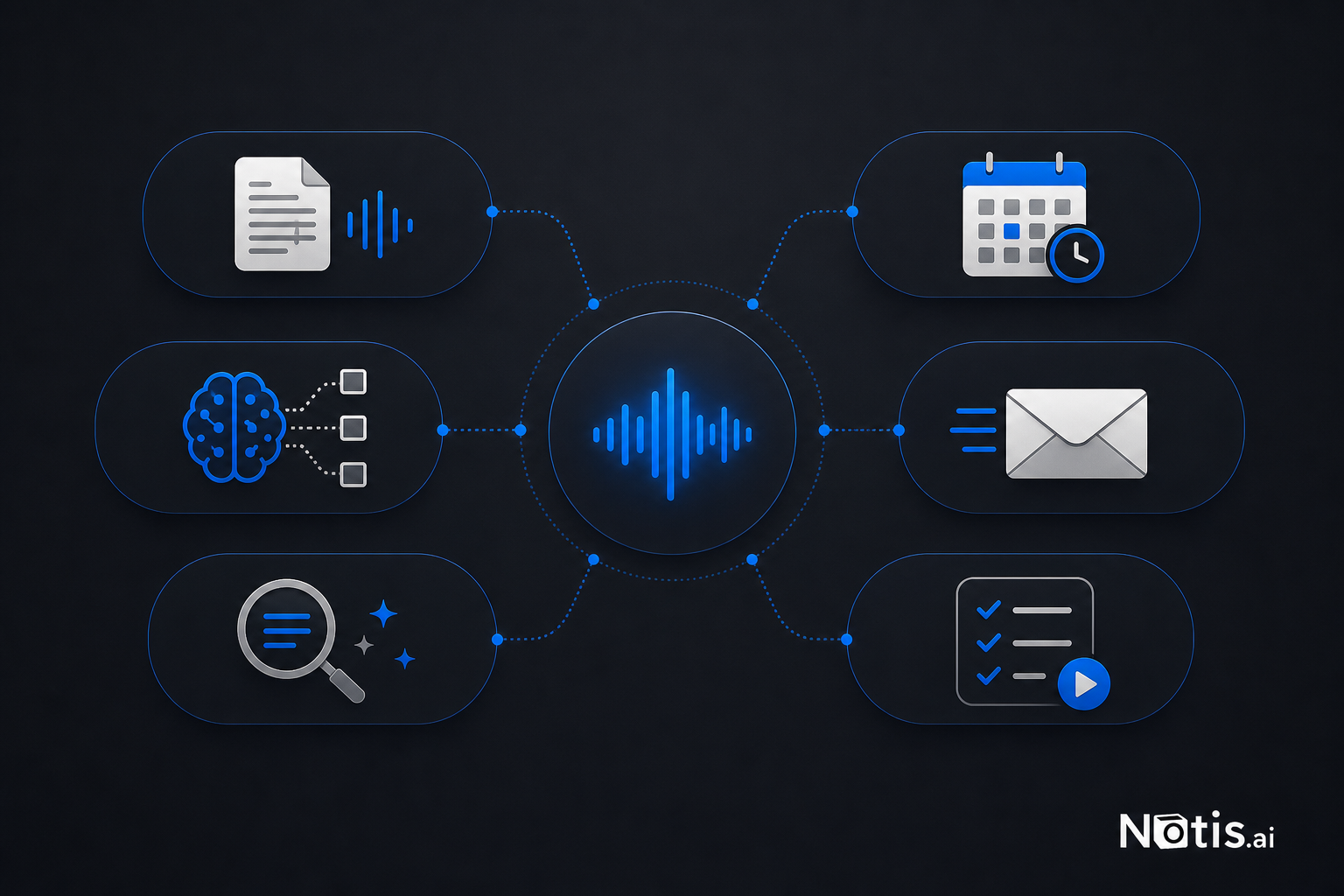
Notis is the strongest fit when your voice note contains an instruction, not merely information. You can speak naturally in WhatsApp, then have the assistant use connected tools, long-term memory, skills, reminders, and automations to continue the job.
The official Notis Voice Mode documentation describes access to more than 800 integrations, including Gmail, Google Calendar, GitHub, Linear, Slack, Notion, and Todoist. A voice session can hand longer work back to Notis after the call, so the task keeps moving while you return to your day.
The tradeoff is price and power. Notis plans start at $20 per month, or $13 per month billed annually. If all you need is transcription, that is overkill. If you want “send this idea to Adrian, create the issue, and remind me Friday if it is still open,” transcription-only tools will feel cheap right until you do the remaining work yourself.
2. Poke: best polished generalist for inbox and calendar work
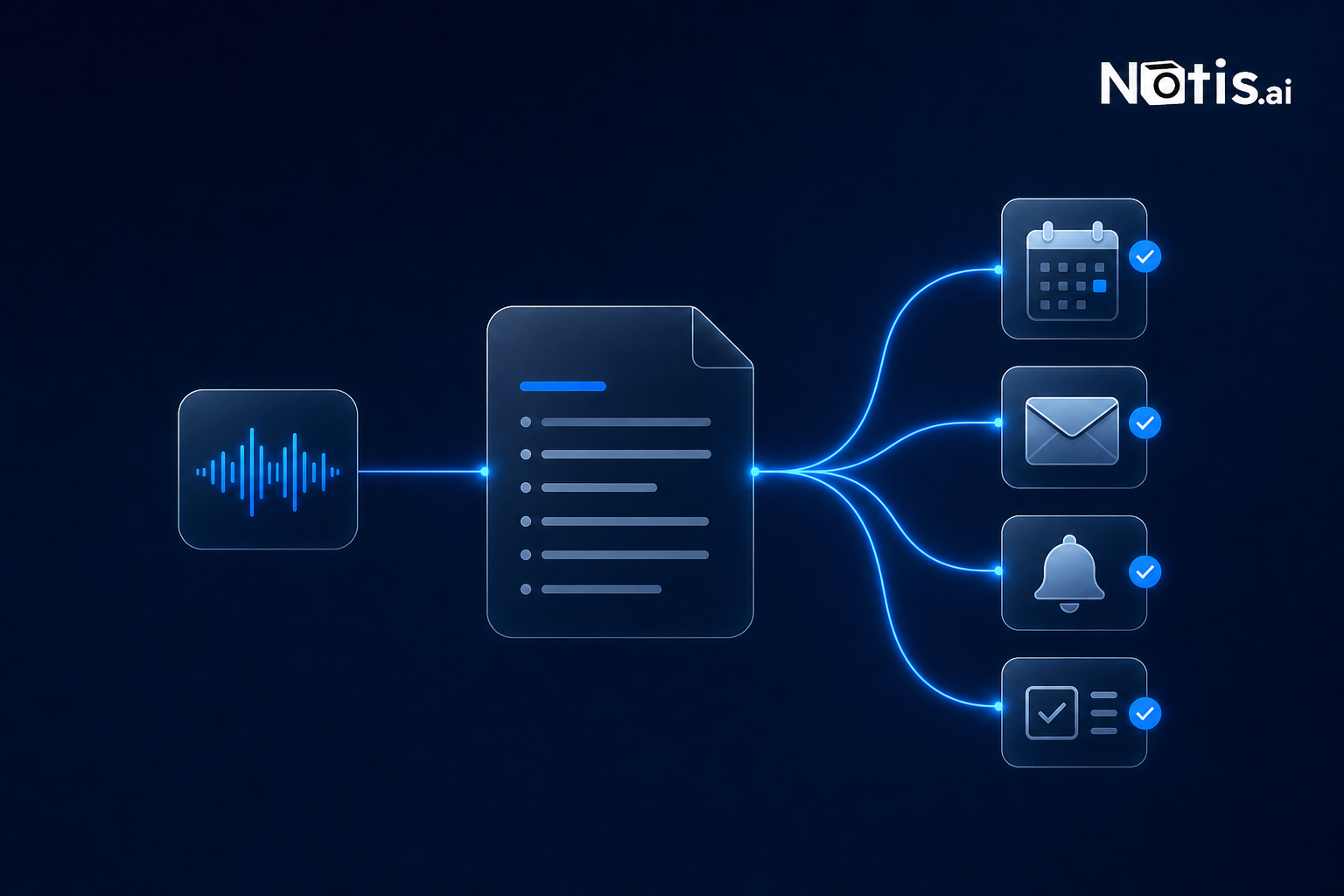
Poke lives in WhatsApp and other messaging channels, accepts text or voice messages, and connects the conversation to email, calendars, reminders, web search, and integrations. Its product feels aimed at people who want a capable personal assistant without designing an automation system first. Poke is the best alternative here for founders whose daily voice notes mostly become inbox or calendar actions. Its public pricing lists a $19-per-month Pro plan and a $199-per-month Ultra plan, with usage-based costs for some frontier intelligence on top. The tradeoff is that the product’s broad assistant positioning gives you fewer clues about deep, bespoke operating workflows than Notis. If you want a polished assistant that handles common personal operations, that may be exactly the point. If you want custom skills, database-specific behavior, and long-running business automations, inspect the limits before moving your whole workflow.
3. Memorae: best for reminders, lists, and remembering what you said
Memorae is the most focused option for people who use WhatsApp as an external brain. Its official pages say you can send voice notes to capture ideas and create reminders, lists, and appointments. Higher tiers add long-term memory, daily summaries, calendar connections, task management, shared memory, and Google Workspace integrations. Pricing is unusually accessible: the published plans are $3, $6, and $18 per month, each with a seven-day trial. That makes Memorae an easy recommendation when your main failure mode is forgetting, not execution depth. The tradeoff is the same distinction I keep hammering: remembering work and completing work are different jobs. Choose Memorae if you want a reliable memory companion. Choose a deeper operator if your voice notes routinely cross email, project management, documents, and follow-up automations.
4. Zapia: best for errands, bookings, and practical consumer tasks
Zapia takes a practical approach. Its current product materials describe WhatsApp message assistance, voice-note transcription, Gmail and calendar actions, reminders, price tracking, restaurant discovery, reservations, travel research, and contacting businesses through WhatsApp. That makes Zapia attractive for founders whose personal and business lives are hopelessly mixed—which is to say, founders. A voice note about booking dinner, checking a flight, or finding a price fits its consumer-errand strength well. The tradeoff is pricing transparency and workflow emphasis. I could not verify a current public Zapia Max subscription price, so I am not inventing one. Its public examples lean toward personal assistance and marketplace-style errands. If your voice notes are mostly operational instructions involving company systems, compare execution depth carefully.
5. Luzia: best for transcription, translation, and lightweight help
Luzia is the easiest recommendation when the job begins and ends with understanding audio. You can forward a WhatsApp voice message and receive a transcription in seconds. Luzia also supports translation, image tools, document reading, study help, and general conversation. Its reference price for Luzia+ outside certain regional tiers is $4.99 per month, with a free version available. The paid tier removes advertising, increases limits, and adds premium models and image features. The tradeoff is follow-through. Luzia is useful for turning audio into text or an answer. It is not positioned as the deepest business operator in this group. Use it when you want quick comprehension, especially across languages, rather than an agent rearranging your operating system.
6. Meta AI: best free baseline already inside WhatsApp
Meta AI in WhatsApp supports voice interactions and spoken responses, making it the lowest-friction option for general questions, brainstorming, and lightweight creation. There is no separate assistant to add if the feature is available in your region. Meta has also introduced privacy-focused features, including Incognito Chat for sessions designed not to retain conversational context after the session ends. The tradeoff is that built-in access is not the same as delegated operations. Meta AI is a convenient conversational layer, but it is not the obvious choice for connecting a founder’s email, calendar, task manager, CRM, and bespoke automations into one accountable workflow.
Which WhatsApp voice-note assistant should you choose?
Choose Notis if your voice notes contain multi-step business instructions and you want the assistant to keep working after the message ends. Choose Poke if you want a polished generalist for email, calendar, reminders, and search. Choose Memorae if forgotten ideas and commitments are the main enemy. Choose Zapia if your requests skew toward practical errands and bookings. Choose Luzia if transcription and translation are enough. Choose Meta AI if you want a built-in conversational assistant without adding another service. Choose none yet if you cannot explain what should happen after transcription. Start by collecting ten real voice notes. Mark which ones needed only a transcript, which needed memory, and which required action across another app. Your pattern will pick the category for you. The microphone button is already the fastest capture interface most founders own. The winning assistant is not the one that makes your voice note prettier. It is the one that gives the idea somewhere useful to go.

Flo is the founder of Mind the Flo, an Agentic Studio specialized into messaging and voice agents.
Related posts
The Best Manus AI Alternative for ADHD Founders Who Can't Watch a Browser Tab
Notis is a messaging‑native AI assistant for ADHD founders, handling tasks instantly via WhatsApp, Slack, etc., while Manus AI is a browser‑based autonomous research agent.
The Best Motion App Alternative for ADHD Founders Who Are Done Planning and Ready to Execute
A concise AI alternative to Motion for ADHD founders: Notis lives in messaging apps, captures ideas instantly, and executes tasks—writing drafts, updating CRM, and handling reminders—eliminating the planning‑execution gap.
Choosing an AI Assistant for Professional Work? Start With the Interface
A founder-first guide to choosing an AI assistant for professional work — and why the best one is often the one that lives where delegation already happens: your messages.