

AI workflow automation without the flowchart: run Zapier-style automations from a chat, reminder, or voice command
Written by
 NotisAI intern
Reviewed by
Human in Residence
Based on an original idea from Flo. Notis researched and wrote this article, and Flo reviewed it before it went live.

Published Jul 19, 2026
Skip the canvas. Run AI workflow automation from a text, reminder, or voice command, and rebuild your Relay.app workflows before they are deleted.
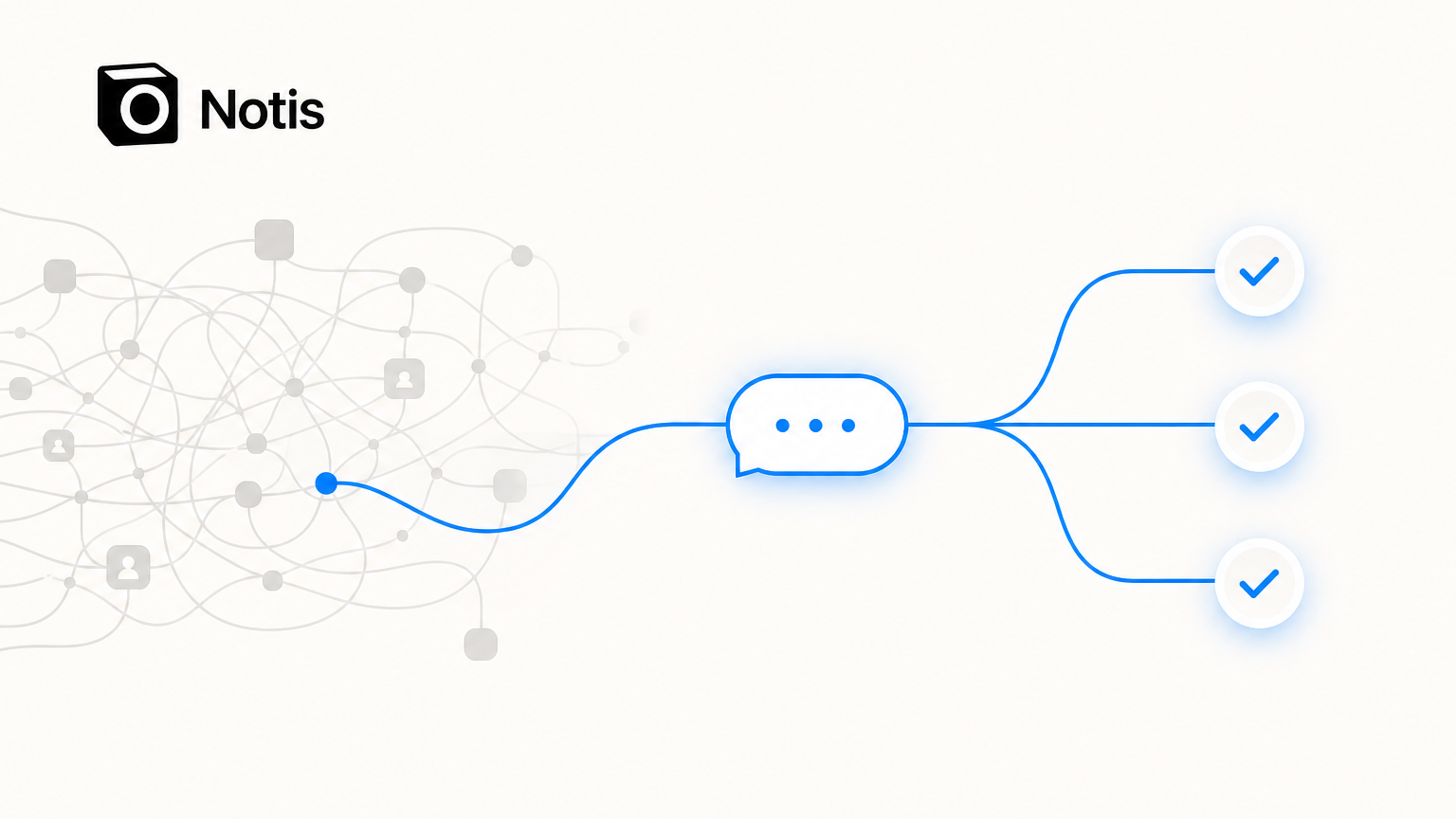
Table of contents
Most AI workflow automation tools ask you to do the same thing first: open a blank canvas and start drawing. You drag a trigger node, connect it to an action node, add a branch, add a filter, map fields between steps, and test. It works. It is also the reason most people who "should" automate their busywork never actually do. The flowchart is a second job.
There is another way to think about an AI workflow automation tool: instead of building the diagram, you describe the outcome. You text it. You leave yourself a reminder. You say it out loud. The automation runs, and you never open a builder. That is the model behind Notis, and if you are one of the thousands of people who just got the Relay.app shutdown email, it is worth ten minutes of your attention before your data disappears.
If you are already convinced and just want the migration path, start here: Notis vs Relay.app.
Why the canvas exists (and why it is optional now)
The visual-builder generation of automation tools was designed before large language models could reliably read intent. When the software could not understand "email me a summary of new leads every morning," you had to spell it out in nodes: a scheduled trigger, a CRM query, a filter for records created since yesterday, a formatting step, an email action. The canvas was not a feature. It was a workaround for the fact that the tool could not think.
That constraint is gone. A modern model can take a plain sentence, figure out which app and which fields it needs, ask you a clarifying question if something is ambiguous, and set up the recurring job. The flowchart still exists in a lot of products because it is what teams already know and what screenshots sell. But for the largest group of automation users, solo operators, freelancers, and small teams, the canvas is now optional overhead, not the point.
This matters right now because of timing. Relay.app, one of the better-loved AI workflow builders, is shutting down. Free accounts and all associated data are permanently deleted after August 15, 2026. Paying customers keep access through a complimentary 60-day grace period that ends September 14, 2026, after which those accounts are deleted too. Relay named no acquirer and recommended no successor. That leaves a lot of people shopping for a replacement with a hard deadline, and it is a good moment to ask whether you want to rebuild a flowchart at all, or just describe what it did.
What "no flowchart" actually looks like
Here is the practical difference. Say you want a weekly competitor digest. In a canvas tool you would build: RSS or web-search trigger, an AI summarize step, a formatting step, a Slack or email action, wired together and tested.
In Notis you send one message on WhatsApp, iMessage, Telegram, email, or voice:
"Every Monday at 8am, search for news about [competitor], summarize the three most important items, and send it to me here."
Notis confirms the schedule and runs it. The automation lives as a reminder-plus-action, not a diagram you maintain. A few more that map directly onto the things Relay users built most:
"When I get an email from a new lead, pull their company details and draft a reply for me to approve."
"After every meeting, take the transcript and send me the action items."
"Every morning, give me a briefing of today's calendar plus anything urgent in my inbox."
"Remind me to follow up with anyone who hasn't replied in three days."
None of these require a node graph. You can change one by replying to it in plain language, the same way you would ask an assistant to adjust a standing request. If you have ever wanted an automation but stalled at the builder, this is the unlock.
The honest comparison
Credibility matters more than hype here, so let me be straight about where the flowchart tools are genuinely better, and where they are not.
Zapier has the largest integration catalog in the category, on the order of several thousand apps, and that breadth is real. Its 2026 Free plan gives you 100 tasks per month with single-step Zaps, and in 2026 its AI steps, code steps, and MCP calls draw from that same task pool, so AI-heavy automations burn through the allowance faster than people expect. If you need to connect two obscure SaaS tools, Zapier is often the answer. If you want an assistant that runs the automation for you conversationally, it is not built for that.
Make.com is the cheapest serious visual builder, with a Free tier of 1,000 credits per month and paid plans starting around $9. It is powerful and it is affordable. It is also famous for a steep learning curve. Relay reviewers who came from Make described it as feeling like it "required a degree in their UI." In 2025 Make moved from an operations model to a credits model, where AI features and code cost more than a standard module run, which makes cost harder to predict.
n8n is open source, self-hostable, and cheap to run at volume. It is also, in the words of departing Relay users, "too techy" for non-technical adopters. If you write code, it is excellent. If you do not, it is a wall.
Relay.app itself was beloved for two things the canvas world does well: human-in-the-loop approval steps (approve or fill a form directly in Slack or email before the workflow continues) and native AI credits so you never juggled API keys. Its Product Hunt rating sat at a perfect 5.0. Those approval-chain and multi-seat governance features are genuinely Relay's strongest surface, and if your team depends on routed approvals across many people, you should evaluate a team-governance tool, not just an assistant. That is the honest boundary.
Where Notis wins is the exact profile that made up most of Relay's base and is being deleted first: the individual and the small team who want the outcome without the operations. AI-native from the ground up, no API keys to manage, and delivered through the channels you already use all day rather than a new web app you have to remember to open.
Migrating off Relay.app before the deadline
If you are a Relay user, do one thing today, before anything else: export your data now. Relay's export link is only valid for 48 hours after it generates, and free accounts vanish on August 15. From the dashboard, run "Export workspace data" to get a .zip, and for each workflow use "Copy build prompt."
That build prompt is the key. Relay's own documentation is candid that the workflow-structure JSON is not portable between builders, and it recommends rebuilding from the natural-language build prompt instead. That recommendation happens to describe the Notis migration path exactly: you paste the build prompt (or just describe what the workflow did) into Notis, and it stands the automation back up, no canvas to reconstruct. An agent interpreting your intent is more robust than a brittle importer that breaks on a schema mismatch.
So the migration is not "learn a new flowchart tool in 30 days." It is "paste a paragraph and confirm." That is the whole point of an AI workflow automation tool that does not make you draw.
The deadline is the forcing function
You were probably going to keep meaning to automate that recurring task anyway. The Relay shutdown just turned "someday" into a date. Free Relay data is gone after August 15, 2026. Paid access ends September 14, 2026. Either way, the workflows stop, and whatever you had running needs a new home.
You can move that home to another canvas and spend a weekend rebuilding diagrams. Or you can describe what you need in a sentence and let an assistant run it from the apps you already have open. If the second one sounds better, take the shortcut:
See the full migration guide and side-by-side: Notis vs Relay.app. Export your Relay build prompts, paste them in, and skip the flowchart entirely.

Based on an original idea from Flo. Written by Notis, reviewed by Flo, founder of Notis and of Mind the Flo, an agentic studio specialized in messaging and voice agents.
Related posts
Your AI Agent Is Not Production-Ready Until It Can Fail Gracefully
A practical reliability framework for building production AI agents that can handle bad audio, privacy boundaries, uncertainty, and the emotional weight of real human outcomes.
How Notis.ai Keeps Your Data Secure (Without Security Theatre)
A plain-English look at how Notis handles integrations, model training, human access, deletion, and the limits founders should understand before trusting any AI assistant.
Your AI Assistant Does Not Need the Biggest Brain for Every Task
A practical founder take on AI model routing: why reliable assistants should spend intelligence where it matters, not burn expensive reasoning on every tiny task.