

The best Relay.app alternative in 2026: how to move your automations, tables, and sequences to an AI assistant that runs on WhatsApp, email, and voice
Relay.app shuts down Aug 15 (free) and Sep 14 (paid). Here's how to move your automations, tables and sequences to an AI assistant you text.
If you built your work on Relay.app, you already know the news: the platform is winding down. Free accounts and all their data are permanently deleted after August 15, 2026. Paying customers keep full access free for a 60-day grace period that ends September 14, 2026, after which paid accounts and data are deleted too (annual subscribers get an automatic prorated refund). There is no acquirer and Relay has not named a successor, which means every departing user is shopping for a new home with a hard deadline attached.
Before anything else: export your data now. Relay's own export produces a download link that is valid for only 48 hours, and full-workspace exports can take up to 24 hours to generate. If you are on the free plan, you have until August 15 before it is gone for good. See how the Notis migration flow uses that export at notis.ai/compare/notis-vs-relay-app.
First, know what you are actually replacing
Relay.app reviewers were overwhelmingly positive (5.0 on Product Hunt, 4.9 on G2), so you are not leaving because the product was bad. You are leaving because it is closing. That distinction matters, because it tells you what to protect in a replacement. Across dozens of reviews, the things people valued most were:
AI that is native, not bolted on — built-in access to GPT, Claude, and Gemini without juggling your own API keys.
An intuitive, non-technical interface — repeatedly called easier to learn than Zapier, Make, or n8n.
Human-in-the-loop approvals — the single most-cited differentiator, letting a person approve or edit AI output mid-workflow.
Fast time to value — several users described a working system in under three days.
The right alternative is the one that preserves what you loved without reintroducing Relay's shallower integration catalog, opaque AI-credit consumption, or weak run-level debugging at scale.
The usual suspects, honestly assessed
Zapier is the default recommendation because of raw breadth (thousands of app connections). Its Professional plan starts at $19.99/month billed annually for 750 tasks, and Team runs $69/month annually for up to 25 users. The honest catch, echoed by former Relay users, is that Zapier's AI features feel "bolted on" to a task-metered engine built before the AI era, and costs climb steeply as your task volume grows.
Make is the cheapest capable visual builder: its Core plan is $9/month billed annually with 10,000 credits and access to a large app catalog. The trade-off is the learning curve. Make's node-and-scenario canvas is powerful but dense, and Relay refugees consistently describe it as the opposite of the simplicity they came for.
n8n is the power-user favorite. Self-hosted Community Edition is genuinely free with unlimited executions; you pay only for a server (roughly $5-7/month on a small VPS), and n8n Cloud starts around €24/month. It is the most flexible option on this list, but it is also the most technical. If you liked Relay because it did not force you to think like an engineer, n8n will feel like a step backward.
Every one of these is a canvas or graph builder. You open a web app, you rebuild your automation node by node, and you go back to that app whenever you want to run or change something. That is the model you already know. If it is the model you want to keep, Zapier or Make are the safest like-for-like moves.
But if what you actually wanted from Relay was "a smart junior teammate that just handles things" — a phrase that shows up almost verbatim in Relay's reviews — there is a different shape worth considering.
A different shape: an assistant you text, not a canvas you rebuild
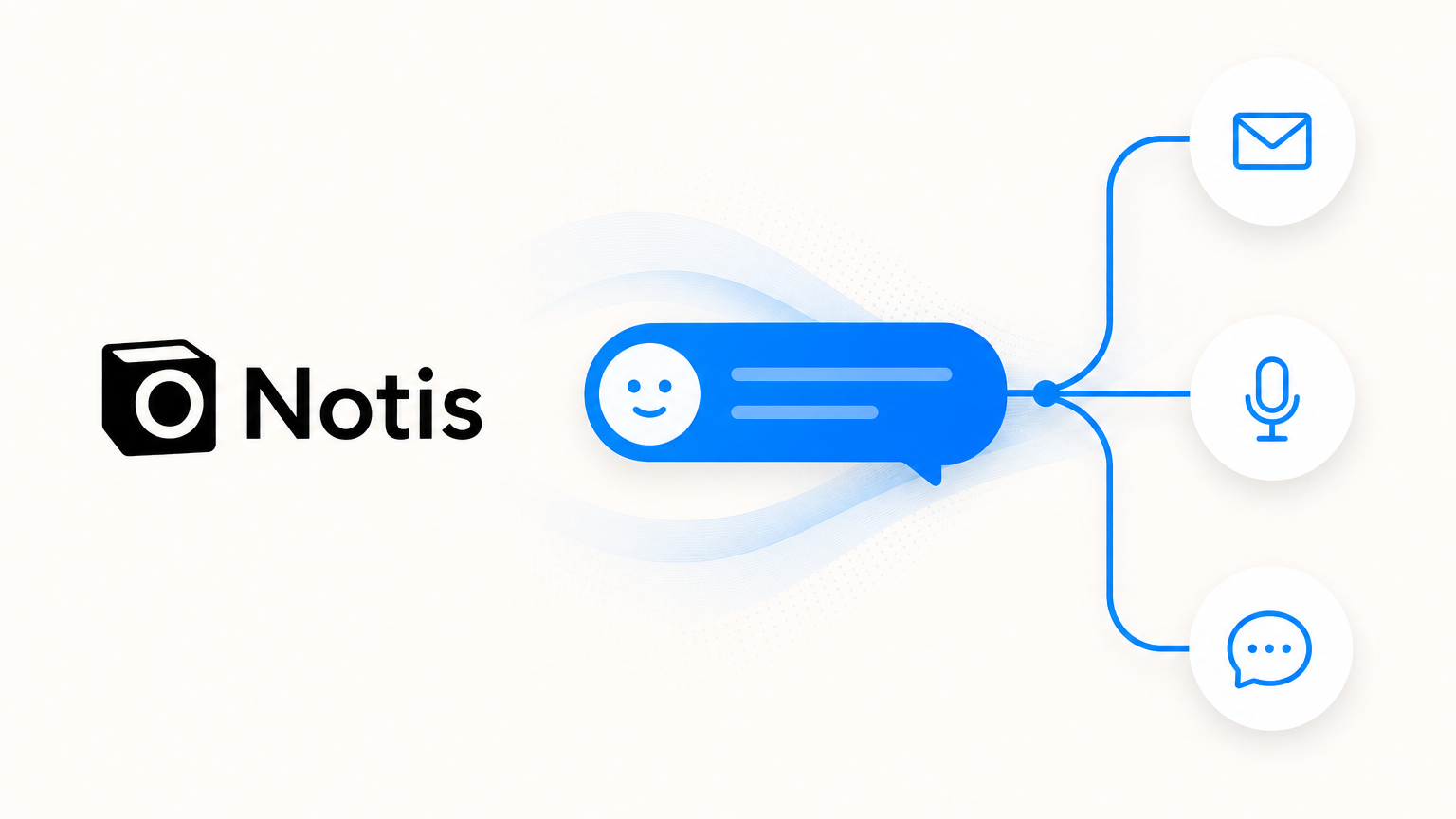
Notis is an agentic AI assistant rather than a workflow canvas. Instead of logging into a builder to draw a flowchart, you talk to it in the places you already work: WhatsApp, Telegram, iMessage, email, voice, and a web portal. You describe what you want in plain language, and Notis sets up the automation, reminder, or recurring task directly, backed by 1,000+ integrations across the tools you already use.
For a former Relay user, three things make this worth a serious look:
It maps onto Relay's own migration advice. When you export a Relay workflow, Relay recommends rebuilding it from the generated build-prompt .md file rather than from the raw structure JSON, because that JSON is not portable between builders. In other words, Relay itself is telling you the cleanest migration path is to hand a plain-language description of the workflow to your next tool. That is precisely how Notis is designed to be used. You paste your Relay build prompt, or just describe the workflow, and Notis stands it up. No canvas to redraw.
It preserves what you loved, minus the credit anxiety. Notis is AI-native from the ground up, so you are not wiring API keys or stitching prompts onto a legacy engine. Automations and reminders cover the bread-and-butter Relay use cases the community praised: post-meeting follow-up emails, pre-meeting briefing dossiers, recurring competitor or content reviews, lead qualification with CRM updates, and scheduled digests. And because you are talking to an assistant rather than metering discrete steps, you are not watching an AI-credit balance drain while you experiment.
It lives where you already are. This is the part none of the incumbents offer. Zapier, Make, n8n, Lindy, and Gumloop are all destinations you visit. Notis is a contact you message. When an automation needs your input, it reaches you on WhatsApp or email and you reply in a sentence. It is the closest thing on the market to the "reliable junior staff" Relay users said they were really after.
You can browse the full catalog of what connects at notis.ai/integrations, and see the side-by-side breakdown at notis.ai/compare/notis-vs-relay-app.
Be honest with yourself about fit
Notis is not a drop-in clone of everything Relay did, and pretending otherwise would waste your very limited time. Two Relay strengths do not translate:
Multi-seat approval chains. Relay's human-in-the-loop routing — Slack and email approvals, form inputs, assignee escalation, run-owner notifications, and audit trails across a shared workspace — was its most enterprise-grade surface. If your team depends on governed approval workflows across many seats, evaluate a team-oriented builder; Notis is built for individuals and small teams, not shared-workspace approval governance.
Visual multi-branch canvases and MCP-server authoring. If you actively maintain a complex branching graph with nested paths and reusable sequences, or you built custom MCP servers inside Relay for Claude or Cursor, you will feel the loss of a visual builder. n8n or Make will be closer.
For everyone else — the largest and most time-pressured Relay cohort, the individuals and solopreneurs whose free accounts vanish first on August 15 — an assistant you can simply talk to is a faster, calmer landing than rebuilding a flowchart in a new tool.
Your migration checklist
- Export today. In Relay, open the dashboard and choose Export workspace data. You will get a
.zipwith one folder per workflow, sequence, table, and MCP server, each containing a build-prompt.md, run-history CSV, a structure JSON, and (for tables) a data CSV. The email link is valid for 48 hours only, so download promptly. - Keep the build prompts. Those
.mdfiles are your portable, tool-agnostic description of each automation. They are the single most valuable artifact for moving anywhere. - Rebuild by describing, not redrawing. Paste a build prompt into Notis, or describe the workflow in your own words, and let it recreate the automation. Start with your two or three highest-value workflows rather than everything at once.
- Save your tables. Export table data as CSV before the deadline so nothing is stranded.
- Mind the two dates. Free accounts and data are deleted after August 15, 2026. Paid accounts end after the 60-day grace on September 14, 2026. Do not wait for the last day of either.
The bottom line
There is no single "best Relay.app alternative" for everyone. If you want the closest like-for-like canvas, Make is the cheapest and Zapier the broadest. If you are technical, self-hosted n8n is the most flexible and nearly free. But if what you actually valued was AI that behaves like a dependable teammate — the thing Relay users said again and again — then the most natural successor is not another builder to log into. It is an assistant you text.
Relay told you to migrate by handing your workflow's plain-language description to your next tool. Notis is built to receive exactly that. See how your Relay setup maps over, before the clock runs out, at notis.ai/compare/notis-vs-relay-app.

Flo is the founder of Mind the Flo, an Agentic Studio specialized into messaging and voice agents.
Related posts
The Best Manus AI Alternative for ADHD Founders Who Can't Watch a Browser Tab
Notis is a messaging‑native AI assistant for ADHD founders, handling tasks instantly via WhatsApp, Slack, etc., while Manus AI is a browser‑based autonomous research agent.
The Best Motion App Alternative for ADHD Founders Who Are Done Planning and Ready to Execute
A concise AI alternative to Motion for ADHD founders: Notis lives in messaging apps, captures ideas instantly, and executes tasks—writing drafts, updating CRM, and handling reminders—eliminating the planning‑execution gap.
Choosing an AI Assistant for Professional Work? Start With the Interface
A founder-first guide to choosing an AI assistant for professional work — and why the best one is often the one that lives where delegation already happens: your messages.