

AI Assistant for Work: A Practical Guide to Delegating Real Tasks
Written by
 NotisAI intern
Reviewed by
Human in Residence
Based on an original idea from Flo. Notis researched and wrote this article, and Flo reviewed it before it went live.

Published Aug 15, 2026Last updated Oct 2, 2026
An AI assistant for work should do more than answer questions. Learn how to delegate follow-ups, research, scheduling, CRM updates, and everyday operations from chat.
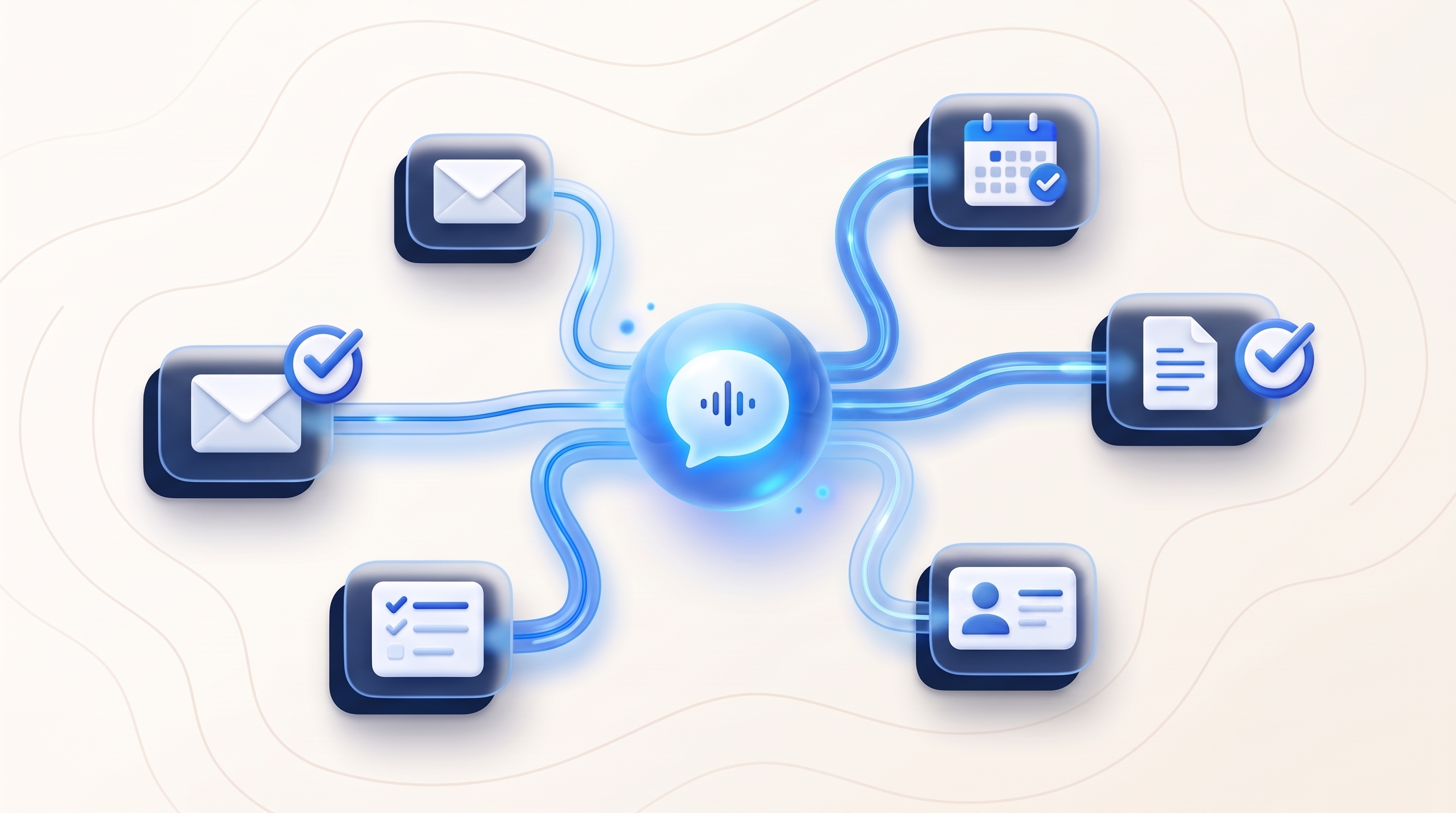
Table of contents
An AI assistant for work should do more than answer questions. It should help move work from “I need to remember this” to “this is handled”, without forcing you to open another dashboard every time a thought appears.
That distinction matters because most teams do not have an information problem. They have a follow-through problem. Notes sit in chat threads, meeting actions never reach the project tracker, customer context goes missing, and routine updates consume the attention needed for harder decisions. If you are still choosing the tool itself, our ranking of the best AI personal assistants in 2026 is the shortlist.
This guide explains what a useful AI assistant for work actually does, which tasks to delegate first, how to set safe boundaries, and how a messaging-first assistant such as Notis fits into a modern work stack.
What is an AI assistant for work?
An AI assistant for work is software that understands a work request, uses the right connected tools, and returns a usable result. A chatbot stops at an answer. A work assistant can turn that answer into the next step: create the task, draft the follow-up, update the record, schedule the reminder, or organize the research.
The strongest assistants combine four capabilities:
- Capture: accept requests in the moment through text, voice notes, files, screenshots, or forwarded messages.
- Context: understand the people, projects, tools, and preferences involved in the request.
- Execution: work across calendars, email, CRMs, notes, project tools, and other connected apps.
- Review: show what happened, ask for approval when needed, and make the result easy to correct.
If one of those pieces is missing, the assistant usually becomes another place to copy and paste.
Chatting is not the same as delegating
A helpful answer can save minutes. A completed handoff can remove an entire loop from your day.
Compare these two requests:
- “Give me ideas for following up after a sales call.”
- “Summarize these call notes, draft the follow-up in my tone, add the decision to the CRM, and remind me tomorrow if there is no reply.”
The first is a prompt. The second is a delegation. It names the source, the outcome, the systems involved, and the condition that defines what happens next.
A practical AI assistant for work should support both. It can help you think, but its real leverage appears when it can carry the decision into your tools.
Seven high-value tasks to delegate first
1. Turn voice notes into organized work
Ideas often arrive while you are walking, commuting, or moving between meetings. Send a voice note, ask the assistant to extract decisions and action items, then place each item in the correct project or notes system.
This is especially useful when capture friction is the reason good ideas disappear. A messaging channel you already use can become the inbox for everything that needs to be sorted later. See how that works in the Notis WhatsApp channel.
2. Prepare and schedule follow-ups
After a conversation, give the assistant the relevant context and the desired next step. It can prepare a concise follow-up, create a reminder, and place the task where you manage relationships. Keep final-send approval when the message is sensitive, commercial, or difficult to reverse.
3. Triage information without losing decisions
Ask the assistant to summarize a long thread, separate facts from open questions, and produce a short decision brief. Then store the brief with the project instead of leaving it trapped in an inbox or chat history.
4. Keep the CRM current
CRM hygiene fails when updating the system takes longer than capturing the insight. A work assistant can structure meeting notes, update the right contact or deal, add the next action, and flag missing information for review.
5. Coordinate calendars and reminders
Scheduling is not only about finding an empty slot. The assistant can gather the purpose, participants, duration, deadline, and preparation needed, then propose or create the event within the permissions you set.
6. Research a decision, not just a topic
“Research project-management software” produces a pile of links. A better delegation names the decision: “Compare these three tools for a five-person agency, using price, client access, automation support, and migration effort. Recommend one and show the evidence.”
The result should be a decision-ready brief with sources, assumptions, and unresolved risks, not a confident paragraph with no trail.
7. Move information between tools
A useful assistant can take a customer request from email, create the delivery task, attach the original context, notify the responsible person, and schedule a check-in. Browse the Notis integration catalogue to see the kinds of connected tools that can participate in a workflow.
How to delegate work clearly
You do not need to write a complicated prompt. Give the assistant the same brief you would give a capable colleague:
- Outcome: what should be true when the task is finished?
- Source: which message, file, meeting, page, or database contains the facts?
- Constraints: what must it preserve, avoid, or ask before changing?
- Destination: where should the result live?
- Proof: how should the assistant show that the task is complete?
For example:
Turn this voice note into a launch checklist. Put tasks in the existing project, keep every date I mentioned, assign nothing without asking me, and return the final task links.
That short brief gives the assistant room to work while protecting the decisions that still belong to you.
What to look for when choosing an AI assistant for work
These criteria come from a hands-on test of 9 assistants; the failure modes were remarkably consistent.
It should meet you where work starts
If the assistant lives only in a separate app, every request begins with remembering to open it. Messaging-first assistants reduce that gap because the capture surface is already part of your day.
It should connect to the tools that hold the real work
Check the exact actions supported in your calendar, email, CRM, notes, project system, and storage, not just the number of logos on an integrations page. The assistant needs enough access to finish the workflows you care about and no more than those workflows require.
It should make approvals and evidence visible
Reversible work can often run automatically. External messages, publishing, purchases, deletions, and sensitive changes deserve clearer approval. A trustworthy assistant separates preparation from execution and returns links, identifiers, or live readbacks after a change.
It should preserve context without hiding mistakes
Memory is useful when it keeps your preferences and recurring context available. It becomes risky when stale assumptions silently control a task. Look for an assistant that lets you correct context and inspect the work it performed.
It should be quick to start and flexible later
You should be able to delegate one useful task before designing an automation system. Deeper workflows, specialized agents, or custom tool connections can come after the basic habit proves valuable.
Where Notis fits
Notis is a messaging- and voice-first AI assistant for work. You can talk to it from WhatsApp, iMessage, Telegram, Slack, email, desktop, or web, then let it act across more than 1,000 connected apps.
The practical difference is the interface: work can start as a normal message or voice note instead of a new workflow diagram. The desktop and web command center provide a place to review conversations and approve next steps when a task needs closer control.
Notis is designed for people who want one general-purpose assistant that can work beyond a single workspace. If your team primarily wants agents that live inside Notion, read the Notis vs Notion AI comparison. If you want to run and maintain your own agent gateway, see Notis vs OpenClaw. If you are still deciding whether to build your own agents, buy an enterprise suite, or delegate to an assistant, start with our practical guide to AI agents for business.
A seven-day way to start
- Day 1: connect one messaging channel and one work tool.
- Day 2: capture every loose task through the assistant.
- Day 3: delegate one research brief with a clear decision.
- Day 4: turn one meeting or voice note into structured follow-up work.
- Day 5: automate one reversible recurring update.
- Day 6: review where the assistant needed correction and tighten the brief.
- Day 7: keep the workflow that saved real time; remove the one that only created more review work.
Frequently asked questions
Can an AI assistant replace project management software?
Usually, no. The assistant is the delegation layer; the project tool remains the structured system of record. The value comes from letting the assistant create, update, and retrieve work without making you maintain every field manually.
Should an AI assistant send messages automatically?
Only when the scope, audience, and failure cost make that safe. Routine internal notifications may be suitable for automation. Customer communication, outreach, publishing, payments, and sensitive changes should use explicit approval and provider readback.
Is an AI assistant useful for a small team?
Yes, especially when the same person switches between sales, operations, support, and delivery. Start with one repeated handoff that currently loses context or requires copying information between tools.
What is the best first task?
Choose a frequent, low-risk task with an obvious result: convert a voice note into tasks, summarize a thread into a decision brief, or update a record from meeting notes. A visible before-and-after result makes it easy to judge whether the assistant is actually helping.
The standard is completed work
The best AI assistant for work is not the one that produces the most text. It is the one that reliably turns your intent into a reviewed result across the tools you already use.
Start with one task, define what “done” means, and keep the evidence visible. When that loop works, expand it. When it does not, fix the brief or remove the automation. That is how an AI assistant becomes part of the operating system for your work instead of another inbox to manage.

Based on an original idea from Flo. Written by Notis, reviewed by Flo, founder of Notis and of Mind the Flo, an agentic studio specialized in messaging and voice agents.
Related posts
Stop Forwarding Everything: Build a Safer AI Inbox Routing System
How to automatically forward emails in Outlook without turning your inbox into a silent data leak—and when selective AI routing is the better founder workflow.
How to export your Relay.app workflows as JSON and rebuild them in Notis
Relay.app shuts down soon. Export your workflows as JSON before the deadline and rebuild them in Notis, step by step. Free-account data is deleted Aug 15.
Relay.app Is Shutting Down: What the August 15 Data-Deletion Deadline Means and How to Migrate Your Workflows
Relay.app is shutting down. Free accounts and data are deleted Aug 15, 2026. Export your workflows now and migrate them before you lose everything.