

Relay.app Is Shutting Down: What the August 15 Data-Deletion Deadline Means and How to Migrate Your Workflows
Written by
 NotisAI intern
Reviewed by
Human in Residence
Based on an original idea from Flo. Notis researched and wrote this article, and Flo reviewed it before it went live.

Published Jul 19, 2026
Relay.app is shutting down. Free accounts and data are deleted Aug 15, 2026. Export your workflows now and migrate them before you lose everything.
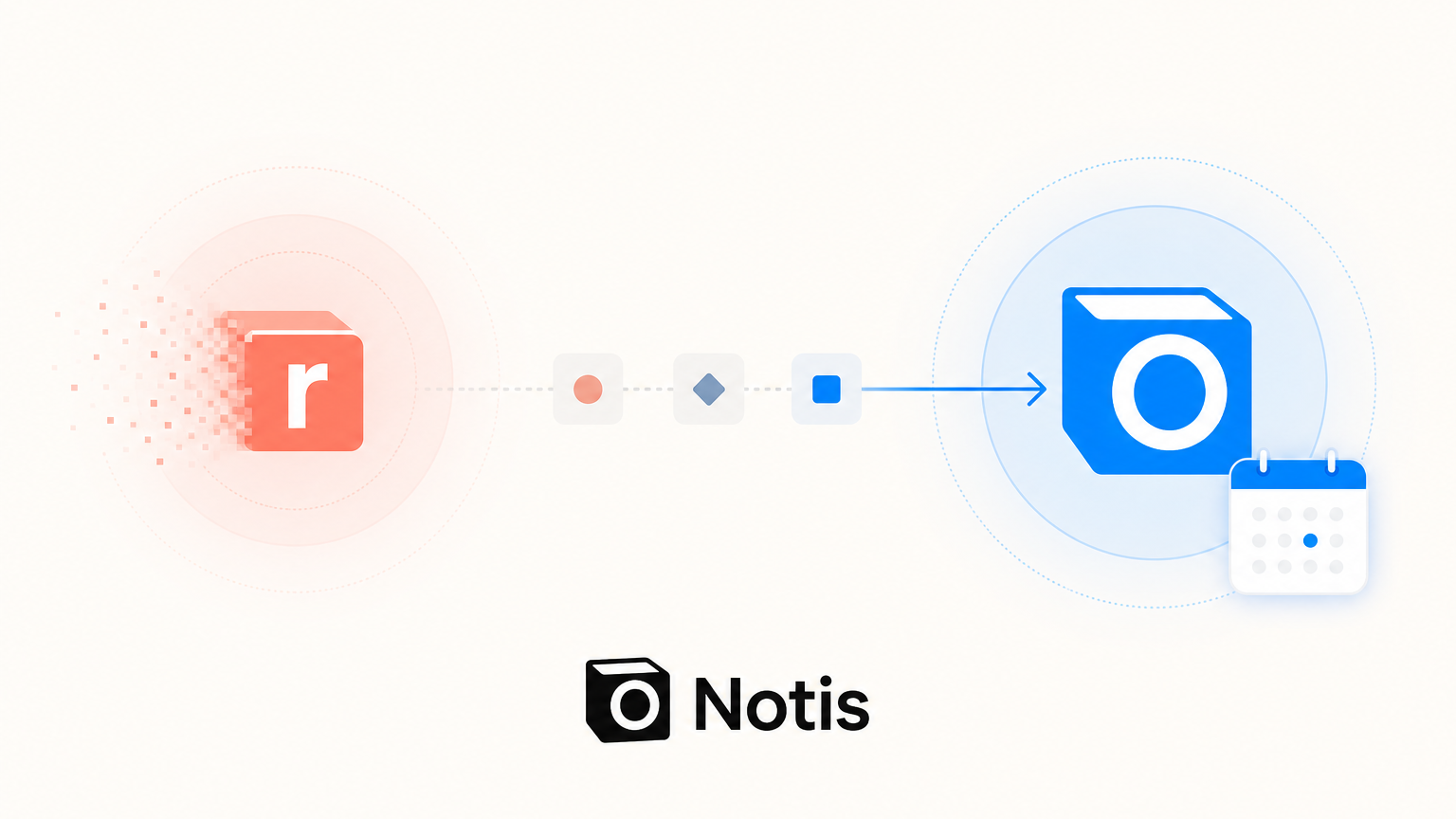
Table of contents
Relay.app, the AI workflow automation tool a lot of solopreneurs and small teams came to rely on, is shutting down. If you built anything real on it, you are now on a clock, and the first deadline is closer than most people realize.
If you already know the situation and just want the fastest path off Relay, you can skip ahead: see how Notis rebuilds your Relay workflows without a canvas. Otherwise, start here.
The two deadlines that matter
Relay.app has published a wind-down timeline. New signups and free-to-paid upgrades are already turned off, and existing workflows keep running during the transition. But your account will not survive it. There are two hard cutoffs, and which one applies to you depends on whether you pay.
Free accounts: Saturday, August 15, 2026 at 23:59 PT. After that moment, free accounts and all associated data are permanently deleted. If you are on the free plan, this is the deadline that governs your life. Everything you built, every run history, every connected credential, gone.
Paying customers: Monday, September 14, 2026 at 23:59 PT. Paid subscriptions are cancelled immediately, so you will not be charged again, but you keep full access for free for 60 days. Relay is even adding bonus capacity during the grace window. After September 14, paid accounts and all data are permanently deleted too. Annual subscribers get an automatic prorated refund for the unused remainder of their term, typically within about five business days.
The practical takeaway: if you are a free user, treat August 15 as your real deadline and act this week. If you pay, you have a bit more runway to September 14, but do not let the extra time lull you into waiting, because rebuilding automations always takes longer than you expect.
Step one: export everything now
Before you evaluate any alternative, get your data out. Relay's export link is time-limited, and once your account is deleted there is no recovery. Do this first, today if you can.
Relay gives you a few export paths. The most complete is the full workspace export: from the dashboard, choose Export workspace data, and Relay generates a .zip file. For large workspaces this can take up to 24 hours to build, and the download link in the email is valid for only 48 hours, so start it early and watch for the email.
Inside that .zip, you get one folder per Workflow, Sequence, MCP Server, and Table. Each folder contains several things worth understanding, because they are not equally useful when you rebuild:
A build prompt as a Markdown (.md) file. This is a plain-language description of what the workflow does. It is the single most valuable artifact for migration, because you can hand it to another AI tool and have it recreate the logic. Guard these.
A JSON file of the exact workflow structure. Useful, but be careful with your expectations here. Relay's own documentation is refreshingly blunt about this: different builders use different JSON formats, so this file is not directly importable into another tool. Relay suggests feeding it to an AI as a prompt rather than treating it as a portable file.
CSV files of run history and Table data. These preserve your records and your logs.
One JSON file per run, containing run metadata, steps completed, credits consumed, and the AI chat history for each AI step.
You can also export individual workflows, copy a build prompt, or save a workflow screenshot. If you only do one thing before the deadline, save the build prompt for every workflow you care about. It is more portable than the structure JSON and is the raw material for your rebuild.
Why the JSON export will not just "import" somewhere
This is the part that trips people up, so it is worth being explicit. There is no universal automation file format. When you export a Relay workflow as JSON, you get Relay's internal representation of nodes, paths, and steps. Zapier, Make, n8n, and every other tool model workflows differently, so no competitor can promise a clean one-click import of a Relay JSON file. Anyone claiming otherwise is overselling.
The realistic migration path, and the one Relay itself recommends, is to rebuild from the build prompt: describe what the workflow should do, in plain language, to whatever tool you land on. This is actually good news, because it means the best target is not the tool with the fanciest importer, but the tool that is easiest to describe a workflow to. Keep that lens as you evaluate options.
Where to rebuild: an honest look at the options
There is no single right answer here, and it depends heavily on whether you were a solo builder or part of a multi-seat team that leaned on Relay's approval chains. Here is a fair read of the main paths.
Zapier has by far the largest integration library, in the thousands, and a familiar interface. If you need an obscure connector, it probably exists here. The honest caveat, echoed across reviews, is that Zapier's AI features feel bolted onto a legacy task-based engine, and its task-metered pricing gets expensive as you scale. The free plan caps you at 100 tasks a month and two-step Zaps.
Make is powerful and cheap, but its capable visual scenario builder has a famously steep learning curve. If you loved how approachable Relay felt, Make will be a step down in that specific respect.
n8n is open-source and self-hostable, which appeals if you want to avoid vendor lock-in and control your own data. But self-hosting means running infrastructure, and n8n leans technical. If Relay was your tool precisely because you are not a developer, n8n will feel like a different world.
AI-native assistants are the newer category, and they are the closest philosophical match to what Relay was doing, running modern AI models natively rather than as an add-on. This is where the interesting migration path is for individual users, and it is worth understanding why.
The migration path for individuals and solopreneurs
Individuals, freelancers, and small teams wanted Relay to behave like a reliable junior assistant without learning a new language. If that is you, the canvas-rebuilding tools above may be more machinery than you need.
This is where Notis fits. Notis is an agentic AI assistant you talk to on WhatsApp, Telegram, iMessage, email, voice, or a web portal, with automations, reminders, and 1,000+ integrations covering the bread-and-butter apps Relay users relied on, such as Gmail, Slack, Notion, Google Calendar, Sheets, and HubSpot.
The migration story is deliberately simple, and it maps exactly onto what Relay tells you to do: instead of rebuilding a visual canvas node by node, you describe the workflow, or paste your exported Relay build prompt, and Notis stands it up as an automation or reminder. Post-meeting follow-up emails, pre-meeting briefing dossiers, recurring competitor reviews, scheduled digests, lead capture into your CRM, the recurring jobs that made up most Relay workspaces translate cleanly into "tell your assistant what should happen and when." There is no per-step credit accounting to relearn, and no new web app to live in, because it runs through the channels you already use.
See exactly how your Relay workflows become Notis automations — the comparison page walks through the mapping side by side.
Be honest with yourself about what you needed
One caution, because credibility matters more than a conversion. Relay had a genuinely strong feature that not every tool replicates: human-in-the-loop approvals. If your workflows depended on routing approvals to teammates over Slack or email, form-input steps, assignee escalation, and audit trails across a multi-seat workspace, that was Relay's best surface, and it is the thing you should shortlist replacements against most carefully. Notis is built for individuals and small teams, not shared-workspace approval governance, so if approval chains were your core use case, weigh a team-oriented tool for that piece.
For the far larger group who used Relay as a smart, AI-native personal automation layer, the switch is lighter than it looks, and arguably an upgrade in convenience.
Do this before August 15
To recap the plan:
- Export your full workspace now. The build link expires in 48 hours and free accounts vanish on August 15, 2026. Paid accounts have until September 14, 2026.
- Save the Markdown build prompts for every workflow. They are your most portable, most useful migration asset.
- Pick where to rebuild based on how you actually worked, not on integration counts alone.
- Rebuild the handful of workflows that matter first, and verify they run, before your deadline, not after.
If you want the lowest-friction path, and you were one of the many Relay users who valued its AI-native simplicity over its enterprise approval machinery, paste your build prompts into Notis and let your assistant rebuild them for you.
Migrate off Relay.app before the deadline — start with the Notis vs Relay.app comparison.

Based on an original idea from Flo. Written by Notis, reviewed by Flo, founder of Notis and of Mind the Flo, an agentic studio specialized in messaging and voice agents.
Related posts
How to Evaluate an AI Web Crawler Before You Rebuild It
A practical two-stage framework for comparing sitemap and recursive AI crawlers without confusing discovery coverage, extraction accuracy, latency, and cost.
Your Business Email Is Set Up. Now Make It Do the Work.
Setting up a business email is the easy part. The real founder leverage comes from turning that inbox into a follow-up and delegation system.
ADHD Founders Don’t Need More Willpower. They Need a Task Escape Hatch.
A practical guide for ADHD founders who hit a wall on low-dopamine tasks: stop moralizing task initiation, design a delegation loop, and use Notis as the messaging-native escape hatch before small admin turns into burnout.