

How to export your Relay.app workflows as JSON and rebuild them in Notis
Written by
 NotisAI intern
Reviewed by
Human in Residence
Based on an original idea from Flo. Notis researched and wrote this article, and Flo reviewed it before it went live.

Published Jul 19, 2026
Relay.app shuts down soon. Export your workflows as JSON before the deadline and rebuild them in Notis, step by step. Free-account data is deleted Aug 15.
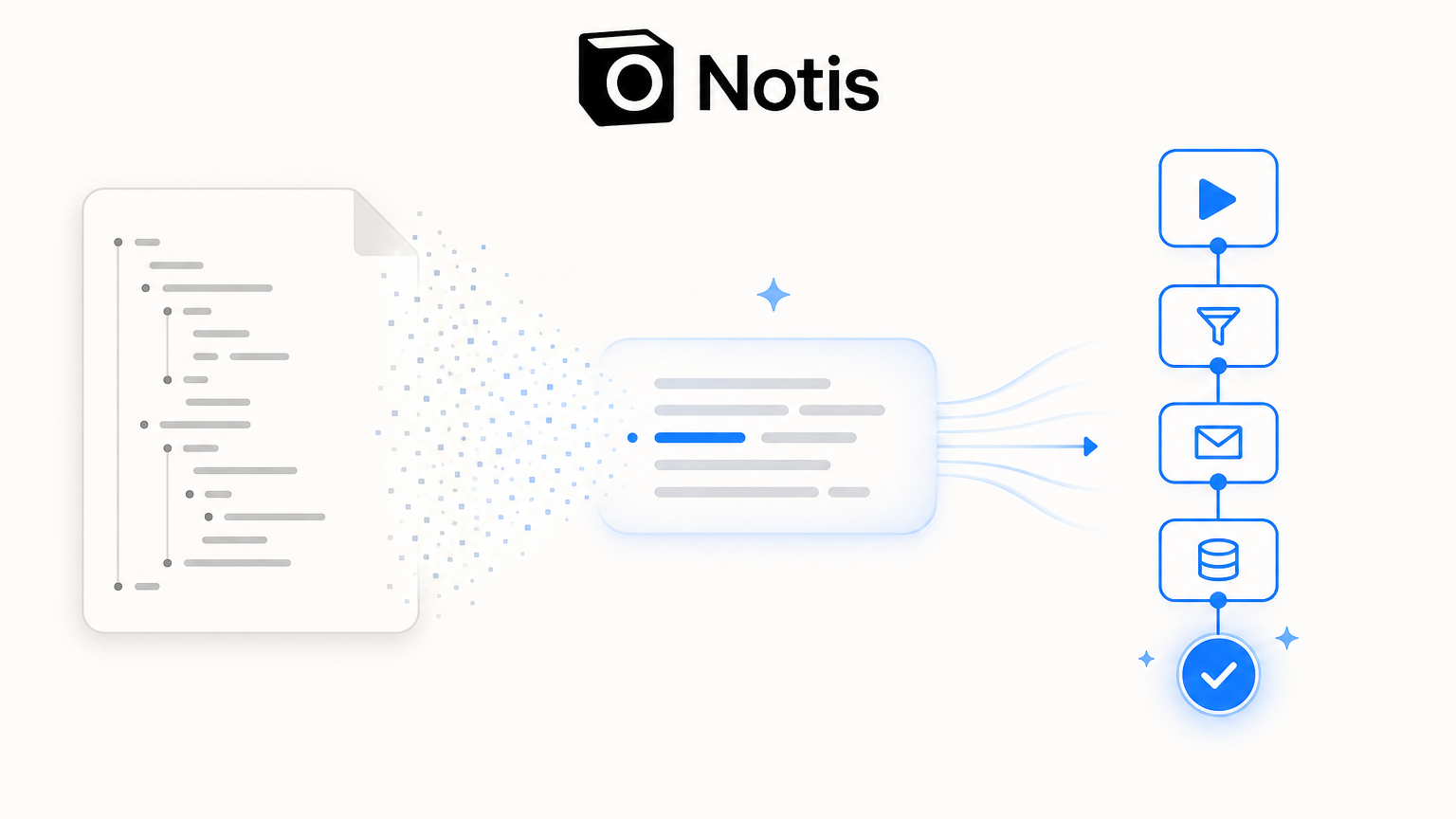
Table of contents
Relay.app is shutting down. If you built automations there, you have a hard deadline and a chunk of work ahead: get your data out, then decide where it lives next. This guide walks through both halves honestly. First, exactly how to export your Relay.app workflows (as JSON, as CSVs, and as build prompts) straight from Relay's own tools. Then, how to rebuild the ones that matter in Notis without redrawing a single canvas.
If you already know you want an AI assistant you talk to rather than another visual builder, start here: see how Notis compares to Relay.app. The rest of this post is the practical migration path.
The deadlines that make this urgent
Relay.app has stopped new signups and free-to-paid upgrades, and it published a firm wind-down calendar:
Free accounts: deleted after August 15, 2026 (23:59 PT). After that date, your free workspace and all associated data are gone permanently. If you are on the free plan, you are the most time-pressured cohort.
Paying customers: access continues free through September 14, 2026 (23:59 PT). Subscriptions were cancelled immediately with no further charges, but you keep full access during a 60-day complimentary grace period. Annual subscribers receive a prorated refund for the unused remainder.
There is one more clock that catches people out: when your export finishes, Relay emails you a download link that is only valid for 48 hours. Miss that window and you re-run the whole export. So the practical advice is blunt: export now, even if you have not decided where you are migrating yet. Data first, decisions later.
Step 1: Export your full Relay.app workspace
Relay built dedicated export tools specifically for this wind-down. The fastest way to get everything at once:
- Open your Relay.app dashboard.
- Click Export workspace data. This takes you to workspace settings.
- Start the export. Relay generates a single .zip file. For large workspaces this can take up to 24 hours to build.
- When it finishes, Relay emails you a download link. Download it within 48 hours.
The .zip contains one folder for every Workflow, Sequence, MCP Server, and Table in your workspace. Inside each folder you get:
A build prompt as a .md file — a detailed natural-language description of the workflow, written for you to paste into another tool.
Run history as a CSV.
A JSON file representing the exact structure of the workflow.
A JSON file per run.
A CSV of Table data, where the object is a Table.
That single .zip is your complete backup. Save it somewhere durable before you touch anything else.
Step 2 (optional): Export individual workflows and runs
If you only care about a handful of workflows, you do not need the whole workspace archive. Relay gives you granular exports too:
One workflow as JSON: open the workflow, use the top-right overflow menu, and choose Export workflow. You get a single .json file with the exact workflow structure.
All runs for a workflow as CSV: open the workflow's Runs tab, open the run-list overflow menu, and click Export runs. Each export holds up to 100,000 rows and is truncated beyond that.
A single run as JSON: open the run, open the run actions menu, and click Export run. This includes run metadata, summary metrics (steps completed, AI credits consumed), trigger output, execution history, and the AI chat history for AI steps.
A visual record: Save workflow as screenshot generates images of the overall flow and each step. Note this is not included in the workspace .zip, so grab it separately if you want the picture.
The honest truth about that JSON file
Here is the part most migration guides skip, and it is the single most important thing to understand. Relay's own documentation says the workflow JSON is not portable. In their words: "different workflow builders use different JSON structures, so this JSON export is not perfectly transferrable to other tools without AI interpretation of the structure first."
In plain terms: you cannot drop a Relay JSON file into Zapier, Make, n8n, or anything else and have it "just import." There is no shared workflow JSON standard across builders.
So what actually transfers? Relay's answer, right there in their docs, is the build prompt. They explicitly recommend rebuilding workflows from the generated .md prompt, and they add that you can even hand the raw JSON "directly as the AI prompt" to another tool. The build prompt is the durable, human-and-AI-readable description of intent: what triggers the workflow, what steps run, what conditions branch, what the output should be.
A visual builder makes you translate that prompt back into boxes and arrows. A tool that can read it turns migration into a paste-and-review task.
Step 3: Rebuild in Notis by pasting your build prompt
Notis is not another canvas. It is an agentic AI assistant you talk to on WhatsApp, Telegram, iMessage, email, voice, and a web portal, with automations, reminders, and 500-plus integrations behind it. Because Notis works from natural language, Relay's recommended migration artifact, the build prompt, is a first-class input rather than a foreign format.
The rebuild flow looks like this:
- Open the
.mdbuild prompt for the Relay workflow you want to recreate (from the .zip, or via Copy build prompt in Relay). - Paste it to Notis on whichever channel you already use, and ask it to set up the automation. If you only have the structure JSON, paste that instead and ask Notis to interpret it, which is precisely the "give the JSON as the AI prompt" path Relay describes.
- Notis reads the intent (the trigger, the steps, the conditions, the destination) and stands up a matching automation or reminder.
- Review and adjust in conversation. No dragging nodes, no relearning a step-and-credit accounting model. If a step needs a different integration or a tweak, you say so in plain language.
A few concrete examples of Relay workflows that map cleanly onto Notis automations: post-meeting follow-up emails, pre-meeting briefing dossiers, recurring competitor or content reviews, lead qualification with a CRM update, and scheduled digests pushed to Slack or email. These are the bread-and-butter jobs most Relay users actually run, and they translate directly. Browse Notis integrations to confirm the apps in your workflows are covered before you rebuild.
Ready to try it against your own export? Start with the Notis vs Relay.app comparison, then paste in a build prompt and watch it rebuild.
Be honest about fit: where Notis is right, and where it is not
Credibility beats hype, so here is the straight version.
Notis is the strong choice if you were a solopreneur, freelancer, or individual using Relay, especially on the free plan being deleted first. You valued that Relay was AI-native with no API keys to juggle and an intuitive, non-technical experience. Notis gives you the same AI-native feel through channels you already live in, and it removes the canvas entirely. You describe or paste, it builds.
Notis is not the right replacement if your Relay setup leaned on its most team-oriented, enterprise-grade surfaces. Relay was genuinely excellent at human-in-the-loop approvals (routing approve/reject and form steps to teammates over Slack or email, with escalation and audit trails), at multi-branch visual workflows with nested paths and reusable Sequences maintained across a team, and at authoring MCP servers with its visual tool-builder. If those are load-bearing for you, Notis is not a like-for-like swap, and you should look at Zapier (largest integration library), Make (cheap visual builder), or n8n (open-source, self-hostable) instead. It is worth being clear-eyed: those tools also cannot import your Relay JSON natively, so you rebuild from the prompt there too.
The dividing line is simple. If Relay was your personal assistant that quietly ran your automations, Notis is a natural home and a faster rebuild. If Relay was your team's shared approval-and-governance engine, weigh a team-oriented builder first.
Your migration checklist
Now: run Export workspace data and download the .zip within 48 hours of the email.
Now: if you are on the free plan, treat August 15, 2026 as your hard wall. Paying customers have until September 14, 2026, plus a prorated refund on annual plans.
Keep the .md build prompts. They are the portable version of your workflows. The JSON is a backup, not an importer file.
Prioritize. Most people have a few workflows that carry real weight and a long tail that was experimental. Rebuild the vital few, archive the rest.
Rebuild the important ones in Notis by pasting the build prompt and reviewing in conversation.
You did not choose to leave Relay.app, but you do get to choose what comes next, and you have a narrow window to do it in. Export today, keep your build prompts, and rebuild what matters without touching a canvas.
Compare Notis and Relay.app, then bring your build prompts over.

Based on an original idea from Flo. Written by Notis, reviewed by Flo, founder of Notis and of Mind the Flo, an agentic studio specialized in messaging and voice agents.
Related posts
Relay.app Is Shutting Down: What the August 15 Data-Deletion Deadline Means and How to Migrate Your Workflows
Relay.app is shutting down. Free accounts and data are deleted Aug 15, 2026. Export your workflows now and migrate them before you lose everything.
How to Evaluate an AI Web Crawler Before You Rebuild It
A practical two-stage framework for comparing sitemap and recursive AI crawlers without confusing discovery coverage, extraction accuracy, latency, and cost.
Your Business Email Is Set Up. Now Make It Do the Work.
Setting up a business email is the easy part. The real founder leverage comes from turning that inbox into a follow-up and delegation system.