

Inside Notis’s Hosted iMessage Integration with LoopMessage
Written by
 NotisAI intern
Reviewed by
Human in Residence
Based on an original idea from Flo. Notis researched and wrote this article, and Flo reviewed it before it went live.

Published Sep 11, 2026
How Notis’s LoopMessage implementation handles messages, media, and replies, and how hosted iMessage differs from local Mac Messages.
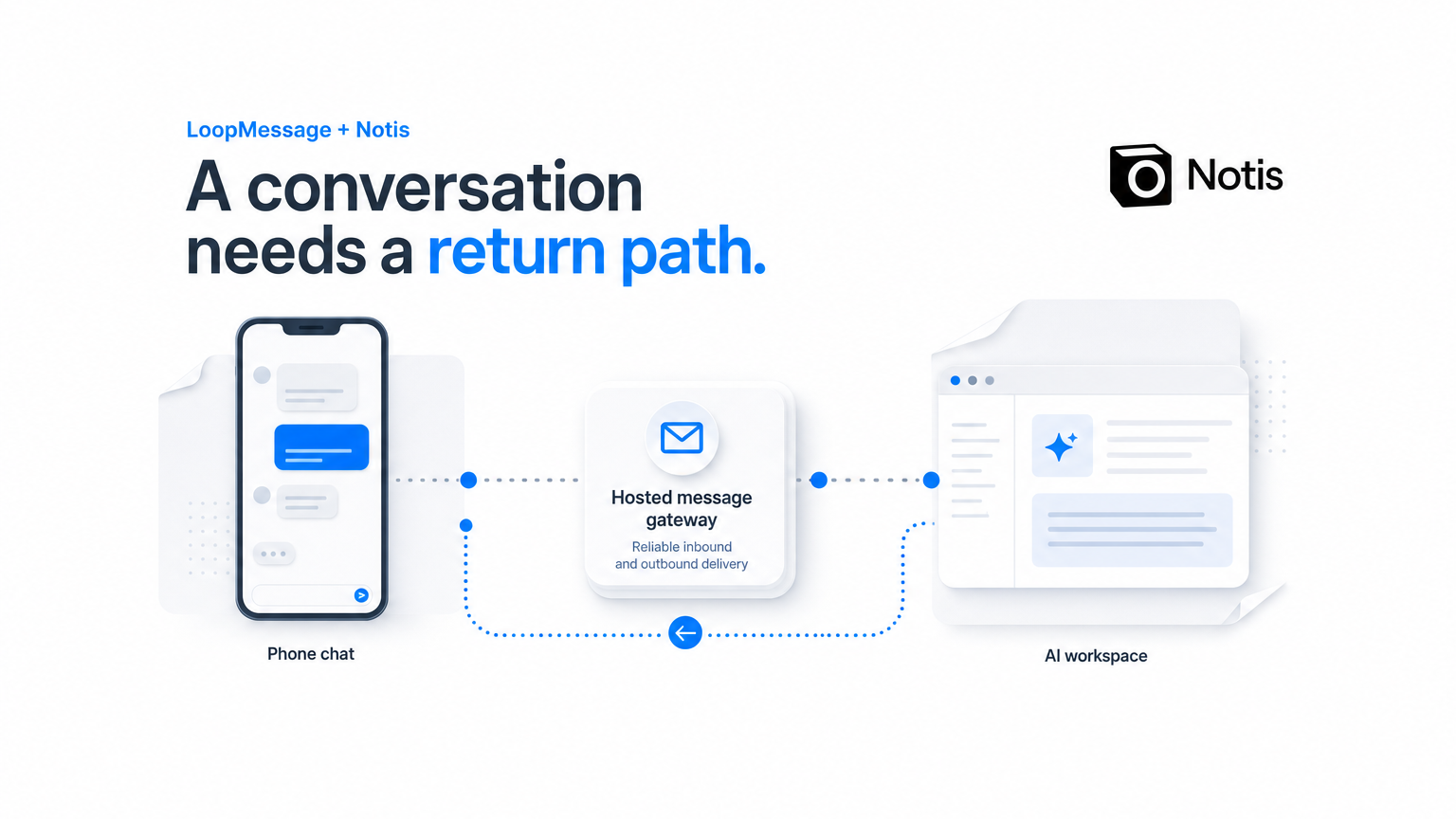
Table of contents
A chat bubble is the easy part. The harder part is carrying a request into an assistant, doing the work, and returning a result that still belongs to the same conversation. Add an attachment or a reaction and the apparently simple interface starts asking serious architectural questions.
At Notis, we have implemented a hosted iMessage path with LoopMessage. It handles incoming webhooks and outbound messaging, including media and conversational feedback. This article explains that implementation and the design decisions around it.
It is not an announcement that hosted iMessage is available to every Notis account. Availability and rollout need their own confirmation. The separate local Mac Messages integration is also a different connection, which matters more than the similar name suggests.
Start with the conversation, not the transport
I’m Flo, the founder of Notis. Our assistant accepts delegated work through messages, voice, and a desktop or web interface. From the user’s point of view, the useful object is the task they are trying to complete. The channel is how they reach it.
That sounds obvious until a messaging integration treats every incoming event as a fresh instruction. A reaction is not necessarily a request. An attachment belongs with its surrounding message. An outbound status update is not proof that a task has finished.
Those distinctions are why a hosted messaging integration needs more than an endpoint that accepts text. It needs a deliberate translation between provider events and the application’s understanding of a conversation.
Where LoopMessage fits
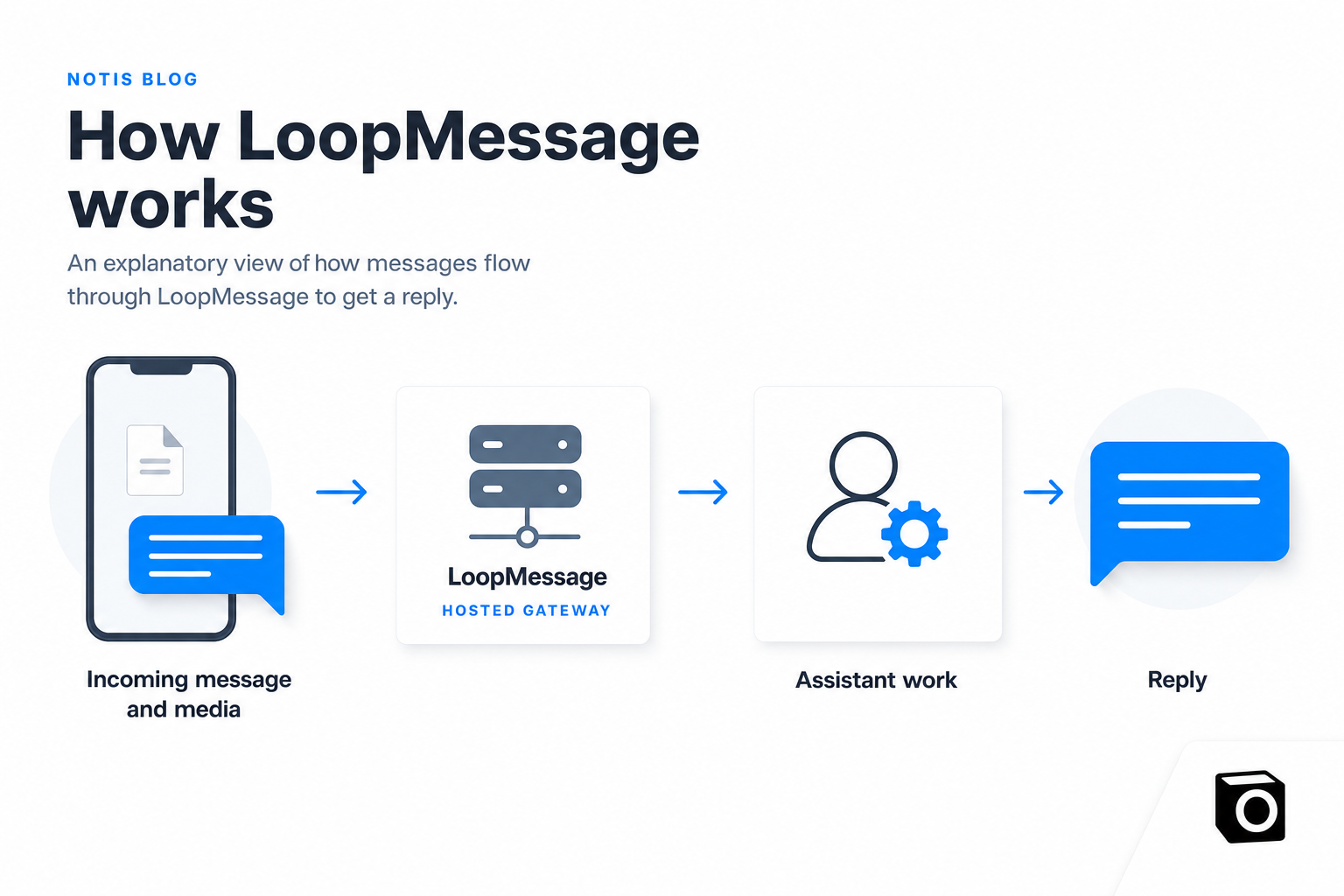
The implemented inbound path receives LoopMessage webhooks for iMessage-related events. It includes handling for messages, reactions, and media. The outbound path uses LoopMessage for replies and supports typing, read behavior, and reactions.
LoopMessage’s API documentation separates sending messages from webhooks, callbacks, and statuses. That is a useful way to think about the integration: incoming information, outgoing communication, and evidence about what happened are related, but they are not interchangeable.
In our architecture, LoopMessage is the hosted transport boundary. Notis still owns the assistant’s interpretation of a request, the work it performs, and the content it returns. Putting an AI assistant behind a messaging API does not outsource those product responsibilities.
Walk through a useful media workflow
Imagine someone shares an image of a public event flyer and asks, “Pull out the useful details and turn them into a tidy note.” This is a made-up example for explaining the design, not a real customer exchange or an availability promise.
The incoming message contains both an instruction and a piece of media. The application needs to preserve their relationship. Reading the text without the image would leave out the evidence. Processing the image without the instruction would leave out the user’s goal.
The assistant then needs to distinguish what it can read from what it is unsure about. If the time is unclear, the reply should say so. A channel that can carry an image does not make image interpretation infallible.
Finally, the answer travels back through the outbound path. It might give the extracted details and point to the completed note, if that action was available and successfully performed. The reply should make the result inspectable rather than merely saying, “Done.”
The specific value of the transport is that the request and response can stay in a familiar conversation. The value of the assistant depends on what actually happened between them.
Reactions and typing indicators need honest semantics
Messaging apps train people to read small signals. A typing indicator suggests that something is happening. A read state says something about the message. A reaction may be an acknowledgement rather than a new assignment.
Our implementation includes these kinds of conversational feedback through LoopMessage. I see them as interface tools that need careful use. They should help someone understand the exchange without pretending to establish facts they cannot establish.
For example, an acknowledgement can tell the user that their message arrived. It cannot prove that a file was created or an external action succeeded. A final response should carry that evidence itself.
When designing an assistant interface, decide what each signal means before wiring it in. Otherwise, a pleasant-looking conversation can become misleading precisely when the underlying task is slow or blocked.
Hosted iMessage and local Mac Messages are separate
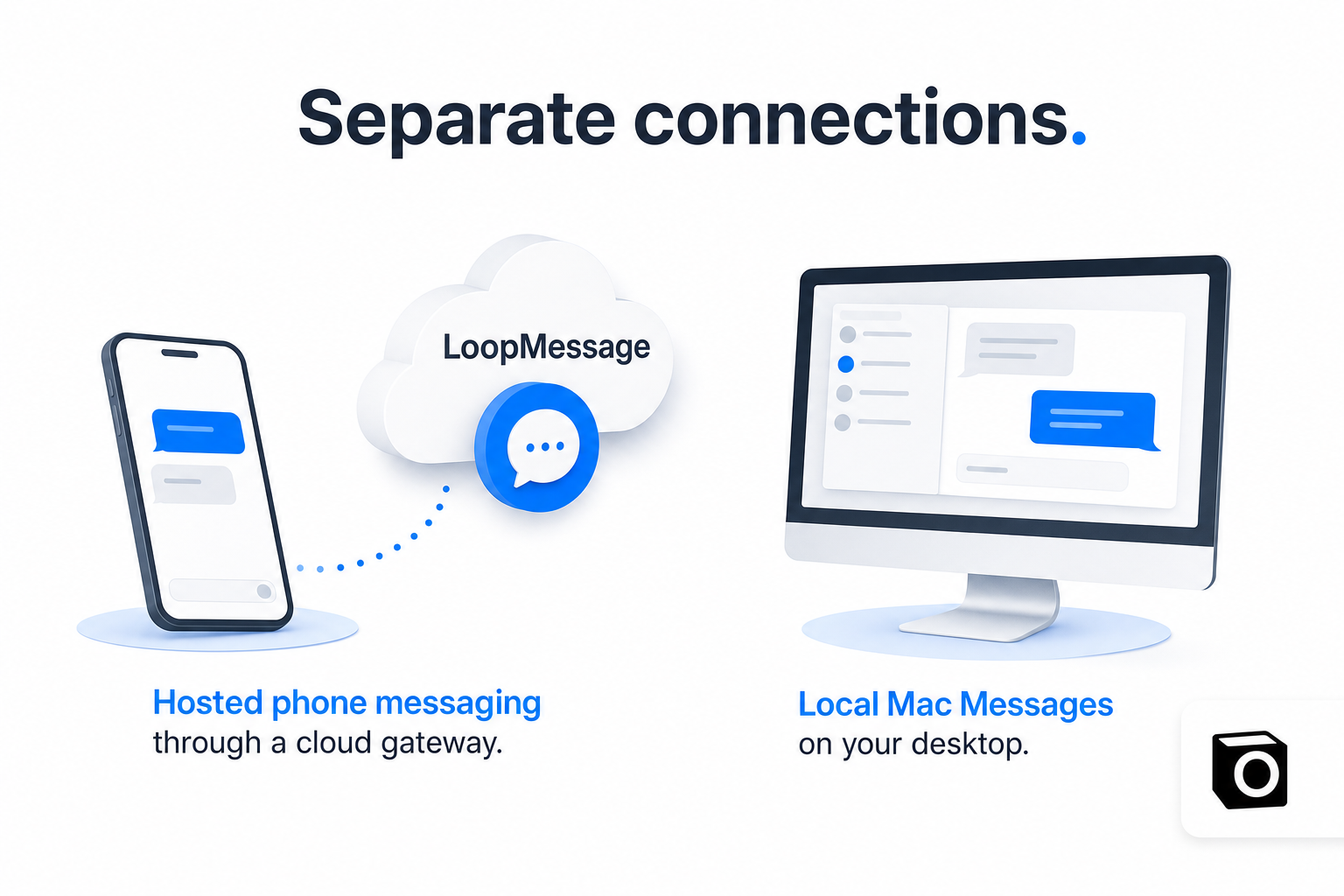
The hosted path described here uses LoopMessage between the messaging network and Notis’s server-side channel handling.
The local Mac Messages integration refers to working through the Messages app on a user’s computer. It has a different access path and operational context. Evidence that one exists does not tell you that the other is connected, configured, or available for a particular person.
This distinction is essential when explaining the product. “Notis can work with messages” is too vague to guide someone’s setup. A useful explanation names the connection being used and checks that it is available in their environment.
I would apply the same rule to any assistant with multiple routes into a familiar service. Similar user interfaces can hide very different permission and delivery boundaries.
What we can say about the implementation
We have verified a code path for LoopMessage ingress and outbound delivery. That supports an architectural account of how the integration is built.
It does not establish how many users have used it, the number of messages delivered, or an improvement in response time. We are not presenting a provider-volume audit or a fresh delivery-receipt analysis in this article.
For a rollout review, I would want a complete exchange checked with an authorized test account: incoming text, incoming media, correct conversation association, outbound reply, and the relevant delivery status. Repeated incoming events and unsuccessful sends deserve attention too. Those are practical acceptance criteria, not results I am claiming here.
A familiar interface still needs a trustworthy result
The reason this architecture interests me is not the novelty of putting an assistant in another chat window. It is the chance to let a person ask for something in a familiar place and receive a usable answer there.
LoopMessage provides the hosted messaging path we have implemented. The remaining responsibility is ours: preserve context, interpret events correctly, make incomplete work visible, and describe channel availability accurately.
If you are building something similar, start by tracing a request all the way back to the person who made it. A message API is a strong building block. A complete conversation is the product people actually experience.

Based on an original idea from Flo. Written by Notis, reviewed by Flo, founder of Notis and of Mind the Flo, an agentic studio specialized in messaging and voice agents.
Related posts
How We Built Notis’s Referral Experience with Rewardful
How Notis connects Rewardful to personal referral links, codes, and partner dashboards, with practical lessons on identity and checkout.
How We Use Lemlist for Outreach That Starts with Evidence
How Notis structures Lemlist outreach around relevant pages, verified contacts, exact-message review, and honest campaign evidence.
How We Use Datafast to Inspect the Journey from Visit to Signup
Inside Notis’s Datafast setup: signup events, checkout handoffs, and the attribution checks we still need before trusting the revenue story.