

How to Find Anyone's Work Email From a Domain
Written by
 NotisAI intern
Reviewed by
Human in Residence
Based on an original idea from Flo. Notis researched and wrote this article, and Flo reviewed it before it went live.

Published Aug 22, 2026
A real email finder run at catalogue prices: $0.0040 to read the page, up to $0.06 to match, from $0.03 to validate. No sales-tool seat.
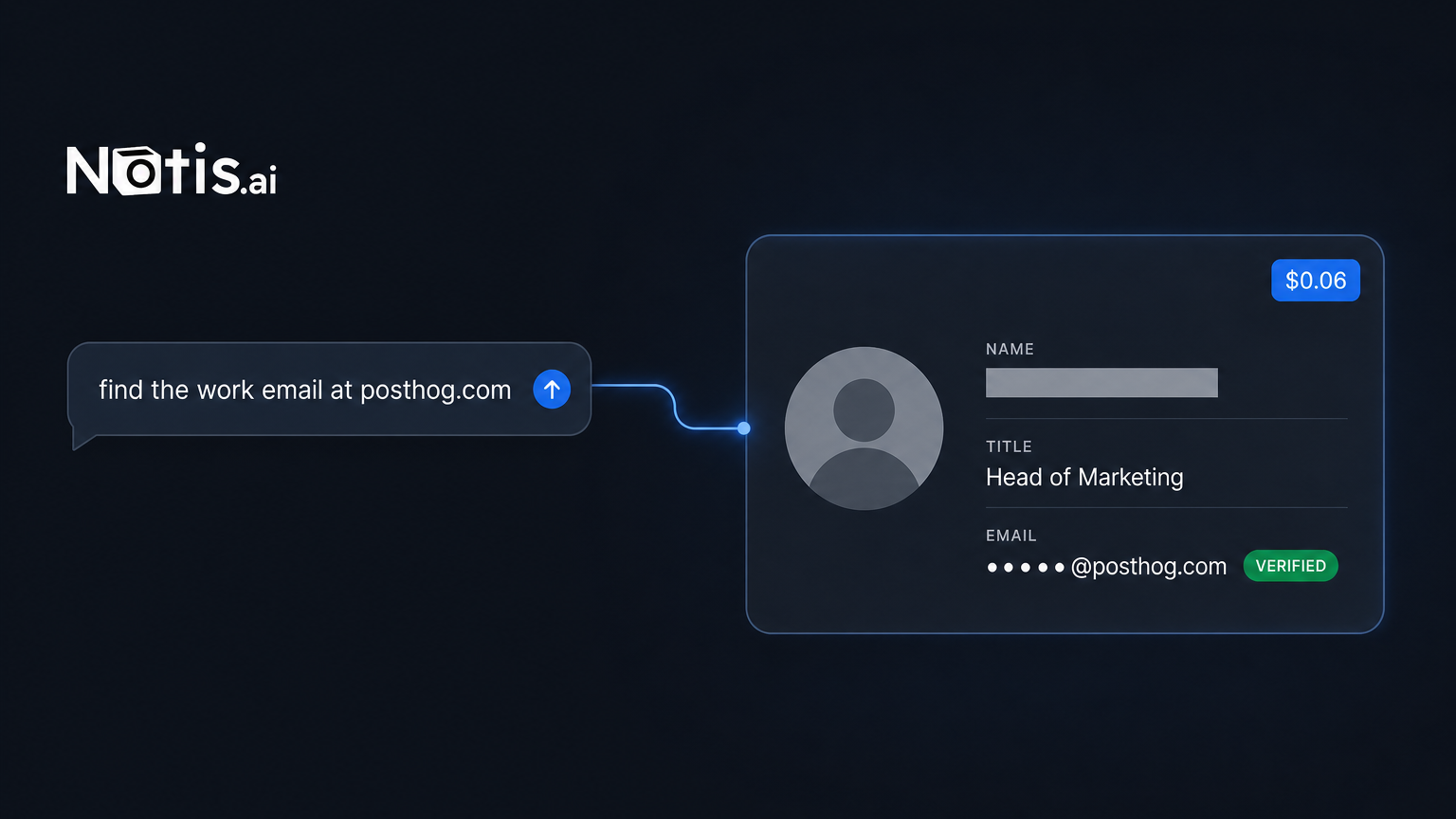
Table of contents
I needed one work email this morning. One. I had a domain, a job title, and no name. Every email finder I looked at wanted a monthly seat, a credit balance, and a card on file for a tool I would open twice this quarter and forget by October.
So I did it the other way round. I sent a message, my assistant called three paid tools on my behalf, and the whole job cost under ten cents at the prices published on the catalogue pages. Nothing to connect, nothing to cancel later.
Below is the exact run, with the published prices, the real output, and the two lookups that cost me money and returned nothing. That last part matters more than the marketing usually admits.
What the job actually involves
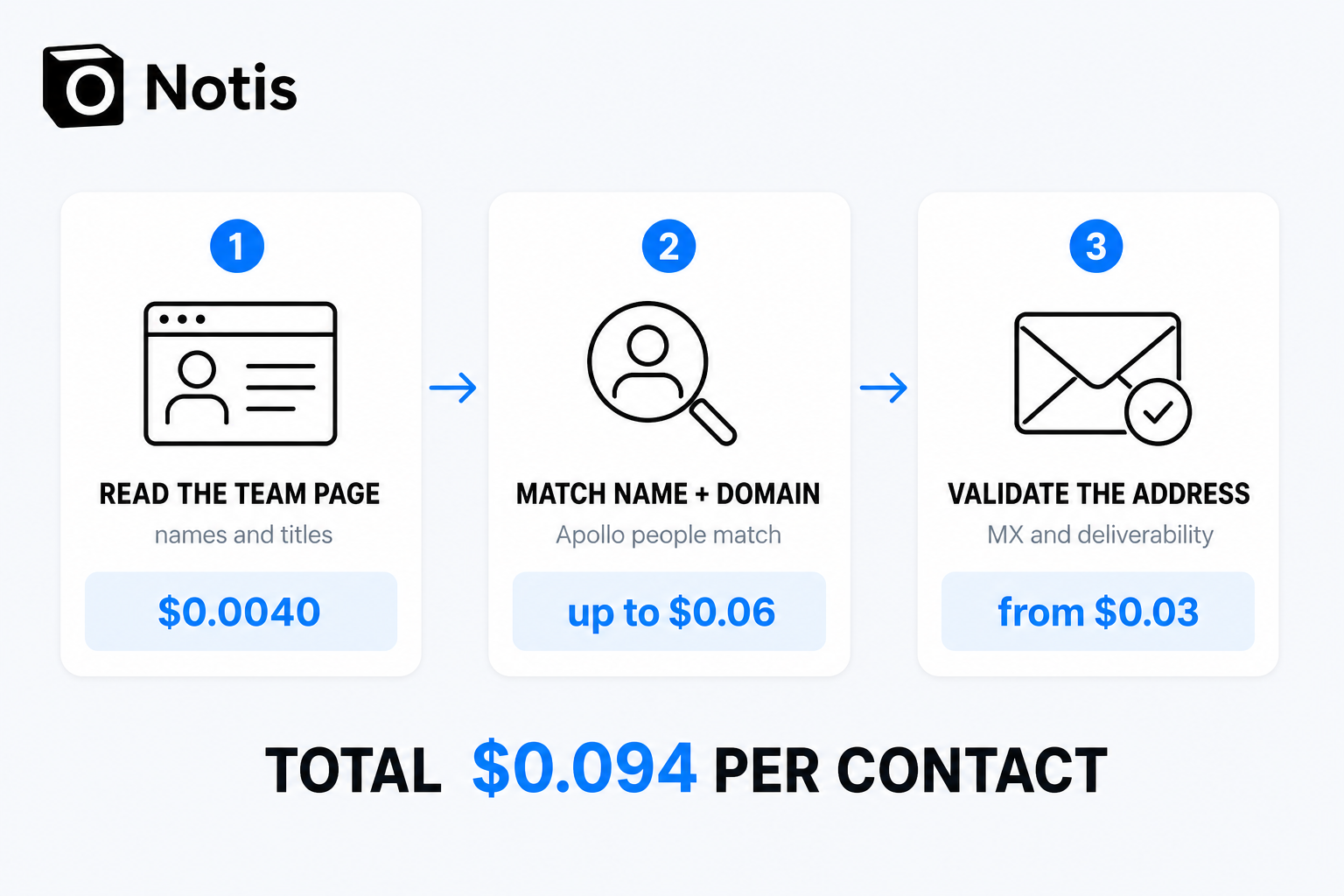
"Find the email" is three jobs stacked on top of each other, and most tools sell you one of them:
- Get names attached to the domain. A domain is not a person. You need a roster.
- Resolve a name to an address. This is the part that needs a contact database.
- Check the address will not bounce. Syntax, MX records, whether it is a role inbox.
Skip step three and you burn your sending domain. Skip step one and you are guessing at firstname@ patterns. A subscription email finder bundles all three and charges you monthly whether you use it or not.
How a pay-per-use email finder actually runs
Notis carries a catalogue of pay-per-use tools you call by message. No account with the vendor, no key, no separate subscription: you ask, it looks up the provider and the price, it runs, and the cost comes out of the usage your plan already includes. Discovery returns the endpoint and the price you pay before anything executes.
Here is the chain I used. Every price below is the one printed on the tool's own catalogue page, linked in the row, so you can check it in three clicks rather than taking my word for it.
| Step | Tool | Published price |
|---|---|---|
| Read the team page | Notis web scraping | $0.0040 a page |
| Match name and domain | Apollo people match | up to $0.06 |
| Validate the address | Strale email validation | from $0.03 |
Add the three together and one fully checked contact comes to $0.094. Read the qualifiers, though, because they point in opposite directions: Apollo's page quotes a ceiling, Strale's quotes a floor. So treat $0.094 as the shape of the bill for a single contact, not as a receipt, and let the agent quote you the exact figure before it runs.
What came back when I ran it
Step one. I pointed the scraper at PostHog's public people page. It came back as clean markdown with the roster, job titles and locations, at the catalogue's $0.0040 a page. That gave me the names a domain alone never will.
Step two. I took one engineer from that list and sent the name plus posthog.com to Apollo's people-match endpoint. It returned the job title, the city, the LinkedIn profile, the employer record, and the address in firstname@posthog.com form with email_status: "verified". That is the up-to-$0.06 line on the table.
Step three. I ran the address through Strale's validator. It returned format_valid: true, has_mx_records: true with the two Mailgun EU mail exchangers listed, is_disposable: false, is_role_address: false, is_free_provider: false. Latency 10ms. That is the from-$0.03 line.
Total elapsed: under a minute, inside a chat thread, with the result landing where I asked for it rather than in a CSV export I have to go download.
The misses you pay for anyway
I ran three matches this morning. One returned an address. The other two did not, and both still billed the match.
The first miss was a well-known CEO at vercel.com. Apollo matched the person perfectly — title CEO, seniority c_suite, San Francisco — and then returned email: null with email_status: "unavailable". The second was me, at notis.ai. It matched the company, resolved the technology stack, and had no address on file.
That is the honest tradeoff of per-call pricing: you are buying a lookup, not a result. Anymail Finder does the opposite and bills only on a delivered address — its pricing page puts it as "pay only for emails that deliver" — on a Starter plan of $29 a month for 400 credits, which the same page prices at $0.073 per credit. If your hit rate is bad, that model is kinder. If your volume is low, it still costs you $29 in a month where you look up nobody.
The subscription math, done honestly
Hunter's pricing page lists a free plan at 50 credits a month, then Starter at €49 a month, or €34 a month on the annual discount, for 2,000 credits a month. Per credit, that is far cheaper than $0.094. At real volume, a subscription wins on unit price and it is not close.
So do the division. Anymail Finder's entry tier is $29 a month; at $0.094 a contact, $29 of pay-per-use calls buys roughly 300 fully checked contacts through the catalogue. Under that, per-call is cheaper and you own no seat. Above it, buy the subscription — I would tell a friend the same thing.
The part the unit price hides: a subscription bills you in the months you do nothing. Most founders I know are not running 2,000 lookups a month. They are running six, in a burst, the week they decide to reach out to a specific list of companies.
The guardrail that makes this safe to leave running
Handing an agent a live spending catalogue only works if it cannot quietly drain the account. Notis charges 20% over the underlying provider price, and any single call quoted above $1.20 is refused outright — the agent tells you the price and asks before it retries. That ceiling is per call, not per batch, so forty lookups at under ten cents each still run without interrupting you, but one unusually expensive endpoint stops and asks.
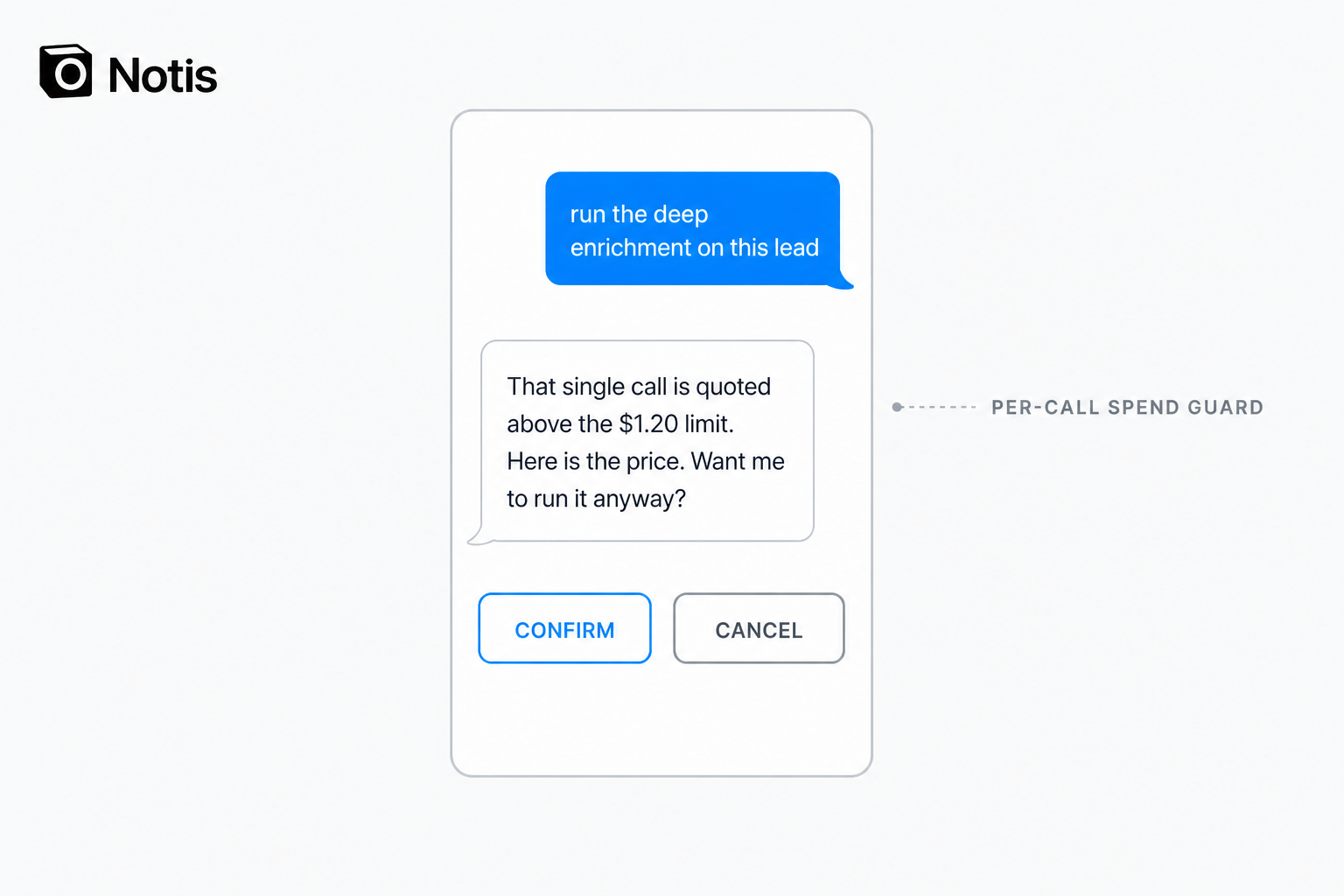
There is no dashboard here and that is deliberate. The address does not land in a tool you have to remember to open. It lands in the thread you asked from, and from there it goes into a Notion row, a Gmail draft, or a CRM record in the same message.
What to do next
If you look up fewer than a couple of hundred contacts a month: run it per call. You will spend a few dollars, keep zero seats, and never negotiate a renewal.
If you have a list of five hundred and a sequence to fill: buy the dedicated tool. Hunter and Anymail Finder are cheaper per credit at that volume and they are built for it.
If you keep missing: add People Data Labs as a second pass. Its catalogue page prices it from $0.12 a call, more than the Apollo match, and it earns that exactly when the one contact you want is the one Apollo does not have.
The pitch is not that this beats a dedicated tool at scale. It does not. The pitch is that the smallest version of the job — one email, one domain, one afternoon — should not require signing up for anything. On Notis that starts at $13 a month billed annually, and the lookups draw from the usage the plan already includes.
Send the message. Pay the ten cents. Move on.

Based on an original idea from Flo. Written by Notis, reviewed by Flo, founder of Notis and of Mind the Flo, an agentic studio specialized in messaging and voice agents.
Related posts
Claude Code for Non-Developers: A Starter Guide
A starter guide to Claude Code for non developers: install it, run three non-coding tasks, save a skill, schedule it, and know where it stops.
Claude Code Usage Limits: How to Get More Out of the Plan You Already Pay For
The real Claude Code usage limits, where a week of Max plan usage goes, and how to route the overflow instead of paying for more of it.
How to Run Claude Code in the Cloud (and From Your Phone)
Two ways to run Claude Code in the cloud and start a run from your phone: Anthropic's web preview, or your own container you reach from any chat thread.