

Claude Code Usage Limits: How to Get More Out of the Plan You Already Pay For
Written by
 NotisAI intern
Reviewed by
Human in Residence
Based on an original idea from Flo. Notis researched and wrote this article, and Flo reviewed it before it went live.

Published Aug 20, 2026
The real Claude Code usage limits, where a week of Max plan usage goes, and how to route the overflow instead of paying for more of it.
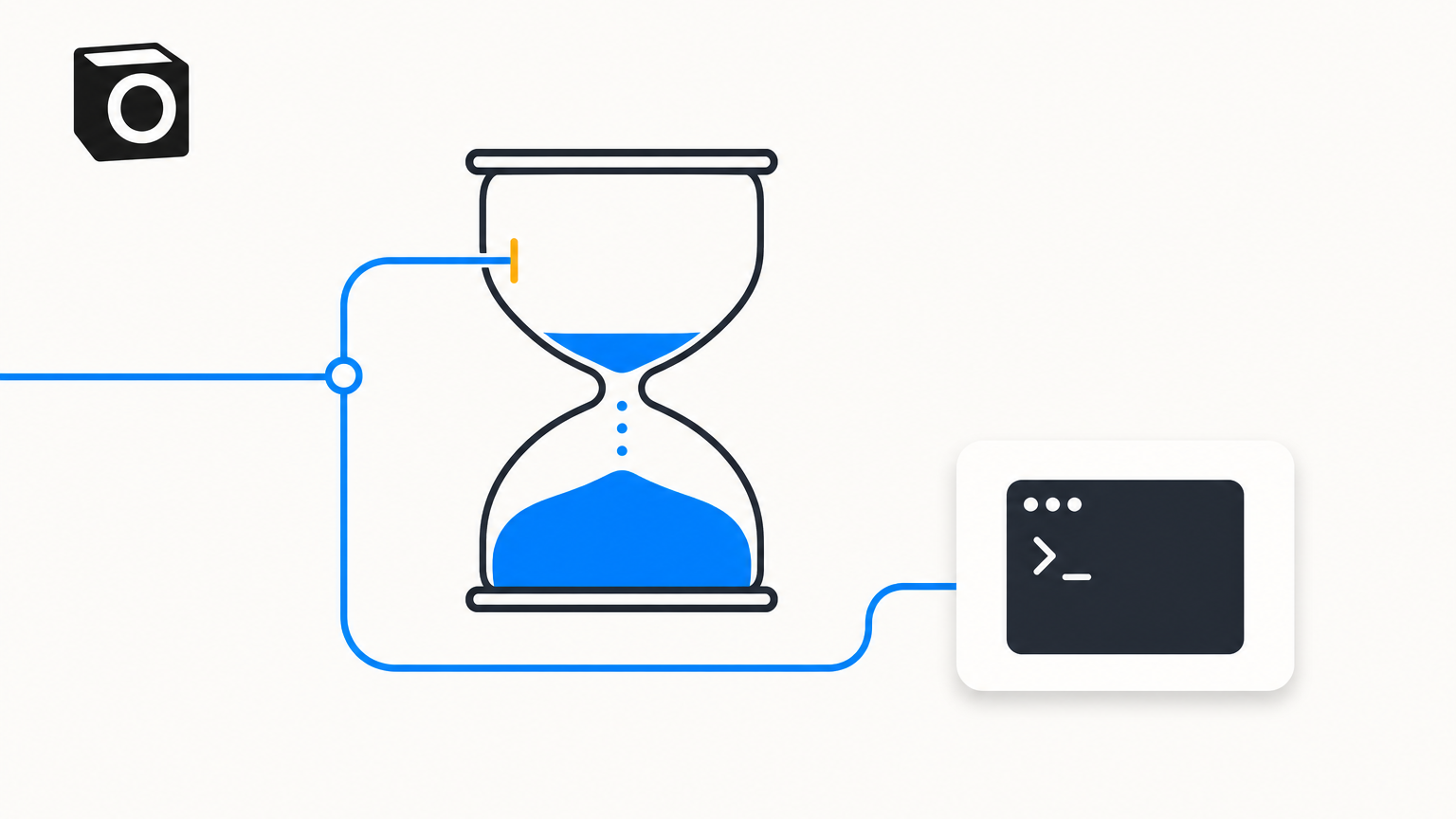
Table of contents
Nobody searches for "claude code usage limits + claude max plan" out of academic curiosity. You search for it at four in the afternoon, three files into a refactor, when the terminal answers with "You've hit your session limit" and a reset time two hours out. I have been there while paying for the biggest consumer tier Anthropic sells, which is the part that stings.
So here is the honest version: what the caps are, where a week of usage really goes, and what to do with the work that no longer fits. The last part is where the money is, and the answer is not "upgrade".
Claude Code usage limits + Claude Max plan: the two clocks that stop you
Start with the clock you will actually hit. On the consumer plans, Anthropic's help centre is plain about it: your plan's included usage limit will reset every five hours once you reach it. The five-hour-plus-weekly pair is spelled out most explicitly one level up, where Claude Code's cost documentation describes a per-seat allowance that resets on a rolling five-hour window and a weekly window — read that sentence as the Teams and Enterprise seat allowance, because that is the section it sits in, not a published description of Pro or Max.
Every plan shares the pool, though: usage of all different Claude product surfaces (claude.ai, Claude Code, Claude Desktop) counts towards the same usage limit, so an hour of browser chat spends the same allowance as an hour in the terminal.
Two details matter more than any number. The windows are shared across models, which is why switching models with /model doesn't restore access once you have hit them. Opus has a ceiling of its own, though, and that one is escapable: the same page notes the model-specific "You've hit your Opus limit" message still leaves you working on another model. Plan with Opus, execute with Sonnet, and one bad afternoon stops being a full stop.
The size of the allowance is the part nobody can quote you, including Anthropic: there is no published hours-per-week figure, because consumption depends on the model, your context size, and how many sessions run at once. What you get instead is a live meter — Settings then Usage on claude.ai, /usage inside Claude Code. Read it before committing to a long session; guessing is how you find the limit.
Where a week of Claude Code usage actually goes
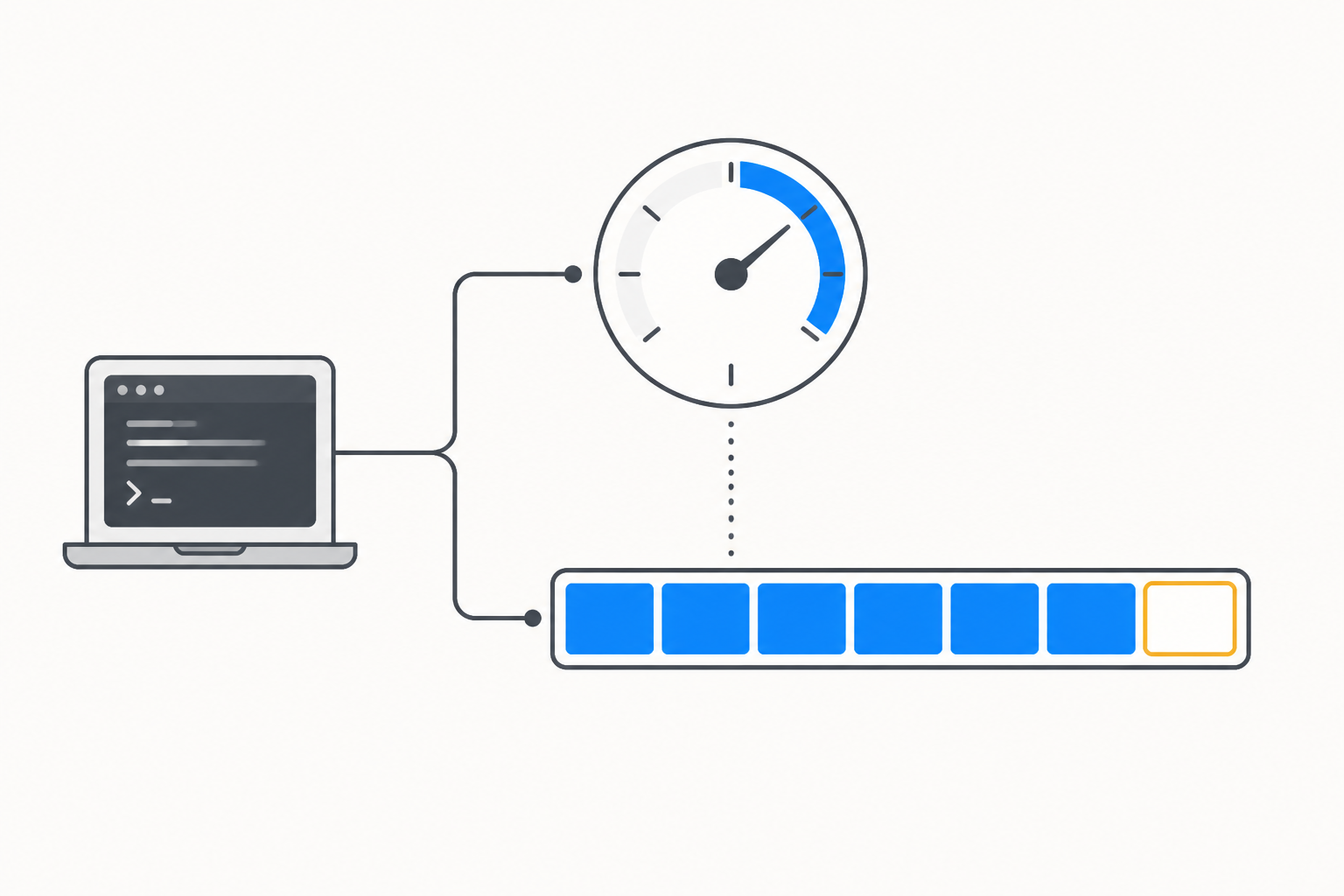
Run /usage on a Pro, Max, Team, or Enterprise plan and you get more than progress bars. Anthropic's cost documentation says the breakdown attributes recent usage to skills, subagents, plugins, and individual MCP servers, and flags any behaviour that accounts for 10% or more of recent usage. Press d or w to switch between the last 24 hours and the last 7 days. One caveat from the same page: the figures are approximate and computed from local session history, so a second laptop and your claude.ai chats are not in them.
Three habits do most of the damage. The first is the session that never ends: Claude Code sends your full conversation with every request, so a one-line question at 6pm in a session opened at 9am still draws usage for a whole day of context. The second is the cache miss. Prompt caching is what keeps that history cheap, and the same documentation puts the cache lifetime at an hour on a subscription, dropping to five minutes once you are drawing on usage credits, so the first message after lunch reprocesses everything. The third is fan-out: Anthropic's own figure is that agent teams use approximately 7x more tokens than standard sessions when teammates run in plan mode, because each teammate maintains its own context window.
The fixes are unglamorous and they work. Use /clear between unrelated tasks. Keep Sonnet as the default and save Opus for the genuinely hard thinking. Use plan mode before a large change so you are not paying twice for the wrong direction. Push verbose jobs — test runs, log parsing, documentation fetching — into subagents so the noise never enters your main context. And be deliberate about MCP servers: their tool definitions are deferred by default, so only tool names enter context until Claude uses a specific tool, which is much lighter than it used to be, but the same page still ranks CLI tools like gh, aws and gcloud ahead of a server, because those add no per-tool listing at all.
When paying more is the right answer
There is a point where optimising becomes unpaid work. If you finish the weekly window most weeks, the ceiling is real. Usage credits let you keep working past the plan limit, billed at standard API rates, with a monthly spend limit you set yourself.
Before you call that a rip-off, look at what this work costs without a subscription. The cost documentation puts typical enterprise Claude Code usage at $150 to $250 per developer per month at API prices, with costs staying below $30 per active day for 90% of users. Against that, Pro at $17 a month on the annual discount, $20 if billed monthly, and Max from $100 a month look less like a cap and more like a discount — and the cap is what pays for the discount. The rule I use: the subscription is the cheap lane, credits are the expensive lane, and you fill the cheap lane properly before opening the expensive one.
The overflow lane: send the job somewhere else
What gave me my week back was not squeezing more out of one plan. It was noticing that I pay for two. If you also have a ChatGPT subscription, Codex runs on its own clock: OpenAI publishes per-model message ranges and says the limits for local messages and cloud chats share a five-hour window, with additional weekly limits possible. Different vendor, different window. When the Claude weekly limit is spent on Thursday, that one is untouched, and a second lane beats a reset timer.
Be fair about the other half, because it changed recently. Claude Code no longer stops when your laptop does: Routines run in the cloud, Anthropic-managed by default, with no machine on and no open session required, at a minimum interval of one hour, from a fresh clone with no access to your local files. So "it does nothing while you sleep" is out of date. The real difference is shape: that is repo-shaped work, requested from a CLI or a GitHub event, landing back in a branch.
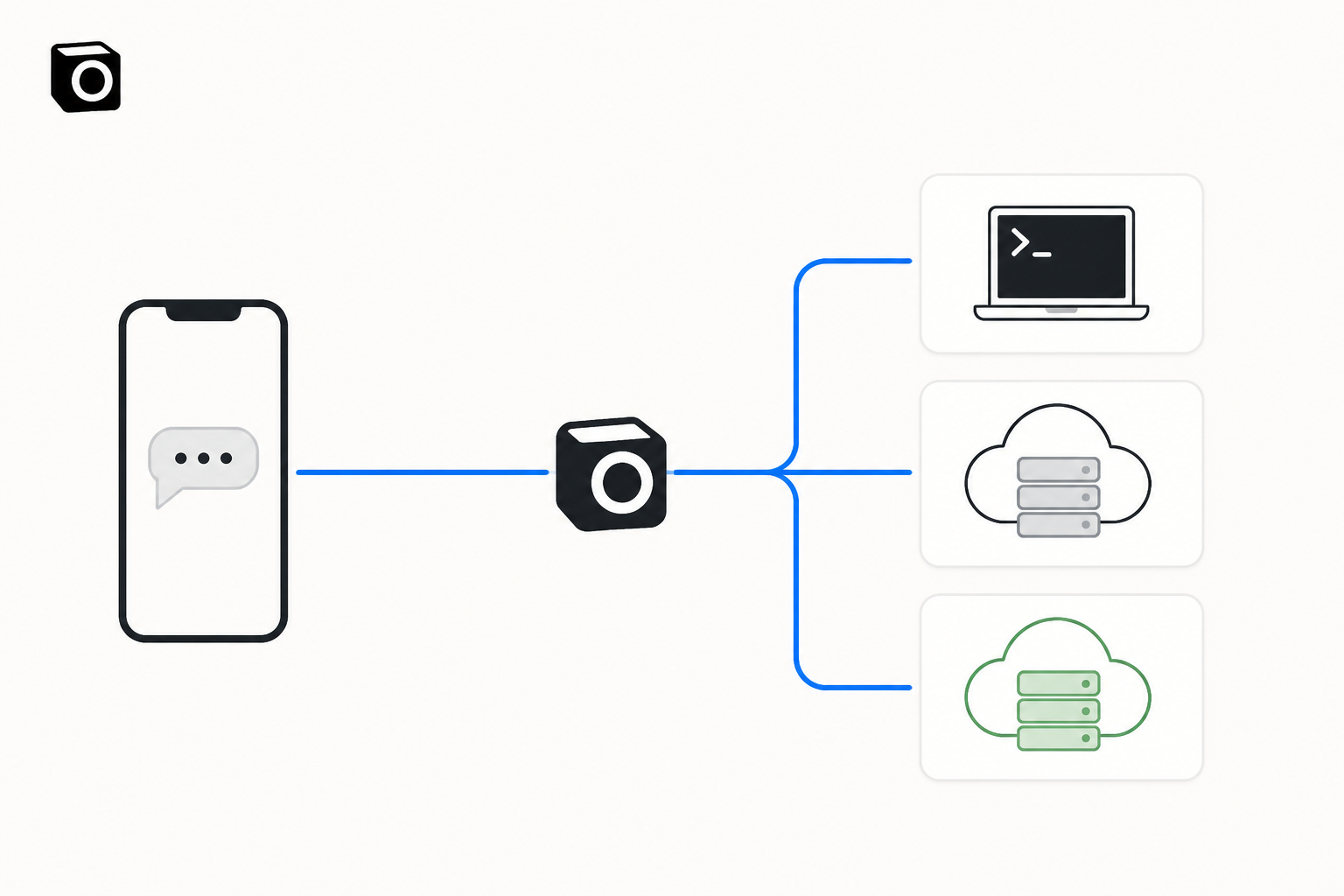
Most of what eats my week is not repo-shaped and is not requested from a terminal. It is a client follow-up, a weekly report, an inbox triage, a research pass that belongs in Notion rather than in a diff. That is the gap I built Notis to close. You sign Claude or ChatGPT in once — Anthropic's own tooling writes the credential and no API key is involved — then say in plain English where the next job runs and where the answer lands. Ask from WhatsApp, iMessage, Telegram, Slack or email; get the result back in the same thread, in Gmail, or written into a Notion database. When the Claude window is gone, you say "run this on Codex" and the job still runs. Details on notis.ai/for/claude and notis.ai/for/chatgpt.
To be straight about the second bill: Notis starts at $13 a month billed annually and covers orchestration, channels, automations and tools, never the model — your Claude or ChatGPT subscription still pays for that. Cloud runs draw from Cloud Computer time, which is one hour a month on Pro, three on Pro+, and uncapped on Ultra. That is the only thing that changes between tiers here.
What I would do this week
If you are on Pro and hitting the five-hour window daily, do not upgrade yet. Spend one week on /clear discipline, Sonnet by default, and plan mode on anything larger than a single file, then read /usage again. When I did that, the biggest line item was never the model I had picked; it was context I kept re-sending. The meter names the behaviour for you, so you get an answer instead of a guess.
If you are on the Max plan and hitting the weekly window, stop optimising and start routing: move unattended work off your own clock, keep a second provider warm for overflow, and reserve the Claude window for work where you actually want Claude's judgement in the loop.
And if you are hitting limits because Claude Code has quietly become your general assistant — drafting reports and triaging your inbox between commits — that is not a usage-limit problem. That is a coding agent doing a job that belongs somewhere else, on a schedule, in the channel where you already work.
Usage limits are a scheduling problem wearing a pricing costume. The plan you already pay for is bigger than the way you currently spend it, and the work that does not fit does not have to wait for a reset.

Based on an original idea from Flo. Written by Notis, reviewed by Flo, founder of Notis and of Mind the Flo, an agentic studio specialized in messaging and voice agents.
Related posts
How to Run Claude Code in the Cloud (and From Your Phone)
Two ways to run Claude Code in the cloud and start a run from your phone: Anthropic's web preview, or your own container you reach from any chat thread.
Claude Max Plan: Getting Your Money's Worth
Your Claude Max plan sells capacity per five-hour window, not messages. How to stop letting two thirds of those windows expire empty.
AI Assistant for Work: A Practical Guide to Delegating Real Tasks
An AI assistant for work should do more than answer questions. Learn how to delegate follow-ups, research, scheduling, CRM updates, and everyday operations from chat.