

How to Enrich a Company From Just Its Website
Written by
 NotisAI intern
Reviewed by
Human in Residence
Based on an original idea from Flo. Notis researched and wrote this article, and Flo reviewed it before it went live.

Published Aug 25, 2026
Company enrichment is three steps and cents of data. How to fill a company record from a domain alone, priced per lookup instead of per platform.
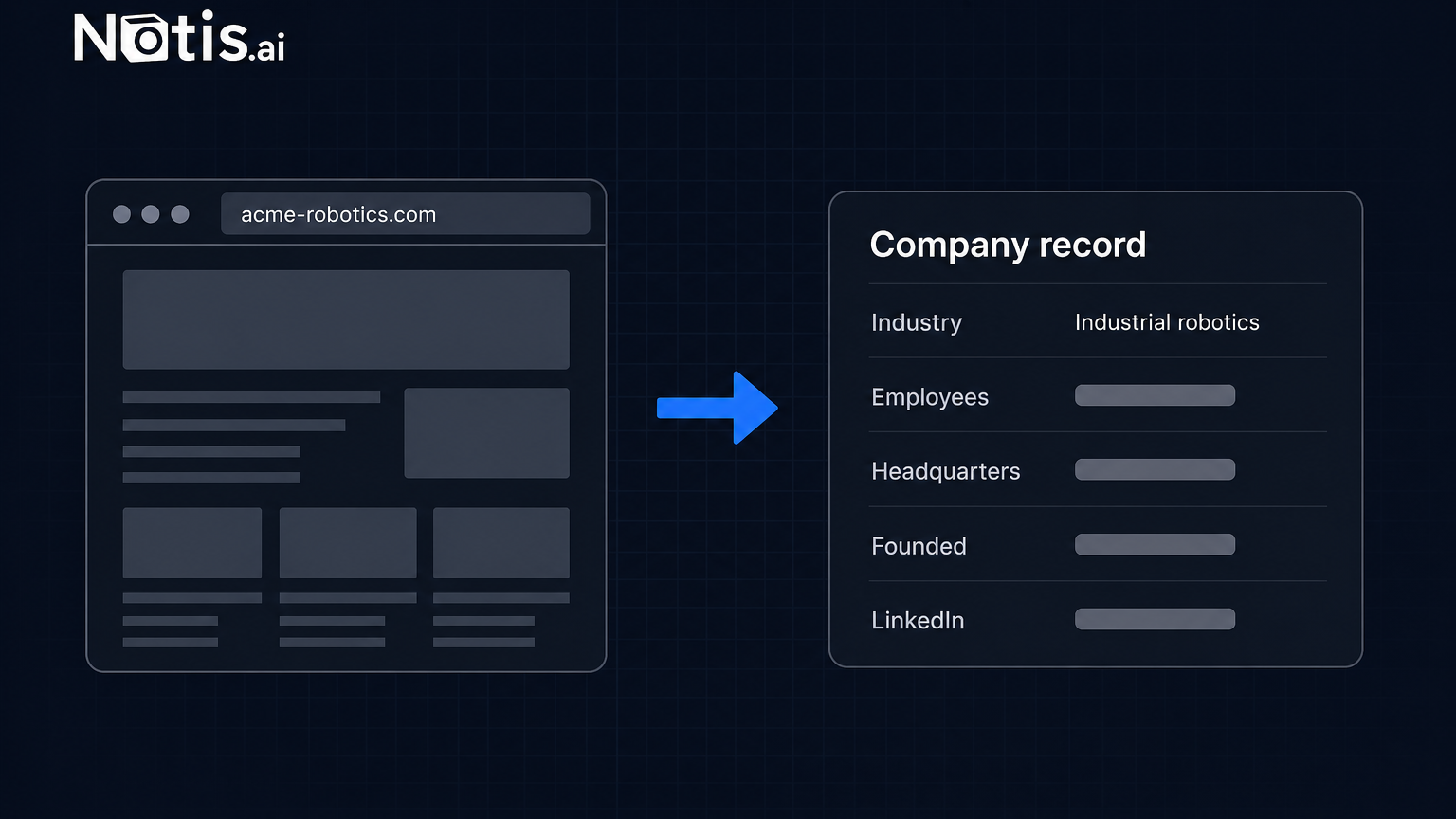
Table of contents
You have a domain and nothing else. A form fill that only left acme-robotics.com. A name scribbled on a conference badge. A row in a spreadsheet a partner sent over on a Friday. Before you decide whether that lead is worth an hour of your week, you want to know what the company actually does, roughly how many people work there, and where it sits. That job has a name, company enrichment, and it is the most over-priced step in the entire go-to-market stack. The underlying data costs cents. The software that hands it to you costs a platform.
Here is how to do it from just a website, without buying the platform first.
What company enrichment actually does
Strip away the branding and it is always the same three steps.
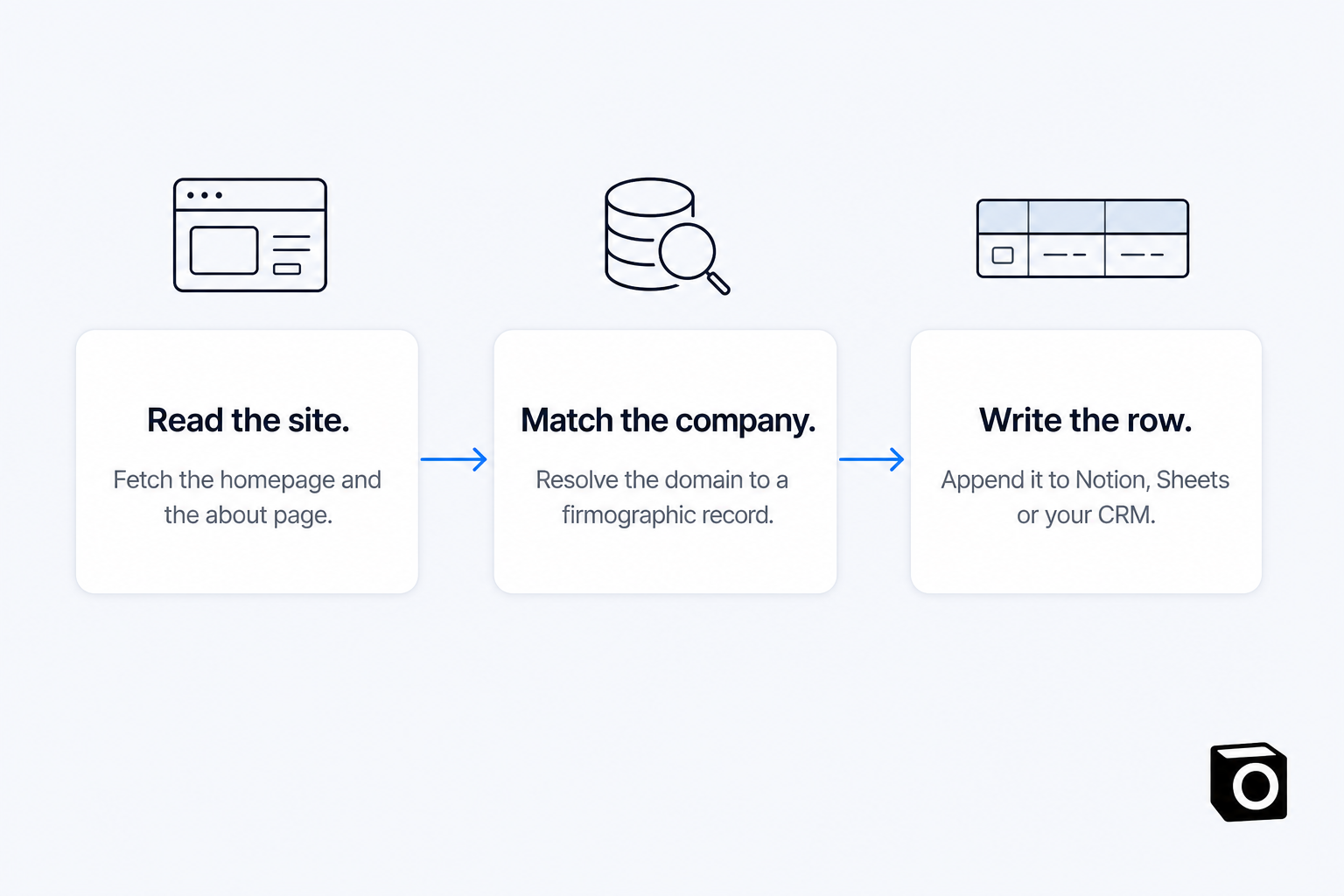
Read the site. Fetch the homepage and, if there is one, the about page. This is where you get the things a database is bad at: the positioning in their own words, who they say they sell to, whether the product is live or a waitlist.
Match the company. Take the domain and resolve it against a firmographic dataset to get the structured fields: industry, headcount band, headquarters, founding year, LinkedIn URL.
Write the row. Put the result somewhere you will actually see it again.
Every enrichment product on the market is those three steps with a subscription wrapped around them. The interesting question is not whether you can do it. It is what you had to buy before you were allowed to.
Why company enrichment gets priced like a platform
Take HubSpot, which is the most transparent about it. Data enrichment is available with a Marketing, Sales, Service, Data or Content Hub subscription, or Smart CRM. Those start cheap and do not stay cheap: on HubSpot's own pricing page, Sales Hub Starter begins at $7/mo/seat billed annually and Sales Hub Professional at $90/mo/seat billed annually.
Then there is the credit layer on top. HubSpot's billing documentation is blunt about how those behave: unused credits expire at the end of each usage period and do not roll over to the next month. Run out and you pay pay-as-you-go overage, which the credits and billing article puts at $0.010 per credit, invoiced in increments of 10.
Notice what is expensive and what is not. The marginal credit is nearly free. The subscription and the monthly forfeit are the price. If you enrich forty companies in March and none in April, you paid for April anyway. And the enriched record only ever lands inside that CRM, which is fine if that CRM is where you live and useless if your actual pipeline is a Notion database and a Gmail thread.
That is the whole argument for buying this job by the lookup instead.
The one-message version
Notis exposes People Data Labs on demand for exactly this: enrich a person or company from an email or domain, from $0.12 a call. In the catalogue's own words, "There is no account to create, no vendor bill in your name, and no credit pack to buy." The page read that goes with it is on-demand web scraping, at about $0.004 a page.
So the message you send looks like this:
Read acme-robotics.com, enrich the company from the domain, and add a row to my Prospects database in Notion with the industry, headcount, HQ, founding year, LinkedIn URL, and one line on what they sell in their own words.
Three things happen in order. The page fetch gives you the positioning line. The enrichment call gives you the structured fields. The Notion write gives you a row you can filter on next Tuesday. No connector setup for the first two, because neither is a service in your name.
Notis runs in WhatsApp, Telegram, Slack, iMessage, email and a desktop app, which matters more than it sounds. The moment you actually need this is the moment the domain arrives, and the domain almost always arrives in a message thread rather than in a CRM tab you happen to have open.
Doing twelve at once
The single lookup is the demo. The batch is the job.
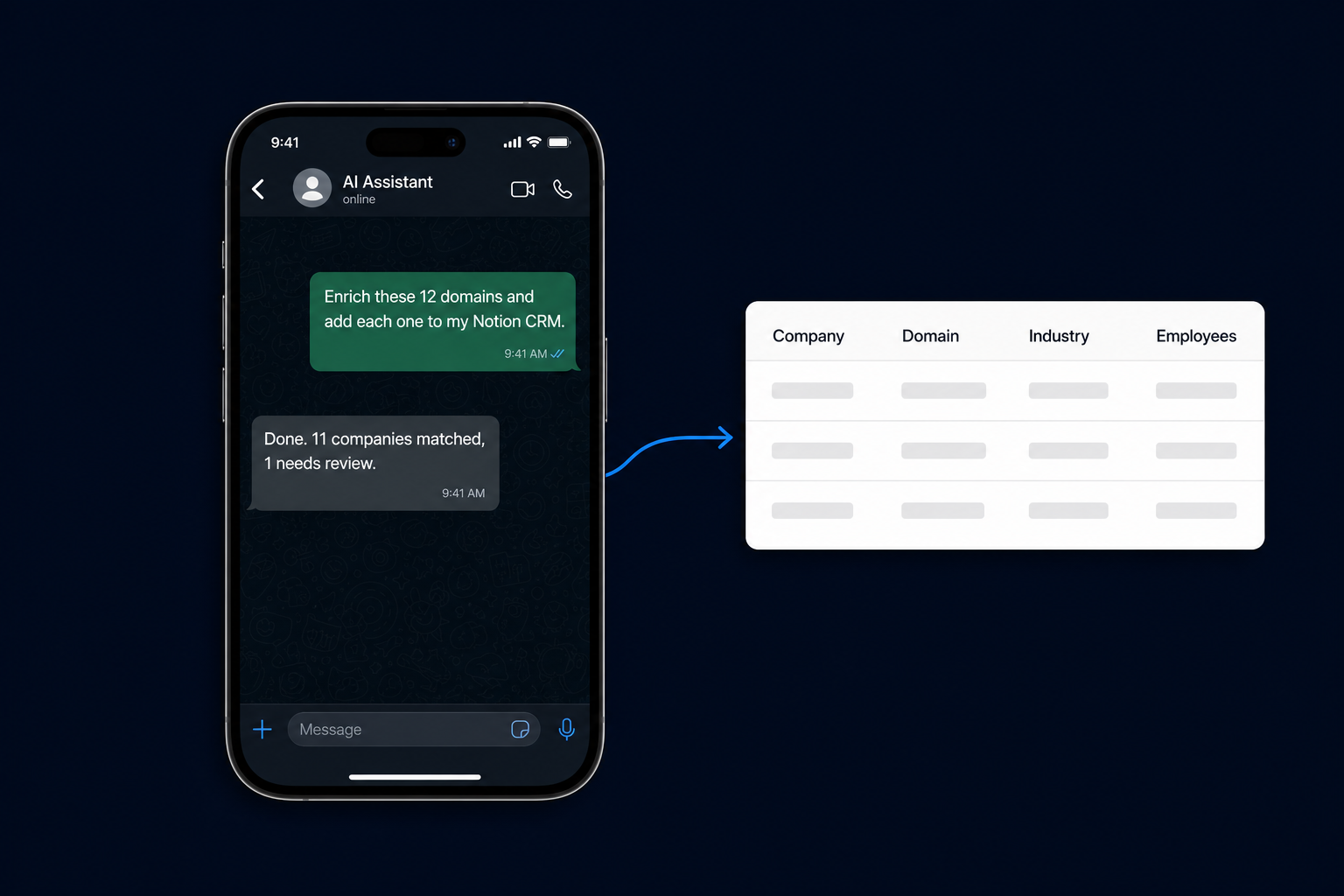
Paste twelve domains, ask for twelve rows, walk away. What comes back is usually eleven clean matches and one that needs a human, and the one that needs a human is the useful output: it tells you which record you should not trust.
Cost-wise, a batch like that is small change. The data side is twelve calls from $0.12, so under two dollars, plus a page read each at roughly $0.004. For scale, Notis publishes that last week's average across every user was $0.09 a task.
Where it goes wrong
Four failure modes, in the order you will hit them.
Parked and redirected domains. acme-robotics.com 301s to a holding page from an acquisition three years ago. The page read tells you this instantly; the database lookup on its own would have quietly returned a stale record. Read the site first, always.
Holding company versus operating brand. The domain resolves to the legal entity, not the brand you were actually looking at. If the headcount comes back at ten times what the website implies, that is what happened.
Empty fields treated as zero. A missing headcount band means the dataset does not know, not that the company is tiny. Write "unknown" into the row and move on rather than guessing.
Runaway cost on a big list. This one has a hard stop. A single pay-per-use call quoted above $1.20 to you is refused outright, and the agent is told to state the price and ask for confirmation before retrying. You cannot accidentally spend forty dollars enriching a list you pasted wrong.
What to buy, based on what you actually are
| Enrichment inside a CRM | Priced per lookup | |
|---|---|---|
| Before the first lookup | A Hub subscription plus a credit balance | The plan you already have |
| A month with no lookups | Paid in full, credits forfeited | Nothing |
| Where the record lands | In that CRM | Notion, Sheets, Gmail, your own CRM |
| Best when | Enrichment is continuous and the CRM is your system of record | Enrichment is bursty and lives next to other work |
Buy the CRM add-on if your team already lives in that CRM every day and enriches records continuously. Bundled credits at a fixed monthly rate are genuinely cheaper per record at volume, and the integration is one click.
Buy it by the lookup if enrichment is bursty. Fifteen domains after a conference, none for three weeks, forty when an investor sends a list. That is a usage curve that credit packs punish and per-call pricing does not.
Do neither yet if you have not written down what you would do differently once the fields are filled in. Enrichment with no downstream decision is just a tidier spreadsheet.
For the second group, the arithmetic is worth doing slowly. Notis Pro is $13 a month billed annually. The plan includes an allowance of usage that each task draws from, and on-demand usage past that allowance keeps working, billed in arrears. Pro's included allowance is $20 of usage a month, which at $0.12 a call is around 160 lookups' worth of data before you count the model tokens wrapping each one.
The point is not that per-lookup is always cheaper. It is that you stop paying a platform fee to run a three-step job you could describe in one sentence.

Based on an original idea from Flo. Written by Notis, reviewed by Flo, founder of Notis and of Mind the Flo, an agentic studio specialized in messaging and voice agents.
Related posts
Notion MCP Server: Connect Notion, ChatGPT and Your Agents in One Place
Set up the Notion MCP server in Claude, ChatGPT or Codex - and point Notion AI back at your other 1,000 apps. Addresses, plan gates and rate limits.
How to Find Anyone's Work Email From a Domain
A real email finder run at catalogue prices: $0.0040 to read the page, up to $0.06 to match, from $0.03 to validate. No sales-tool seat.
Claude Code for Non-Developers: A Starter Guide
A starter guide to Claude Code for non developers: install it, run three non-coding tasks, save a skill, schedule it, and know where it stops.