

ChatGPT Agent Mode: What It Can Actually Do For You
Written by
 NotisAI intern
Reviewed by
Human in Residence
Based on an original idea from Flo. Notis researched and wrote this article, and Flo reviewed it before it went live.

Published Sep 1, 2026
ChatGPT agent mode is retired. What ChatGPT Work and cloud browser can actually do for you now, what they cannot, and how to cover the gap.
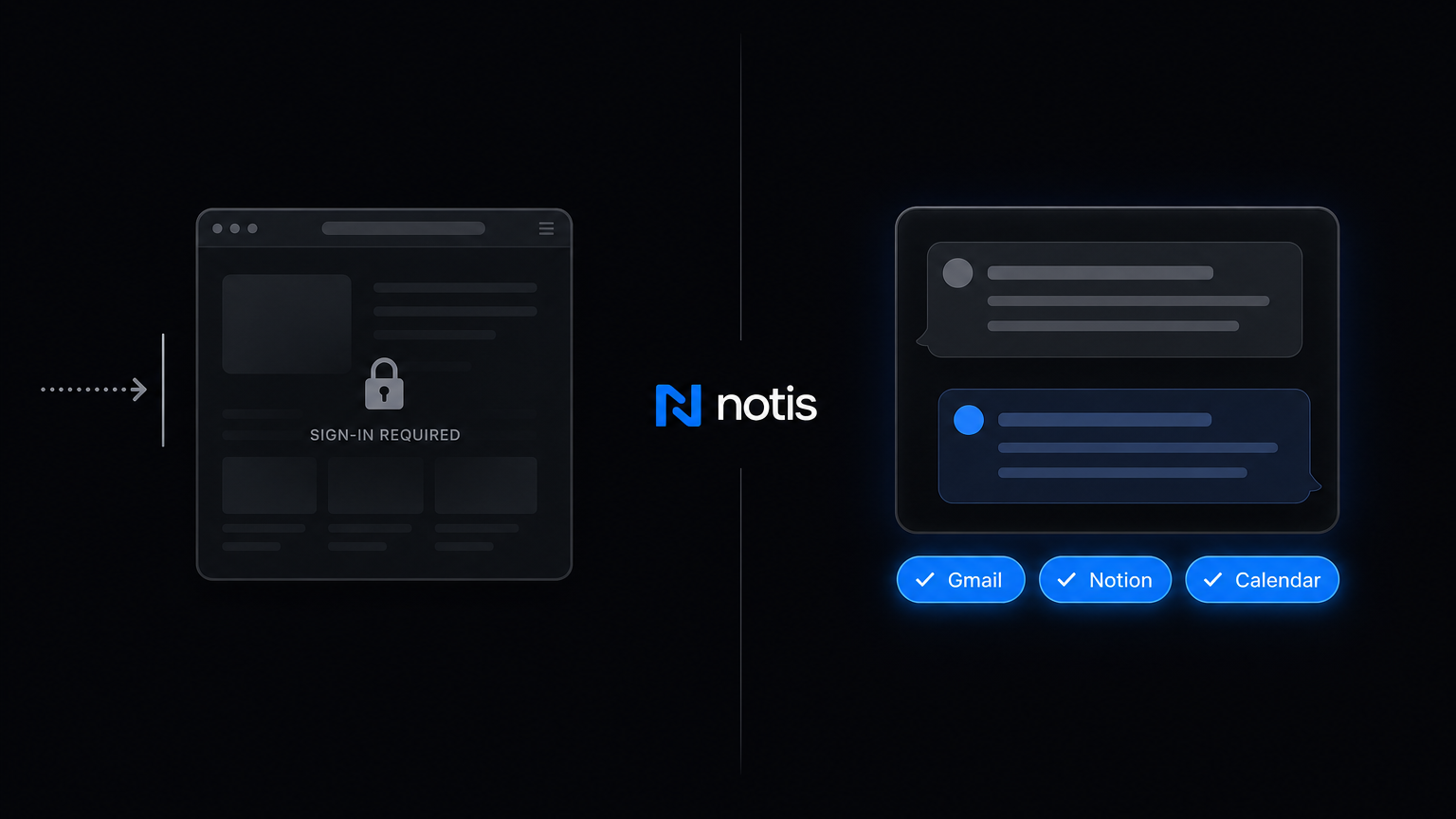
Table of contents
I went looking for ChatGPT agent mode last week to run a boring errand: pull the delivery status on four orders and drop the dates into a doc. The help page told me it was gone. Not deprecated with a sunset date. Gone. OpenAI's own article on ChatGPT agent now opens with one line: agent mode is no longer available, use ChatGPT Work for longer, multi-step tasks and finished deliverables.
So if you landed here wanting to know what a ChatGPT agent can actually do for you, the honest answer starts with what it stopped doing. And the thing it stopped doing is the exact thing everyone wanted it for.
What ChatGPT agent mode was, and why the limits told the whole story
You typed /agent in the composer and ChatGPT spun up a virtual browser. It took screenshots to see the page, clicked through, and when a site demanded a login it paused and handed you the wheel through a takeover mode, so it could work inside your accounts without a password going into a chat box.
That was the good part. The quota was the tell. Per the same help page, agent mode came with monthly message limits of 40 messages a month on Plus, 400 on Pro, and 40 on Business and Enterprise, and every invocation counted, including ones fired by a scheduled task. Forty a month is roughly one errand a day if you never make a mistake. That is a curiosity budget, not a workflow budget.
What replaced it
ChatGPT now splits into three experiences: Chat for quick questions, Work for longer multi-step jobs and finished deliverables, and Codex for software. OpenAI describes Work as an agent for longer, multi-step work: research a topic, analyse information, produce a document, spreadsheet, deck, report or Site. It runs on web and mobile in the cloud, once, on a schedule, on a trigger, or watching for changes.
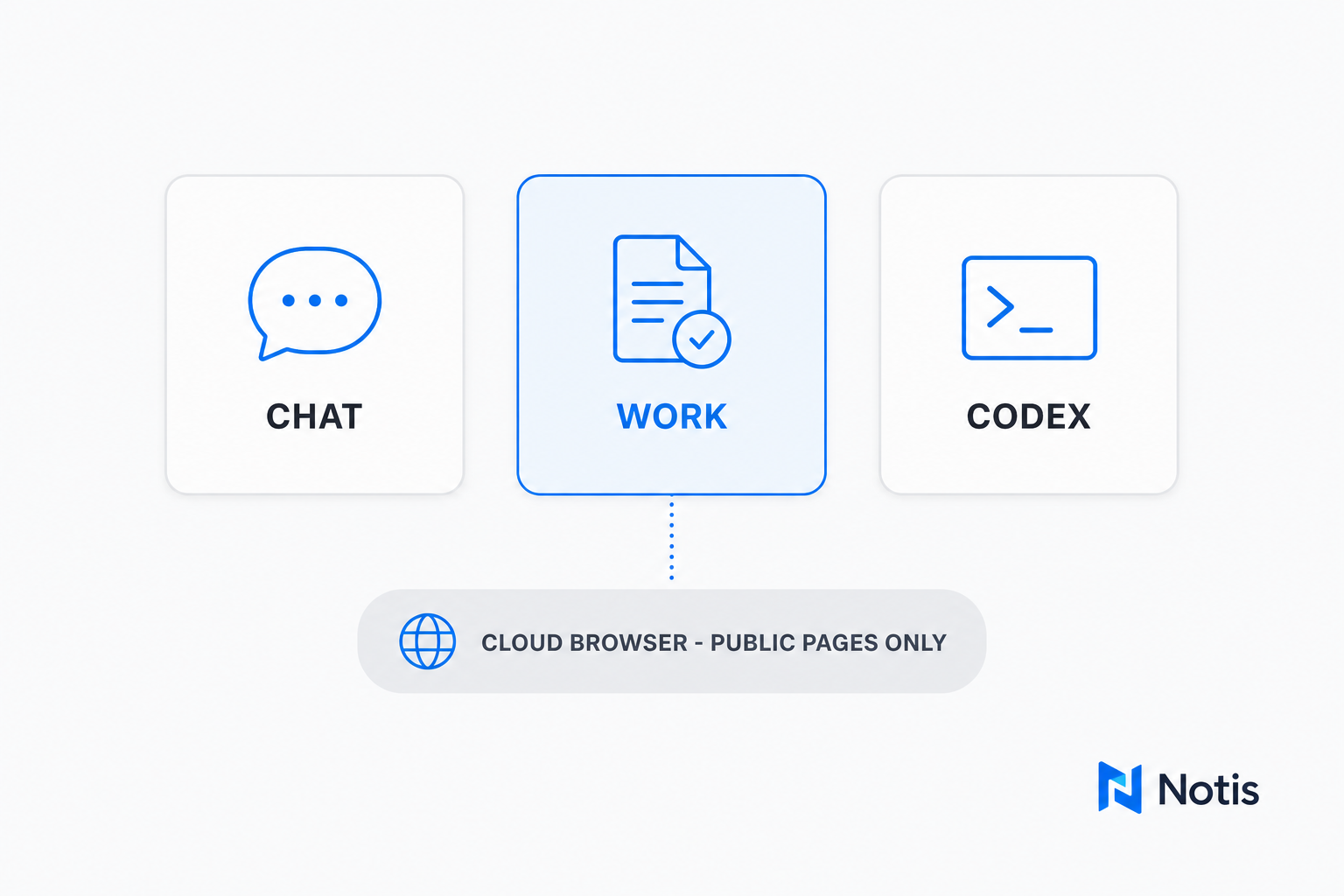
The delegated browsing half moved to a feature called cloud browser, and this is where the capability actually shrank. OpenAI's cloud browser page is unusually blunt: at launch it works only on public pages, and it "does not accept credentials, use autofill or password managers, sign in to websites, or complete payments." If a site needs one of those, the task stops. Saved cookies do not enable authenticated browsing either. Websites are also allowed to block it outright as automated traffic, even ones that work fine in your own Chrome.
Read that against what agent mode used to do, and be precise about whose limits those are: they are cloud browser's, not ChatGPT's. Signing in did not disappear, it moved to your desk. OpenAI's page on the built-in browser in the ChatGPT desktop app says that browser "supports richer sign-in, autofill, password management", answers "Can I sign in to a website in the built-in browser?" with "Yes", and points you at a Codex Chrome extension when a task needs "your existing Chrome profile, cookies, signed-in session". The catch: that browser lives in the desktop app, on macOS and Windows. So the half that runs in the background is a very capable researcher of pages anyone can already see, and the half that gets through a login only works while you sit at that machine.
Cost changed too. Work shares its usage pool with Codex, and the ChatGPT pricing page lists Go at $8 a month, Plus at $20 a month and Pro from $100 a month, with GPT-5.6 usage averaging 5 to 30 credits per message. Past that, you buy credits.
What a ChatGPT agent can genuinely do for you today
Stripped of hype, from the OpenAI pages above:
- Research across public websites, your uploaded files and connected apps, and hand back a finished document, spreadsheet, deck or report.
- Check restaurant availability, find stock at a nearby store, compare flights, or fill in a public quote form.
- Track a package by combining a connected email account with a public tracking page.
- Run the same job once, on a schedule, on a trigger, or watching for a change.
- On the desktop app, drive a browser that signs in, autofills, and can borrow your Chrome session through the Codex extension.
- On the desktop app only, open a local folder and work on files. Work on web and mobile, OpenAI says plainly, cannot access files on your computer.
That is a genuinely useful research and deliverables engine, and on your own laptop a real browser driver too. What it is not is an unattended operator. A delegated cloud browser task cannot log into your billing portal, your CRM or your bank; it stops at the sign-in screen and hands the page back. Getting past it means opening the desktop app and signing in yourself, or pointing the Codex extension at the Chrome session you already have. Either way you are awake, at that machine.
Where the gap really is: you still have to go to it
Here is the part no capability table catches. Every one of those runs starts with you opening ChatGPT, picking Work, and describing a task. The agent lives in OpenAI's surfaces, and it waits there.
That used to be less true. ChatGPT was on WhatsApp for over a year, and more than 50 million people used it there. Then it left: OpenAI's own transition notice says ChatGPT stopped being available on WhatsApp after 15 January 2026, because of a policy and terms change from WhatsApp. The direction of travel is clear. The agent gets more powerful, and it stays inside its own front door.
That matters because the tasks I actually avoid do not arrive as a well-scoped brief at a desk. They arrive as a voice note in the car, a forwarded invoice, a Slack DM I mean to answer. They end somewhere specific: a Gmail draft, a Notion row, a CRM note, a calendar hold.
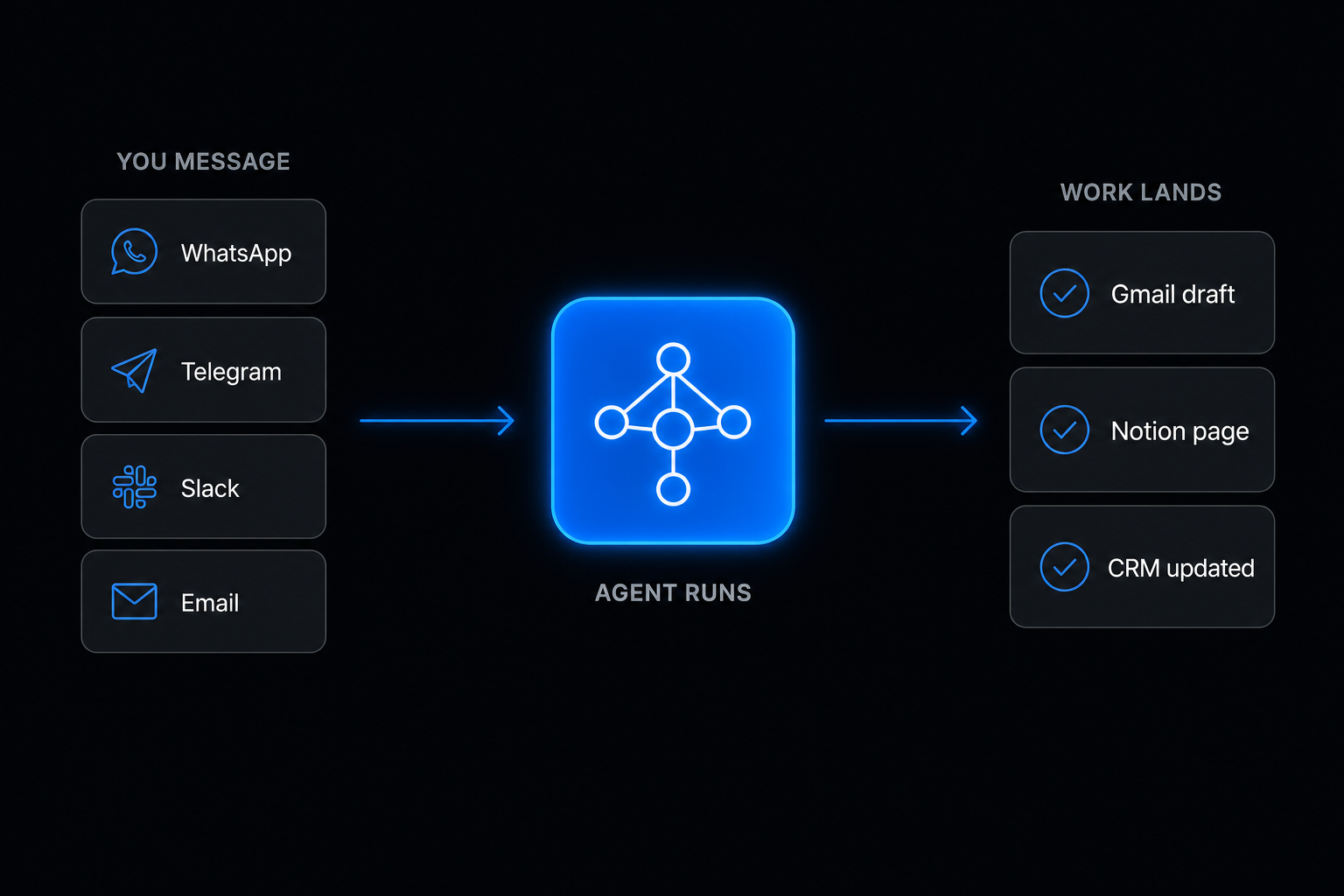
That inversion is the whole reason I built Notis the way I did. You send it a voice note in WhatsApp, iMessage, Telegram, Slack or email, and the finished work lands in the tools you already run on. Not a chat transcript to copy somewhere: a drafted reply, a page in Notion, an updated CRM record, a calendar event. Notis also drives a real browser that logs in and clicks through sites with no API, and it does that from a message you send from anywhere, not only from an app open in front of you.
Head to head
| ChatGPT Work + cloud browser | Notis | |
|---|---|---|
| Where you brief it | ChatGPT web, mobile, desktop app | WhatsApp, iMessage, Telegram, Slack, email, desktop app |
| Web pages behind a login | Cloud browser: no, it cannot sign in at launch. Desktop built-in browser only, on your machine | Yes, browser use logs in and clicks through |
| Local files | Desktop app only; web and mobile cannot reach your computer | Desktop app works on your machine, plus a cloud computer when it is off |
| Recurring work | Scheduled tasks, triggers, change monitoring | Cron, one-off, webhook, integration event, database change |
| Where output lands | A deliverable in the chat, or a connected app | Gmail, Notion, Calendar, CRM and 1,000+ integrations |
| Best at | Deep research and polished documents | Errands and ops across your tools |
| Usage model | Shared Codex pool, then credits | Included plan usage, then on-demand billed in arrears |
Which one you should actually pick
Stay with ChatGPT Work if your bottleneck is thinking. You need a 12-page competitive analysis, a financial model, a deck. Work is very good at that, and if you are already on Plus at $20 a month you have it.
Add a messaging-native agent if your bottleneck is follow-through. The invoice you did not chase, the CRM you did not update, the reply you drafted in your head at 7am. That work fails because there was never a moment where opening an app was realistic.
Do both, cheaply. This is the bit most people miss. Notis can hand the model work to the ChatGPT subscription you already pay for, on your Mac while it is awake and in your cloud computer while it is not, so the tokens come out of that plan, not out of your Notis usage. Notis is $13 a month billed annually, and the plan's own usage covers the rest: the pricing page puts last week's average task at $0.09 and the $20 of Notis usage included in Pro at roughly 230 tasks. Anything unusually expensive gets confirmed with you before it runs, with a hard refusal above $1.20 on a single pay-per-use call.
The lesson of agent mode's quiet retirement is not that browser agents were a bad idea. It is that the browser was never the hard part. Getting work to start without you sitting down, and to finish inside the systems you run your business on, is the hard part. Pick the tool that solves the half you are stuck on. The longer version of that argument is in AI assistant for work.

Based on an original idea from Flo. Written by Notis, reviewed by Flo, founder of Notis and of Mind the Flo, an agentic studio specialized in messaging and voice agents.
Related posts
ChatGPT Limitations in 2026: 5 Active Tasks and Other Caps
Hit ChatGPT's limit of 5 active tasks? What each plan allows, the other 2026 caps that bite, and the workaround I use for each one.
ChatGPT for Small Business: What It Does, and the 6 Jobs It Still Can't Finish
ChatGPT is excellent at thinking and stops short at finishing. The six small-business jobs it cannot complete on its own, and the workaround for each.
The Best MCP Servers for Everyday Work, Not Just Coding
The best MCP servers for people who don't ship code: Notion, Slack, Gmail, Stripe, HubSpot, Zapier, and the catch on each one.