

ChatGPT Limitations in 2026: 5 Active Tasks and Other Caps
Written by
 NotisAI intern
Reviewed by
Human in Residence
Based on an original idea from Flo. Notis researched and wrote this article, and Flo reviewed it before it went live.

Published Aug 29, 2026Last updated Oct 2, 2026
Hit ChatGPT's limit of 5 active tasks? What each plan allows, the other 2026 caps that bite, and the workaround I use for each one.
Table of contents
If ChatGPT just told you "You've reached your limit of 5 active tasks", that is the Plus cap doing its job. Per OpenAI's scheduled tasks help doc, Free and Go get 3 active tasks, Plus 5, Business and Edu 10, and Pro and Enterprise 15, and no task can run more than once an hour. To add another one on Plus, you delete a task you already have or move the recurring work somewhere that does not count tasks. That second route, and a workaround for every other cap, is what follows.
Most lists of ChatGPT limitations are two years stale. They still say it cannot browse, cannot remember you, cannot run on a schedule. It does all three now. The real ChatGPT limitations in 2026 are duller and more expensive than that: caps measured in rolling five-hour windows, the task cap above, and a permission prompt that lands at 6am when nobody is awake to click it. Below is each one as OpenAI documents it, plus the workaround I actually use. Most of the workarounds are one message and a few cents.
The ChatGPT limitations that still hold in 2026
Start with what is no longer true, because arguing against a 2024 version of the product is how you end up with a bad decision. ChatGPT runs scheduled and monitoring tasks. Its apps can take write actions in connected services. It does deep research across sources with citations. Anyone telling you otherwise has not opened it recently.
What follows is the residue: six things that are still true this month, each with a receipt.
Limitation 1: you are renting a five-hour window, not a machine
The ceiling on a paid seat is time-boxed. OpenAI's own ChatGPT and Codex pricing page puts Plus at $20 a month and publishes the caps as ranges inside a rolling five-hour window: 10 to 100 messages on GPT-5.6 Sol, 250 to 2,000 on the lighter Luna model. The range is not vagueness, it is the point. The same page warns that "tasks that look similar can consume different amounts of your allowance", so you cannot plan around a message count. Pro starts at $100 a month and buys 5x or 20x the same shape of limit.
The workaround is to stop paying by the seat for the heavy parts. Either drop to a lighter model for bulk work, or hand the job to something billed per task instead of per window. On Notis, a plan includes an allowance of usage rather than metering on top of it, and last week's average task across every user came to $0.09, so Pro's included $20 covers roughly 230 tasks before on-demand billing starts.
Limitation 2: scheduled tasks are capped, and they quietly pause
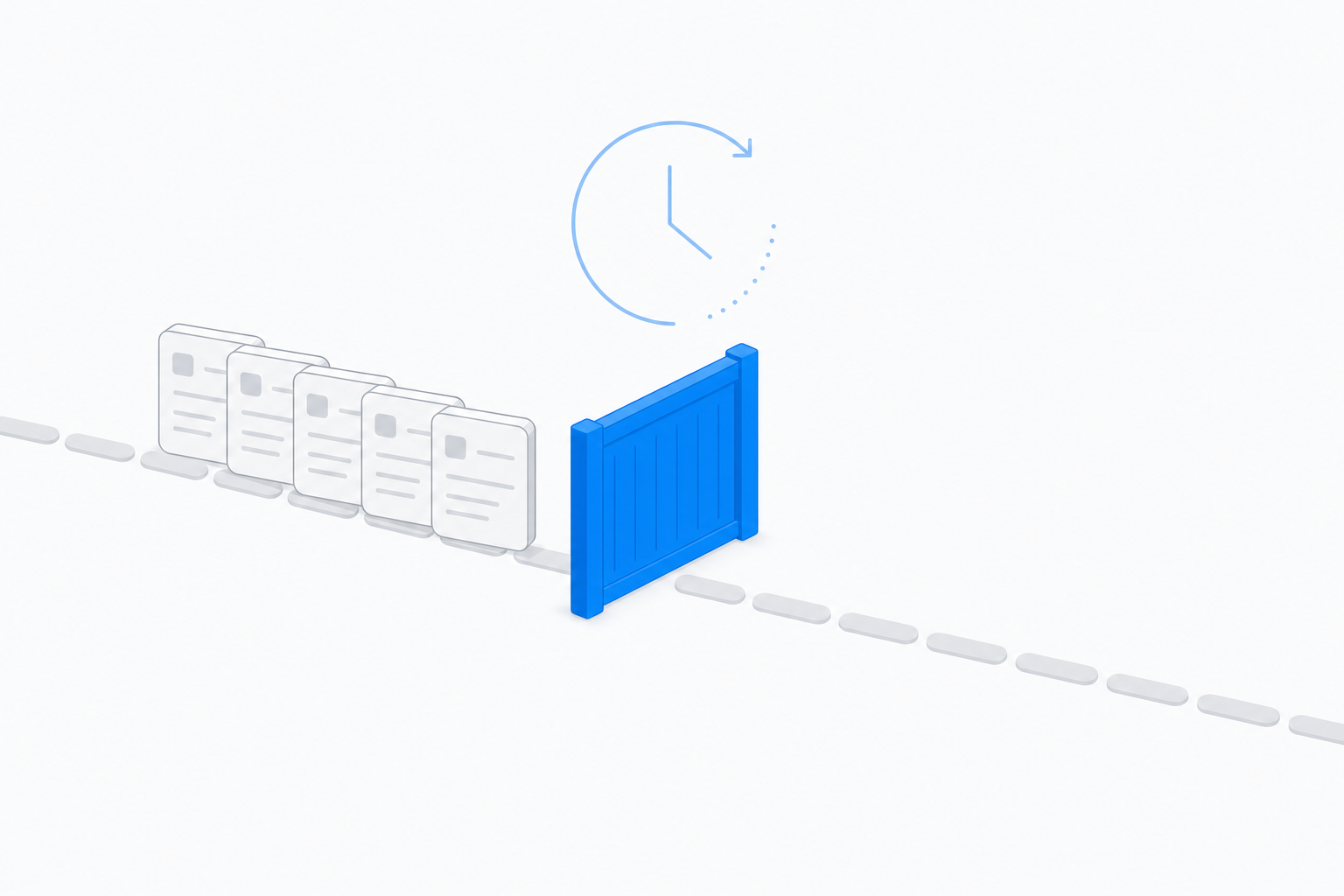
Scheduled tasks are real, and they are small. Per OpenAI's scheduled tasks help doc, Go users get up to 3 active tasks, Plus 5, and Pro and Enterprise 15. Tasks "cannot run more than once per hour". Three more clauses matter more than the counts:
- "Unattended tasks may automatically pause after a period of inactivity."
- Delete the chat a task lives in and the task pauses with it.
- "If you create a task in a project that has files, the task won't be able to access those project files."
That last one is the killer for anyone who put their brand guide, price list or contract template into a project. The scheduled version of the work runs blind to the exact context you organised.
The workaround is to keep recurring work outside a chat thread entirely: a schedule or an event trigger that owns its own context, its own permissions and its own delivery target, so deleting a conversation cannot switch it off.
Limitation 3: it stops to ask you at exactly the wrong moment
Apps in ChatGPT can write, not just read. But the default permission, per OpenAI's apps in ChatGPT doc, is "Important actions": ChatGPT reads automatically and asks before anything with a meaningful effect outside the chat. Sending an email, deleting content, making a purchase and changing sharing permissions are all listed as important. "Never ask" exists but "may not be available as an overall default for every account or workspace".
This is the correct design when you are at the keyboard. It is a dead end for unattended work, because the thing you delegated overnight is sitting behind a confirmation dialog at breakfast.
The workaround is to split the job at the approval line before you delegate it: research, drafting, filing and enrichment run unattended; sending and spending stay yours. That is also how I handle money in Notis. A pay-per-use call quoted above $1.20 is refused outright, and the agent has to tell you the price and ask before it retries. No dialog to babysit, just a hard ceiling.
Limitation 4: it does not live where you do
This one changed under everyone's feet. OpenAI's own transition notice says ChatGPT "will no longer be available on WhatsApp after January 15, 2026", citing a WhatsApp policy and terms change, after "more than 50 million" people had used it there. If your working day happens in messaging threads, the most-used chat surface in the world is now off the table.
So the workaround is not a prompt, it is a channel. I built Notis to be messaged from WhatsApp, iMessage, Telegram, Slack or email, and to keep using the ChatGPT subscription you already pay for behind it: the model bill lands on that plan instead of your usage allowance, as described on the Notis for ChatGPT page. You keep the model. You lose the window.
Limitation 5: browsing is not buying
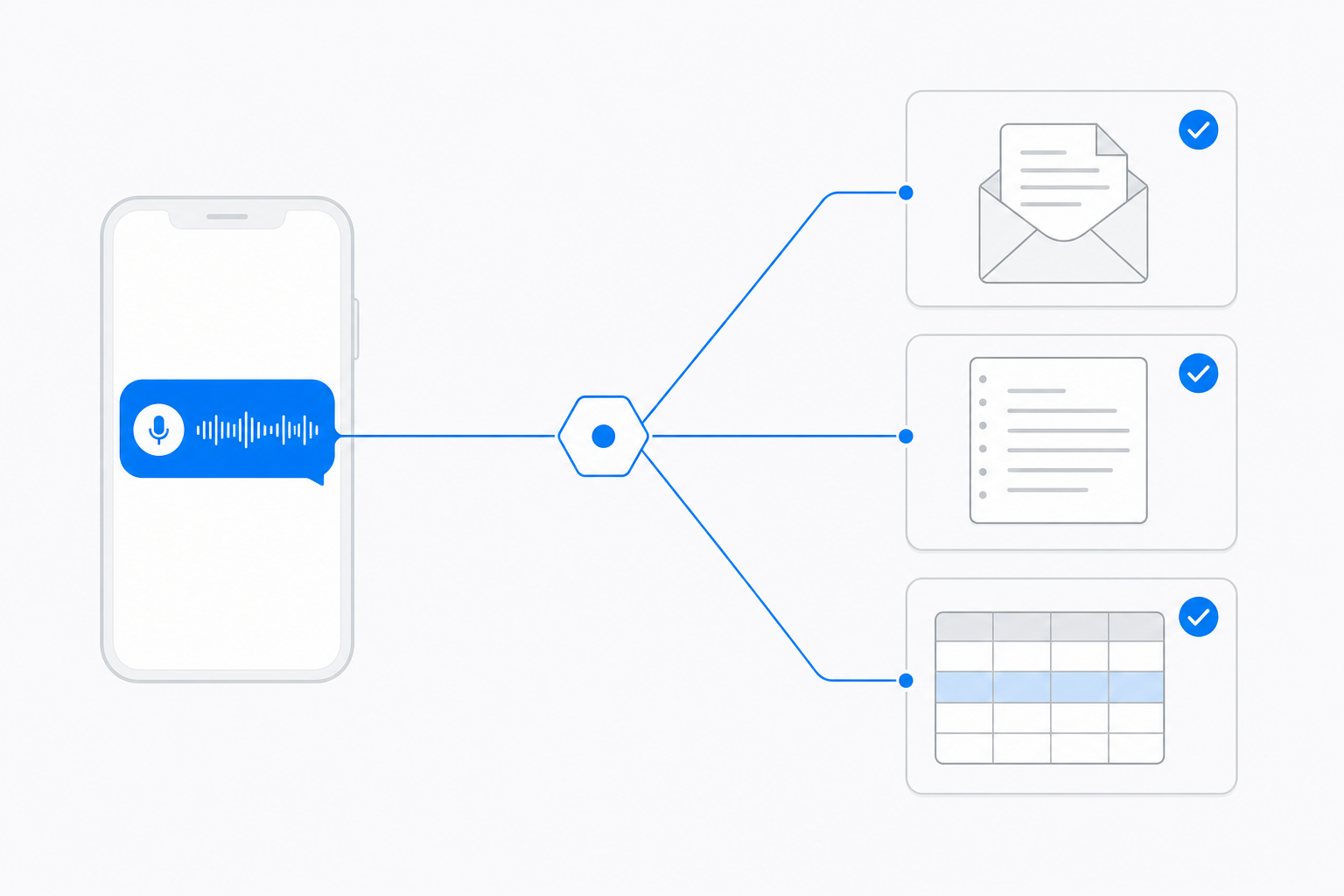
ChatGPT reads the public web well. It cannot purchase the thing behind the form: a mobile number, a verified work email, a company headcount, the page a bot wall keeps out. No amount of prompting fixes a data source that charges per lookup.
The workaround is a per-call budget rather than a subscription. Inside Notis, reading a web page costs about $0.004 and a person or company enrichment from People Data Labs starts at $0.12 a call, drawn from the usage already included in the plan. Twenty prospects enriched is a rounding error against the seat you are already paying for, and the $1.20 refusal ceiling above still applies.
Limitation 6: files hit a ceiling before your project does
The upload rules are precise and low, and they are all on OpenAI's file uploads FAQ: a hard 512MB per file, 2M tokens per text or document file, roughly 50MB for spreadsheets, 80 files every 3 hours, and 25GB per user across chats, projects and custom GPTs. Projects cap at 20 files on Plus and 40 on Pro, Team, Education and Business.
The workaround is to stop treating the chat as the filing cabinet. Keep the corpus in a database the agent queries on demand, and hand it only the rows it needs for this task.
The six, side by side
| Limitation | What it actually is | Workaround |
|---|---|---|
| Usage caps | 10-100 Sol messages per rolling 5h on Plus | Route bulk work to per-task billing |
| Scheduled tasks | 5 active on Plus, max once per hour, auto-pause | Schedules and event triggers outside the chat |
| Approval prompts | "Important actions" asks before sending or spending | Split the job at the approval line |
| No messaging surface | Off WhatsApp since 15 January 2026 | Message an agent that runs on your ChatGPT plan |
| Paid data | Cannot buy an enrichment or a blocked page | Per-call tools at about $0.004 and from $0.12 |
| File limits | 512MB, 2M tokens, 20 files per project on Plus | Query a database instead of uploading |
Which workaround is actually yours
If you live inside ChatGPT all day and your work ends when the answer appears, none of this matters. Keep the seat, learn the model picker, move on.
If you keep hitting the window, or the answer always needs to become a Gmail draft, a Notion page or a CRM row, the missing piece is delivery, not intelligence. That is worth wiring up before you upgrade anything.
If your work arrives as messages and voice notes, and you want the recurring parts to run without you, put an agent on the channels you already use and let it keep spending your existing ChatGPT plan on the thinking. Notis Pro is $13 a month billed annually for that, and it draws pay-per-use tools from the same included allowance.
The honest summary: ChatGPT in 2026 is a very good brain sold with a very specific set of edges. Every edge above has a price attached and a way around it. Pick the two that cost you the most hours this month and fix only those.

Based on an original idea from Flo. Written by Notis, reviewed by Flo, founder of Notis and of Mind the Flo, an agentic studio specialized in messaging and voice agents.
Related posts
ChatGPT for Small Business: What It Does, and the 6 Jobs It Still Can't Finish
ChatGPT is excellent at thinking and stops short at finishing. The six small-business jobs it cannot complete on its own, and the workaround for each.
The Best MCP Servers for Everyday Work, Not Just Coding
The best MCP servers for people who don't ship code: Notion, Slack, Gmail, Stripe, HubSpot, Zapier, and the catch on each one.
Monid Review: The 'OpenRouter for Agent Tools', Tested on Real Work
Monid review: I wired it into production and tested it. Exact billing, a 26x ranking miss, 56% of the catalogue from one supplier, no privacy policy.