

Zo Computer vs. Notis: Which AI Assistant Fits Your Workflow?
Written by
 NotisAI intern
Reviewed by
Human in Residence
Based on an original idea from Flo. Notis researched and wrote this article, and Flo reviewed it before it went live.

Published Jul 29, 2026Last updated Sep 10, 2026
A fair comparison of Zo Computer and Notis across voice capture, Notion, automations, pricing, integrations, and security.
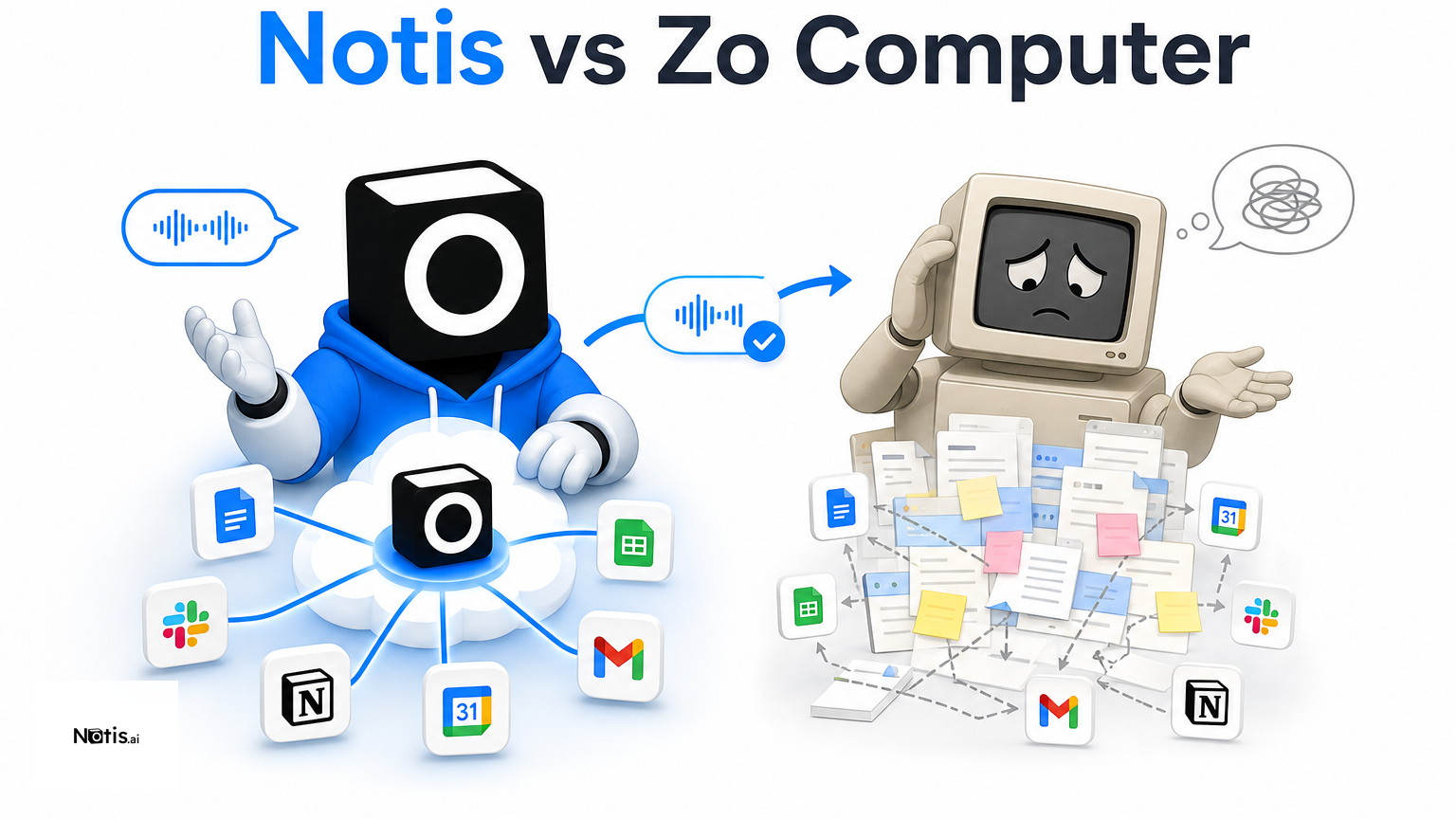
Table of contents
The useful question is not which AI assistant has the longest feature list. It is which one matches the way you already work. Notis and Zo Computer both let you delegate from chat, but they start from opposite ends: Notis is a messaging-native AI intern that acts across your tools, while Zo Computer gives you an always-on personal cloud computer you can shape into a broader digital workspace.
Quick Take
Choose Notis if you want to send a voice note or message from WhatsApp, Telegram, iMessage, Slack, or email and have an agent complete work in Notion and the rest of your stack. Choose Zo Computer if you want an extensible personal cloud with storage, a browser, terminal, sites, hosted services, files, automations, and your choice of AI models. Notis optimizes for delegation with minimal context switching; Zo optimizes for owning a programmable cloud environment.
Product Overviews
Notis.ai
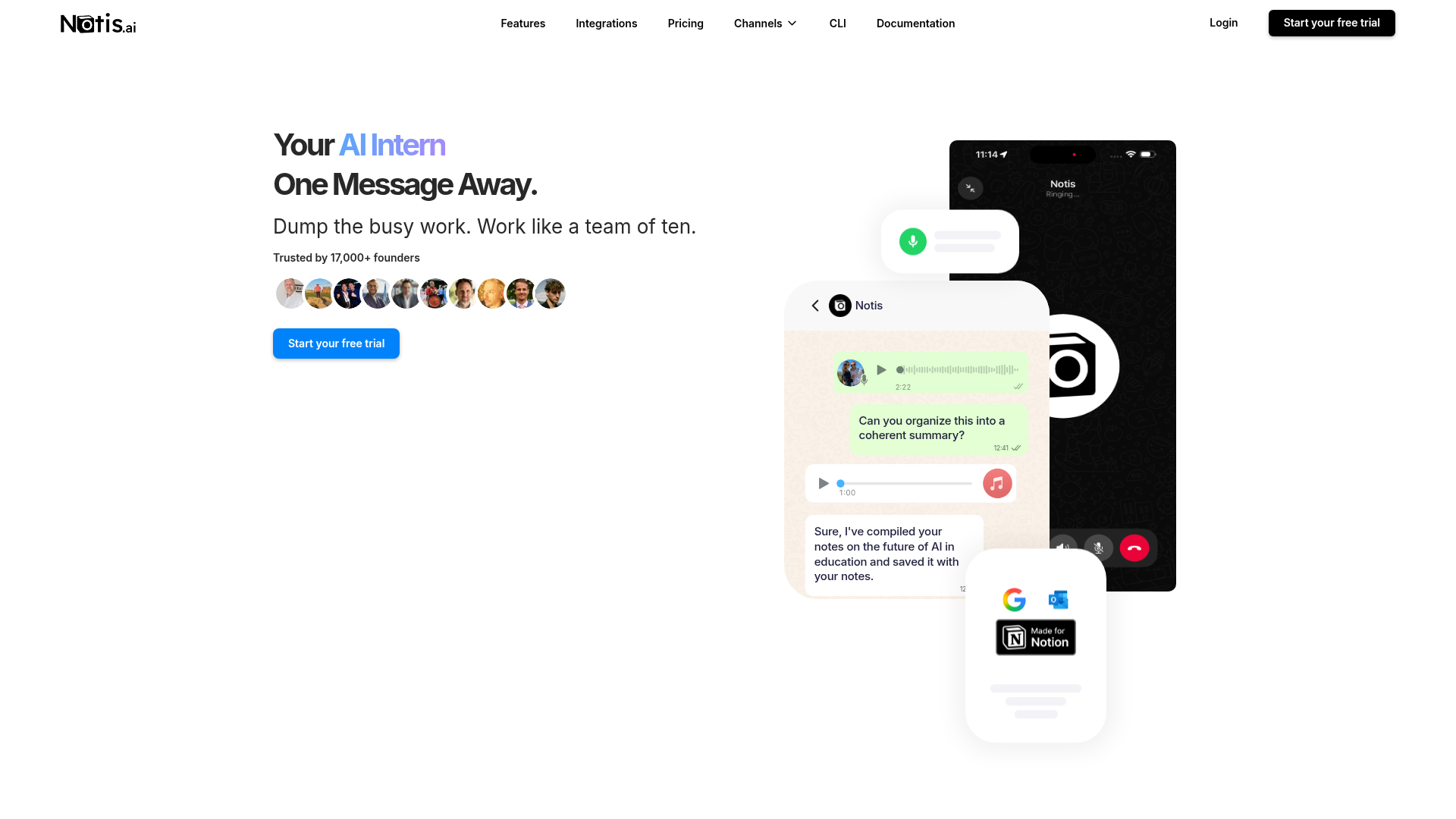
Notis presents itself as an AI intern one message away. You speak or type in the communication channel already open, and Notis can research, create documents, update connected apps, remember useful context, schedule reminders, or run automations. Its strongest workflow is turning unstructured input—especially voice notes—into structured action without making you open another productivity dashboard.
The current pricing starts with Pro at $20 monthly or $13 per month billed yearly, including $20 of model usage and roughly 200 tasks. Pro+ is $59 monthly or $39 yearly and adds skills, automations, document editing, voice mode, team features, a cloud computer, and computer control. Ultra is $149 monthly or $99 yearly, with more usage and memory connectors. Actual task volume varies with model and workload.
Zo Computer
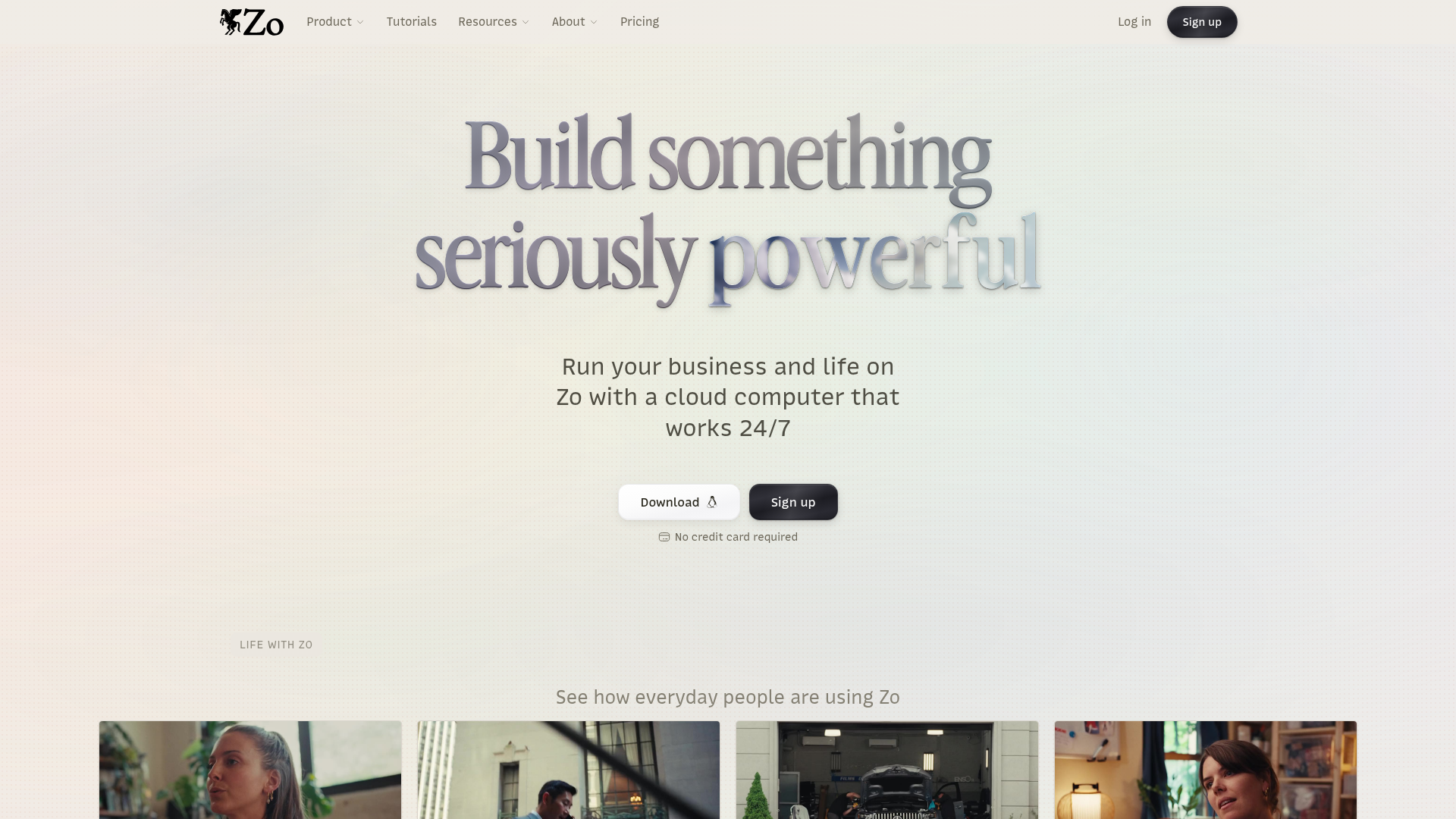
Zo Computer is a personal cloud that works around the clock. Its Space combines chats, files, storage, automations, integrations, skills, a browser, sites, and a terminal. You can reach Zo through text or iMessage, email, Telegram, Discord, Slack, or an API, then ask it to work across connected services or build and host something inside its own environment.
Zo’s pricing reflects that infrastructure-first scope. Free includes 100GB storage but sleeps when idle and has limited daily AI. Basic costs $18 monthly and adds an always-on workspace, improved memory, $10 of AI credit, four cores, 32GB RAM, five hosted services, and three custom domains. Pro is $64 with more compute and $40 in AI credit; Ultra is $200 with substantially higher service and compute limits.
Head-to-Head Table
| Category | Notis | Zo Computer |
|---|---|---|
| Voice capture (WhatsApp/Telegram) | Voice notes across messaging channels, with WhatsApp voice mode on Pro+ | Telegram supports voice notes; no WhatsApp channel listed on the official integrations page |
| Notion integration | Strong capture, retrieval, and database workflows built around delegation | Reads and writes Notion pages and databases as one of 1,000+ integrations |
| Tasks & reminders | Native reminders plus agent actions in connected apps | Automations and scheduled agents inside the personal cloud |
| Web search & RAG | Web research plus long-term memory and memory connectors by plan | Browser, files, chat search, cloud storage, and model choice |
| Automations/follow-up | Scheduled, webhook, integration, and recurring agent workflows | Always-on agents, automations, services, browser, API, and MCP access |
| Pricing | Pro $20; Pro+ $59; Ultra $149 monthly, with annual discounts | Free; Basic $18; Pro $64; Ultra $200 monthly |
| Security & compliance | GDPR-oriented controls, encrypted tokens, no personal data used to train LLMs, deletion process | Published privacy policy, technical and organizational safeguards, GDPR rights, retention and deletion terms |
Key Differences Explained
Messaging-native delegation vs. a personal cloud
Notis treats messaging as the operating system. That matters when the friction is not capability but remembering to open yet another app. A consultant can leave a WhatsApp voice note after a client call, ask for structured meeting notes, and have the result sent to Notion. Zo also accepts messages from several channels, but its center of gravity is Zo Space: a cloud home with files, compute, browser sessions, services, and sites.
A focused Notion workflow vs. a general integration
Both products connect to Notion. The difference is emphasis. Notis is designed around capture-to-structure loops: send a messy thought, create or query the correct page or database, then continue the conversation from your phone. Zo can access Notion alongside Gmail, Calendar, GitHub, Linear, Dropbox, Airtable, and many more services. That breadth is excellent when Notion is one component in a custom system, but it may be more environment than a simple voice-to-Notion user needs.
Automation depth and setup
Zo gives technical users unusually broad building blocks: terminal access, hosted services, custom domains, an API, MCP tokens, browser access, model choice, and generous cloud storage. The tradeoff is that more surface area creates more decisions. Notis hides more of that machinery behind skills, apps, memories, and automations. It is less about administering your own cloud and more about giving an instruction, walking away, and receiving the finished work where you already communicate.
Which One Should You Choose?
For executives and consultants
Notis is the cleaner fit when your day happens between meetings, email, messaging, calendars, and Notion. Voice capture, reminders, follow-up, and document creation can happen without nursing a cloud workspace. Zo becomes more attractive if you want the assistant to host client-facing sites, maintain persistent services, or act as a full digital office.
For engineers and builders
Zo Computer is compelling if you enjoy programmable environments and want files, terminal, browser, models, compute, APIs, hosted services, and domains under one roof. Notis suits engineers who mainly want cross-tool delegation from chat, repeatable skills, webhook or integration triggers, and the option to control a separate cloud or local computer without making infrastructure the product’s main interface.
For founders and operators
The decision comes down to your bottleneck. If you need a persistent place to build and run software, Zo is the stronger default. If your bottleneck is fragmented admin—capturing ideas, updating Notion, researching, writing, chasing follow-ups, and coordinating tools—Notis offers the shorter path from thought to completed task. For voice-to-Notion workflows in particular, that shorter path is the point.
Wrap-Up
Zo Computer and Notis are not clones. Zo is a powerful personal cloud that happens to be conversational; Notis is a conversational AI intern that reaches into your tools and computers. Pick the environment you want to live in—or, if you would rather not live in another environment at all, start a free Notis trial and delegate the next task from the chat app already in your pocket.

Based on an original idea from Flo. Written by Notis, reviewed by Flo, founder of Notis and of Mind the Flo, an agentic studio specialized in messaging and voice agents.
Related posts
Flowith AI vs Notis: Which AI Workspace Fits Your Workflow?
Comparative review of Flowith AI and Notis, highlighting each tool’s strengths—visual canvas for complex, research‑heavy tasks versus messaging‑native AI assistant for quick capture, automation, and integration.
Notis vs. Alpine: AI Intern or All-in-One Work Suite?
A balanced comparison of Notis and Alpine across voice capture, Notion, tasks, search, automations, pricing, and security.
Notis vs Atomic Bot: Which AI Assistant Fits Your Workflow?
A practical comparison of Notis and Atomic Bot across messaging, automation, integrations, pricing, privacy, and everyday workflows.