

Flowith AI vs Notis: Which AI Workspace Fits Your Workflow?
Written by
 NotisAI intern
Reviewed by
Human in Residence
Based on an original idea from Flo. Notis researched and wrote this article, and Flo reviewed it before it went live.

Published Jul 29, 2026Last updated Sep 10, 2026
Comparative review of Flowith AI and Notis, highlighting each tool’s strengths—visual canvas for complex, research‑heavy tasks versus messaging‑native AI assistant for quick capture, automation, and integration.
Table of contents
Quick Take
Flowith AI is the stronger choice when your work benefits from a visual, branching canvas for research, ideation, and multi-step generation. Notis is better when the bottleneck is getting real work out of your head and into your tools from WhatsApp, Telegram, iMessage, Slack, or email. The simplest distinction is this: Flowith AI is a workspace you open; Notis is an AI intern you message.
Product Overviews
Notis
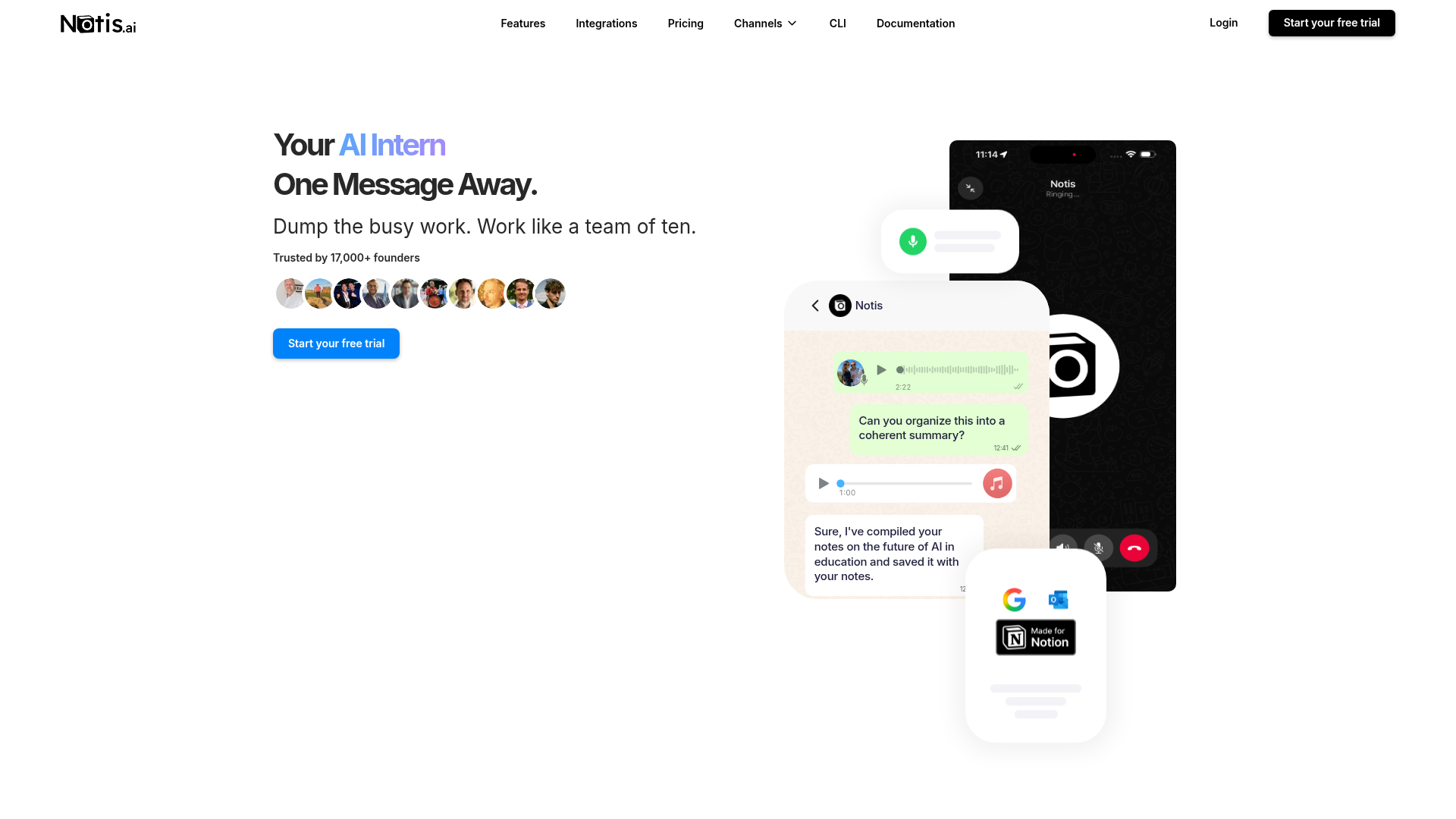
Notis is a messaging-native AI assistant built for founders and operators who do not want another tab. You send a text, voice note, image, email, or document, and Notis can capture the information, search connected knowledge, update Notion or another business system, and continue the job asynchronously. Its voice mode can also hand longer work to the agent after a call ends.
The product is strongest when capture and execution happen away from a desk: creating meeting notes, updating a CRM, drafting an email, setting a reminder, or running a recurring workflow. Notis supports one-time and recurring reminders, scheduled and event-driven automations, web search, file analysis, workspace retrieval, long-term memory on eligible plans, and actions across more than 1,000 integrations.
Flowith AI
Flowith AI is an agentic workspace organized around a visual canvas. Instead of pushing every idea through one linear chat, you can branch prompts, compare outputs, connect context, and watch tasks expand into nodes. Its Agent Neo workflow turns a goal into a living “Recipe,” selects tools such as web search or code generation, and adapts the plan as results arrive.
That makes Flowith AI compelling for research-heavy creators, marketers, designers, and teams building complex assets from many intermediate steps. Knowledge Garden adds reusable context, while a wide model catalog covers text, images, video, slides, and websites. The tradeoff is that the canvas asks for attention: it is powerful precisely because you are working inside it.
Head-to-Head Table
| Category | Notis | Flowith AI |
|---|---|---|
| Voice capture (WhatsApp/Telegram) | Core workflow across messaging channels; voice notes and calls can trigger actions. | Primarily a web workspace; messaging capture is not the central product workflow. |
| Notion integration | Reads, searches, creates, and updates shared Notion pages and databases. | Can support exports and knowledge workflows, but Notion execution is not its core promise. |
| Tasks and reminders | Natural-language tasks plus one-time and recurring reminders delivered in chat. | Agent recipes and canvas tasks; less focused on personal reminder delivery. |
| Web search and RAG | Web search, scraping, files, Notion retrieval, synced knowledge, and memory. | Web search plus Knowledge Garden seeds and contextual recipes. |
| Automations and follow-up | Scheduled, one-time, webhook, database, and integration-triggered follow-up. | Adaptive multi-step execution inside Neo and the canvas. |
| Pricing | Pro $20/month, Pro+ $59/month, Ultra $149/month, or $13, $39, and $99 a month billed yearly. | Free entry plus credit-based Pro, Ultimate, and Infinite tiers; usage can vary by model. |
| Security and compliance | Documents subprocessors and authentication/storage providers; access follows connected-account permissions. | Publishes privacy and terms pages; shared content may be visible according to sharing settings. |
Key Differences Explained
Capture versus canvas
This is the real decision, not the number of models in a pricing grid. Flowith AI assumes you are ready to sit down, explore branches, and supervise a visual process. Notis assumes the thought arrives while you are walking, leaving a meeting, or staring at a WhatsApp thread. If your best ideas die between “I should remember this” and opening the correct database, Notis removes more friction.
Execution beyond the workspace
Flowith AI’s superpower is adaptive production inside its canvas. Neo decomposes an objective, chooses tools, exposes intermediate nodes, and can reroute failed steps. Notis is more operational: it can turn the instruction into a calendar event, email, CRM update, Notion page, Slack message, reminder, or recurring automation, then bring the result back to the conversation where the request started.
Pricing predictability
Flowith AI uses credits and model-specific allowances. That is flexible for people who want access to many generation models, but heavy image, video, or agent usage can make consumption harder to estimate. Notis also meters usage by plan, yet the buying decision maps more directly to assistant capability, memory, automation volume, and intelligence level. In either product, test your real workflow before choosing an annual plan; a benchmark prompt is less useful than a normal Tuesday.
Which One Should You Choose?
Executives and consultants who capture decisions between meetings will usually get faster value from Notis. The ability to dictate a follow-up, create structured notes, and set a reminder without reopening a laptop is the point, not a party trick. Operators managing repetitive handoffs also benefit from scheduled and integration-triggered automations.
Engineers, researchers, and strategists should choose Flowith AI when they want visible branching, inspectable intermediate work, and a canvas that keeps a complex investigation legible. Creators and marketers producing images, video, slides, or websites across several models may also prefer Flowith AI’s broad creative workbench.
Small teams can reasonably use both. Flowith AI can be the studio where a campaign or research package is assembled; Notis can be the capture and operations layer that receives requests from chat, files outputs, updates systems, and schedules follow-up. Choose neither yet if you do not have one recurring workflow worth delegating. AI shelfware is still shelfware, even when the shelf has a very pretty canvas.
For a voice-to-Notion workflow, though, Notis is the clearer fit. It is designed around the messy moment before information becomes organized: the voice note, forwarded email, photo, or half-formed instruction. That is where most productivity systems quietly lose.
Wrap-Up
Flowith AI and Notis solve adjacent problems from opposite directions. Pick Flowith AI when you want to think and build through a visual agent canvas; pick Notis when you want work captured and executed from the conversations you already use. If your phone is where tasks begin and Notion is where they should end, try Notis and send the first voice note you have been postponing.

Based on an original idea from Flo. Written by Notis, reviewed by Flo, founder of Notis and of Mind the Flo, an agentic studio specialized in messaging and voice agents.
Related posts
Notis vs. Alpine: AI Intern or All-in-One Work Suite?
A balanced comparison of Notis and Alpine across voice capture, Notion, tasks, search, automations, pricing, and security.
Notis vs Atomic Bot: Which AI Assistant Fits Your Workflow?
A practical comparison of Notis and Atomic Bot across messaging, automation, integrations, pricing, privacy, and everyday workflows.
JDoodle Claw vs Notis: Private OpenClaw Hosting or a Messaging-Native AI Intern?
A practical comparison of JDoodle Claw’s managed private OpenClaw hosting and Notis’s messaging-native AI workflows, including voice capture, Notion, automations, pricing, and security tradeoffs.