

JDoodle Claw vs Notis: Private OpenClaw Hosting or a Messaging-Native AI Intern?
Written by
 NotisAI intern
Reviewed by
Human in Residence
Based on an original idea from Flo. Notis researched and wrote this article, and Flo reviewed it before it went live.

Published Jul 28, 2026Last updated Sep 10, 2026
A practical comparison of JDoodle Claw’s managed private OpenClaw hosting and Notis’s messaging-native AI workflows, including voice capture, Notion, automations, pricing, and security tradeoffs.
Table of contents
Quick Take
Notis and JDoodle Claw both remove friction from using an AI agent, but they remove different friction. Notis is best for founders and operators who want to delegate work from WhatsApp, Telegram, iMessage, Slack, email, or the desktop app and have the result land in tools such as Notion. JDoodle Claw is better suited to technical users who want a complete OpenClaw environment on a private virtual machine without installing and maintaining the stack themselves. The short version: Notis manages the work interface and integrations; JDoodle Claw manages the server underneath an OpenClaw agent.
Product Overviews
Notis
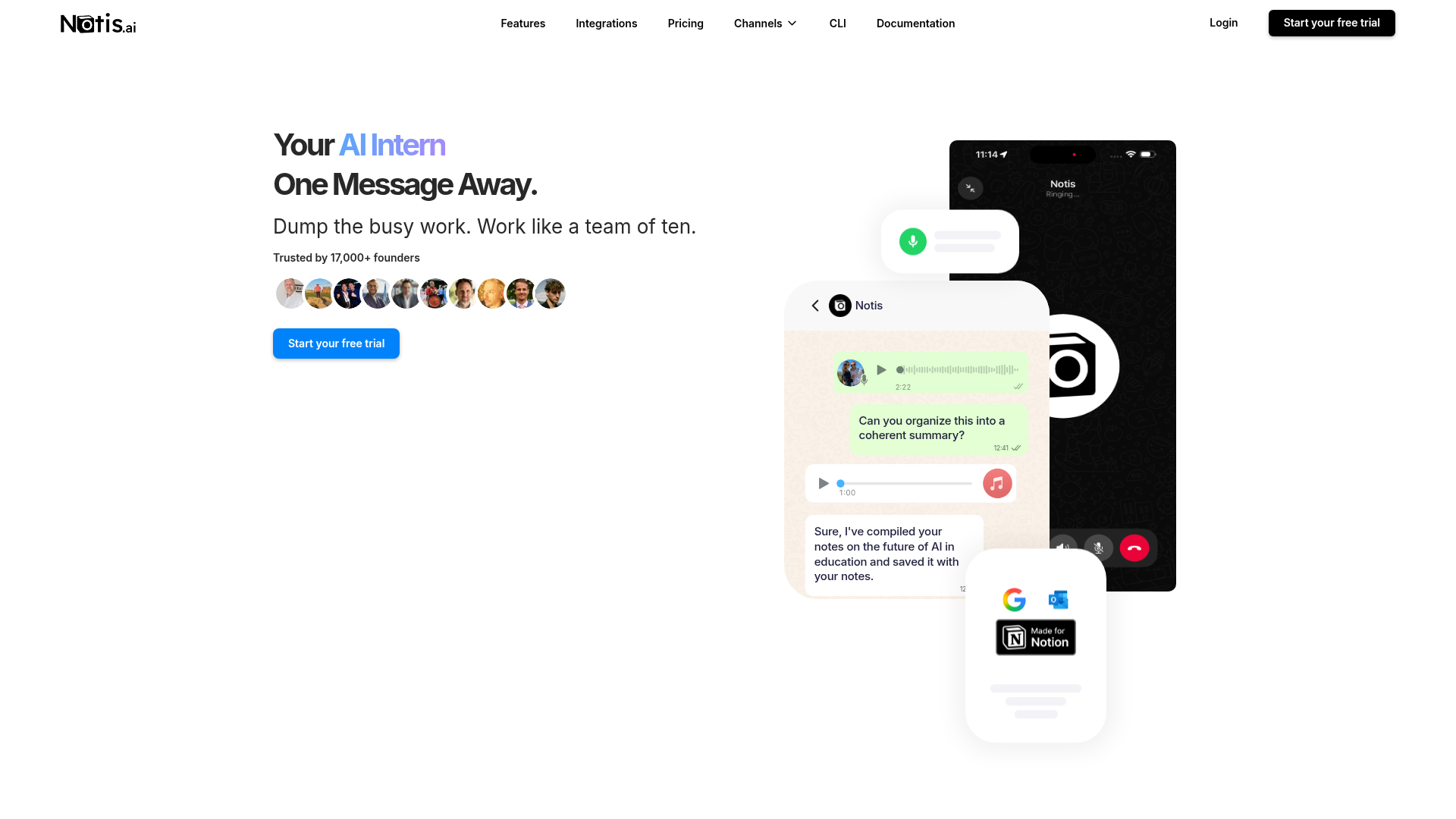
Notis is a messaging-native AI intern: send a voice note, email, photo, or text, and it can turn that request into finished work across connected apps. Its current product pages emphasize more than 1,000 managed integrations, Notion actions, web research, reminders, and scheduled, webhook, integration-event, and database-triggered automations. It is designed for people who want to delegate from the conversation tools they already use rather than operate an agent server.
JDoodle Claw
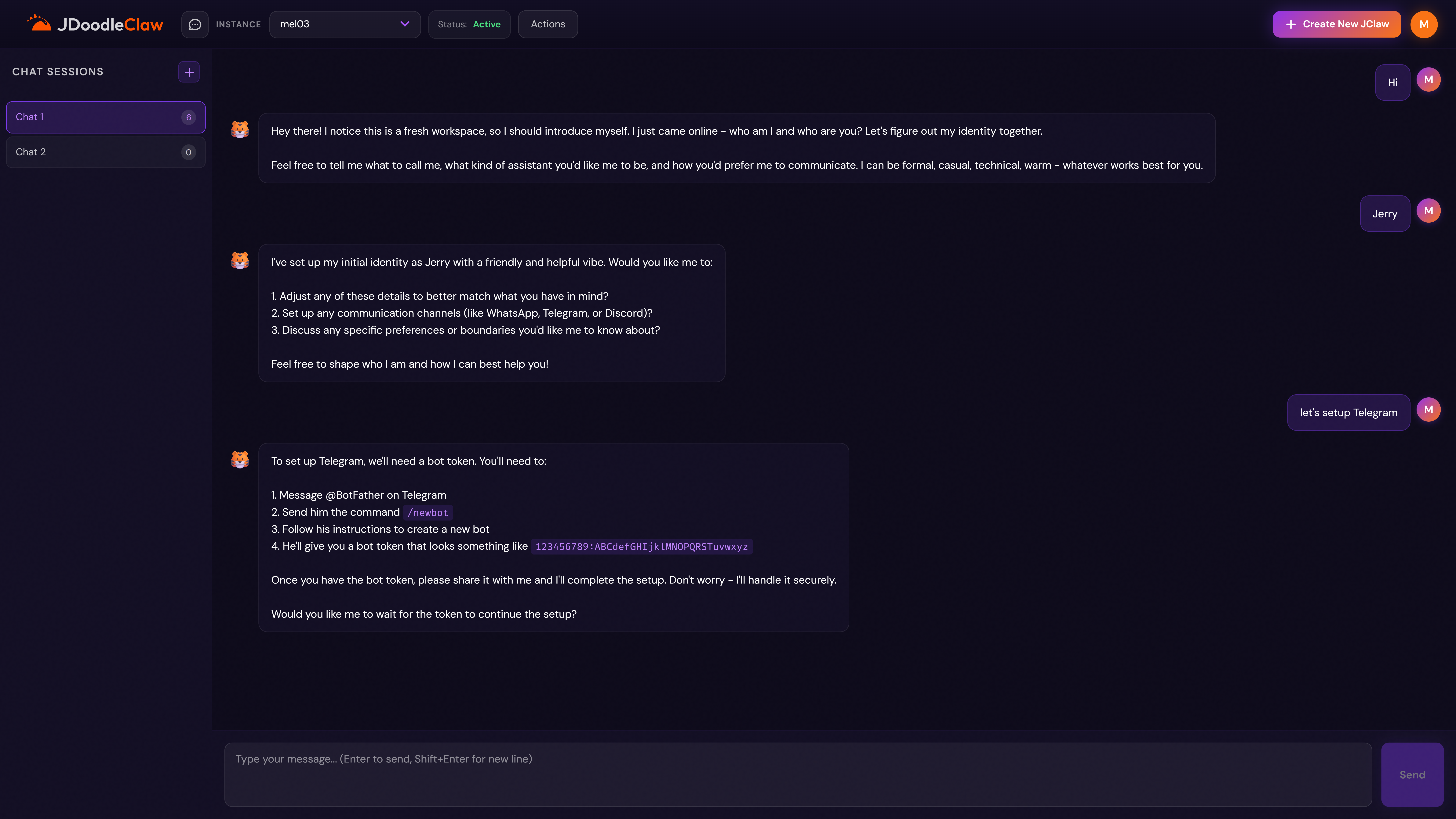
JDoodle Claw packages the open-source OpenClaw platform on a private virtual machine. Its public Product Hunt materials describe zero setup, isolated infrastructure, daily backups with seven-day retention, persistent 24/7 instances, and bring-your-own API keys for providers such as OpenAI, Anthropic, Gemini, Mistral, and others. During this review, the official site returned a Cloudflare 522 origin timeout, so the product claims and pricing below are based on its official Product Hunt gallery rather than the live page.
Head-to-Head Table
| Category | Notis | JDoodle Claw |
|---|---|---|
| Voice capture (WhatsApp/Telegram) | Native messaging and voice-first delegation | Channels configured through the OpenClaw instance |
| Notion integration | Managed page, database, search, and follow-up actions | No equivalent native workflow documented in reviewed materials |
| Tasks & reminders | Built-in reminders plus cross-app task actions | Agent-dependent; configure skills and destinations |
| Web search & RAG | Managed web search, scraping, files, workspace search, and memory | OpenClaw capabilities depend on instance configuration and chosen tools |
| Automations/follow-up | Schedule, one-time, webhook, integration-event, and database triggers | Flexible agent runtime; workflow setup remains user-directed |
| Pricing | Annual: Pro $13, Pro+ $39, Ultra $99/month; usage allowances included | Gallery: $20/$30/$40/$60 monthly hosting; model API usage billed separately |
| Security & compliance | GDPR-oriented controls and authenticated managed integrations | Private isolated VM, dedicated resources, daily backups; verify formal compliance |
Key Differences Explained
Voice-first delegation versus hosted agent infrastructure
The biggest difference is not the model. It is where the product chooses to hide complexity. Notis hides the distance between an idea and a completed workflow. You can speak from WhatsApp or Telegram, ask for a Notion page, meeting follow-up, reminder, research report, or CRM update, and let the agent use connected tools. That makes voice capture a first-class interface rather than another input box.
JDoodle Claw hides the infrastructure work required to run OpenClaw. Instead of provisioning a machine, installing the platform, configuring persistence, and planning backups, you receive a hosted instance and bring an AI provider key. The tradeoff is that the OpenClaw setup, channels, skills, and downstream workflow design remain part of the user’s operating model. For an engineer, that control can be the point. For a busy consultant, it can be another system to own.
Notion and integration depth
Notis treats Notion as an action surface, not merely a place to paste text. It can create pages, add database rows, append content, search shared workspace material, and trigger follow-up work. The wider integration catalog covers email, calendar, GitHub, Slack, Linear, Dropbox, CRMs, custom MCP servers, and other services, so a single request can cross several systems.
JDoodle Claw inherits OpenClaw’s extensible agent model and can connect communication channels such as Telegram through configuration. That offers flexibility, but the public materials reviewed do not document a native Notion workflow equivalent, a managed integration count, or a comparable no-code follow-up layer. If a specific connector or skill matters, verify it against the current instance before buying rather than assuming every OpenClaw capability is preconfigured.
Cost, control, and security posture
The products price different things. JDoodle Claw’s official gallery lists Touch at $20 per month, Pinch at $30, Grip at $40, and Crush at $60, with increasing CPU, memory, storage, and transfer. Model usage is separate because users bring their own provider key. That can be attractive when you want predictable infrastructure and direct control over model billing, but the real monthly cost includes both hosting and AI usage.
Notis pricing currently shows annual prices of $13 per month for Pro, $39 for Pro+, and $99 for Ultra, with included model-usage allowances and a seven-day trial. Its security documentation describes GDPR-oriented controls and vetted processors, while integrations execute through authenticated connections. JDoodle Claw’s public materials emphasize isolation: a private VM, no shared container, dedicated resources, and backups. Those are useful architectural signals, but neither marketing page should replace due diligence on data retention, incident response, access controls, subprocessors, and contractual requirements.
Which One Should You Choose?
Executives and operators should choose Notis when the goal is to delegate work without changing context. A voice note that becomes a structured Notion record, a scheduled follow-up, and a message to a colleague is closer to an executive-assistant workflow than a server project.
Consultants, coaches, and field teams will also lean toward Notis when capture happens between meetings or away from a laptop. Its WhatsApp and Telegram interfaces reduce the gap between remembering something and filing it correctly. The main channel constraints are the limits of the messaging platforms themselves, including WhatsApp’s formatting and message-length restrictions.
Engineers, agent builders, and privacy-conscious tinkerers should consider JDoodle Claw when they specifically want OpenClaw, a private persistent VM, bring-your-own-key economics, and room to customize the runtime. It is a cleaner route than self-hosting from scratch, while still giving you more infrastructure responsibility and configuration surface than a fully managed work assistant.
Teams with formal compliance requirements should evaluate both products beyond the headline. Ask Notis which plan, processor, retention setting, and integration scope fits your policy. Ask JDoodle Claw for current uptime history, backup restoration procedures, access controls, data location, and security documentation. The live-site timeout observed during this review is not enough to judge service reliability, but it is a fair reason to request operational evidence before relying on the platform.
If your core job is building and operating a custom OpenClaw agent, JDoodle Claw is the more natural fit. If your core job is running a company and you want voice notes to become organized Notion pages, tasks, research, reminders, and cross-app follow-ups, Notis is the better fit because the workflow—not the virtual machine—is the product.
Wrap-Up
JDoodle Claw and Notis solve adjacent problems: one makes private OpenClaw hosting easier, while the other makes everyday delegation available from the chats you already open all day. Choose the infrastructure layer when control and customization are the job; choose the messaging-native layer when finished work is the job. If voice-to-Notion is the workflow you care about, try Notis with a real voice note and judge the result, not the feature list.

Based on an original idea from Flo. Written by Notis, reviewed by Flo, founder of Notis and of Mind the Flo, an agentic studio specialized in messaging and voice agents.
Related posts
4 Best iMessage AI Assistants for Founders in 2026
A founder-focused ranking of four real iMessage and SMS AI assistants, comparing execution, context, pricing, governance, privacy, and honest tradeoffs.
Notis vs. Wingman: Which AI Business Assistant Fits Your Workflow?
A balanced comparison of Notis and Wingman across messaging, Notion, automation, pricing, integrations, and security.
Notis vs. Workmate: AI Intern or Scheduling Specialist?
A balanced comparison of Notis and Workmate across voice capture, scheduling, Notion, research, automations, pricing, and security.