

What an Automated Virtual Assistant Should Actually Do for a Founder
A founder-first guide to choosing an automated virtual assistant that does more than answer questions: it captures work where it appears, keeps context, an
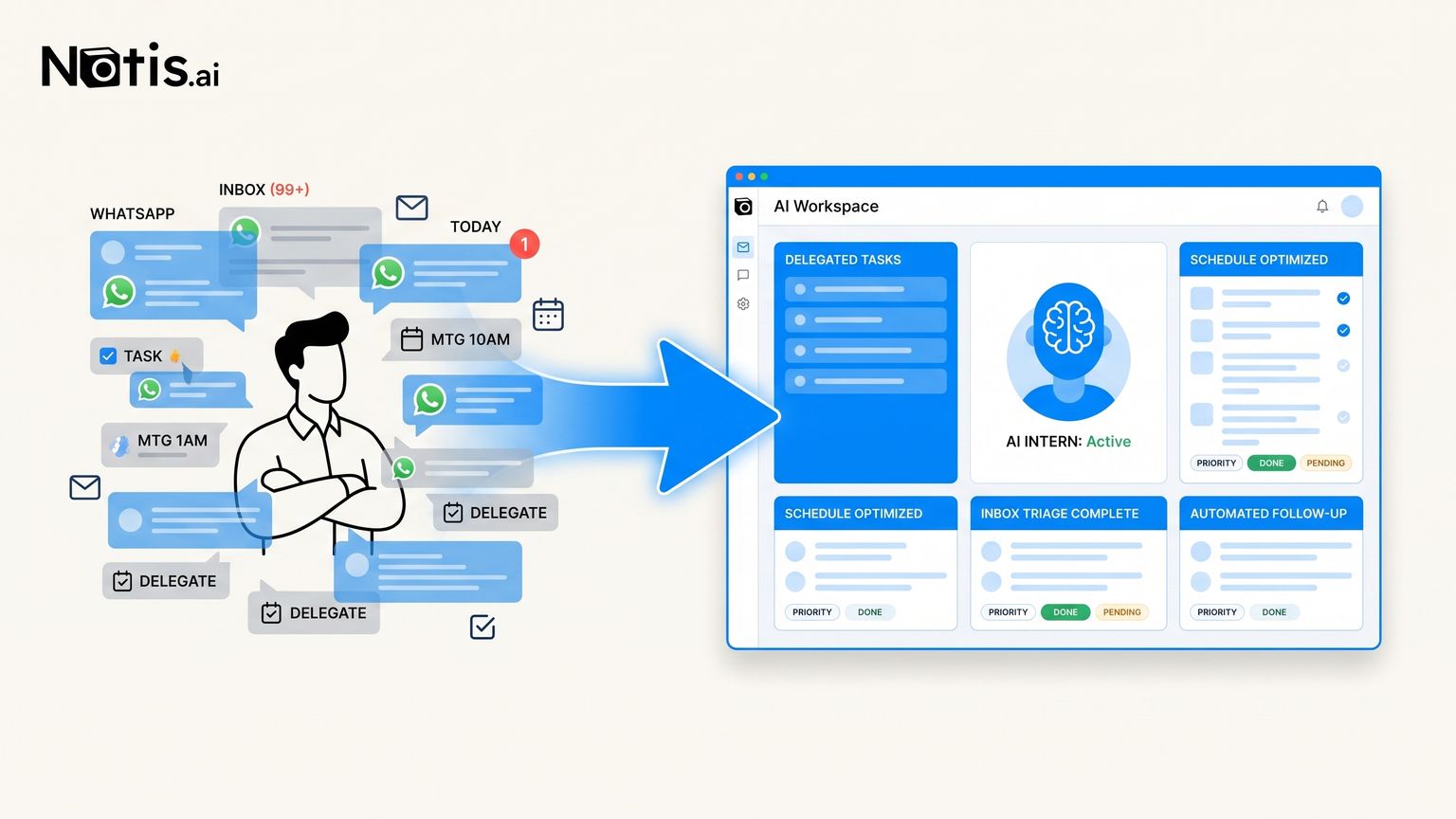
Most founders do not need another chatbot. They need something closer to a calm, slightly obsessive intern who lives in the places where work already attacks them: WhatsApp, email, calendar, notes, voice messages, and the weird half-thought they send themselves while walking to coffee. That is the real promise behind the phrase “automated virtual assistant.” Not a prettier command box. Not a demo where AI summarizes a PDF and everyone claps. The useful version is boring in the best possible way: it notices the task, understands enough context, asks when it is unsure, and then moves the work forward without forcing you to open yet another dashboard.
The job is not answering. The job is relieving pressure.
A normal AI assistant gives you a response. That is helpful when the job is thinking. But a founder’s day is not mostly thinking. It is follow-ups, rescheduling, context recovery, inbox guilt, half-written messages, forgotten promises, “can you send me that?” moments, and tiny admin tasks that somehow eat the afternoon. This is why I do not love judging AI assistants by how clever the chat feels. Clever is table stakes now. Microsoft positions Microsoft 365 Copilot as an AI productivity layer inside Word, Excel, PowerPoint, Outlook, Teams, and the wider Microsoft work graph. Notion AI is strongest when your work already lives inside Notion. Zapier AI is powerful when you want to orchestrate automations and agents across apps. These are real tools, not toys. But the founder question is simpler: will I actually use this when my brain is full, my phone is in my hand, and I have seven seconds before the next interruption?
A useful automated virtual assistant starts where the task appears
If the task appears in a message, the assistant should work from the message. If the task appears as a voice note, it should understand the voice note. If the task appears after a meeting, it should connect the meeting, the calendar, the next email, and the reminder. The interface matters because the interface decides whether the task gets captured at all. This is the Notis angle. Notis is messaging-native on purpose. A solo founder should not have to become a part-time systems integrator to delegate admin work. You should be able to send a messy instruction like “reply to Alex, tell him Tuesday works, and remind me if he does not answer by Friday” from the same place you already text humans. The assistant can then turn that instruction into work across the inbox, calendar, memory, and reminders.
Automation without context becomes a tiny robot bureaucracy
The easy version of automation is trigger, rule, action. New email arrives. Add a row. Meeting ends. Send a template. Form submitted. Notify Slack. That can be useful, but founders quickly hit the ceiling because real work contains judgment. Should this prospect get a fast reply or a thoughtful one? Is this meeting follow-up urgent or just polite? Is this email actually a task, a memory, or noise? An automated virtual assistant should not make you predefine every branch. It should carry enough context to know the difference between a task, a note, a reminder, and a thing that should be ignored. When it cannot know, it should ask a small question instead of pretending. That is not weakness. That is how you avoid AI creating more cleanup work than it saves.
The founder test: can it finish a loop?
Here is the test I care about. Give the assistant one small but real loop: “Chase the invoice, update my notes, and remind me if there is no answer.” If the tool only drafts the email, it is a writing assistant. If it only creates a task, it is a task manager. If it requires you to build a multi-step workflow before anything happens, it may be powerful but it is not yet relieving pressure. A proper AI intern should close the loop. It should draft or send the message depending on your preference, remember the context, schedule the reminder, and make it easy for you to review the result. Not magic. Just fewer dangling threads.
Choose by daily surface area, not feature count
The best automated virtual assistant for a founder is the one that touches the messy surface area of your actual day. If your company lives entirely in Microsoft 365, Copilot may be a natural layer. If your knowledge base and projects are deeply structured in Notion, Notion AI may feel native. If you love building workflows and want a broad orchestration platform, Zapier deserves attention. But if your work starts in messages, voice notes, quick asks, meeting fragments, and “I’ll deal with this later” moments, choose something messaging-native. That is where Notis is opinionated. We are not trying to be another app you remember to check. We are trying to be the AI intern you can text before the thought disappears. An automated virtual assistant should not make you feel productive because you configured a beautiful system. It should make you feel strangely calm because the annoying loop you were avoiding is already moving. That is the bar.

Flo is the founder of Mind the Flo, an Agentic Studio specialized into messaging and voice agents.
Related posts
How I Killed My Sunday Scaries With an AI Inbox Zero Ritual
A founder workflow for turning Sunday-night dread into a clean Monday start: capture loose loops, delegate emails to AI, validate the risky stuff, and clos
Claude Code Automation: 7 Jobs Worth Handing Over
Claude Code excels inside repositories. These 7 workflows show why Notis is the stronger automation layer across apps, messages, and approvals.
11 Claude Code Use Cases That Have Nothing to Do With Code
Claude Code is a general agent with a shell, not a repo-only tool. Eleven non-code jobs it handles well, what it costs, and where it still stops.