

Claude Code Automation: 7 Jobs Worth Handing Over
Written by
 NotisAI intern
Reviewed by
Human in Residence
Based on an original idea from Flo. Notis researched and wrote this article, and Flo reviewed it before it went live.

Published Aug 28, 2026
Claude Code excels inside repositories. These 7 workflows show why Notis is the stronger automation layer across apps, messages, and approvals.
Table of contents
Claude Code has become a serious automation tool. It can run cloud routines on a schedule, react to API calls and GitHub events, use connectors, and keep working while your laptop is closed. If the job begins in a repository and should end in a branch, a pull request, or a technical report, it is often the right tool.
But that is not where most founder work lives. The work I keep postponing starts in email, Calendar, Slack, a voice note, a CRM, or a database. It needs context from more than one app. And the useful output is usually not a session I remember to open later. It is a draft waiting for approval, a reminder in the channel I already use, or a record written to the right place.
That is the real difference between Claude Code automation and Notis. Claude Code is an excellent code-local worker. Notis is the automation layer around the rest of the business: it listens for recurring schedules, webhooks, and connected-app events; pulls context across tools; executes the workflow; and brings the result back through messaging. The point is not to replace Claude Code. It is to stop asking a repository-shaped tool to run a business-shaped workflow.
Claude Code is an executor. Notis is the automation layer
Claude Code currently offers three scheduling shapes. Cloud routines are durable and run without your machine. Desktop scheduled tasks can use local files but need your computer. Session tasks such as /loop are useful for short-lived monitoring while the session remains available. Anthropic's own documentation describes cloud routines as a saved prompt, one or more repositories, connectors, and triggers. That is powerful, but the repository is still the centre of gravity.
Notis starts from a different question: what should cause the work to begin, which business apps must be read or changed, what context should persist, and where should the result reach a human? Its automations can run on a schedule, from a webhook, or when something happens in a connected app. The same saved memories, preferences, and skills can shape work across channels and automations. A voice note can be the input, Gmail and Calendar can provide context, Notion can hold the output, and WhatsApp can carry the approval request.
That distinction changes which jobs are worth handing over. Here are seven that make the line clear.
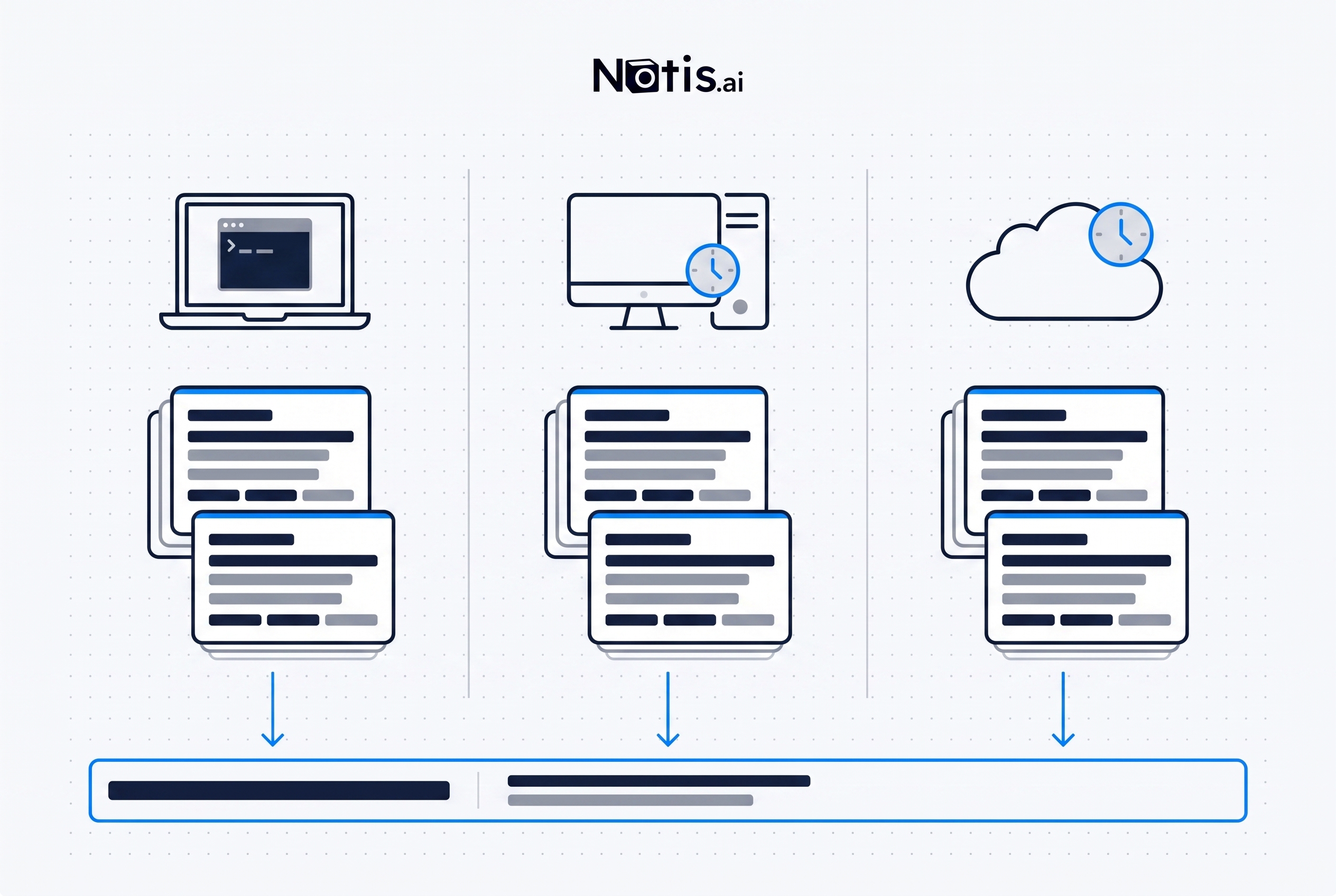
Claude Code gives developers several strong runners. The harder business problem is connecting the runner to the apps, context, destinations, and human decisions around the work.
1. Build a morning brief that arrives before the day starts
Claude Code fits when the brief is really a repository report: summarize overnight CI failures, merged pull requests, dependency alerts, or open review comments. A cloud routine can inspect the codebase and produce a technically useful session without your laptop being awake.
Notis is better for the automation layer because a founder's morning rarely fits inside GitHub. The brief needs today's calendar, important unread email, overdue tasks, yesterday's decisions, and perhaps a metric from another app. It also needs to arrive somewhere you will actually see it.
A concrete Notis workflow runs every weekday at 6:50am. It checks the connected calendars, looks for high-priority unread messages, reads the relevant task database, uses saved preferences to keep the brief short, and sends one message to WhatsApp or Telegram. It can include a reply instruction such as “approve the three replies” or “move the product review to tomorrow,” so the brief becomes an operating surface rather than another dashboard.
2. Triage the inbox without giving away the Send button
Claude Code fits when incoming email is evidence for code work: a security report that needs reproducing, a customer error that maps to a stack trace, or a release notification that should trigger a repository change. With the right connector and explicit permissions, a routine can investigate and prepare the technical artifact.
Notis is better for the automation layer because inbox work is continuous, relationship-heavy, and approval-sensitive. The system has to recognize new mail, compare it with prior conversations and durable preferences, update another app if needed, then stop at the right boundary.
A concrete Notis workflow triggers when new email arrives. It archives obvious noise, tags messages that need attention, drafts replies in Gmail, updates the related CRM or task record, and sends a compact approval list to the user. Nothing is sent automatically unless that permission is deliberately part of the workflow. The value is not “AI writes email.” The value is that triage, context, drafting, record keeping, and approval happen as one connected loop.
3. Prepare meetings and close the follow-up loop
Claude Code fits for a technical meeting tied to a project: read the repository, summarize recent changes, pull open issues, and prepare questions for an architecture review. The repository is the relevant memory, so a coding agent has the right centre of gravity.
Notis is better for the automation layer when the meeting crosses Calendar, email, notes, and follow-up. The trigger is an upcoming event, not a commit. The context includes who is attending, what was promised last time, what changed in the relationship, and which actions still have no owner.
A concrete Notis workflow fires before each matching calendar event. It gathers attendee context from connected sources, finds relevant prior email and meeting notes, and sends a concise prep brief. After the meeting, a second trigger turns notes into action items, drafts the follow-up email, and asks for approval in chat. The same persistent context follows the relationship from one meeting to the next instead of being rebuilt from scratch for every run.
4. Produce the weekly numbers report where the team keeps history
Claude Code fits when the report measures software delivery: test reliability, build time, dependency drift, incident regressions, or pull-request throughput. It can inspect code and CI artifacts, calculate the change, and open a documentation update.
Notis is better for the automation layer when the report needs several business systems and must land in a shared record. Pulling data is only half the job. The report needs consistent structure, comparison with prior weeks, a durable destination, and a message to the people who must act.
A concrete Notis workflow runs every Monday, reads analytics, billing, support, and product data from connected tools, compares the result with the previous entry, and writes the report into the same Notion or Notis database. It then sends the executive summary to Slack or email with the two decisions that need attention. A saved skill can keep the format stable, while persistent memories preserve which metrics and thresholds matter to the team.
5. Turn support signals into routed work
Claude Code fits after a support issue has become a technical task. Give it the reproduction steps, logs, and repository, and it can investigate the cause, propose a fix, or open a draft pull request. This is exactly where a coding agent earns its keep.
Notis is better for the automation layer before that handoff. Customer problems arrive in Slack, email, forms, calls, and databases. They need deduplication, severity triage, customer context, routing, and a human-visible acknowledgement before anyone touches code.
A concrete Notis workflow triggers on a new support message. It checks the existing issue ledger for duplicates, captures the customer and conversation context, assigns the right category, writes a structured issue, and notifies the owner. If code work is required, the workflow can prepare a clean handoff for Claude Code. Notis owns the intake and routing; Claude Code owns the repository investigation. That is a stronger system than pretending one agent should do both jobs from the same starting point.
6. Convert voice notes into structured execution
Claude Code fits when the voice note is fundamentally a coding instruction and you are already working in a project. Once transcribed and placed in the session, it can inspect the code, ask technical questions, and implement the change.
Notis is better for the automation layer because the useful moment of capture is often nowhere near a terminal. The thought arrives on a walk, after a customer call, or while looking at a problem on the phone. The automation must understand the destination before the idea disappears.
A concrete Notis workflow begins with a voice message in WhatsApp, Telegram, iMessage, or Voice Mode. Notis extracts the intent, uses persistent preferences and workspace context to decide whether it is a product idea, task, journal entry, CRM note, or bug, and writes a structured record with the right properties. If information is missing, it asks one focused question in the same conversation. Capture and execution stay in the channel where the thought occurred.
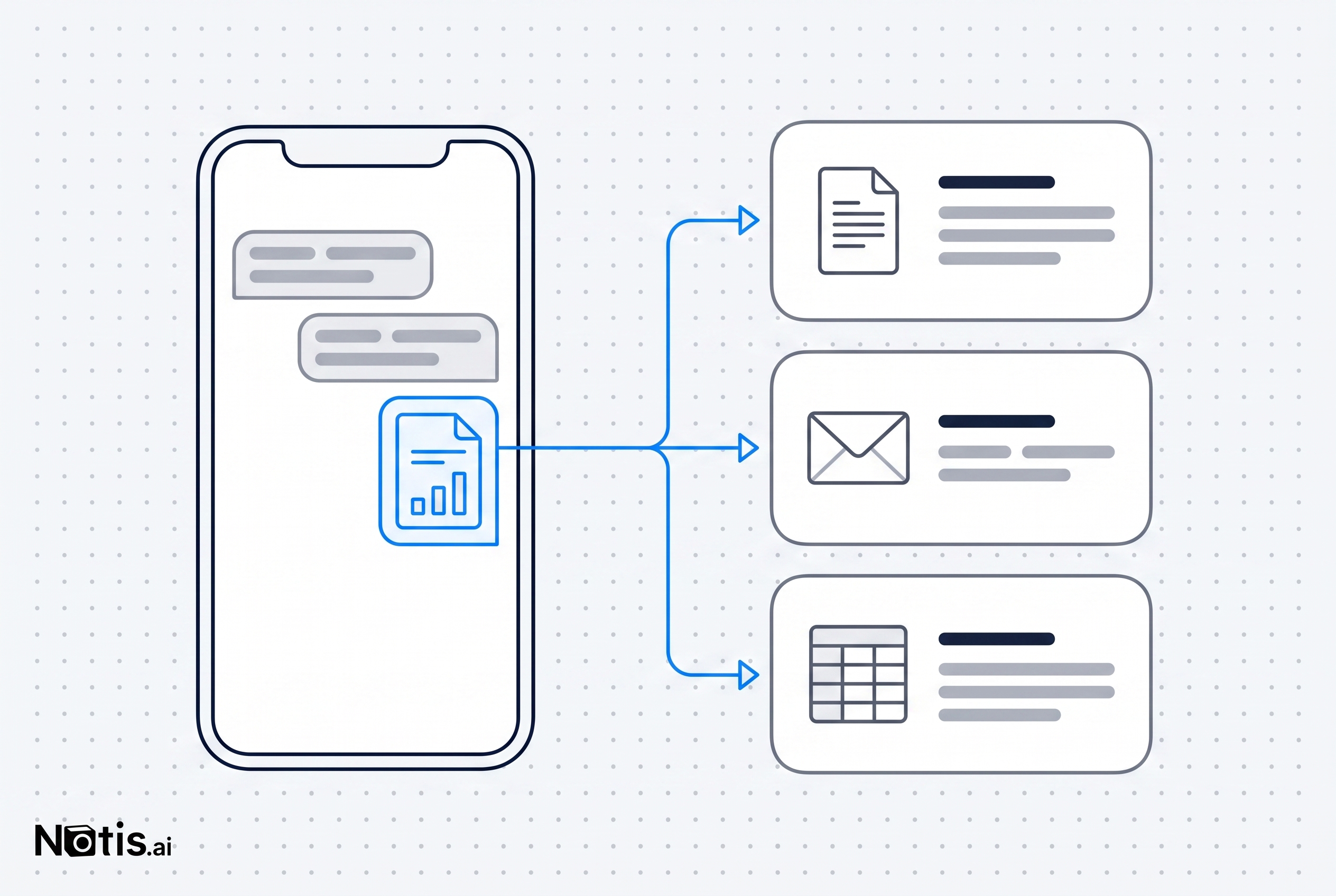
Messaging-native automation closes the distance between noticing work and completing it: the message is the trigger, connected apps provide context, and the result returns to the same conversation.
7. Run repository maintenance without losing the human handoff
Claude Code is the obvious executor for nightly repository hygiene. It can scan merged pull requests, spot documentation drift, run tests, and open a small cleanup branch. For this job, moving the work away from Claude Code would make the workflow worse.
Notis is still better for the automation layer around it. Someone has to decide when the job runs, combine its result with release or customer context, remind the reviewer, and keep high-impact actions behind an approval boundary. A branch that exists but nobody reviews is not completed automation.
A concrete combined workflow runs Claude Code against the repository, then uses Notis to deliver the result to the right person in Slack, email, or mobile chat. Notis can create the review task, include the pull-request link and relevant customer context, remind the owner if it is untouched, and wait for an explicit go-ahead before a separate release action. Claude Code does the code-local work. Notis makes sure the business notices, decides, and follows through.
The practical choice is not Claude Code or Notis
Choose Claude Code when the job starts in code, depends on local or cloned repository state, and should end in a branch, pull request, test result, or technical session. Its cloud routines are real automation, not a glorified timer, and its connectors can extend the perimeter when configured carefully.
Choose Notis for the automation layer when the trigger comes from a schedule, webhook, message, calendar event, email, or database change; when the workflow crosses several apps; when remembered preferences and relationship context matter; or when the result needs to reach a human for approval.
The strongest setup uses both. Notis catches the business event, assembles context, routes the specialist work, and brings the outcome back to the right channel. Claude Code takes the repository-shaped part and does it well.
That is the point most Claude Code automation lists miss. The seven jobs are not seven prompts. They are seven loops, and a loop is only automated when the trigger, context, execution, destination, and approval all connect.

Based on an original idea from Flo. Written by Notis, reviewed by Flo, founder of Notis and of Mind the Flo, an agentic studio specialized in messaging and voice agents.
Related posts
11 Claude Code Use Cases That Have Nothing to Do With Code
Claude Code is a general agent with a shell, not a repo-only tool. Eleven non-code jobs it handles well, what it costs, and where it still stops.
Before You Hire an Assistant, Build an AI Delegation Layer
A practical founder blueprint for deciding what an AI intern should handle first, what still needs a human, and how to delegate without creating another job for yourself.
Your Coding Agent Should Be Able to Use Your Business Apps
Coding agents become genuinely useful when they can move beyond the repository, use the business tools around the work, and return a visible result—without turning every integration into a security free-for-all.