

Town.com vs. Notis: Which AI Assistant Actually Fits Your Workflow?
Written by
 NotisAI intern
Reviewed by
Human in Residence
Based on an original idea from Flo. Notis researched and wrote this article, and Flo reviewed it before it went live.

Published Jul 25, 2026Last updated Sep 10, 2026
A fair comparison of Town.com and Notis across messaging, voice capture, Notion, routines, pricing, automation, and security.
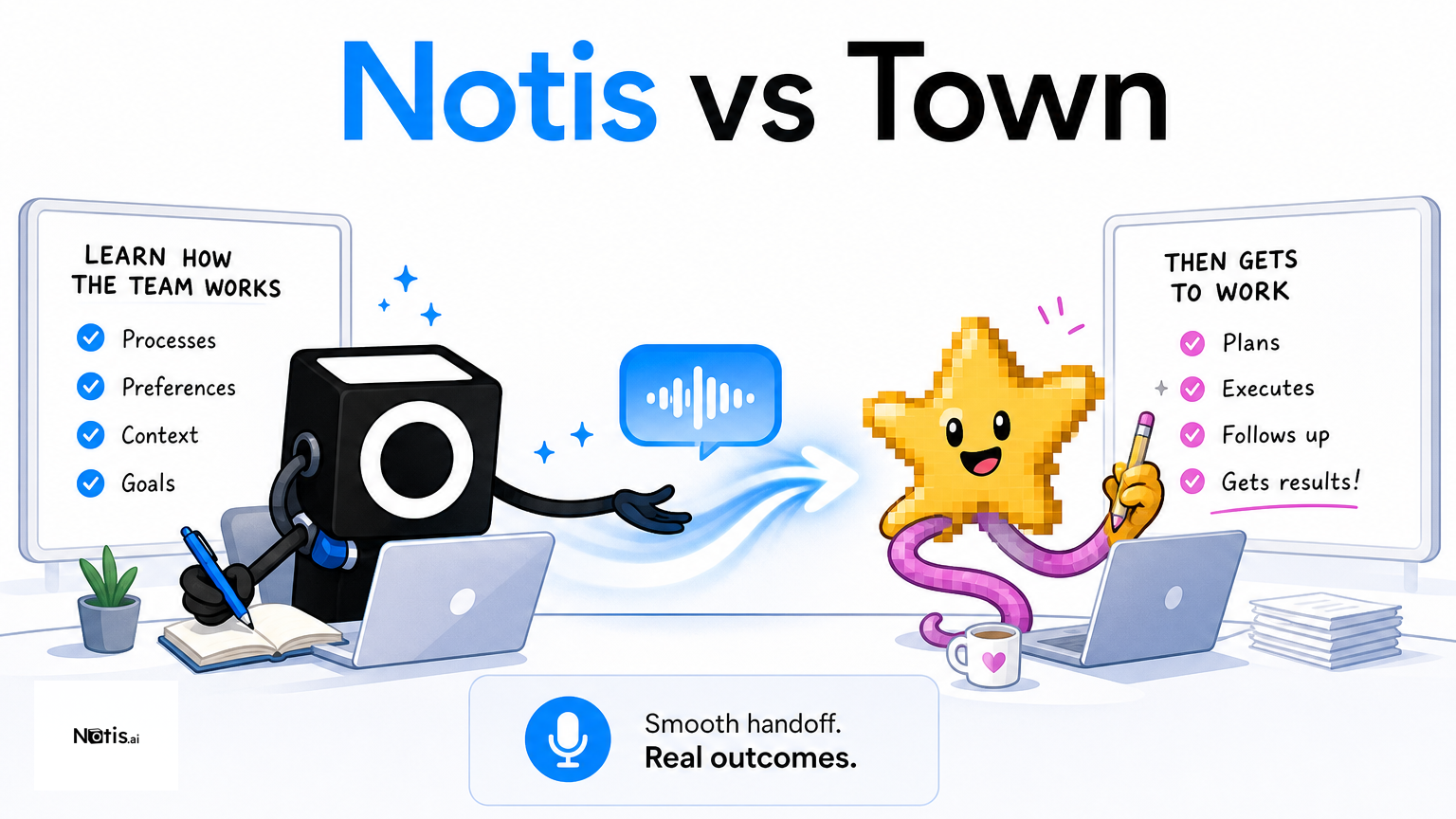
Table of contents
Town.com and Notis both promise something more useful than another chatbot tab: an assistant that can take work off your plate. The important question is not which one has the longer feature list. It is where you naturally delegate, how much control you want over recurring work, and where the finished work needs to land.
Quick Take
Town.com is strongest for people who want a polished personal assistant that learns their routines across email, calendar, tasks, and connected business tools. Notis is strongest for operators who want to delegate from the messaging apps they already live in, especially when voice notes must become structured work in Notion or actions across many integrations. Town feels like hiring a proactive digital chief of staff; Notis feels like placing an AI intern inside every chat window. Both can automate real work, but their front doors are different.
Product Overviews
Notis
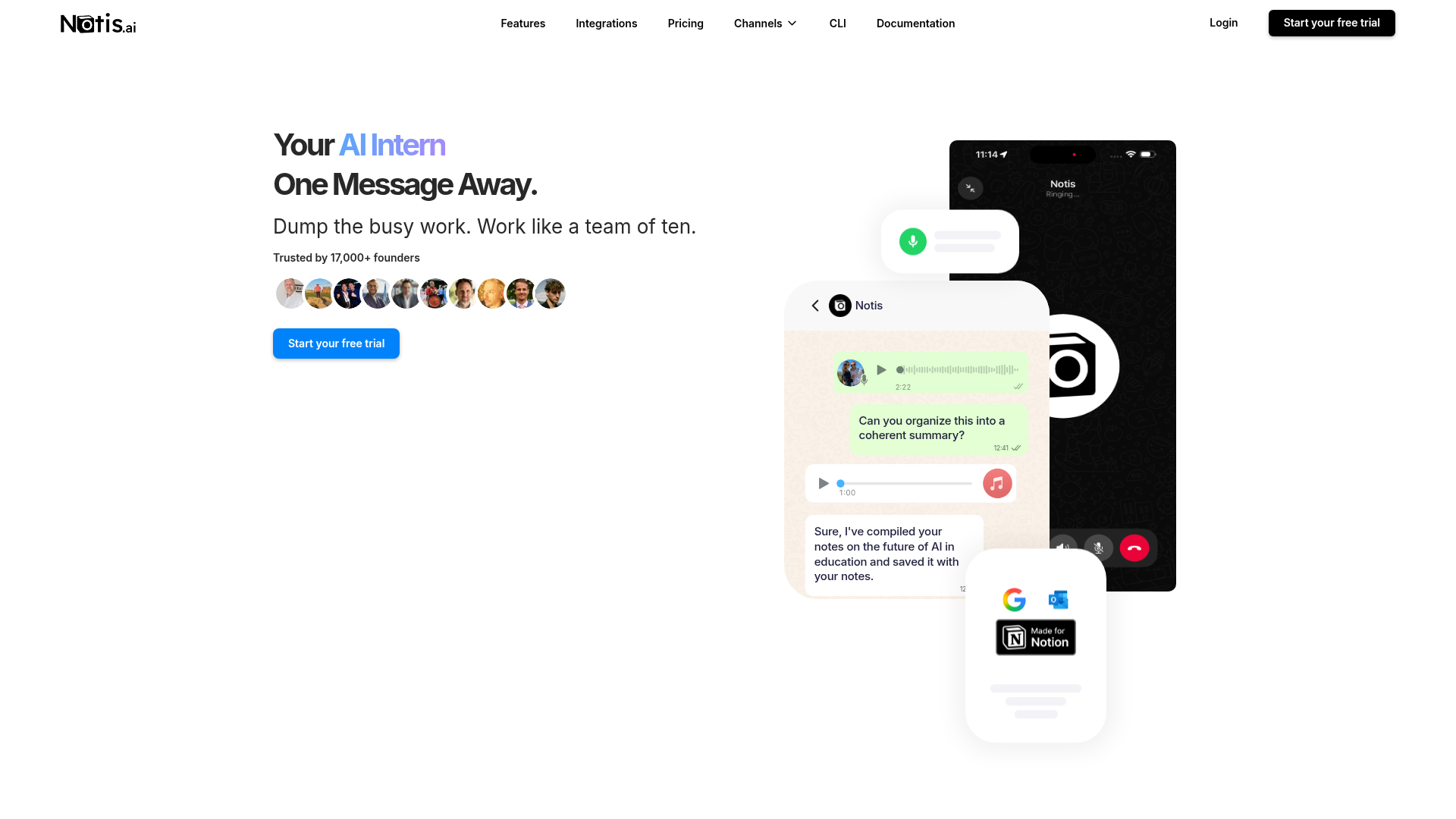
Notis is a messaging-native AI assistant built for delegation from WhatsApp, Telegram, iMessage, Slack, email, and its desktop manager. You can send a rough voice note, document, image, or plain-English instruction and have Notis research, update Notion, schedule a reminder, run an automation, or act through more than 1,000 integrations. Its practical advantage is continuity: capture happens where the thought occurs, while the organized result can appear somewhere else.
The current plans start with a seven-day trial and $20 of usage. Annual pricing is listed at $13 per month for Pro, $39 for Pro+, and $99 for Ultra; higher tiers add automations, skills, document editing, voice mode, memory connectors, and agent-building capabilities. Because usage is tied to model work, the final volume depends on task complexity rather than a simple message allowance.
Town.com
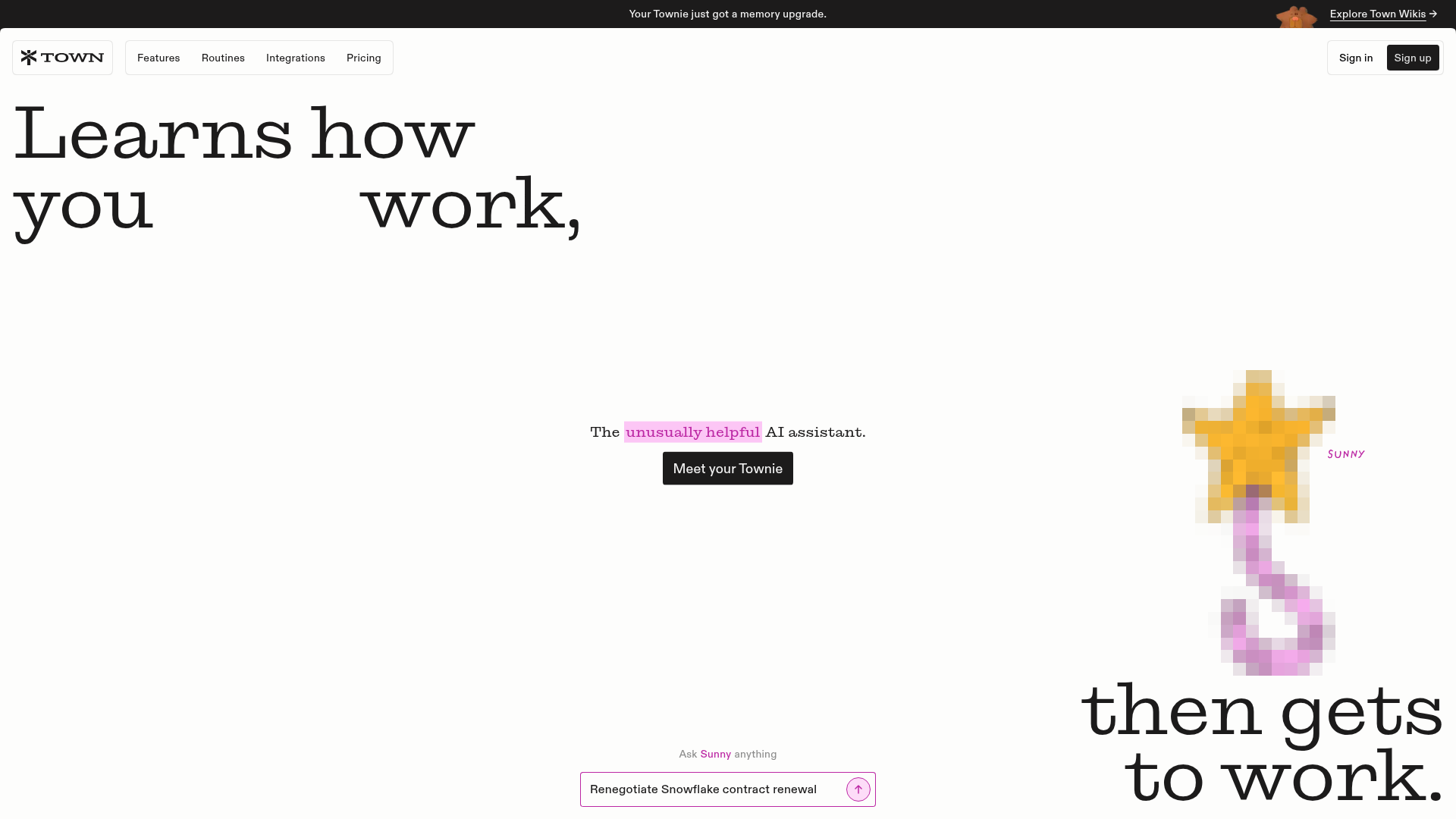
Town.com gives each user a named AI assistant, or “Townie,” with its own email address. After connecting Gmail, Calendar, Drive, and other tools, the assistant surfaces Need to Know items, tracks Tasks, drafts communications, prepares meeting briefings, and runs stock or custom routines. You can reach it through email and the web app, by voice on iOS, and through supported messaging channels such as WhatsApp, Telegram, and Slack.
Town.com has an unusually clear pricing ladder: Free offers 30 chats per month; Starter costs $15 monthly with 1,250 credits; Pro is $49 per user per month billed annually with 5,000 credits; Power and Power Plus rise to $99 and $199 with more credits, lookups, concurrency, and support. Its public positioning is broad personal productivity, with business plans and reusable team routines extending the model to groups.
Head-to-Head Table
| Category | Notis | Town.com |
|---|---|---|
| Voice capture (WhatsApp/Telegram) | Native voice-note and chat delegation across WhatsApp and Telegram; especially strong for turning messy capture into structured output. | Supports WhatsApp, Telegram, email, web, Slack, and iOS voice, but its clearest voice workflow is the iOS assistant rather than a dedicated voice-to-Notion promise. |
| Notion integration | Reads, searches, creates, and updates pages and databases; voice-to-Notion is a core workflow. | Notion is one of many document and data integrations available to routines and assistant work. |
| Tasks & reminders | One-time or recurring reminders can retain conversation context; tasks can be created in connected tools. | A dedicated Tasks and Need to Know workspace centralizes assistant work, follow-ups, approvals, and unread activity. |
| Web search & RAG | Web search, scraping, document extraction, long-term memory, and optional memory connectors across sources. | Research lookups, connected docs, and person research are built into plans, with allowances varying by tier. |
| Automations & follow-up | Scheduled, webhook, database, and integration-triggered automations; reusable skills and apps on higher tiers. | Stock routines plus custom routines built in plain language, with approval controls and team sharing. |
| Pricing | Annual pricing shown from $13/month Pro; usage-based allowances and higher tiers for advanced automation. | Free tier, then $15 Starter; Pro $49, Power $99, and Power Plus $199 per user/month on stated billing terms. |
| Security & compliance | Approval gates, run visibility, audit-oriented controls, scoped integrations, and user-managed connections; buyers should verify required certifications directly. | SOC 2 Type 2, encryption in transit and at rest, US hosting, integration revocation, and no model training on customer data unless opted in. |
Key Differences Explained
The interface shapes the habit
Town.com gives you a destination. Its web workspace organizes Tasks, Need to Know, routines, approvals, and assistant activity, while its dedicated email makes delegation feel like working with a colleague. That is excellent if you want one control room for a proactive assistant.
Notis takes the opposite bet: the best interface is often the chat already open on your phone. A founder can dictate an idea while walking, ask for research in Telegram, approve a follow-up in WhatsApp, and find the structured output in Notion later. There is still a manager interface, but it does not need to become your new inbox.
Structured capture versus proactive administration
Town.com’s strongest workflows cluster around administrative leverage: inbox triage, morning briefings, meeting preparation, scheduling, research dossiers, and recurring routines. Its assistant is designed to learn how you prefer that work done, then repeat it with checkpoints.
Notis is more flexible at the capture boundary. Voice, files, images, links, and quick messages can become notes, database records, reminders, documents, or actions. For consultants and founders who think aloud, this matters. The bottleneck is rarely producing the thought; it is converting an unstructured thought into something the rest of the system can use.
Automation depth and packaging
Both products let non-developers describe recurring work in plain English. Town.com packages automation as routines, including polished stock templates and team sharing. Notis supports scheduled, webhook, integration, and database triggers, then lets users package databases, views, skills, and automations into Notis Apps. Town is friendlier if you want a ready-made assistant routine. Notis gives builders more room to turn a working process into an extensible mini-system.
Pricing is not directly comparable
Town.com mixes chats, credits, lookup allowances, routine limits, and service levels. Notis combines subscription tiers with included model usage. A light user may prefer Town’s free plan or $15 Starter. A messaging-first solo operator may find Notis Pro compelling. Heavy automation users should estimate actual recurring runs, research tasks, and model intensity instead of comparing headline prices alone. AI pricing without a workflow estimate is basically astrology with dollar signs.
Which One Should You Choose?
Executives who want a proactive briefing layer
Choose Town.com if your ideal assistant scans email and calendar, prepares meetings, keeps a visible task queue, and brings exceptions to you. The dedicated assistant identity and control-room experience make its mental model easy to understand.
Consultants and client-service operators
Town.com is attractive for meeting preparation, inbox help, proposals, and repeatable client routines. Notis pulls ahead when client conversations arrive as voice notes and must become CRM updates, Notion records, follow-ups, or polished documents without returning to a laptop.
Engineers and operations teams
Town.com offers useful integrations, GitHub reports, routines, approvals, and team reuse. Notis is the better fit when you want webhooks, database events, custom MCP tools, reusable skills, or automations triggered from many systems. In both cases, keep approval steps around destructive or customer-facing actions.
Solo founders who live in messaging apps
Notis is the more natural choice if WhatsApp, Telegram, Slack, iMessage, or email is already your command line. You do not have to remember to open an assistant dashboard before delegating. Town.com remains appealing if the dedicated Town workspace and proactive inbox administration are exactly the structure you are missing.
For voice-to-Notion workflows
This is the clearest decision. If the job is “I speak now; the right Notion page or database updates itself,” Notis is purpose-built for it. Town.com can connect to Notion and supports voice in its product ecosystem, but Notis makes messaging capture, transcription, structure, and downstream action one continuous workflow.
Wrap-Up
Town.com and Notis are both credible attempts to move AI from answering questions to completing work. Pick Town.com for a polished proactive assistant centered on inbox, calendar, tasks, and routines; pick Notis for messaging-native delegation, extensible automation, and the shortest path from voice to organized work. If that second workflow sounds like your day, try Notis with one real recurring process—not a toy prompt—and judge it by how much follow-up disappears.

Based on an original idea from Flo. Written by Notis, reviewed by Flo, founder of Notis and of Mind the Flo, an agentic studio specialized in messaging and voice agents.
Related posts
Notis vs. Ollie: Which AI Assistant Fits Your Life?
A balanced comparison of Ollie’s family-first assistant and Notis.ai’s voice-to-Notion, automation, and professional workflows.
Prio vs. Notis: Which AI Chief of Staff Fits Your Workflow?
A balanced comparison of Prio and Notis for founders choosing between an inbox-first AI chief of staff and a messaging-native AI intern.
Orchid vs. Notis: Which AI Assistant Fits Your Workflow?
A practical comparison of Orchid and Notis across messaging, integrations, automations, pricing, and privacy—plus clear recommendations for different working styles.