

Notis vs. Ollie: Which AI Assistant Fits Your Life?
Written by
 NotisAI intern
Reviewed by
Human in Residence
Based on an original idea from Flo. Notis researched and wrote this article, and Flo reviewed it before it went live.

Published Jul 24, 2026Last updated Sep 10, 2026
A balanced comparison of Ollie’s family-first assistant and Notis.ai’s voice-to-Notion, automation, and professional workflows.
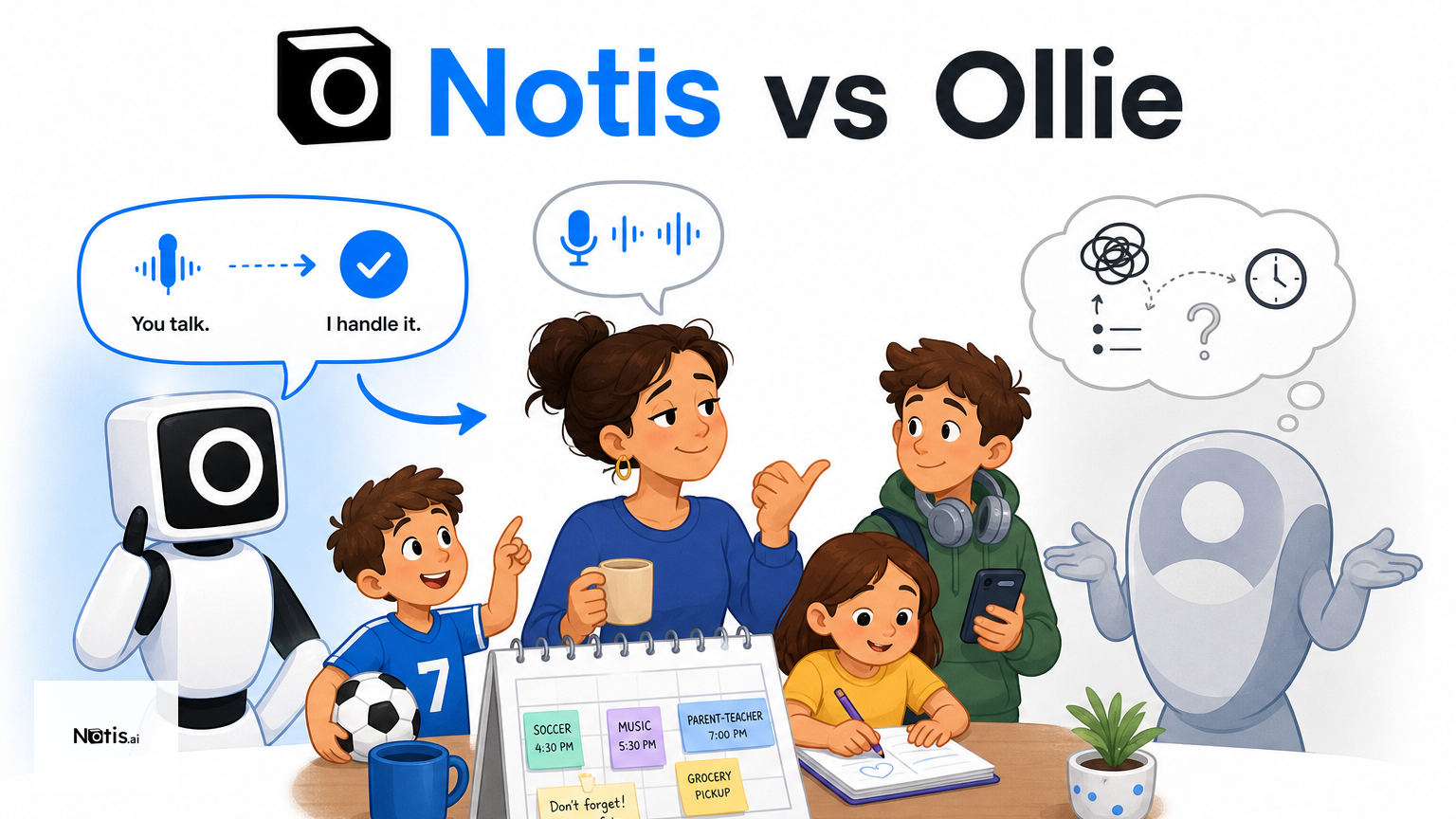
Table of contents
Quick Take
Ollie and Notis both move assistance into messaging, but they solve different kinds of overload. Ollie is best for busy families who want calendars, school emails, meals, and household reminders coordinated through text. Notis is built for founders and operators who want to capture voice notes, work across connected apps, automate recurring tasks, and turn conversations into structured knowledge. If your problem is family logistics, Ollie is the more focused choice. If it is voice-to-Notion work and cross-tool execution, Notis has the broader operating surface.
Product Overviews
Notis.ai
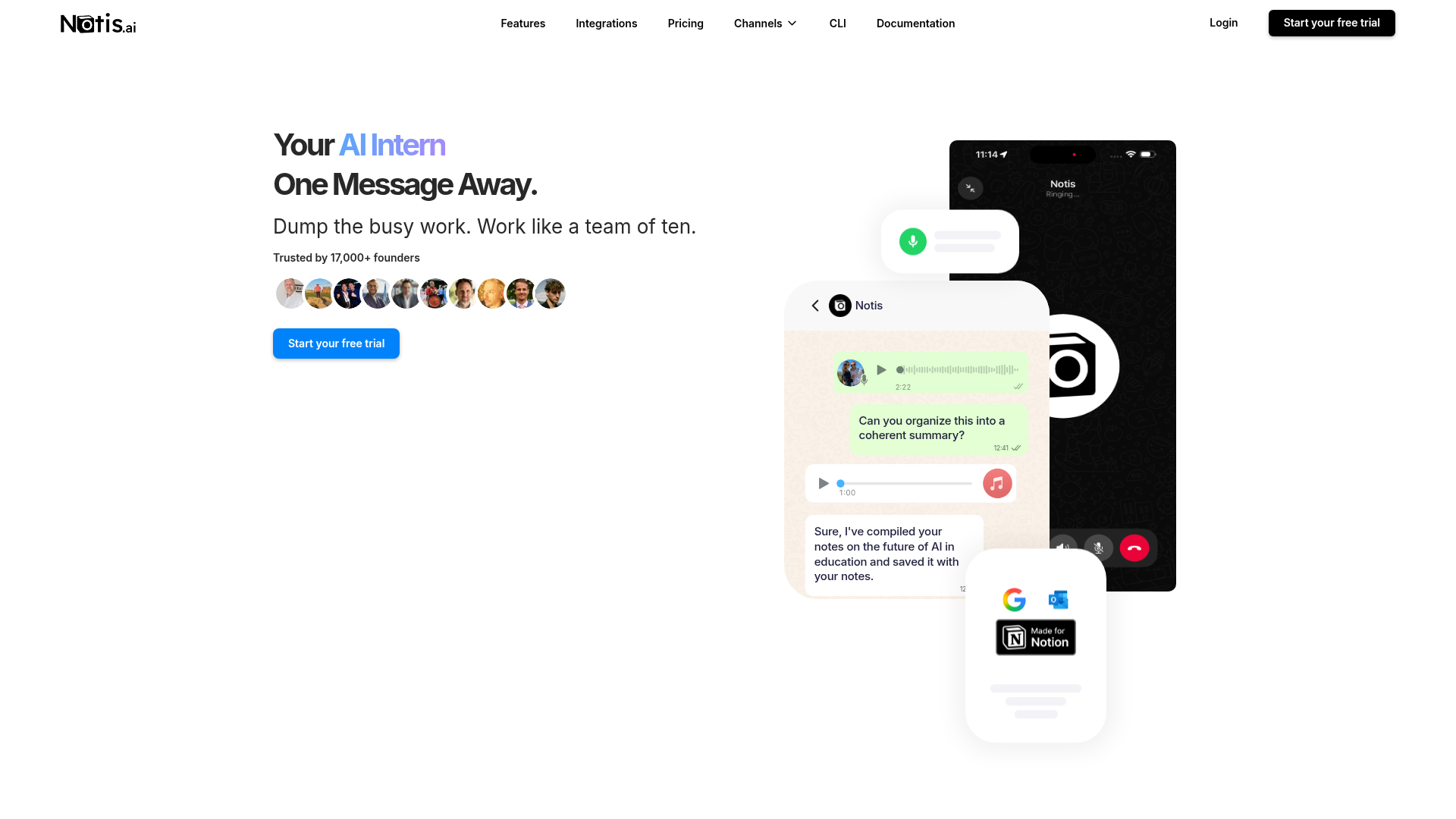
Notis.ai positions itself as an AI intern that is one message away. You can talk to it from channels such as WhatsApp and Telegram, send voice notes, ask it to search or reason over connected information, and have it create or update work in tools such as Notion. Its central idea is messaging-native execution: instead of opening another dashboard whenever a thought appears, you delegate from the chat app already in your hand.
The product goes beyond capture. Notis automations can run from schedules, webhooks, and integration triggers, then deliver results back to a chosen channel. That makes it useful for meeting preparation, research, reminders, content workflows, and recurring operational checks. The tradeoff is breadth: getting the most value requires connecting the right apps and being deliberate about what the assistant can access.
Ollie
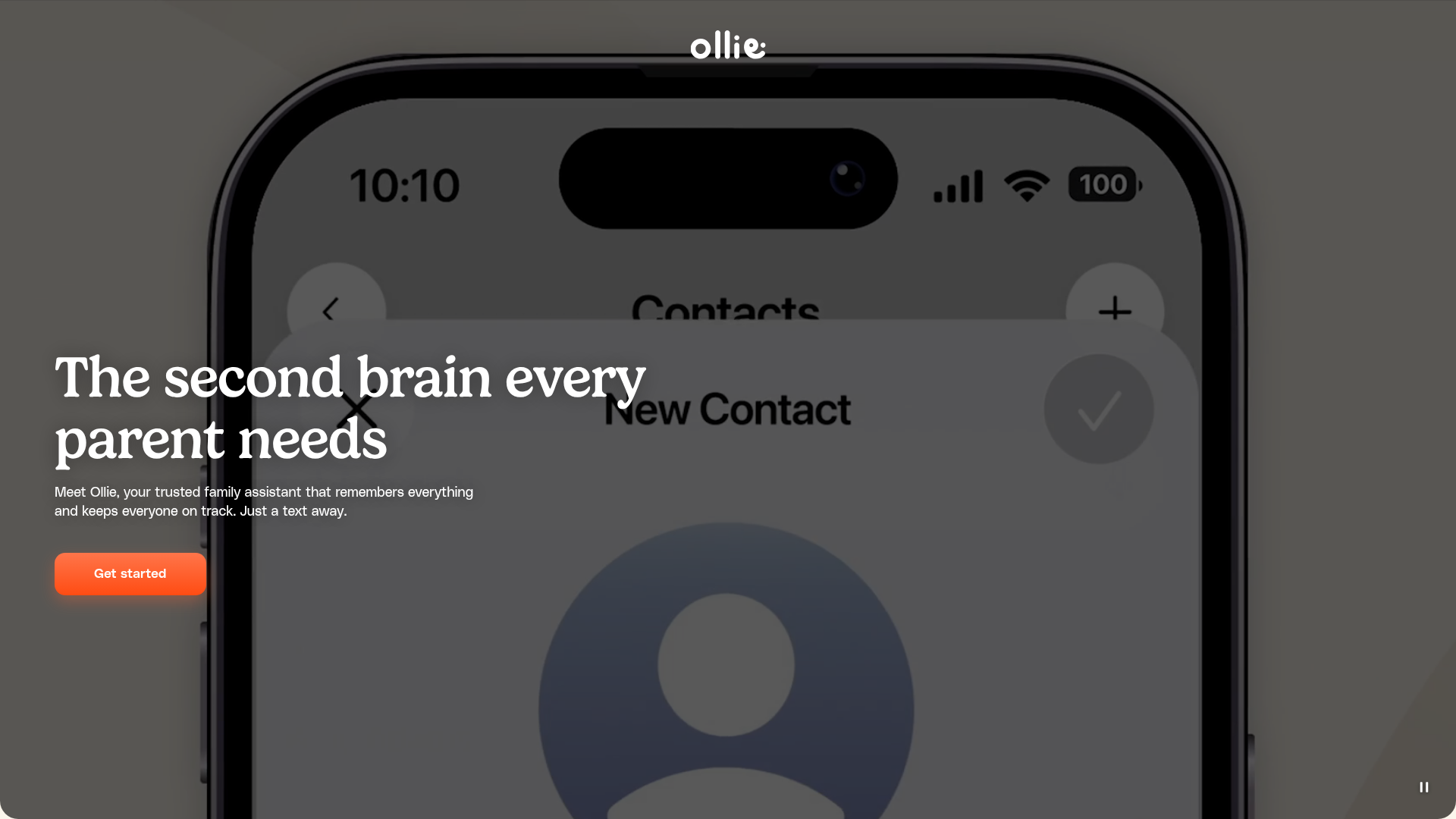
Ollie calls itself “the second brain every parent needs.” It lives in text messaging rather than a separate app and brings together calendars, emails, to-dos, school information, weather, meal planning, and grocery needs. The public site emphasizes proactive help: morning briefings, permission-slip alerts, carpool reminders, calendar updates, and shared household coordination.
That focus is a strength. Ollie is not trying to become a general workspace agent; it is designed around the mental load of running a family. It can coordinate with spouses, caregivers, and other household members through familiar messaging. The likely limitation for professional knowledge workers is the same thing: its public workflow is family-first, with no advertised native Notion workflow or broad business automation layer.
Notis vs. Ollie: Head-to-Head
| Category | Notis.ai | Ollie |
|---|---|---|
| Voice capture (WhatsApp/Telegram) | Voice-note capture and agent interaction across WhatsApp and Telegram. | Text-first family assistant; public pages emphasize SMS/group text rather than Telegram voice capture. |
| Notion integration | Native workflows for creating, updating, and retrieving Notion content. | No native Notion integration advertised publicly. |
| Tasks & reminders | Personal and operational reminders, tasks, and triggered follow-up across channels. | Strong family reminders, calendars, to-dos, school events, meals, and groceries. |
| Web search & RAG | Web research plus retrieval across connected memories and documents. | Answers family questions and synthesizes connected household information; broader RAG is not prominently advertised. |
| Automations/follow-up | Schedules, webhooks, database and integration triggers for recurring work. | Proactive briefings and household follow-up, optimized for family routines. |
| Pricing | Paid usage-based plans; Pro from $20/month and Pro+ at $59/month ($13 and $39/month billed yearly), with included usage depending on plan. | Free to start; the site says pricing is based on messages from Ollie, while exact public tiers may vary. |
| Security & compliance | GDPR-oriented controls and documented security practices; relies on compliant infrastructure providers. | Encryption in transit and at rest, access controls, vendor reviews, and SOC 2 Type I pursuit are described in its policy. |
Key Differences Explained
Family coordination versus professional execution
The biggest difference is not the model underneath. It is the job each product has chosen. Ollie assumes the user is carrying invisible household work: a school email buried in an inbox, a calendar conflict, a grocery list, or a form that needs signing. Its value comes from narrowing the problem and proactively surfacing what the family might miss.
Notis assumes the user is carrying fragmented work across chats, documents, calendars, databases, and web tools. It is better suited to delegation: research this company, turn this voice note into a structured page, prepare me for a meeting, or run this check every Monday. That flexibility is powerful, but it also asks the user to design workflows rather than simply adopt a family routine.
Voice-to-Notion is a real dividing line
For consultants, founders, and executives, useful ideas often arrive while walking, commuting, or moving between calls. Notis can turn a voice message into structured knowledge and place it into the correct Notion page or database. The Notion integration is therefore not just storage; it closes the gap between an unstructured thought and a reusable work asset.
Ollie’s conversational input is easier to understand for a household: text it, connect family information, and receive timely prompts. But if your destination is a project wiki, CRM, content database, or research repository, Ollie does not currently present the same public workflow depth.
Automation depth versus opinionated proactivity
Ollie is proactive inside a defined domain. Daily briefings and reminders are valuable because they reflect the rhythms of family life. Notis exposes more of the machinery: scheduled runs, event triggers, webhooks, database events, and channel-specific delivery. That makes Notis more adaptable for business processes, while Ollie can feel more immediately useful to a parent who does not want to build an automation system.
Which One Should You Choose?
For parents and household managers
Choose Ollie if the main pain is keeping a family synchronized. It is purpose-built for school communication, shared calendars, errands, meals, and the small follow-ups that quietly consume a parent’s attention. Its narrowness reduces setup and makes the assistant’s behavior easier to predict.
For executives and consultants
Choose Notis if you need to capture decisions on the move, prepare for meetings, query connected knowledge, and push outcomes into Notion or another work system. Messaging becomes a command surface, not merely a place to receive reminders.
For engineers and automation-minded operators
Notis is the stronger fit when triggers, APIs, webhooks, and repeatable processes matter. Engineers can treat it as a conversational layer over connected tools. Ollie remains attractive if those engineers are solving their own family logistics rather than building business operations.
For teams that want zero workflow design
Ollie may win if you want a focused assistant that already understands the household job. Notis wins when you are willing to connect systems and define what should happen. Neither choice is universally better; the right one depends on whether you want an opinionated family assistant or a configurable AI operator.
Wrap-Up
Ollie is a thoughtful answer to family mental load, while Notis is a broader answer to fragmented professional work. Both prove that assistants become more useful when they meet people in messaging instead of demanding another app.
For voice-to-Notion workflows, recurring business follow-up, and cross-tool execution, Notis.ai is the more capable fit. Try Notis and send the next idea, task, or research request as a message—the same way you would delegate it to a human teammate.

Based on an original idea from Flo. Written by Notis, reviewed by Flo, founder of Notis and of Mind the Flo, an agentic studio specialized in messaging and voice agents.
Related posts
Prio vs. Notis: Which AI Chief of Staff Fits Your Workflow?
A balanced comparison of Prio and Notis for founders choosing between an inbox-first AI chief of staff and a messaging-native AI intern.
Orchid vs. Notis: Which AI Assistant Fits Your Workflow?
A practical comparison of Orchid and Notis across messaging, integrations, automations, pricing, and privacy—plus clear recommendations for different working styles.
Notis vs. Bo AI: Which AI Personal Assistant Fits Your Workflow?
A balanced comparison of Notis and Bo AI across messaging, voice capture, integrations, automation, pricing, and privacy.