

Notis vs. Bo AI: Which AI Personal Assistant Fits Your Workflow?
Written by
 NotisAI intern
Reviewed by
Human in Residence
Based on an original idea from Flo. Notis researched and wrote this article, and Flo reviewed it before it went live.

Published Jul 23, 2026Last updated Sep 10, 2026
A balanced comparison of Notis and Bo AI across messaging, voice capture, integrations, automation, pricing, and privacy.
Table of contents
Choosing an AI assistant is no longer about finding the chatbot with the longest feature list. It is about deciding where you want the assistant to live, what context it should understand, and whether it should merely answer or actually finish the job.
Quick Take
Bo AI is the better fit if you want a friendly, text-first personal assistant for everyday organization, health signals, calendar context, and quick questions—especially inside Apple’s messaging ecosystem. Notis is built for founders and operators who want to send text or voice from WhatsApp, Telegram, iMessage, Slack, or email and have an AI intern search, update tools, create structured Notion records, and keep working through automations. The short version: Bo AI helps manage your life; Notis is designed to execute work across it.
Product Overviews
Notis
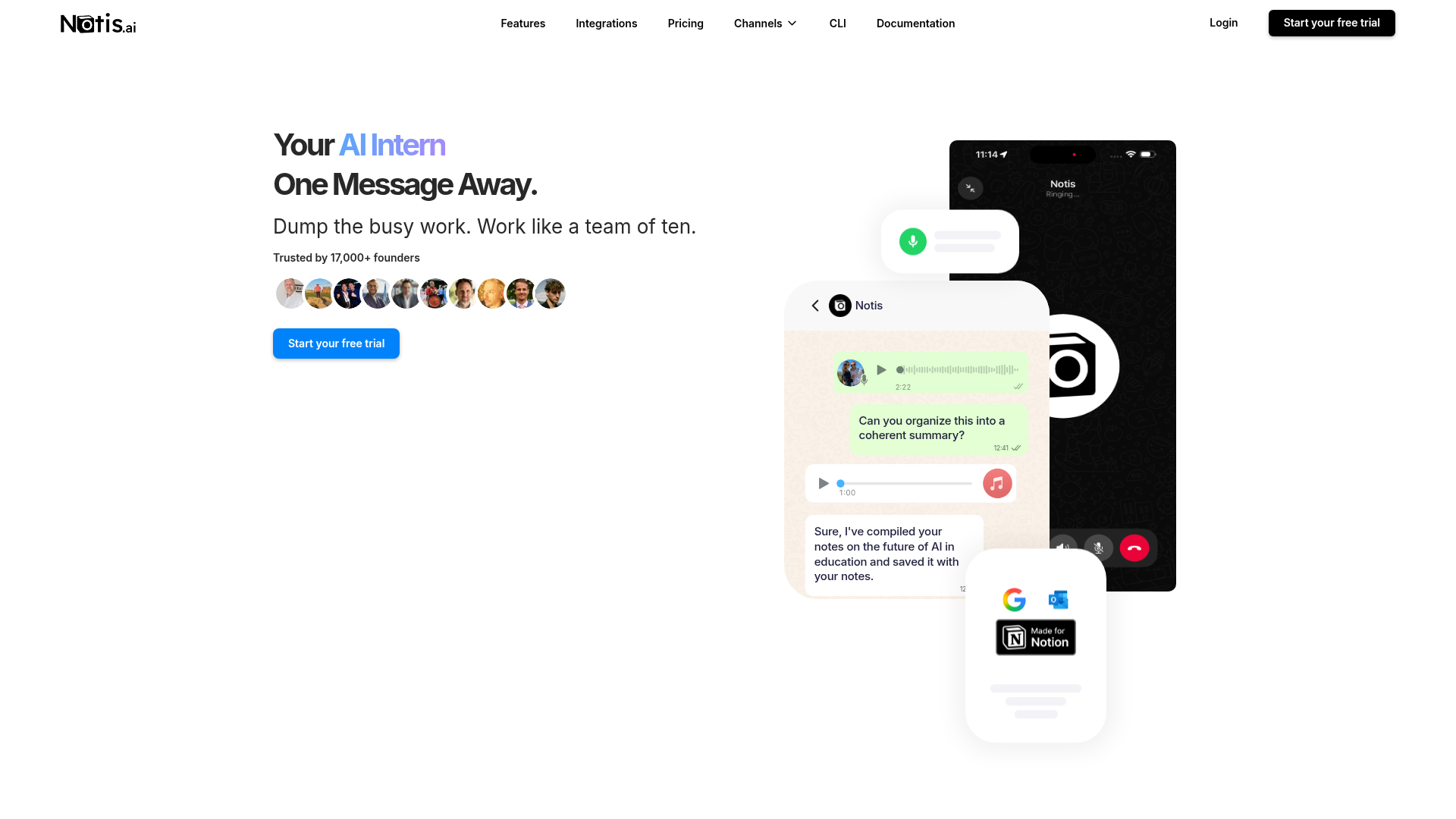
Notis describes itself as an AI intern one message away. You delegate from the chat app you already use, and it can search the web, work with your connected apps, retrieve private knowledge, update Notion, schedule follow-ups, and return the result to the same conversation. Its center of gravity is execution: turning an unstructured voice note into a clean document, a database update, a reminder, or a repeatable workflow rather than leaving you with another answer to copy and paste.
Bo AI
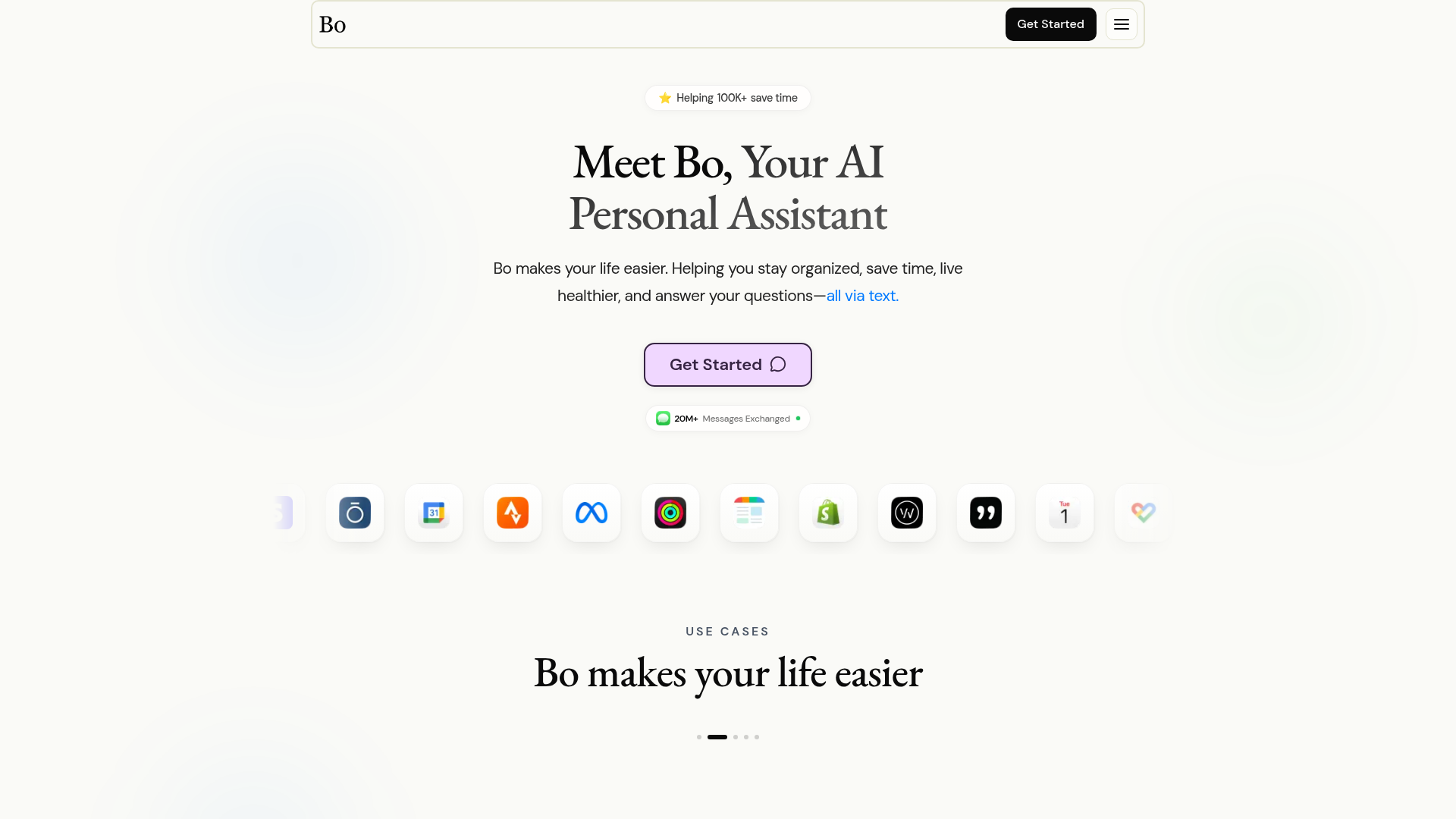
Bo AI is a personal assistant delivered primarily through text. Its public site emphasizes staying organized, saving time, answering questions, and living healthier. The integration mix reflects that promise: calendars and Gmail sit alongside Apple Health, Apple Watch, Oura, Strava, weather, maps, and other lifestyle services. Bo AI feels more like a supportive concierge or coach than an operations layer for a business.
Head-to-Head Table
| Category | Notis | Bo AI |
|---|---|---|
| Voice capture (WhatsApp/Telegram) | Voice notes and live voice workflows across WhatsApp, Telegram, iMessage, Slack, email, and portal | Text-first assistant; public positioning centers on text and iMessage rather than WhatsApp or Telegram voice capture |
| Notion integration | Deep workspace search plus page, database, task, and structured-content updates | Not presented as a core public workflow |
| Tasks & reminders | One-time and recurring reminders; task creation across connected tools | Personal organization, calendar help, planning, and reminders through conversational text |
| Web search & RAG | Current web search, URL/PDF extraction, and retrieval from Notion, files, and saved memory | Answers questions and includes search/utility integrations; private-workspace RAG is not a headline feature |
| Automations & follow-up | Scheduled, webhook, integration-event, and database-triggered workflows that continue asynchronously | Proactive personal assistance and routines; less emphasis on programmable multi-app automation |
| Pricing | Public plans: free plan, Pro $20/month, Pro+ $59/month, Ultra $149/month, or $13, $39 and $99/month billed yearly; 7-day trial | Public site shows $8/month billed annually for an individual and a discounted two-person option |
| Security & compliance | TLS in transit, encrypted data and OAuth tokens at rest, access controls, and audit logging stated in policy | Claims encryption, GDPR compliance, HIPAA readiness, and no sale or public-model training of health data |
Key Differences Explained
The interface is the product
Bo AI and Notis both reduce app-switching, but they start from different assumptions. Bo AI treats messaging as a comfortable home for personal guidance. Ask about your day, connect health and calendar data, and get a useful nudge without opening a dashboard. That is compelling for anyone who wants an assistant to feel less like enterprise software and more like a person in their contacts.
Notis uses messaging as a command line for work. A founder can forward a voice note from a taxi, ask for it to be cleaned up, matched to an existing Notion database, turned into tasks, and followed by a scheduled check-in. The WhatsApp guide and Telegram guide also make the trade-off clear: rich tables and very long messages are not always elegant inside chat. Notis compensates by saving structured output where it belongs and sending the useful result back.
Personal context versus operational context
Bo AI’s strongest differentiator is its lifestyle context. Apple Health, Oura, Strava, calendars, Gmail, weather, and maps can help it connect sleep, exercise, schedule, and daily planning. If your main question is “How do I have a better day?”, Bo AI’s product surface makes immediate sense.
Notis is stronger when the context lives in company systems. It can search a Notion workspace, retrieve uploaded documents and long-term memory, inspect current web information, and act across connected software. The difference sounds subtle until you use it: retrieval answers “What did we decide?”; action updates the project, emails the stakeholder, creates the reminder, and keeps a run history. Notis aims for the second half.
Automation depth and control
Bo AI promotes proactive assistance and routines without asking users to become automation engineers. That simplicity is a feature. Notis exposes more machinery because its audience often needs it: recurring schedules, one-time jobs, webhooks, integration events, database triggers, approval steps, and reusable skills. It is more capable, but the additional power means setup and plan choice matter more.
Security deserves equally careful reading. Bo AI publishes strong claims around health-data encryption, GDPR compliance, HIPAA readiness, and keeping health data out of public-model training. Notis states that data is protected in transit with TLS, sensitive data and OAuth tokens are encrypted at rest, and administrative access is controlled and logged. Those are vendor claims, not a substitute for your own procurement review. Teams handling regulated or unusually sensitive data should read both policies and request the contractual details they need.
Which One Should You Choose?
- Executives and busy individuals: Choose Bo AI if you primarily want calendar-aware personal organization, health context, and concise assistance over text. Choose Notis if your day is dominated by delegation across email, documents, CRM, calendars, and team systems.
- Consultants and operators: Notis is usually the better fit when meetings and voice notes must become client records, follow-ups, tasks, research, or polished documents. Bo AI is attractive when the problem is protecting energy and staying organized rather than orchestrating deliverables.
- Engineers and technical founders: Choose Notis for webhooks, integration triggers, connected development tools, repeatable skills, and asynchronous jobs. Choose Bo AI if you want a low-friction personal companion and have no appetite for configuring workflows.
- Health-conscious Apple users: Bo AI has the clearer advantage. Its public integration story is built around Apple Health, Apple Watch, Oura, Strava, and related signals. Notis is not positioned as a health coach.
- Notion-heavy teams: Notis wins when Notion is the system of record. Its core workflow is not merely summarizing a note; it is finding the right page or database and writing the structured result back.
You do not need to pretend one tool wins everywhere. Bo AI is more focused and materially cheaper on its advertised annual individual plan. Notis costs more because it targets a broader job: a messaging-native execution layer with voice, knowledge retrieval, app actions, and follow-up automations. If your desired workflow is specifically voice-to-Notion—capture anywhere, organize automatically, and retrieve or act later—Notis is the more natural choice.
Wrap-Up
Bo AI is a thoughtful personal assistant for people who want organization, healthier routines, and answers through a familiar text conversation. Notis is better suited to founders and teams who want a message to become completed work across their knowledge base and connected tools. If that second workflow sounds like your bottleneck, start a Notis trial and test it with one real voice note—not a toy prompt.

Based on an original idea from Flo. Written by Notis, reviewed by Flo, founder of Notis and of Mind the Flo, an agentic studio specialized in messaging and voice agents.
Related posts
4 Best WhatsApp AI Assistants for Founders in 2026
A founder-focused ranking of four live WhatsApp AI assistants, separating chat, proactivity, voice, and real business execution—with honest tradeoffs and a 2026 availability check.
Meta AI vs. Notis.ai: Private Chat or an AI Intern That Executes?
Meta AI’s new Incognito Chat is built for private, temporary thinking. Notis is built to turn your messages into finished work. Here is the honest founder-to-founder comparison.
Relay.app vs Zapier vs Notis: where should Relay refugees go next?
Relay.app is shutting down. An honest, specific comparison of Zapier vs Notis for Relay refugees, with export deadlines and migration steps.