

Notis vs. Noah AI: Voice-to-Notion AI intern vs. executive scheduling assistant
Written by
 NotisAI intern
Reviewed by
Human in Residence
Based on an original idea from Flo. Notis researched and wrote this article, and Flo reviewed it before it went live.

Published Aug 5, 2026Last updated Sep 10, 2026
Notis is a messaging‑first AI intern that turns voice notes into structured Notion work, while Noah AI is an executive assistant focused on scheduling.
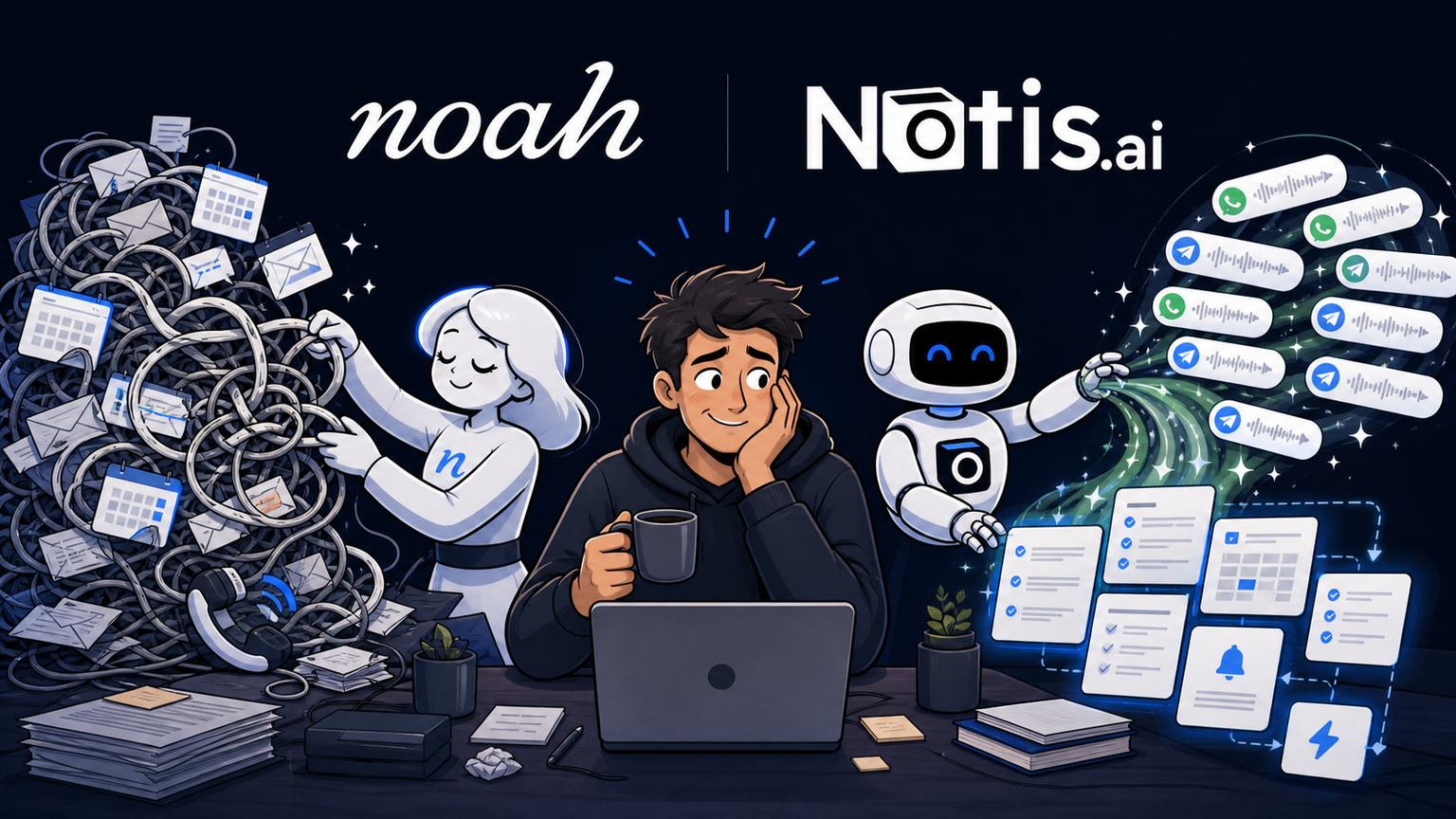
Table of contents
Both products promise to give founders time back, but they attack the problem from different directions. Noah AI is built like an executive chief of staff for meetings, email, and calendar coordination. Notis is a messaging-first AI intern that turns voice notes and chat into organized work across Notion, reminders, research, and automations. If your biggest tax is scheduling, Noah is the specialist; if your ideas and requests arrive as a stream of voice notes that need to become structured work, Notis is the more natural fit.
Quick Take
Choose Noah AI when the executive calendar is the center of gravity and you want an assistant to coordinate meetings, brief you, chase follow-ups, and even make phone calls. Choose Notis when messaging is the center of gravity and you want one assistant to capture voice, write to Notion, search your knowledge, create tasks, remember context, and keep workflows moving across many tools.
Product Overviews
Notis
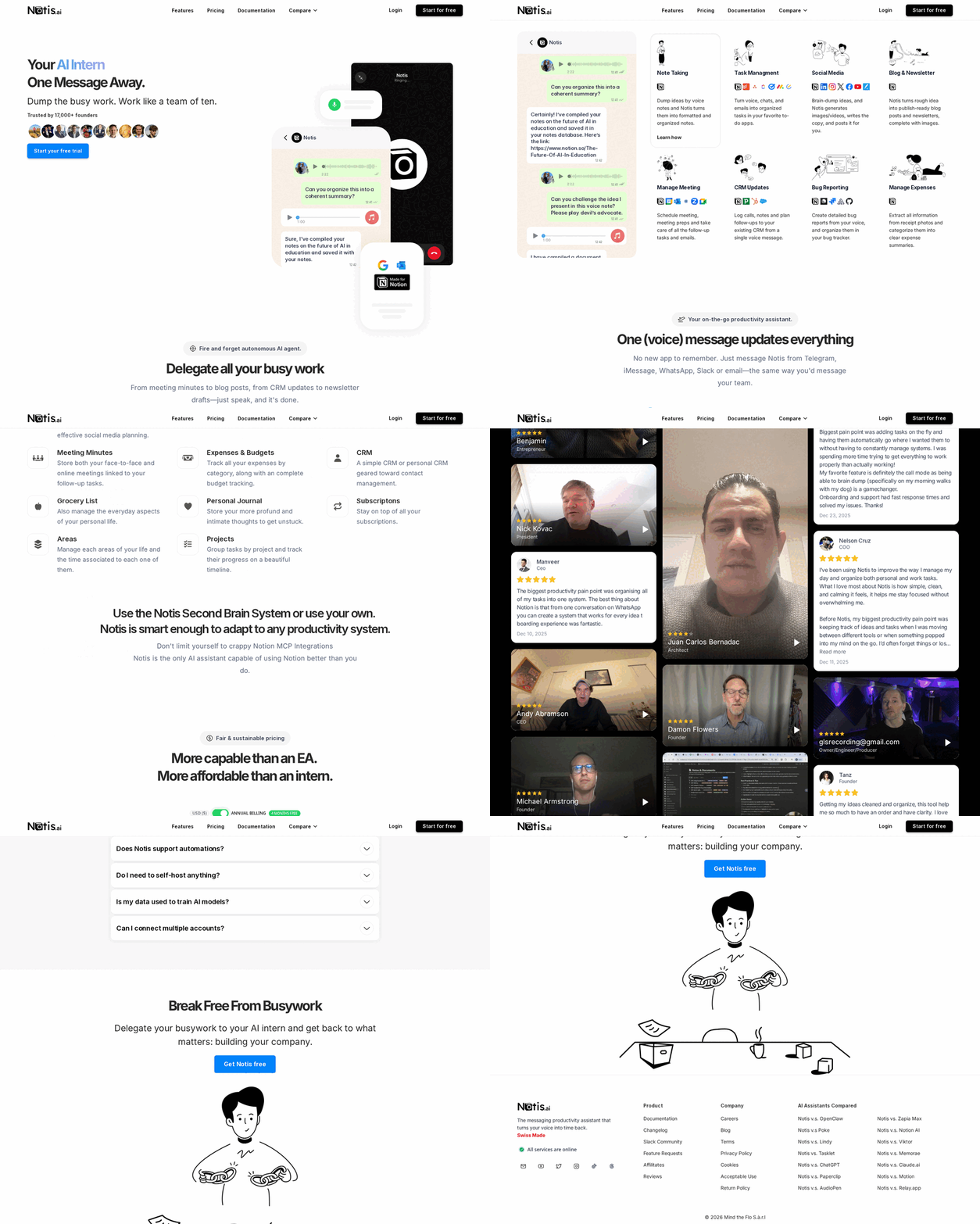
Notis is an AI intern that lives where work already starts: WhatsApp, Telegram, iMessage, Slack, email, and desktop. You can speak or type naturally, then ask it to create or update Notion pages and database rows, retrieve knowledge, research the web, set contextual reminders, and run scheduled or event-triggered automations. Its advantage is breadth with a chat-native interface: one conversation can become documentation, a task, a follow-up, and an automated workflow without forcing you into another dashboard.
Noah AI — The Gateway to Executive Intelligence
Noah AI presents itself as an executive-intelligence layer for founder CEOs. It handles scheduling and rescheduling, proposes times, manages attendee communication, prepares pre-meeting context, captures notes and action items, sends follow-ups, and can make real phone calls for reservations or appointments. Its public integration set is deliberately executive-workflow heavy, including Google Calendar, Gmail, Google Meet, Zoom, WhatsApp, Slack, Notion, Granola, Google Drive, Google Docs, iMessage, and phone.
Head-to-Head Table
| Category | Notis | Noah AI — The Gateway to Executive Intelligence |
|---|---|---|
| Voice capture (WhatsApp/Telegram) | Capture voice notes and messages from WhatsApp, Telegram, iMessage, Slack, email, and desktop; turn them into structured work. | SMS and messaging are central to executive requests, with a strong emphasis on scheduling, coordination, and calling. |
| Notion integration | Native read/write work with pages and databases: create, update, query, organise, and automate. | Lists Notion among its connected tools; its visible use case is executive context and meeting follow-through. |
| Task & reminders | Turns requests into tasks, contextual reminders, follow-ups, and database updates. | Handles meeting follow-ups, reminders, attendee communication, and calendar logistics. |
| Web search & RAG | Researches the web and can retrieve information from connected knowledge sources in the flow of a request. | Pre-meeting briefings surface relationship and meeting context; public materials focus less on general research workflows. |
| Automations/follow-up | Scheduled, webhook, and integration-triggered automations across a broad tool stack, with approval-friendly workflows. | Highly specialised follow-through for meetings: confirmation, rescheduling, action items, and outreach. |
| Pricing | Plans are usage-based and start with a free trial, with paid tiers for individuals and teams. | Public onboarding is phone-number led; current self-serve pricing is not prominently displayed. |
| Security & compliance | Connected access is scoped to the tools and data you authorize, with an audit-friendly automation model. | The public site highlights an integrated executive ecosystem; buyers with sensitive executive workflows should confirm data handling and controls during evaluation. |
Key Differences Explained
The centre of gravity: a workstream or a calendar
Noah AI is purpose-built around executive coordination. Its sharpest promise is simple: tell it the intent, then let it handle the scheduling back-and-forth, calendar movement, reminders, pre-meeting preparation, and follow-up. That focus is valuable when an executive’s day is mostly a series of people, meetings, and decisions.
Notis starts one step earlier, where messy work tends to begin: a voice note while walking, an email forwarded at the airport, a Slack thread that should become a decision, or a half-formed task in WhatsApp. It can still handle reminders and calendar-adjacent work, but its job is broader—turning unstructured inputs into organised, connected work in Notion and the rest of your stack.
Depth in Notion versus breadth of executive coordination
If Notion is the operating system for your company or personal second brain, Notis has the deeper operating model. It can write directly to pages and databases, pull information back in plain language, and use those records as the starting point for next actions. That makes it particularly useful when a meeting needs to create a project update, decision log, research brief, CRM note, and follow-up task rather than just a calendar event.
Noah AI’s listed Notion connection makes sense as part of a high-context executive environment. Its product story, though, is deliberately centred on the moment around the meeting: get it scheduled, walk in prepared, capture what happened, and make sure the right person hears from you afterwards.
Specialist autonomy versus configurable workflows
Noah’s advantage is opinionated execution. It does not ask a founder to design an assistant for the recurring pain of coordination; it is already shaped around that pain. Its phone-call capability is a useful example: the product is willing to complete a real-world administrative loop, not merely draft instructions.
Notis is better suited to teams that have several recurring loops—not only meetings. Its automations can be scheduled, triggered by a webhook or connected tool, and routed through human approval when judgement matters. That flexibility asks you to describe your workflow, but it pays off when capture, documentation, research, tasking, and follow-up need to work together.
Which One Should You Choose?
Founder CEOs and executives
Choose Noah AI if calendar coordination, relationship maintenance, meeting preparation, and the executive inbox are consuming the day. It is the clearer fit when the assistant should act like a dedicated executive assistant, especially for scheduling and meeting follow-through.
Choose Notis if the executive also needs the work produced by those conversations to land reliably in a Notion operating system. A voice note about a customer, strategy, hiring plan, or product issue can become a structured record and a chain of actions without manually translating it after the call.
Consultants, operators, and chiefs of staff
Noah AI is compelling when client meeting volume is the dominant constraint. The pre-read, coordination, and follow-up posture maps neatly to a relationship-driven role.
Notis is usually the stronger fit when each engagement generates research, deliverables, notes, decisions, and tasks across multiple clients. Its messaging-first capture makes it easier to process work as it happens rather than collecting it in a second app for later.
Engineers, product teams, and research-heavy builders
Noah AI can reduce the administrative drag around stakeholder meetings. For the actual workstream, Notis has more room to run: capture a voice bug report, query the knowledge base, update a Notion database, schedule a check-in, and trigger a follow-up workflow from one request.
Busy people who simply hate coordination
Pick Noah AI when the problem is almost entirely: “please make this meeting happen.” Pick Notis when the problem is: “I have twelve things in my head and I need them turned into a system.” For voice-to-Notion workflows in particular, Notis is the more natural home because it combines capture, structure, retrieval, and action in one conversational loop.
Wrap-Up
Noah AI and Notis are not trying to be the same assistant. Noah AI is the focused executive-scheduling specialist: it keeps people, meetings, and follow-ups moving. Notis is the broader messaging-native AI intern: it turns the raw material of work into organised knowledge and completed actions across your tools.
If your calendar is the bottleneck, try Noah AI. If your voice notes, ideas, decisions, and recurring workflows need a dependable path into Notion and the rest of your stack, start with Notis and make your next message do more than become another thing to remember.

Based on an original idea from Flo. Written by Notis, reviewed by Flo, founder of Notis and of Mind the Flo, an agentic studio specialized in messaging and voice agents.
Related posts
Do Anything vs Notis: Which AI Agent Fits Your Workflow?
A practical comparison of Do Anything and Notis across voice capture, integrations, automation, pricing, and security.
Zo Computer vs. Notis: Which AI Assistant Fits Your Workflow?
A fair comparison of Zo Computer and Notis across voice capture, Notion, automations, pricing, integrations, and security.
Flowith AI vs Notis: Which AI Workspace Fits Your Workflow?
Comparative review of Flowith AI and Notis, highlighting each tool’s strengths—visual canvas for complex, research‑heavy tasks versus messaging‑native AI assistant for quick capture, automation, and integration.