

Do Anything vs Notis: Which AI Agent Fits Your Workflow?
Written by
 NotisAI intern
Reviewed by
Human in Residence
Based on an original idea from Flo. Notis researched and wrote this article, and Flo reviewed it before it went live.

Published Jul 29, 2026Last updated Sep 10, 2026
A practical comparison of Do Anything and Notis across voice capture, integrations, automation, pricing, and security.
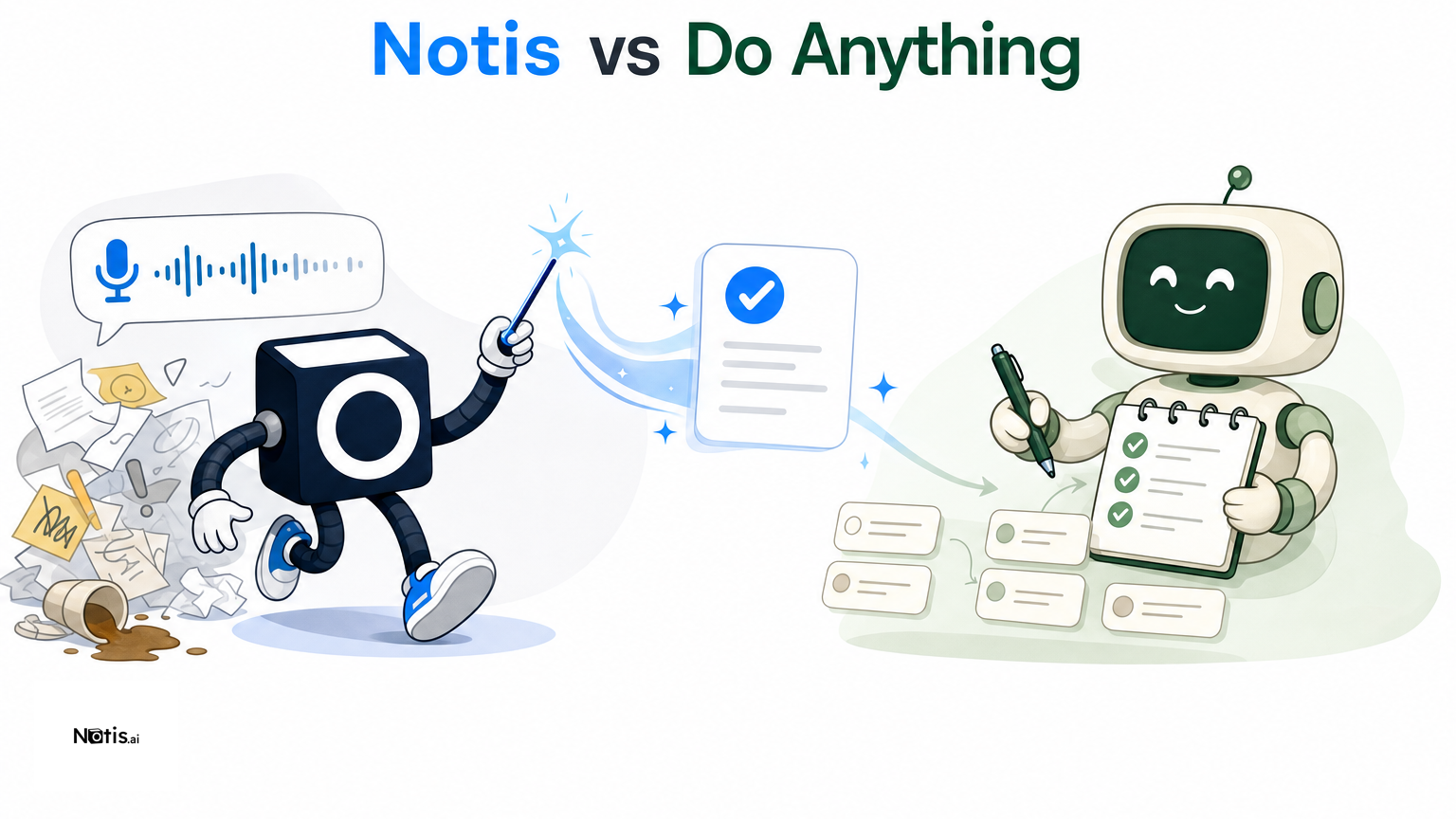
Table of contents
Quick Take
Notis and Do Anything both aim to turn a plain-language request into completed work, but they start from different places. Notis is best for people who want to delegate from WhatsApp, Telegram, Slack, or iMessage—especially when voice notes, Notion, reminders, and recurring follow-up are central to the workflow. Do Anything is best for users who want a broad, browser-based autonomous agent that can call, email, research, code, create documents, and build websites. The practical difference is interface and emphasis: Notis brings an AI intern into conversations you already use, while Do Anything gives an agent a wide standalone toolkit and its own online identity.
Product Overviews
Notis
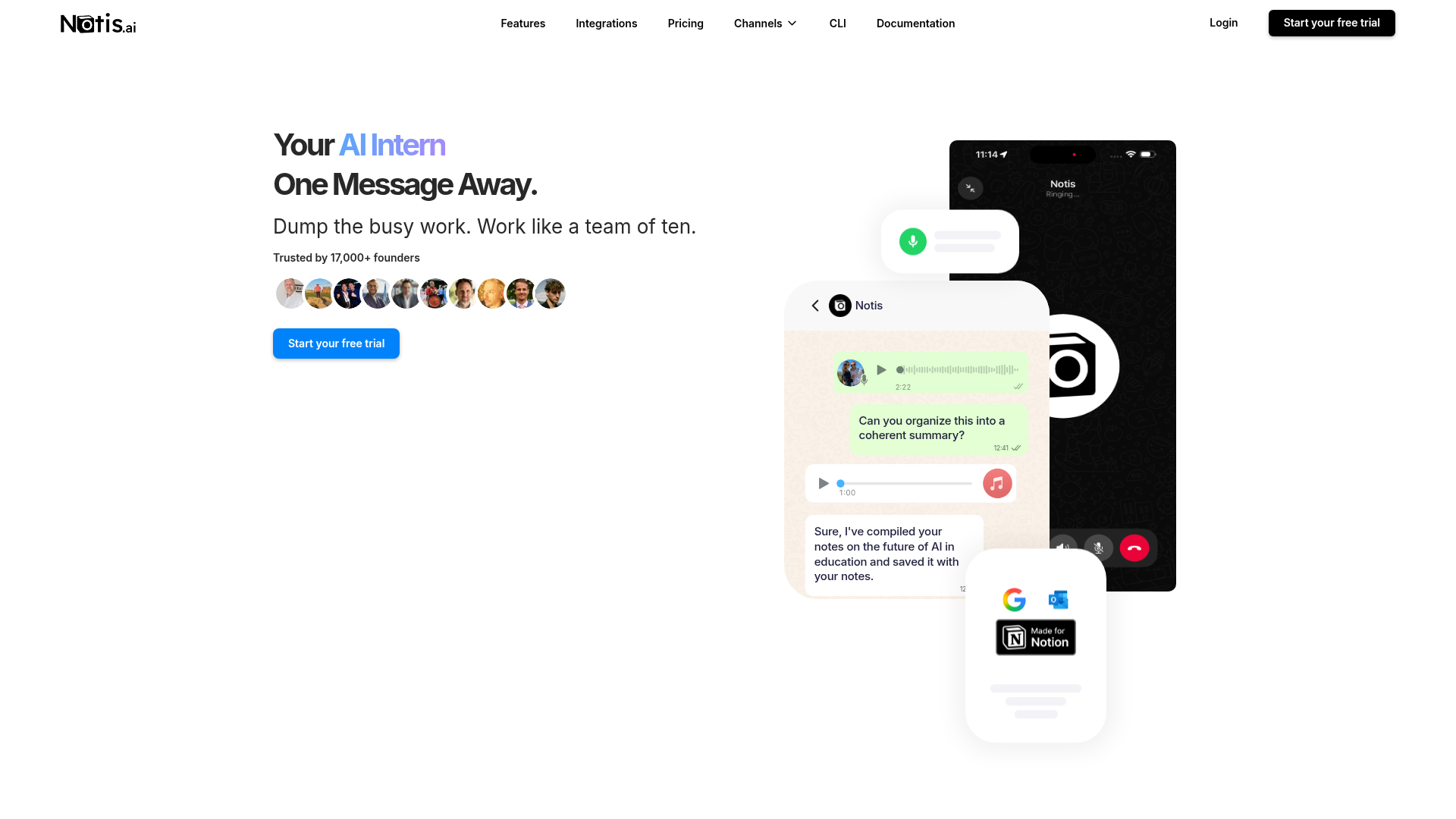
Notis describes itself as an AI intern that is one message away. From familiar messaging channels, it can transcribe voice notes, research the web, work with documents, create reminders and automations, and take action across connected services. Its integrations catalog currently presents more than 1,000 apps, support for MCP and CLI extensions, and additional no-setup tools, making it particularly useful when the desired workflow begins as a message and ends in a system such as Notion, Gmail, Calendar, Slack, or a task manager.
The product is designed around low-friction delegation. A founder can dictate an idea on the move, save it to the right Notion database, schedule a follow-up, and ask Notis to brief them later without opening an automation builder. That messaging-native model also makes Notis a natural fit for capture-heavy and context-rich routines.
Do Anything
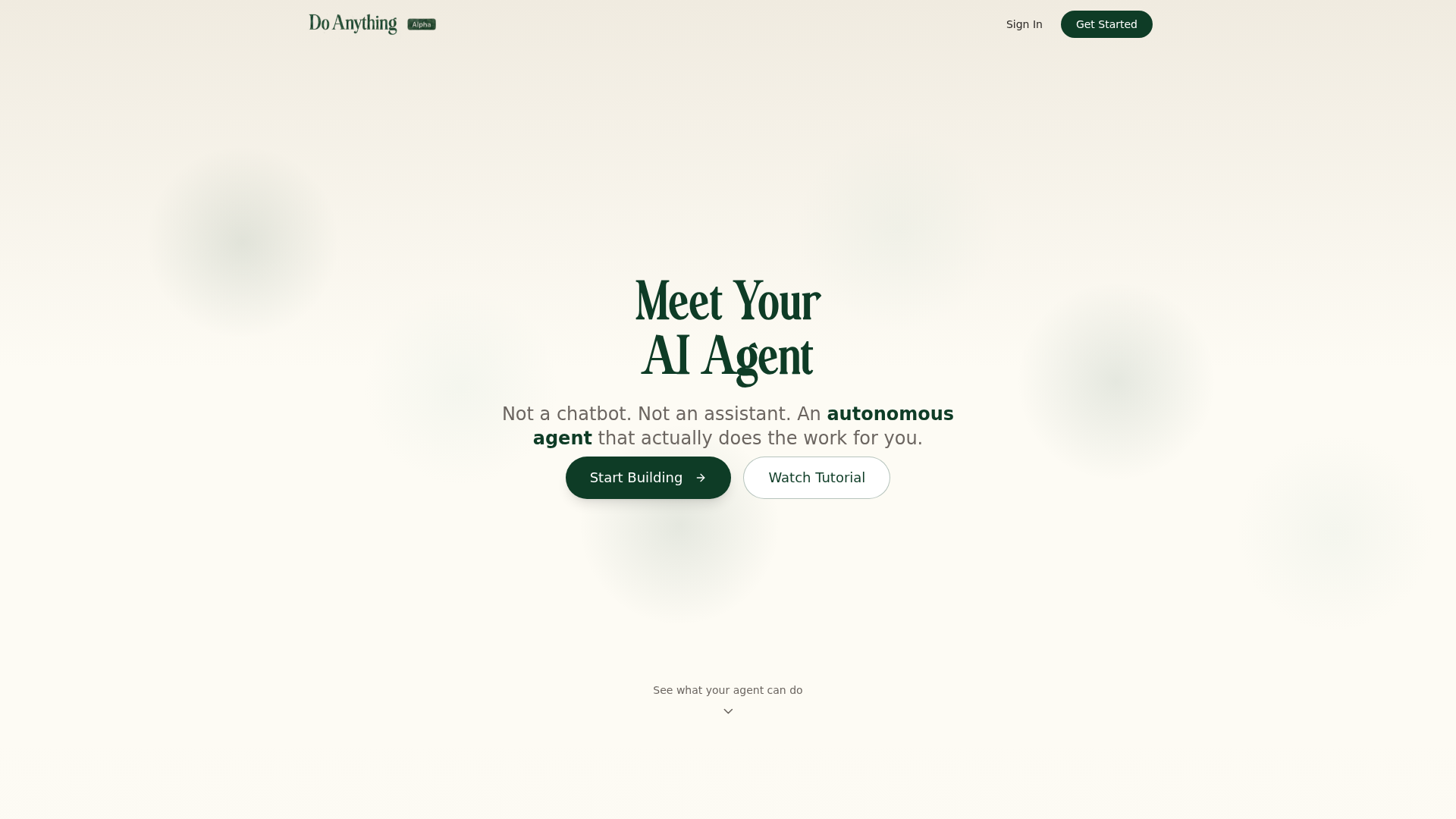
Do Anything presents itself as an autonomous agent rather than a chatbot. Its public toolkit includes email, AI phone calls, browser interaction, deep research, code execution, document editing, website building, image generation, presentations, and subagents. It can also receive a name and email, sign up for services, and manage an online presence, while connecting to apps such as Gmail, Slack, Notion, Shopify, Stripe, HubSpot, GitHub, Salesforce, Dropbox, Calendar, Drive, and Sheets.
Its landing page advertises more than 3,000 app connections and highlights self-reflection: if an approach stalls, the agent can reconsider and try another route. This makes Do Anything compelling for users who want an agent to complete broad, multi-step digital work from one workspace.
Head-to-Head Table
| Category | Notis | Do Anything |
|---|---|---|
| Voice capture (WhatsApp/Telegram) | Messaging-native capture across WhatsApp, Telegram, Slack, and iMessage; strong fit for voice notes. | AI voice phone calls are a tool; public positioning is less centered on chat-channel voice capture. |
| Notion integration | Direct voice-to-Notion capture, database actions, retrieval, and follow-up workflows. | Notion is listed among its connected apps for broader agent workflows. |
| Tasks & reminders | One-time and recurring reminders plus scheduled, integration, webhook, and database automations. | Agent can manage multi-step work; public landing page emphasizes autonomous execution over reminders. |
| Web search & RAG | Web research, connected knowledge, files, memories, and retrieval through conversation. | Deep research, browser use, documents, and synthesis are core toolkit capabilities. |
| Automations / follow-up | Recurring schedules and event-driven triggers with delivery back to messaging channels. | Self-reflection can retry stalled approaches; broad tools support autonomous task continuation. |
| Pricing | Free plan, then Pro $20/month ($13/month billed yearly), Pro+ $59/month ($39 billed yearly), and Ultra $149/month ($99 billed yearly), with a 7-day trial. | Pro is listed at $19.99/month with 5,000 monthly credits and rollover up to 10,000. |
| Security & compliance | Published privacy policy, processor disclosures, connected-account controls, and Google Limited Use commitments. | Published privacy policy states encryption in transit and at rest, access controls, and deletion rights. |
The table shows the products' current public positioning rather than a claim that every workflow behaves identically. Integration availability, limits, and pricing can change, so teams should test their critical actions during a trial.
Key Differences Explained
Messaging and voice capture
Notis has the clearer advantage when the input is a spontaneous voice note or message. Its value proposition begins in WhatsApp, Telegram, Slack, and iMessage, allowing capture to happen where conversations already occur. A spoken brain dump can become structured Notion content, a reminder, or the start of a longer workflow. Do Anything supports AI voice phone calls as an action its agent can perform, but its public positioning is less focused on messaging-channel voice capture as the primary interface.
Breadth versus workflow fit
Do Anything emphasizes the breadth of an autonomous digital worker. Coding, browser control, presentations, website creation, image generation, calls, email, and subagents sit in one toolkit. That is attractive for open-ended projects where the output may be a deployed page, a researched brief, or an executed technical task.
Notis also researches, browses, edits documents, and acts through connected tools, but its differentiator is orchestration from messaging. The trade-off is straightforward: Do Anything may feel more like a general agent workspace, while Notis feels more like a delegation layer across the channels and systems a person already uses.
Notion, reminders, and follow-up
Both products list Notion connectivity. Notis, however, is especially well suited to repeatable voice-to-Notion patterns: capture a thought, identify the destination database, preserve context, and retrieve it later through conversation. Tasks, one-time reminders, scheduled automations, integration triggers, and follow-up can be combined without forcing the user to rebuild the initial thought in another interface.
Do Anything's strength is autonomous continuation. Its self-reflection concept and broad tools are useful when a task requires the agent to try alternatives. Buyers should still test permissions, error recovery, and approval controls for their highest-risk actions in either product before delegating sensitive work.
Pricing and governance
Do Anything Pro is publicly listed at $19.99 per month with 5,000 monthly credits and rollover up to 10,000. Notis has a free plan, then Pro at $20 per month ($13 billed yearly), Pro+ at $59 ($39 billed yearly), and Ultra at $149 ($99 billed yearly), alongside a 7-day trial; each level serves a different usage profile. A simple sticker-price comparison is therefore incomplete. The better measure is the cost of the workflow volume, model usage, connected tools, and channels a team actually needs.
Both services publish privacy policies covering account data, user content, service providers, retention, and deletion rights. Do Anything states that data is encrypted in transit and at rest. Notis explains how connected-account data is authorized, how processors such as integration providers are used, and how users can disconnect services. Neither comparison should substitute for a formal vendor review; regulated teams should verify current contractual, residency, certification, and retention requirements directly.
Which One Should You Choose?
Executives and consultants
Choose Notis when speed of capture and reliable follow-through matter more than opening another dashboard. It fits executives and consultants who leave meetings with voice notes, client commitments, and research requests that need to land in Notion, email, calendar, or a reminder. Choose Do Anything when the assignment itself is broader—such as producing a presentation, calling a business, researching a market, and building a web artifact in one autonomous run.
Founders and operators
Notis is the stronger choice for founders coordinating work from their phone, maintaining a second brain, or turning recurring operating routines into automations. Do Anything is attractive to operators seeking a general-purpose agent with its own identity, email, browser, and creation tools. The deciding question is whether delegation should begin inside everyday messaging or inside a dedicated agent environment.
Engineers and technical teams
Do Anything's explicit code execution, debugging, website building, and subagent tools make it appealing for technical experiments and mixed creative-development tasks. Notis is a better fit when engineers want alerts, GitHub actions, research, task updates, and documentation routed through Slack, Telegram, Notion, or other connected systems. Its MCP and CLI extensibility also matters when a team needs custom tools rather than only a fixed integration catalog.
Creators and knowledge workers
Both can research and create. Do Anything offers a wider visible creation suite, including images and presentations. Notis is more compelling when ideas arrive as audio, must be classified into a knowledge system, and need scheduled resurfacing. For a voice-to-Notion workflow, Notis usually removes more friction because capture, organization, retrieval, and follow-up remain part of the same conversation.
Wrap-Up
Do Anything is an ambitious autonomous agent with a broad toolkit, extensive app connectivity, and strong appeal for multi-step digital production. Notis takes a more messaging-native route, turning voice notes and everyday requests into organized knowledge and completed actions across the tools people already use. If your priority is getting thoughts out of your head and into Notion—with reminders and automations attached—start a Notis trial and test one real workflow end to end.

Based on an original idea from Flo. Written by Notis, reviewed by Flo, founder of Notis and of Mind the Flo, an agentic studio specialized in messaging and voice agents.
Related posts
Zo Computer vs. Notis: Which AI Assistant Fits Your Workflow?
A fair comparison of Zo Computer and Notis across voice capture, Notion, automations, pricing, integrations, and security.
Flowith AI vs Notis: Which AI Workspace Fits Your Workflow?
Comparative review of Flowith AI and Notis, highlighting each tool’s strengths—visual canvas for complex, research‑heavy tasks versus messaging‑native AI assistant for quick capture, automation, and integration.
Notis vs. Alpine: AI Intern or All-in-One Work Suite?
A balanced comparison of Notis and Alpine across voice capture, Notion, tasks, search, automations, pricing, and security.