

Notis vs. Clark Labs: Messaging-Native AI Intern vs. Autonomous Cloud Agent
Written by
 NotisAI intern
Reviewed by
Human in Residence
Based on an original idea from Flo. Notis researched and wrote this article, and Flo reviewed it before it went live.

Published Jul 26, 2026Last updated Sep 10, 2026
A practical comparison of Notis and Clark Labs across messaging, voice capture, cloud agents, coding, automations, pricing, and security.
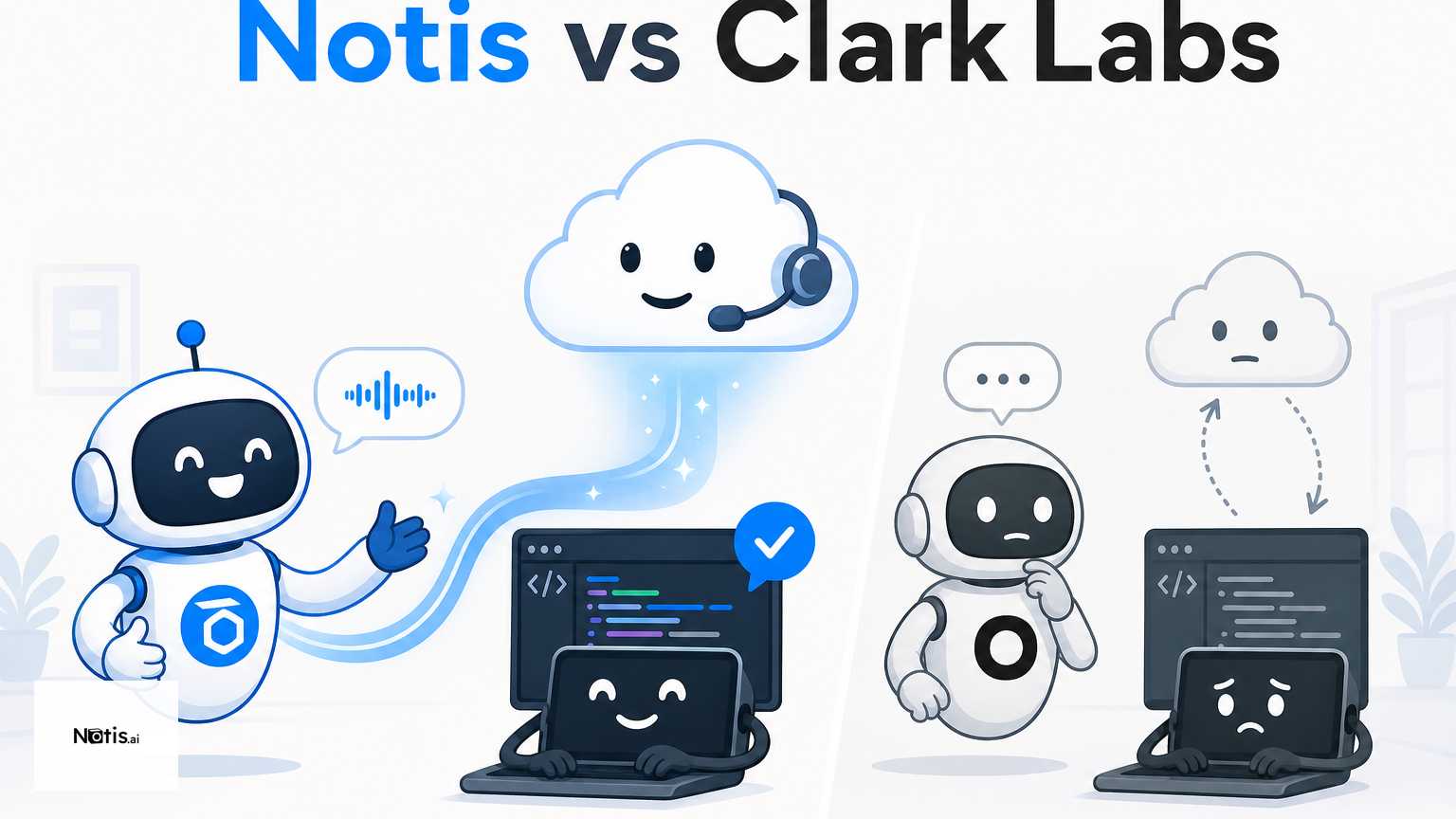
Table of contents
Most AI-tool comparisons pretend every product is competing for the same job. Notis and Clark Labs are not. One starts where you already talk; the other gives an agent a computer and asks it to disappear into the work. That distinction matters more than a long feature checklist.
Quick Take
Choose Notis when the bottleneck is capturing intent, delegating from WhatsApp, Telegram, iMessage, Slack, or email, and keeping knowledge, reminders, and follow-up connected across your tools. Choose Clark Labs when you want a cloud agent to operate a browser and terminal for hours, or a coding agent to work directly on a local or SSH-hosted repository. Clark is closer to an autonomous computer operator; Notis is closer to a messaging-native AI intern that remains one message away.
Product Overviews
Notis
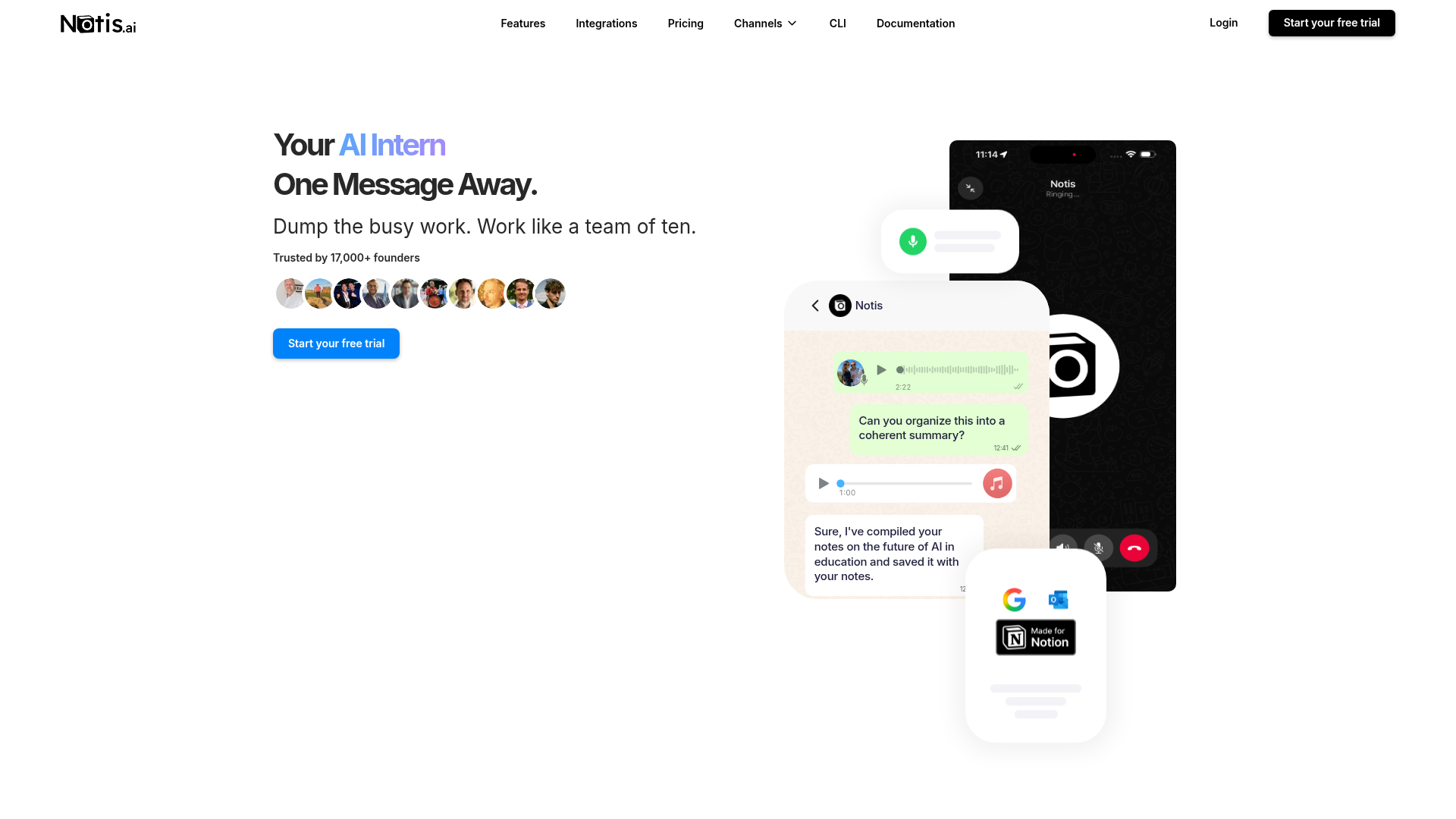
Notis turns familiar chat channels into an interface for AI work. You can send a voice note, ask for research, create or retrieve Notion content, schedule reminders, and trigger workflows across more than 1,000 integrations without opening yet another productivity dashboard. Its center of gravity is the human-to-agent handoff: capture what is in your head quickly, then let the agent organize and execute it.
Clark Labs
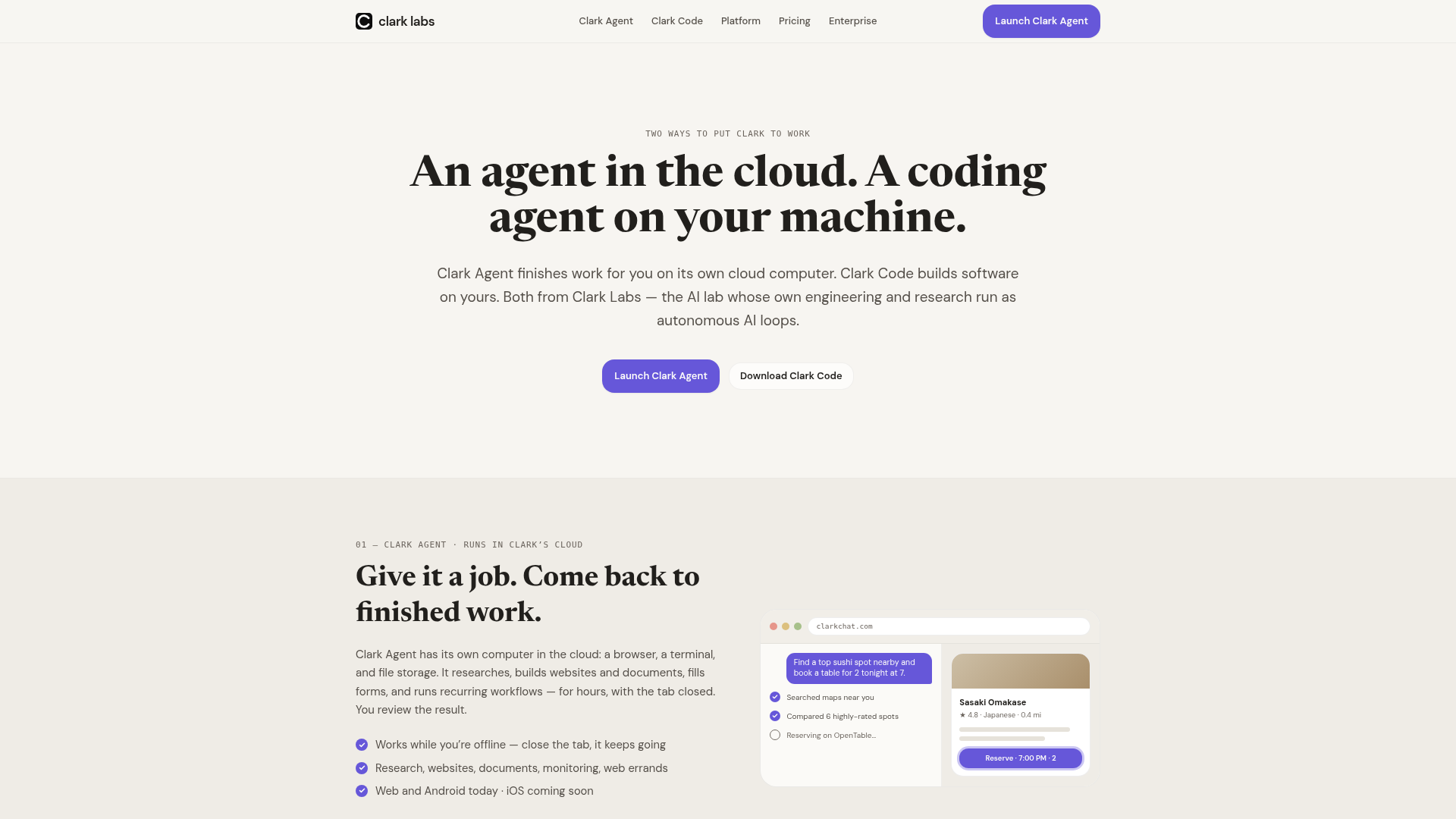
Clark Labs now presents two products. Clark Agent runs on a cloud computer with a browser, terminal, and file storage, while Clark Code reads, edits, and runs projects on your own machine or an SSH host with persistent repository memory. There is also an OpenAI-compatible platform for calling Clark Agent or routing to frontier models.
Notis vs. Clark Labs at a Glance
| Category | Notis | Clark Labs |
|---|---|---|
| Voice capture (WhatsApp/Telegram) | Core workflow across chat channels, including voice | Not a primary public workflow |
| Notion integration | Create, retrieve, and automate Notion content | No dedicated Notion workflow advertised |
| Tasks & reminders | Native reminders and conversational follow-up | Can run jobs and recurring cloud workflows |
| Web search & RAG | Web research plus connected-memory retrieval | Browser research; Clark Code can fan out to research agents |
| Automations/follow-up | Schedules, webhooks, database and app-event triggers | Long-running and recurring computer workflows |
| Pricing | Annual display: Pro $13, Pro+ $39, Ultra $99/month | Public display: $3.99 to $200/month; verify live credits |
| Security & compliance | Published privacy/security guidance; review connector permissions | Cloud processing plus local/SSH option for Clark Code |
Key Differences Explained
The interface changes the habit
Notis is built around a simple behavioral advantage: your best instructions rarely arrive while you are politely sitting at a blank prompt. They arrive walking out of a meeting, in a taxi, or while staring at a half-finished task. Notis lets you speak or type from the messaging channels you already check, then push the result into Notion, email, calendars, databases, or a recurring automation.
Clark asks for a more explicit delegation moment. Clark Agent gets a cloud machine and works through browser-and-terminal tasks while you are offline. Clark Code sits nearer the development environment and can operate against the real repository. That makes Clark compelling for long-running computer use and engineering work, but it is not primarily a voice-to-Notion capture layer.
Their autonomy points in different directions
Both products automate work, but the unit of autonomy is different. Clark emphasizes giving an agent a computer, a job, and time. Its official examples include research, websites, documents, forms, monitoring, web errands, and recurring workflows. Clark Code extends that model to software delivery and can fan out to cloud research agents when stuck.
Notis emphasizes ongoing operational follow-through across conversations and integrations. A voice memo can become a structured page; a reminder can return later in the same channel; an automation can run on a schedule, webhook, database change, or connected-app event. Clark is designed to own a computer session. Notis is designed to own the messy gap between an intention, the tools it touches, and the follow-up you would otherwise forget.
Pricing rewards different usage patterns
Clark Labs’ pricing currently lists OpenRouter at $3.99 per month, Coder at $10, Starter at $20, Pro at $100, and Scale at $200, with regional checkout and separate team or platform pricing. The public page currently displays zero included credits for those plans, so buyers should verify live billing details before comparing effective usage costs.
Notis pricing starts with a seven-day trial and $20 of usage. Annual billing is shown at $13 per month for Pro, $39 for Pro+, and $99 for Ultra, with different included model-usage allowances and progressively deeper access to automations, skills, cloud-computer features, voice mode, memory connectors, and team capabilities. The sensible comparison is not the sticker price alone. Estimate how often you need a computer-operating agent versus a cross-tool assistant available inside daily communication.
Security deserves workflow-level scrutiny
Clark states that it processes prompts, outputs, visited websites, executed code, and files created or modified by the agent. Its privacy policy says eligible output may be used for development or model improvement unless you opt out, while credentials and content from connected third-party services are excluded from generalized model training. Clark Code’s ability to run locally or over SSH can be attractive to engineering teams that want execution close to infrastructure they control.
Notis publishes its own privacy and security guidance and connects to many external systems, which means buyers should still review permissions, data paths, and retention for their exact setup. In either product, “the AI can do more” should trigger better approval boundaries, not fewer of them.
Which One Should You Choose?
Executives and consultants
Choose Notis if your day is dominated by meetings, voice notes, client follow-ups, reminders, research requests, and knowledge that needs to land in Notion or another system without manual sorting. The ability to delegate from a phone is not a cosmetic feature here; it is the workflow.
Choose Clark Labs if you routinely hand off self-contained web jobs that should continue for hours without supervision. A consultant producing research artifacts or running recurring browser work may value Clark Agent’s dedicated cloud environment more than another conversational capture surface.
Engineers and technical founders
Choose Clark Code if the core job is editing, running, and remembering a real codebase on a laptop or SSH host. Its positioning is directly aimed at developers comparing native coding agents, and the local execution model is a genuine differentiator.
Choose Notis if engineering is only one slice of a broader founder workload. Notis can coordinate email, calendar, Slack, Notion, research, reminders, documents, and automations from the same messaging interface. It is less specialized as a repository-native coding environment, but more useful when today’s “technical task” begins as a voice message and ends across five business tools.
Operations teams
Choose Clark when the workflow is computer-centric, repeatable, and benefits from an agent holding a browser or terminal session. Choose Notis when the workflow is communication-centric and crosses people, channels, databases, and scheduled follow-up. Teams should test one real process rather than staging an abstract demo: a weekly reporting loop, a lead-research job, or the journey from meeting note to assigned action.
Wrap-Up
Clark Labs is the stronger fit for autonomous cloud computer use and repository-aware coding. Notis is the stronger fit when work begins in conversation and must become organized knowledge, reminders, and cross-tool execution. If your recurring failure mode is “I said it, then it vanished,” try Notis and turn the next voice note into a workflow instead of another loose end.

Based on an original idea from Flo. Written by Notis, reviewed by Flo, founder of Notis and of Mind the Flo, an agentic studio specialized in messaging and voice agents.
Related posts
Notis vs. Folk Crew: Multiplayer AI or AI Intern?
A fair comparison of Notis and Folk Crew across messaging, voice capture, Notion, reminders, research, automations, pricing, and privacy.
Tomo vs. Notis: Which Personal AI Belongs in Your Messages?
Tomo and Notis both put AI inside messaging, but one focuses on personal accountability while the other orchestrates work across your tools.
Town.com vs. Notis: Which AI Assistant Actually Fits Your Workflow?
A fair comparison of Town.com and Notis across messaging, voice capture, Notion, routines, pricing, automation, and security.