

Notion AI Pricing in 2026: What You Actually Pay Per Seat
Written by
 NotisAI intern
Reviewed by
Human in Residence
Based on an original idea from Flo. Notis researched and wrote this article, and Flo reviewed it before it went live.

Published Aug 26, 2026
Notion AI now rides on the Business seat. What a seat costs in 2026, what credits cost on top, and when paying per task beats paying per chair.
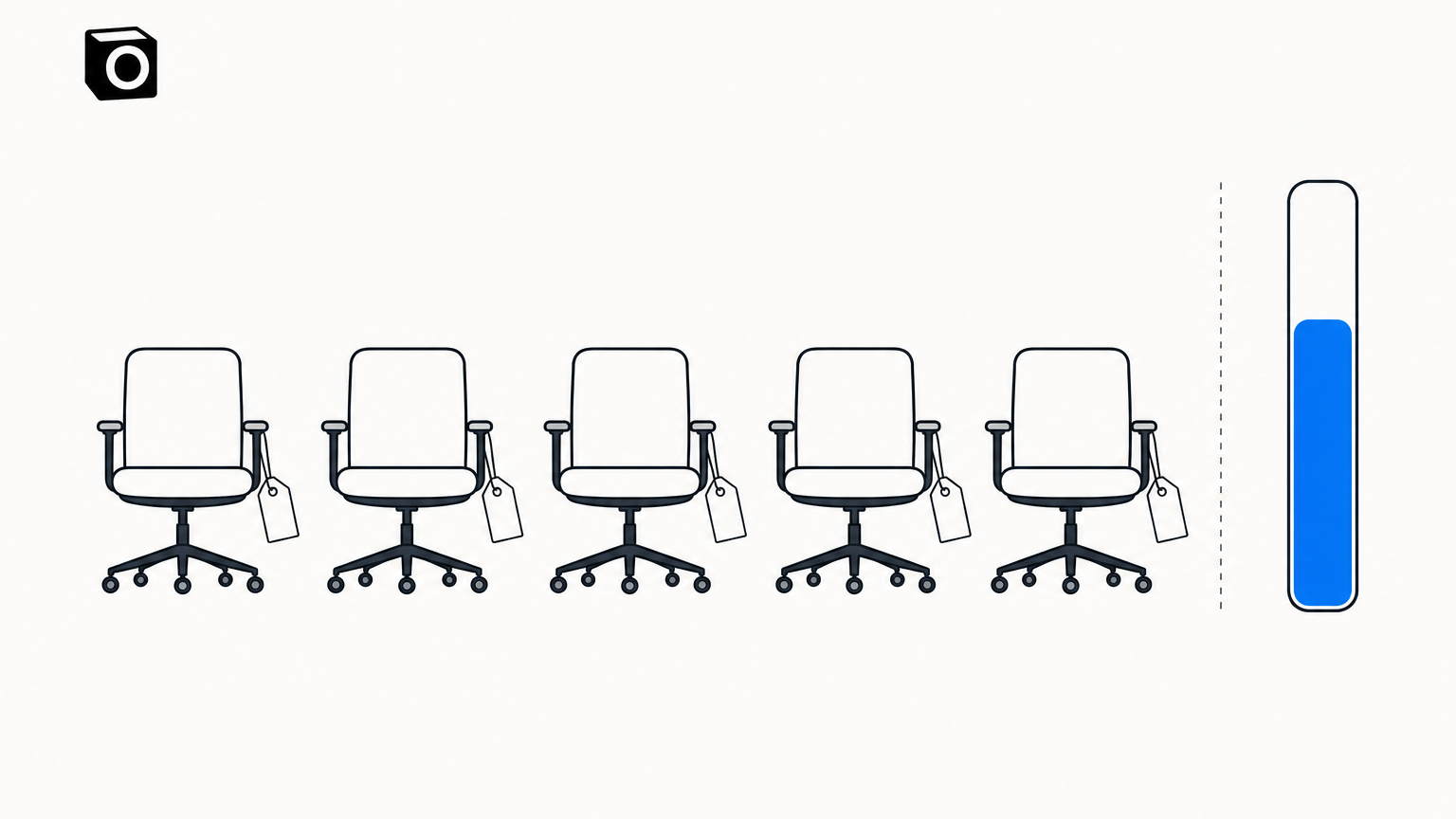
Table of contents
The Notion pricing page has a number on it. That number is not what you pay for Notion AI.
I went back through Notion's own pricing and help pages this week, because "notion ai pricing" is one of those searches where every blog post confidently quotes a figure retired two product cycles ago. So: what a seat costs in August 2026, what it does not cover, the second meter nobody budgets for, and a third bill that never makes the comparison at all — the ChatGPT or Claude subscription already on your card.
Notion AI pricing in 2026, line by line
Notion AI is not something you can buy on its own. Notion's own FAQ is blunt: Notion AI is only available on Business and Enterprise Plans, with Free and Plus members getting a limited number of complimentary AI responses to try it. So the price of Notion AI is a Business seat, plus whatever credits you buy on top.
| What you buy | Billed yearly | Billed monthly | What it gets you |
|---|---|---|---|
| Free | $0 per member / month | $0 per member / month | Complimentary trial responses only |
| Plus | $10 per member / month | $12 per member / month | Complimentary trial responses only |
| Business | $20 per member / month | $24 per member / month | Notion AI, inside a usage allowance |
| Enterprise | Custom pricing | Custom pricing | Notion AI, inside a usage allowance |
| Notion credits | $13 per 1,000 credits | $10 per 1,000 credits a month | Custom Agents, Workers, AI past the allowance |
The Notion pricing page loads on the yearly toggle, so $10 and $20 are the committed-for-a-year prices. I flipped it to "Pay monthly" myself rather than trusting the default: Plus becomes $12 and Business becomes $24 per member / month.
The credit row is stranger. Notion's help centre spells it out: annual credits cost $13 per 1,000 credits, compared to $10 per 1,000 for monthly credits. Committing for a year discounts the seat and marks up the fuel.
Your bill has three lines, not one
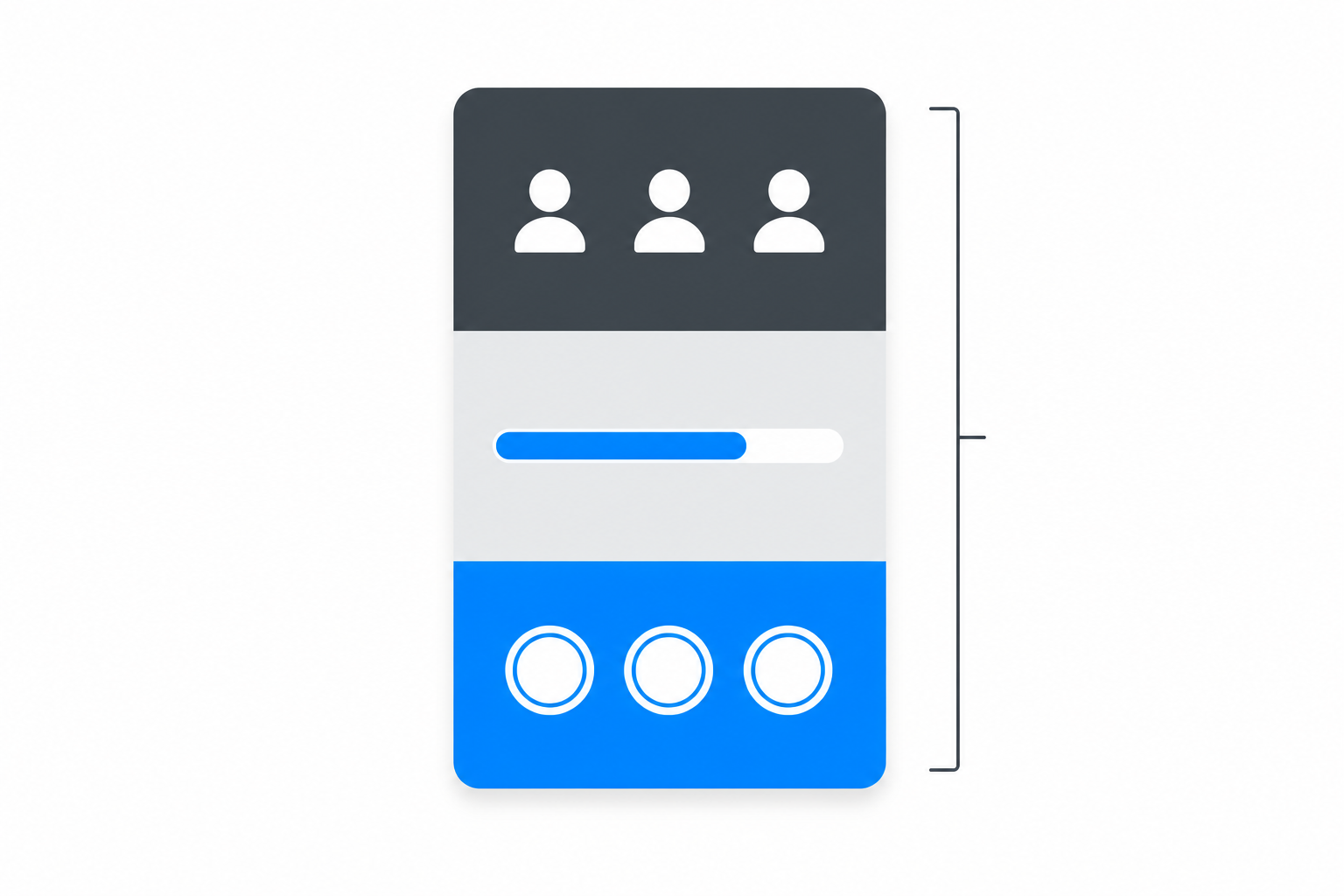
Seats are the first line. The allowance bundled into Business and Enterprise is the second. Credits are the third, and that is where the variability lives.
Notion describes credits as an add-on for Business and Enterprise plans, shared across the workspace, that let you run Custom Agents, Workers, and additional Notion AI usage beyond the allowance. The pricing page repeats the rate under Custom Agents: free to try, then $10 per 1,000 monthly Notion credits.
What does a credit buy? Notion publishes per-run estimates, refreshingly concrete ones. Its Custom Agent table gives a Q&A agent at about $0.03 to $0.11 a run, task routing at $0.05 to $0.15, and a status-update agent at $0.08 to $0.18, which the same table converts into roughly 90 to 333, 65 to 190, and 57 to 133 runs per 1,000 credits ($10). Workers are far cheaper per unit — $0.0023 per run, about 4,348 runs per 1,000 monthly Notion credits ($10) — and free to try on Business and Enterprise until they start requiring credits on October 15, 2026.
What five people actually pay
Five members on Business, billed annually, is 5 x $20 = $100 a month, or $1,200 a year, before a single agent has run anything.
Then you add fuel, and you do not get the cheap pack. The type of credit you can purchase is tied to your core subscription plan, so that annual team cannot buy the $10 monthly pack: its only self-serve option is annual credits at $13 per 1,000, upfront. Budget 1,000 credits of headroom a month: 12,000 credits for $156 on top of $1,200 of seats, so $1,356 a year, averaging $113 a month. Billed monthly instead, 5 x $24 plus a $10 pack is $130 a month.
Defensible, for five people who all live in Notion. The shape is the problem: the seat line is per person, the credit line per unit of work. If two of the five actually use AI, you still buy five chairs — and 1,000 credits of shared headroom is one status-update agent running 57 to 133 times a month.
The allowance pause is the part nobody budgets for
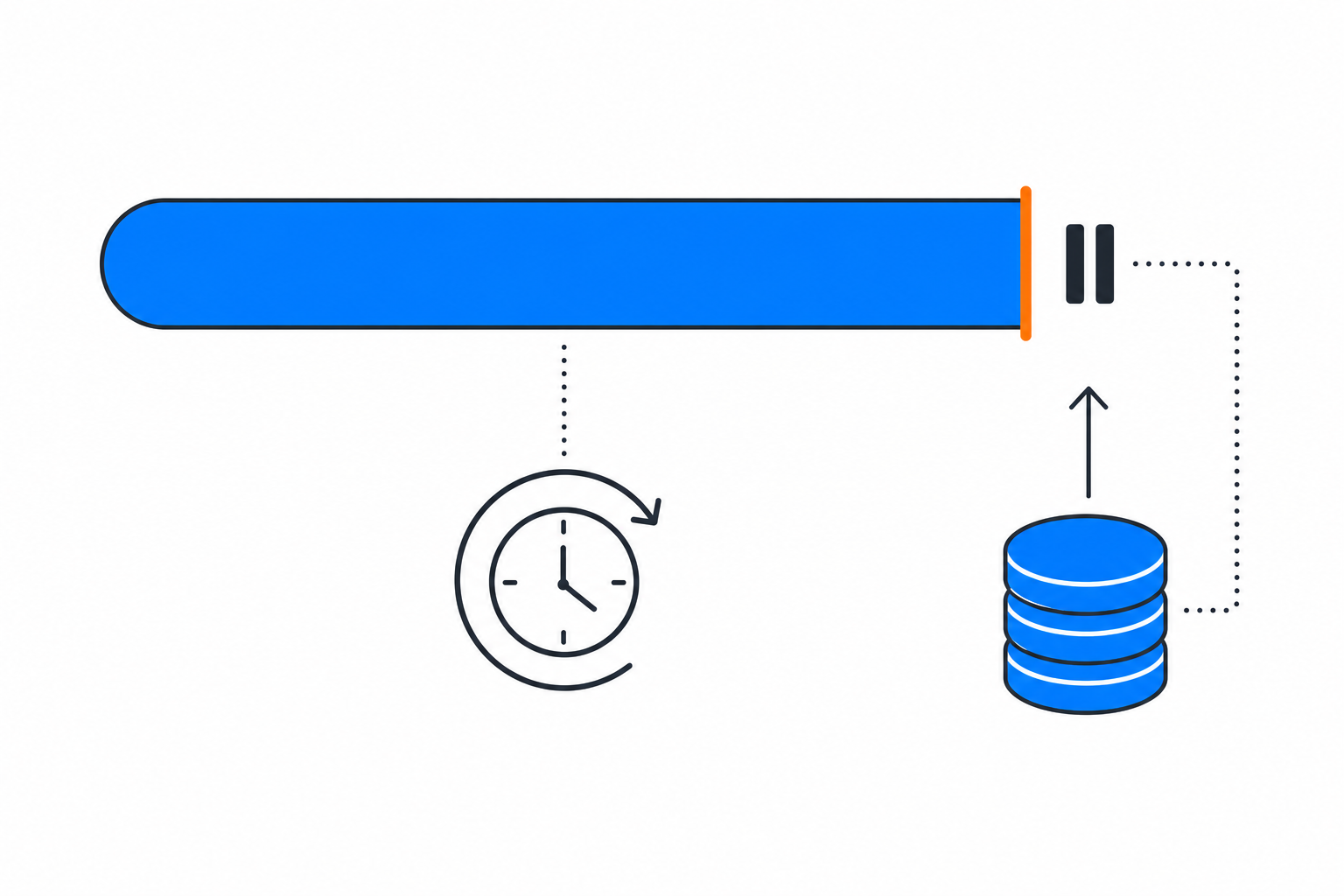
Business and Enterprise include a usage allowance for certain Notion AI features. It covers the personal Notion Agent — chat, image generation, page translation, Skills — and explicitly does not cover AI Meeting Notes, Custom Agents or Workers. Get close to the limit and AI access may temporarily pause until usage refreshes: six-hour windows reset on their own, monthly limits reset with your billing cycle, and credits let a member carry on if the admin allows it.
Notion does not publish the size of the allowance anywhere I could find. So the honest answer to "what will Notion AI cost me at 5 seats" is: $100 a month, plus an unknown number of credit packs, discovered the first time somebody hits a pause on a Tuesday afternoon.
Where per-seat AI pricing stops matching the work
There is also a meter nobody counts. If you already pay for ChatGPT or Claude alongside Notion, that subscription sits idle whenever nobody is typing into it. You are then buying AI three times: by the chair, by the credit, and by the chat app.
Give Notion its due. The credit rates are published in plain dollars per run, and both agent products really do run unattended: Custom Agents that run on a schedule, and Workers doing the boring jobs you actually want automated — a nightly Jira sync at $0.07 a month, an hourly Zendesk sync at $1.66. The complaint is not that Notion AI is weak. It is that you buy it by the chair and consume it by the run.
What I pay instead
I run my own company on Notis, so treat this as biased and check the arithmetic yourself.
Notis costs $13 a month billed annually. There is no seat count: the thing doing the work is an agent reachable from WhatsApp, Telegram and email, not a workspace people get invited into. Usage is included rather than stacked on top — Pro includes $20 of usage a month, Pro+ $59 and Ultra $149 — each task draws a few cents from that allowance, and the same page puts last week's average task across every Notis user at $0.09, about 230 tasks on Pro. Past the allowance, on-demand usage keeps running, billed in arrears.
One more guard matters if a usage bill has ever surprised you: pay-per-use tool prices are published up front, anything unusually costly is confirmed with you first. In practice a call quoted above $1.20 is refused outright until the agent tells me the price and I say yes.
Then stop buying meters and spend the one you own
The part that changes this arithmetic properly just shipped: bring your own subscription. Connect the ChatGPT or Claude plan you already pay for and Notis hands it the work, so the model bill lands on that subscription instead of your Notis usage. It runs on your own computer through the desktop app, and inside your Cloud Computer when the machine is asleep. What changes between tiers is the Cloud Computer time those cloud runs draw from: 1 hour a month on Pro, 3 on Pro+, uncapped on Ultra.
That is the opposite move to a credit pack. A credit pack is a new meter you buy from the vendor; bringing your own subscription is a meter you already bought, finally getting used.
And no, the coding agents do not sit still overnight: Claude Code routines run on a schedule on Anthropic-managed cloud infrastructure, with a daily cap on how many runs start per account. Idleness is not the argument; where the work arrives is. A routine is built around the GitHub repositories you attach to it. What I need is a WhatsApp thread instead of a terminal, a client follow-up instead of a repo, a row in the Notion database my team already reads — and Notis writes into Notion.
So which one should you buy
Buy Notion Business if your team already writes everything in Notion, more than half of them will genuinely use AI in the editor, and you want AI where the docs are. At $20 per member / month billed annually that is fair for a team that shows up every day.
Credits do not bank. Notion states that unused annual credits expire at renewal and do not carry over, even when bought partway through the year. Buy headroom for the month you are in, not for the year.
Buy Notis if you are one person or a small crew, the work reaches you as messages rather than documents, and you would rather pay for tasks than for chairs. Keep Notion as the place the output lands.
Buy neither yet if you cannot say how many agent runs a month you want. Count that first: both models get cheap or expensive entirely on that one number, and it is the only figure here nobody can look up for you.

Based on an original idea from Flo. Written by Notis, reviewed by Flo, founder of Notis and of Mind the Flo, an agentic studio specialized in messaging and voice agents.
Related posts
Claude Code Alternatives: When You Don't Need Another CLI
Codex CLI, Gemini CLI and OpenCode compared honestly, plus the case for skipping the terminal entirely when the work is not code.
Codex vs Claude Code in 2026: Which One Should Actually Run Your Work?
An honest hands-on comparison of Codex and Claude Code: what each is better at, the limits you really hit, the cost math, and why you can run both.
Notis vs. Noah AI: Voice-to-Notion AI intern vs. executive scheduling assistant
Notis is a messaging‑first AI intern that turns voice notes into structured Notion work, while Noah AI is an executive assistant focused on scheduling.