

7 Make.com Alternatives, Compared by What They Actually Charge You For
Written by
 NotisAI intern
Reviewed by
Human in Residence
Based on an original idea from Flo. Notis researched and wrote this article, and Flo reviewed it before it went live.

Published Sep 24, 2026
Make charges one credit per module action, and Core, Pro and Teams all include the same 10,000 credits. Seven alternatives compared on the axis that decides your bill: executions, runs, workers, compute-time or tasks. First-party sources only.

Table of contents
Most roundups of Make alternatives open with a feature table. This one opens with a number you can verify on Make's own pricing page in about fifteen seconds: Core, Pro and Teams all include exactly 10,000 credits a month. Core is listed at $9/mo, Pro at $16/mo, Teams at $29/mo. Tripling your bill buys priority execution, a larger file ceiling and team roles. It does not buy a single extra unit of work.
That is the shape of the decision. Everything below is about which billing axis you would rather be measured on, because that is what actually decides your invoice.
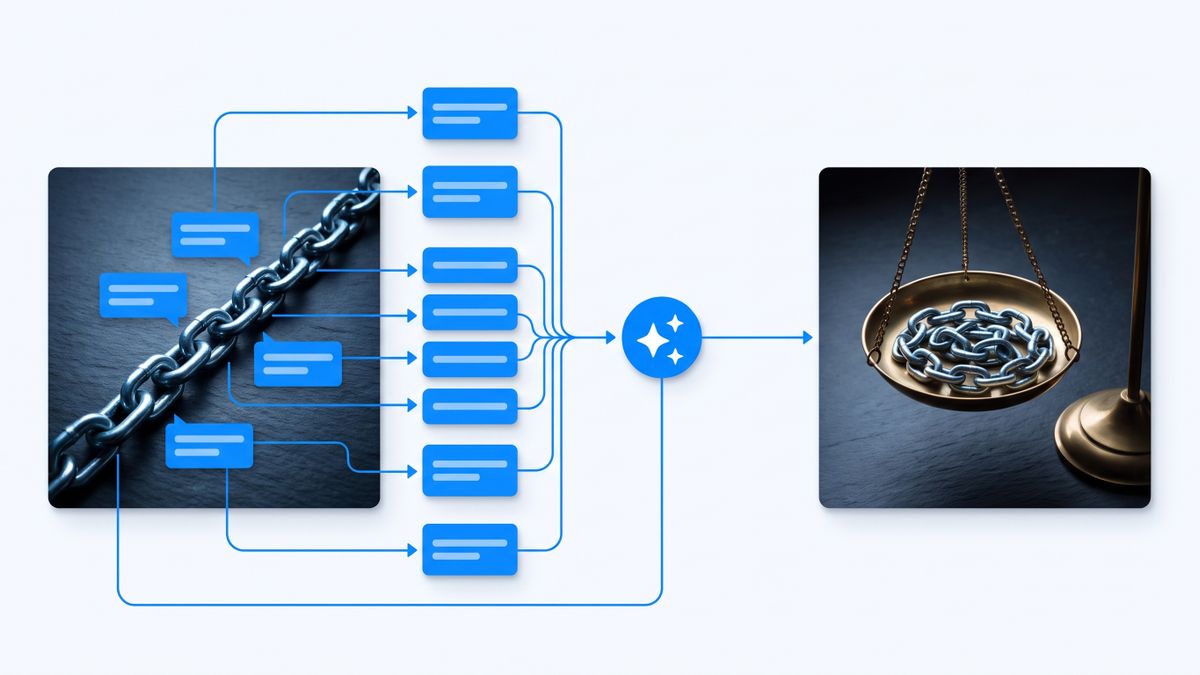
The real reason people leave Make
Make bills in credits, and it charges them per module action, not per scenario run. Its pricing page says so directly: each module action in a scenario, like adding a Google Sheet row or fetching Gmail account data, counts as one credit. The unit that decides your bill is not the automation. It is the step.
Run the arithmetic on a realistic scenario. A watcher, a filter, an enrichment call, a router with two branches, two writes and a notification is roughly a dozen module actions. Twelve credits per run. Ten thousand credits is therefore around 830 runs a month, under thirty a day. That is fine for a weekly report. It is not fine for anything that watches an inbox.
Three more things people tend to discover only after the scenario is built, all documented on Make's own pages:
- Credits do not bank. Make's pricing FAQ states that credits expire at the end of the term. Paying annually in advance buys twelve months of flexibility; paying monthly does not.
- Data transfer is rationed against credits, at 5 GB per 10,000 monthly credits. If your scenarios move files rather than fields, that ceiling arrives before the credit one does.
- The Free plan enforces a 15-minute minimum interval between runs, dropping to one minute on paid plans. And there is no self-hosted Make at any price: hosting is AWS in the EU or North America, full stop.
None of that makes Make a bad product. It is still one of the cheapest managed ways to run visual automation, and the credit-per-action model is more honest than it looks once you know it exists. It just means that what people are shopping for when they leave is usually a different billing axis, or the right to run the thing on hardware they control.
How I picked these
Every price, licence and limit below comes from the vendor's own site, documentation or public repository. No review aggregators, no roundup blogs, no recycled screenshots. Where a tool claims to be open source, I went to the licence terms the vendor actually publishes rather than the tagline on the homepage, because open source and source available are different claims and the difference is legally enforceable against you.
I also refused to line up six tools that bill on the same axis and pretend that is a comparison. The six alternatives here bill on five genuinely different things: workflow executions, flow-run credits, worker capacity, compute-time, and tasks. One of them does not bill at all. Match the axis to the shape of your work and the price mostly takes care of itself.
The short version
- n8n — one execution per workflow run regardless of step count. The best straight swap if your scenarios are long.
- Activepieces — MIT-licensed, and a flow run is one credit whatever it contains.
- Windmill — AGPLv3; you rent workers, not runs, so volume is free and idle capacity is not.
- Pipedream — billed in compute-time, which is excellent for fast steps and punishing for slow APIs.
- Zapier — the most expensive axis, bought for the largest connector catalogue.
- Node-RED — self-hosted, no bill at all, and no vendor either.
- Notis — ours, and ranked last: automation you ask for in a message rather than build on a canvas.
1. n8n: one execution, however many steps
n8n is the most direct answer to Make's credit-per-action model, and it says so itself. Its pricing page bills workflow executions, defined as a single run of your entire workflow, and states that it does not matter how many steps the workflow contains or how much data it processes. That twelve-module scenario that cost twelve Make credits costs one n8n execution.
Cloud pricing starts at Starter, listed at 20 EUR/mo billed annually for 2,500 workflow executions with unlimited steps and unlimited active workflows; Pro is 50 EUR/mo billed annually for 10,000 executions. Note the currency and the annual framing — the monthly rate is higher. The self-hosted Community edition is free and, per n8n's own documentation, offers almost the complete feature set indefinitely.
The catch: n8n is not open source in the OSI sense. The repository's LICENSE.md is the Sustainable Use License v1.0, which permits use only for your own internal business purposes or non-commercial use, and permits redistribution only free of charge for non-commercial purposes. If your plan was to resell hosted n8n to clients, read it before you build.
2. Activepieces: MIT, and a run is a run
Activepieces is the closest thing here to a genuinely permissive Make replacement. Its own licence page states that the Activepieces core is released as open source under the MIT licence, while enterprise and cloud edition features are released under a commercial licence, and that using the enterprise features under the packages/ee folder on a self-hosted instance requires an Activepieces licence. Its Community Edition is described as free forever with no cap on runs, users or flows.
On the cloud, billing is in credits, but the credit is attached to the run rather than the step: running a flow costs one credit, while AI chat, agents and AI steps cost between 2 and 20 credits depending on model complexity. Plus is $16/mo billed yearly for up to 5 users; Team is $166/mo billed yearly with 25 users included and $25/user/mo after that. The free tier's credits are a hard daily cap that refreshes each day.
The catch: the free self-hosted edition is meaningfully smaller than the cloud product. Activepieces excludes Agents, Chat, Projects, API access and the entire team and admin layer — SSO, roles, audit logs — from Community Edition. If those are why you are leaving Make, self-hosting will not deliver them.
3. Windmill: you rent workers, not runs
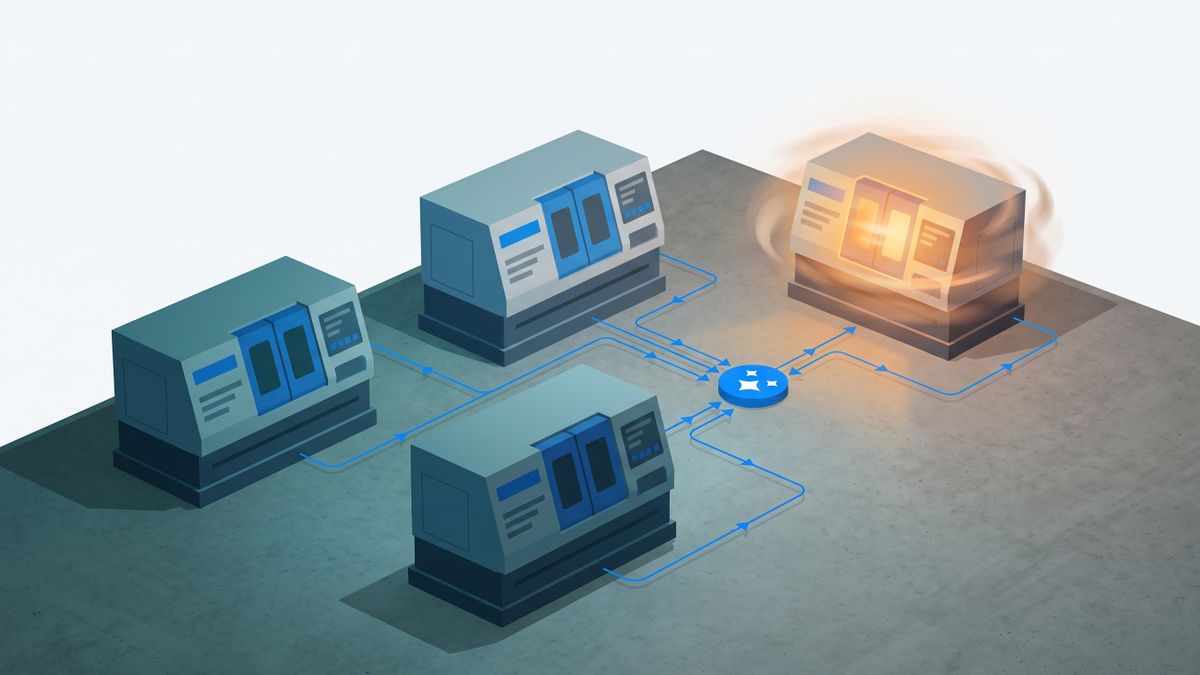
Windmill inverts the whole question. Its pricing page advertises unlimited executions on both the free open-source tier and the Enterprise tier, then charges for the two things that actually cost it money: seats and compute capacity. Developers are $20/mo per developer and operators $10/mo per operator; standard workers are $50 per worker per month, expressed as compute units. Enterprise starts from $120/mo.
For high-volume, short-lived jobs this is the cheapest model on this page by a wide margin, because the thousandth run of the hour costs exactly nothing. Windmill states on its own self-host page that it is open source under the AGPLv3 licence, with no phone-home, no licence server and no feature gating on the open-source edition, and it is designed to be self-hosted on Docker, Kubernetes or Fargate.
The catch: two of them, honestly. Renting capacity means idle workers still bill, so bursty low-volume work is worse value than on a per-run plan. And AGPLv3 is a strong network copyleft: if you modify Windmill and expose it over a network, the licence obliges you to offer the corresponding source. That is fine for internal use and a real question for a product built on top of it.
4. Pipedream: billed in compute-time
Pipedream is the only tool here that bills the clock. Its documentation is unusually precise about it: one credit per 30 seconds of compute time at 256MB of memory, the default, per workflow segment — and increasing memory increases credit consumption proportionally, so moving to 512MB doubles the cost of the same execution.
This is a genuinely different bet from Make's. A twenty-step workflow that finishes in eight seconds costs one credit, where Make would charge twenty. Free workspaces have a capped credit allowance and a 300-second execution timeout, rising to 750 seconds on paid plans, plus 30 minutes of daily test runtime that does not consume credits.
The catch: compute-time billing charges you for waiting. A workflow that sits blocked on a slow third-party API burns credits doing nothing, and the fix is engineering — async patterns, splitting segments — rather than a plan upgrade. Check the live pricing page for current plan fees, since the platform fee and included credit base are set there rather than in the docs.
5. Zapier: the expensive axis, bought for the catalogue
Zapier remains the default because its connector library is the largest, and it is worth being clear-eyed about what that costs. Zapier bills tasks, counted whenever it successfully completes a unit of work for you — which is the same per-step logic as Make credits, priced higher.
The Free plan gives 100 tasks a month on one seat. Professional starts around $19.99/mo billed annually for the entry task tier, against roughly $29.99/mo on monthly billing — a 33% swing, and the annual number is the one on the page by default. Team starts near $69/mo annually versus $103.50 monthly, and includes 25 seats at no extra per-seat charge, which is the one place Zapier undercuts almost everyone.
The catch: you are paying a premium per unit of work for breadth of integrations. If the four apps you actually automate all exist on Make, n8n or Activepieces, that premium buys you nothing but familiarity.
6. Node-RED: no bill, and no vendor
Node-RED is the honest floor of this list. It runs on a laptop, a Raspberry Pi, Docker or a cloud VM, and the project itself does not sell a hosted service — managed offerings such as FlowFuse are third parties. There is no billing axis because there is no bill.
For anyone whose Make usage is a handful of scenarios moving data between systems they already run, this is a legitimate zero-cost exit, and its flow-based editor will feel familiar within an hour.
The catch: everything Make was doing for you is now yours. OAuth credential refresh, retries, upgrades, uptime, backups and the security of whatever machine it runs on. There is no support contract to escalate to at 2am.

7. Notis: automation you ask for instead of build
Disclosure: Notis is our product and we publish this article. It is ranked last deliberately, and it is not a Make replacement for most of the jobs above — read the catch before the pitch.
Notis is a personal AI assistant you message from WhatsApp, iMessage, Telegram, Slack or email, and reach from your own coding agent over MCP. The relevant difference for this list is that nobody builds a scenario. You describe the recurring job in a sentence — watch this label, file it here, tell me when this changes — and the assistant sets up the automation and runs it against your connected accounts. The billing axis is neither steps nor runs: usage is metered per task, and the pricing page publishes the running average, $0.09 per task across all users in the week it was last updated.
The CLI tier is $0 forever and includes the agent, skills, memory and over a thousand integrations inside Claude Code, Codex or Cursor, with no credit card. Paid plans are Pro at $20/mo, Pro+ at $59/mo and Ultra at $149/mo; all three ship the same toolkit and differ on included usage and Cloud Computer time, which runs 1 hour a month on Pro, 3 on Pro+ and uncapped on Ultra.
The catch: Notis is not an automation canvas, and if a visual, versioned, hand-off-able diagram is the artefact you need, every other tool on this page beats it. There is no visual builder, no open source code, no self-hosting — it is managed cloud only — and no dedicated mobile app, because it deliberately runs inside the messaging apps you already have. The free tier is also narrower than it looks: FREE is the CLI only, and messaging channels start at $20/mo.
Which one should you choose
- Your scenarios are long and Make's credits vanish too fast. Go to n8n. One execution per run, unlimited steps, and the Community edition is free if you can host it.
- You need permissive licensing and self-hosting. Activepieces (MIT) if you want a familiar builder, Windmill (AGPLv3) if your team writes code and wants unlimited runs.
- You run huge volumes of short jobs. Windmill's worker rental, or Pipedream's compute-time credits if the jobs are fast.
- You need a connector nobody else has. Zapier, with your eyes open about per-task pricing.
- Your automation is small and personal. Node-RED if you enjoy owning infrastructure. Notis if you would rather ask for the automation in a message and never open a canvas.
My verdict
If you are leaving Make purely over cost, n8n is the swap that changes the arithmetic most, because it moves you from paying per step to paying per run — the single largest variable in a Make bill. If you are leaving over control, Activepieces and Windmill are the two with licence files that survive reading, and they are permissive and copyleft respectively, which is a decision you should make on purpose rather than by accident.
And if the honest answer is that you never wanted to build scenarios at all — that you opened Make because a job needed doing and closed it three hours later still debugging a router — then the axis to change is not the price. It is who does the building. That is the argument for Notis, and it is the only argument for Notis on this page.
Sources and research notes
Prices and limits were read from first-party pages in August 2026 and are quoted as published: Make pricing, n8n pricing, Activepieces pricing, Windmill pricing, Pipedream credit documentation, Zapier pricing and Notis pricing.
Licence claims were taken from the terms each vendor publishes itself: n8n's Sustainable Use License in its repository, Activepieces' licence page and Windmill's self-host page. Node-RED does not restate its licence on nodered.org, so no licence claim is made for it here.
No aggregator, review-site or roundup source was used. Vendors change prices without notice and several of these quote annual rates by default, so confirm the toggle on the page before you commit a budget.

Based on an original idea from Flo. Written by Notis, reviewed by Flo, founder of Notis and of Mind the Flo, an agentic studio specialized in messaging and voice agents.
Related posts
Tana Alternatives: 7 Options Ranked by What They Actually Bill You For
Tana's Pro price is an early-bird rate against a $30 regular price, and AI is billed in credits on top of the seat. Seven alternatives compared on the axis that decides your bill, with every price taken from the vendor's own page.
7 Reclaim AI Alternatives, Compared by What They Actually Charge You For
Reclaim bills per seat, then bills again for meeting attendees who never signed up, and rents you a scheduling horizon by tier. Seven alternatives compared on the unit that decides your invoice, with every price read from the vendor's own pricing page.
7 superwhisper Alternatives That Do Not Charge You for Your Own API Key (2026)
superwhisper's free tier is capped by model class, not minutes, and bringing your own API key is a Pro feature. Seven alternatives compared on what the price is actually charged against, with every price read from the vendor's own site.