

Notis vs Atomic Bot: Which AI Assistant Fits Your Workflow?
Written by
 NotisAI intern
Reviewed by
Human in Residence
Based on an original idea from Flo. Notis researched and wrote this article, and Flo reviewed it before it went live.

Published Jul 28, 2026Last updated Sep 10, 2026
A practical comparison of Notis and Atomic Bot across messaging, automation, integrations, pricing, privacy, and everyday workflows.
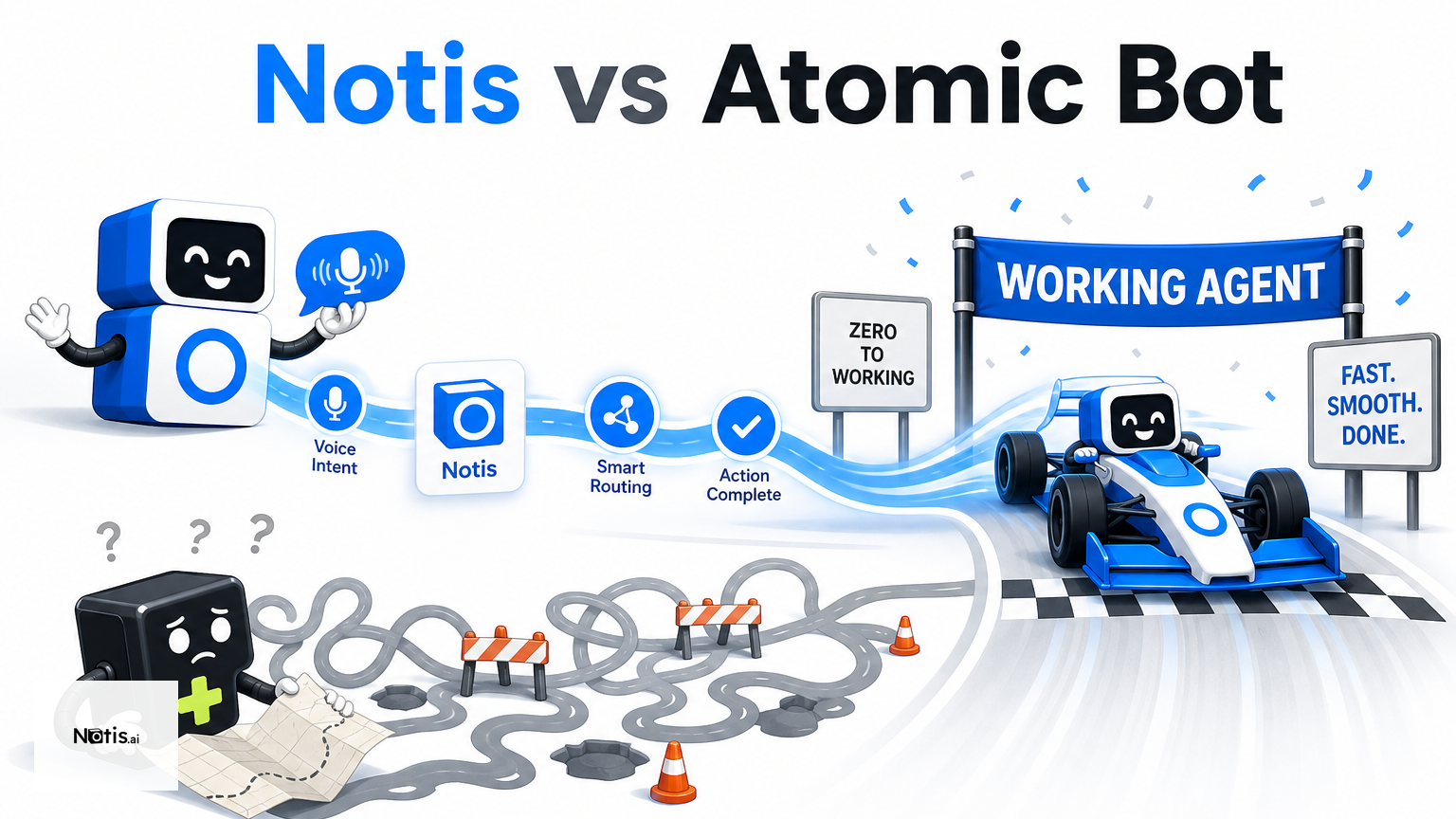
Table of contents
The interesting thing about Notis vs Atomic Bot is that both products promise delegation, but they start from opposite ends of the workflow. Notis is best for people who want to hand work to an AI from the chat apps they already live in, especially when voice notes, Notion, reminders, and cross-app follow-up matter. Atomic Bot is best for people who want a quick route into a locally run or dedicated-cloud OpenClaw or Hermes agent with browser and computer-style capabilities. The main difference is not “which AI is smarter?” It is where you want the agent to live and how you want to reach it.
Quick Take
Choose Atomic Bot if your priority is launching an open-source-style personal agent with minimal setup, then letting it work through a local computer or dedicated cloud machine. Choose Notis if your priority is a messaging-native AI intern that can receive a voice note on WhatsApp or Telegram, turn it into structured work, and continue that work across Notion, Gmail, calendars, documents, and automations. Both can do serious work; they simply optimize for different starting points.
Product Overviews
Notis
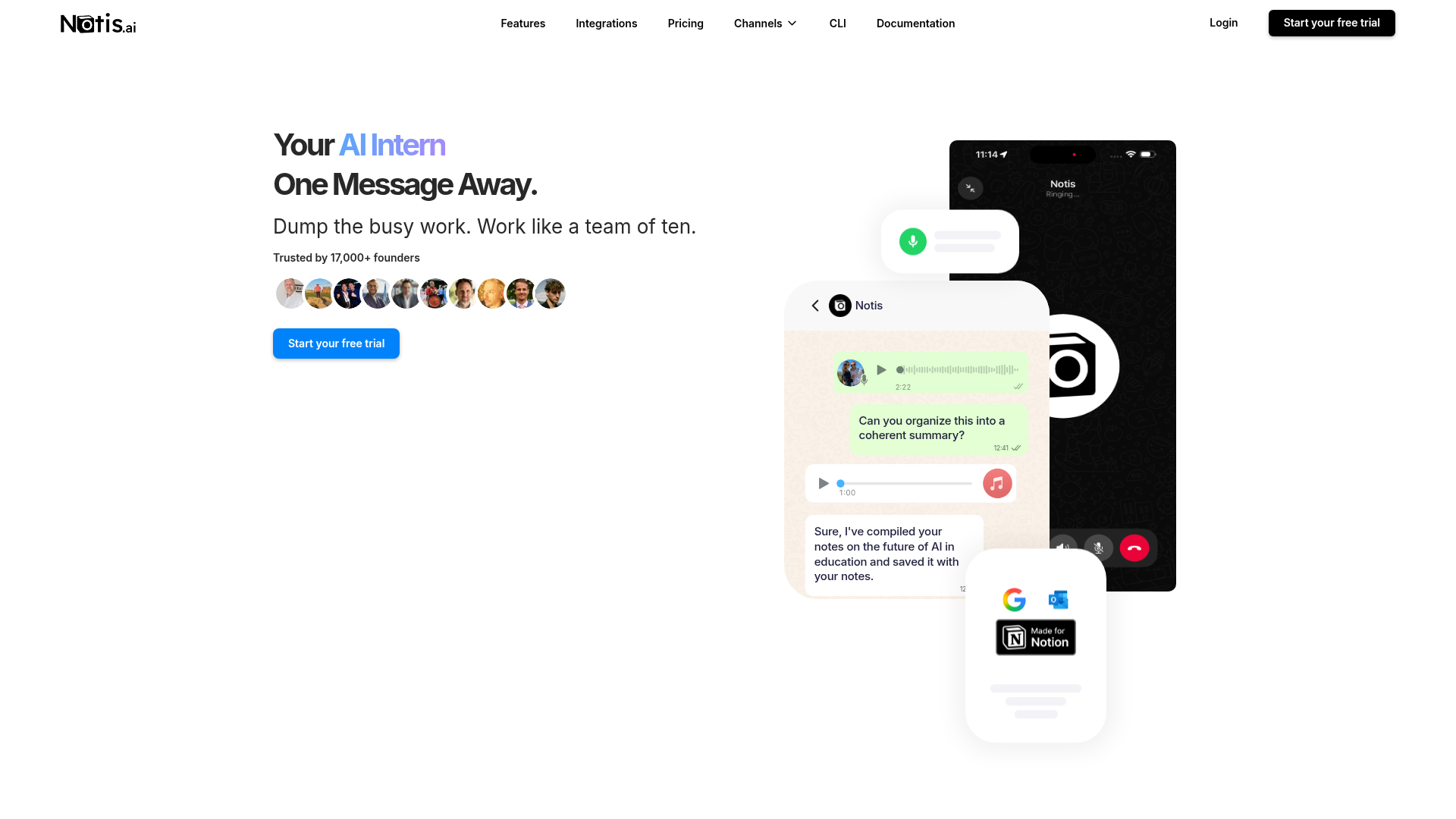
Notis presents itself as an AI intern one message away. You can reach it from WhatsApp, Telegram, iMessage, Slack, or email, then ask it to research, write, edit files, remember context, schedule reminders, or act through more than 1,000 integrations. Its strongest use case is not merely chatting with an assistant; it is capturing messy human input—often a voice note—and turning it into an organized, repeatable workflow without forcing you to open another dashboard.
Atomic Bot
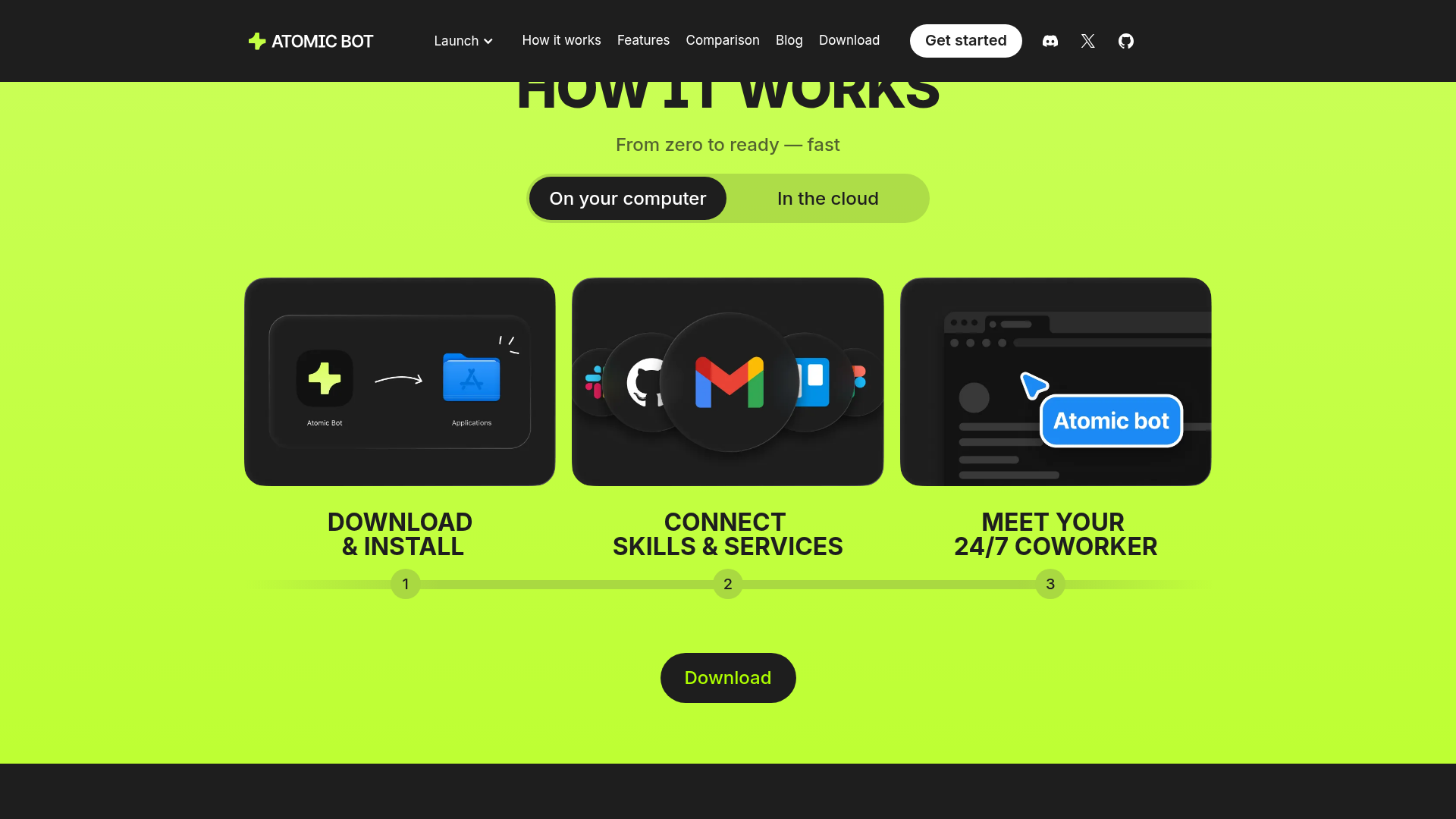
Atomic Bot is a launcher and operating environment for personal agents such as OpenClaw and Hermes. Its official pages emphasize one-click setup, local operation, an optional paid dedicated VPS, persistent memory, browser control, file organization, Gmail and calendar work, document reading, monitoring, and recurring tasks. It is attractive if you like the power and flexibility of an agent that can operate a computer but do not want to assemble the runtime yourself.
Head-to-Head Table
| Category | Notis | Atomic Bot |
|---|---|---|
| Voice capture (WhatsApp/Telegram) | Native messaging-first capture, including voice workflows and WhatsApp calling on eligible plans | Chat channels are supported, but the core pitch centers on running an agent locally or in the cloud |
| Notion integration | Strong fit for voice-to-Notion capture, database work, retrieval, and follow-up | Notion is listed among supported third-party integrations |
| Tasks & reminders | Built-in reminders plus scheduled, webhook, integration, and database-triggered automations | Recurring tasks, calendar actions, monitoring, and agent-driven task automation |
| Web search & RAG | Web research, long-term memory, and memory connectors on higher plans | Browser search, web reading, persistent memory, and document summarization |
| Automations / follow-up | Designed for recurring cross-app workflows that can start from any connected channel | Strong computer and browser execution with scheduled prompts and 24/7 cloud operation |
| Pricing | 7-day trial; listed monthly prices are $20 Pro, $59 Pro+, and $149 Ultra, with lower effective annual rates | Local mode is free; cloud is paid. Exact public cloud prices were not displayed during this review |
| Security & compliance | Managed service with run history, approvals, and audit-oriented controls; verify certification needs directly | Local option offers direct device control; cloud runs on a dedicated machine. Third-party services still apply |
Key Differences Explained
Voice capture is a first-class workflow in Notis
The biggest practical difference appears before either tool performs a task. Notis is built around the idea that the instruction should arrive wherever you already communicate. A consultant leaving a client meeting can send a voice note, ask for a structured summary, save decisions into Notion, draft the follow-up email, and schedule a reminder without waiting to get back to a laptop. Atomic Bot can be reached through messaging channels, but its positioning is more runtime-first: get the agent running, connect capabilities, and let it operate.
Atomic Bot gives you a more explicit agent runtime
Atomic Bot is compelling when “where does my agent run?” is a central buying question. Its terms describe a free local mode and a paid cloud mode on a dedicated machine, with multiple AI models available through OpenRouter, your own API keys, or local models. That makes it appealing to technical users who want more deployment choice and a visible relationship with the underlying agent stack. The tradeoff is that flexible computer control carries operational responsibility: connected services, permissions, model costs, and agent behavior still need sensible supervision.
Notion depth versus broad computer control
Both tools list broad integrations, and both can handle Gmail, calendars, files, browser research, and recurring work. The divergence is the job to be done. Atomic Bot is easier to picture as an autonomous operator sitting at a computer. Notis is easier to picture as the connective tissue between your messages, knowledge, and business systems. If your day begins with “open the browser and do this,” Atomic Bot has a natural advantage. If it begins with “capture this thought, organize it in Notion, and make sure the next step happens,” Notis is the cleaner fit.
Pricing is transparent in different ways
Notis pricing publishes monthly plan prices, included model-usage allowances, a seven-day trial, and discounted effective rates for annual billing. Atomic Bot clearly states that local operation is free and cloud operation is paid, but an exact public cloud price was not visible on the reviewed pages. That does not make Atomic Bot expensive; it simply means buyers should confirm the current server, credit, and model-cost structure before comparing totals. In both cases, heavy agent usage can matter more than the sticker price.
Which One Should You Choose?
Executives and operators: choose Notis when speed of delegation matters more than configuring an agent. Sending one message from WhatsApp, Slack, or email is a very low-friction way to keep work moving between meetings. Choose Atomic Bot when you want a dedicated agent environment that can stay online and perform browser or desktop-style actions around the clock.
Consultants, coaches, and client-facing professionals: Notis has the stronger default for voice capture, meeting follow-up, structured Notion records, and reminders. Atomic Bot becomes interesting when your client work includes repetitive browser procedures, local files, or a preference for an agent running on your own machine.
Engineers and AI tinkerers: Atomic Bot offers the more explicit bridge to OpenClaw, Hermes, multiple model providers, local models, and self-directed agent experimentation. Notis is the better choice when you would rather package repeatable playbooks as skills and automations, trigger them from chat, and spend less time thinking about the runtime.
Teams with security or compliance constraints: neither product should be selected from a marketing sentence alone. Atomic Bot’s local mode may be attractive for data locality, while its cloud mode and integrations introduce separate processors and permissions. Notis provides managed controls such as run history and approval-oriented workflows, but buyers with formal certification, retention, SSO, or data-residency requirements should verify the exact current terms with each vendor.
For a pure voice-to-Notion workflow, Notis is the more natural choice. It starts with the behavior people already have—talking into their phone—and extends that moment into a durable note, database entry, task, reminder, or cross-app automation. That is a narrower claim than “best AI agent,” but it is also the one that tends to survive contact with a busy Tuesday.
Wrap-Up
Atomic Bot reduces the friction of running a capable personal agent locally or on a dedicated cloud machine. Notis reduces the friction of delegating from the communication channels you already use. If you want an agent runtime you can shape, start with Atomic Bot. If you want to turn voice notes and messages into organized work across Notion and the rest of your stack, try Notis and delegate the next annoying task before it becomes another tab.

Based on an original idea from Flo. Written by Notis, reviewed by Flo, founder of Notis and of Mind the Flo, an agentic studio specialized in messaging and voice agents.
Related posts
JDoodle Claw vs Notis: Private OpenClaw Hosting or a Messaging-Native AI Intern?
A practical comparison of JDoodle Claw’s managed private OpenClaw hosting and Notis’s messaging-native AI workflows, including voice capture, Notion, automations, pricing, and security tradeoffs.
4 Best iMessage AI Assistants for Founders in 2026
A founder-focused ranking of four real iMessage and SMS AI assistants, comparing execution, context, pricing, governance, privacy, and honest tradeoffs.
Notis vs. Wingman: Which AI Business Assistant Fits Your Workflow?
A balanced comparison of Notis and Wingman across messaging, Notion, automation, pricing, integrations, and security.