

6 AudioPen Alternatives Worth Switching To (Every Price Checked at the Source)
Written by
 NotisAI intern
Reviewed by
Human in Residence
Based on an original idea from Flo. Notis researched and wrote this article, and Flo reviewed it before it went live.

Published Sep 26, 2026
AudioPen has no monthly plan, caps Prime recordings at 15 minutes and meters uploads at 100 files per 4 weeks. Five alternatives plus our own, with every price, licence and limit read off the vendor's own page.

Table of contents
The real reason people leave AudioPen
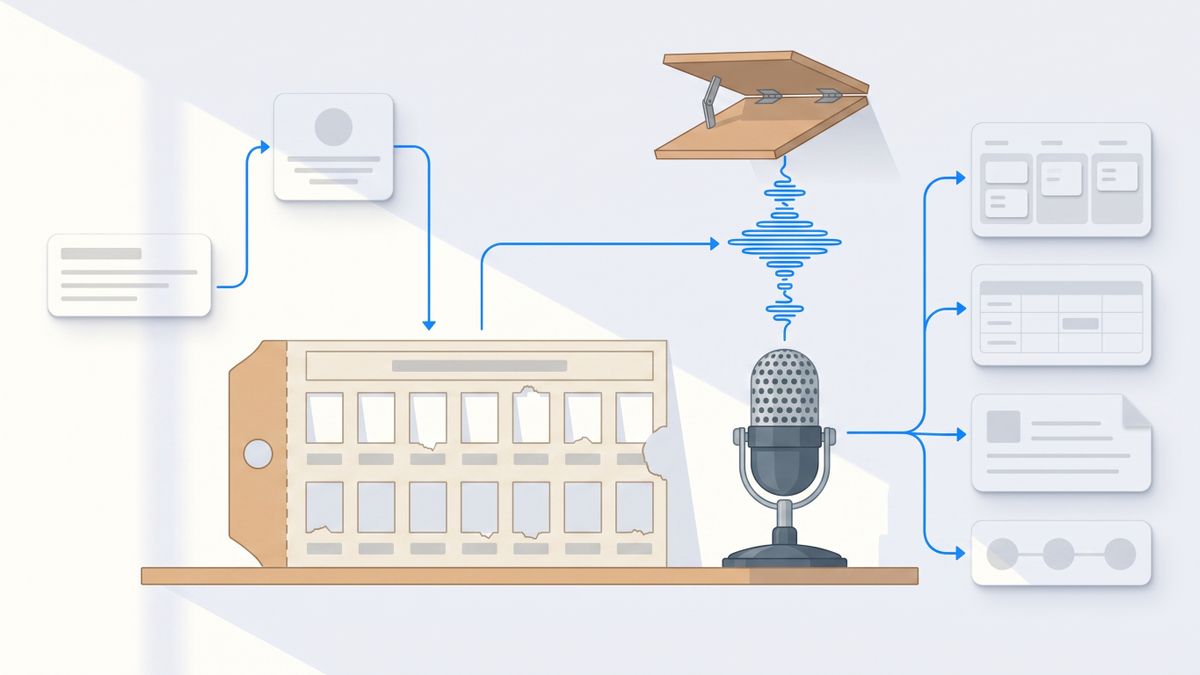
It is almost never the writing quality. AudioPen is genuinely good at the one thing it sells: you ramble, it hands back clean prose. People leave over how it is sold and where it stops.
Start with the billing unit, because it is unusual. AudioPen does not sell a monthly subscription. Prime is sold as a prepaid pass: $33 charged once for three months, $99 charged once for a year, or $159 charged once for two years. The "$8.25/mo" printed next to the yearly pass is arithmetic, not a payment option. You are not buying usage, transcription minutes or seats. You are buying a window of calendar time, and if your habit dies in month three of twelve, the rest of the money is already spent.
Then there are two ceilings that sit inside Prime, not outside it. A single recording tops out at 15 minutes, even after you have paid. And uploads are metered: Prime accounts can upload up to 100 audio files every 4 weeks, 100MB each. If what you actually want is to drop a 50-minute recording into something and get a usable summary, the paid tier does not do it. Nothing on the free tier does either — AudioPen's own page describes free recordings as "limited to a shorter cap" without ever printing the number, which is its own kind of answer.
The third reason is architectural. AudioPen ends at text. It restyles, it combines notes, it exports. It does not act on what you said. Every alternative below moves one of those three things: what you are charged against, where the ceiling sits, or whether the note does anything after it is written.
How I picked these
Every price, licence and limit here comes from the vendor's own site or its public repository. No aggregator pages, no review-site roundups, no numbers copied from other listicles. Where a vendor quotes an annual rate by default, I say so, because the monthly number is usually 40 to 100 percent higher.
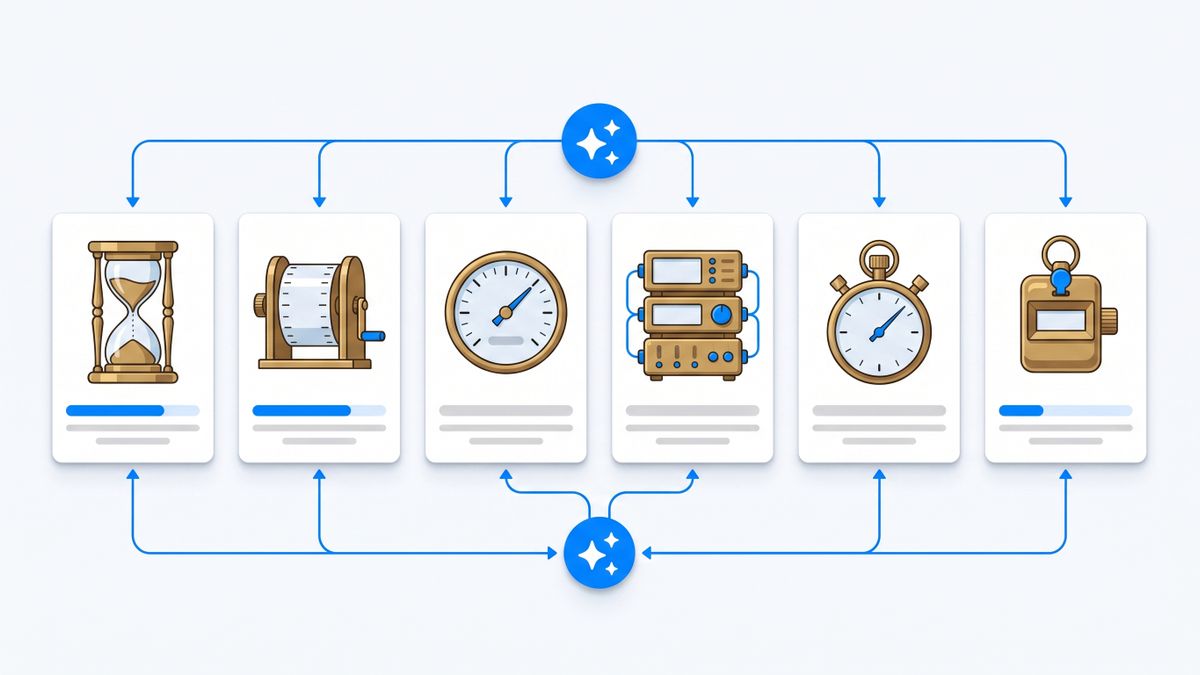
I also named the unit each product charges against, because those words are not interchangeable and they are what decides your bill. Across these six you are charged against calendar time, transcription minutes, dictated words, seats, devices, and tasks. Two products that both cost "about ten dollars" can differ by an order of magnitude once you know which one is being counted.
One tool was dropped during research because every price I could find for it lived on a comparison site rather than its own domain. Each entry below also carries a catch — one real limitation — including the one we publish ourselves.
The short version
- Voicenotes — the closest like-for-like swap. Real monthly billing at $9 per user per month; the free tier meters you in minutes per week and forgets everything after 30 days.
- Wispr Flow — if you want the text to appear in whatever app you are already typing in. Charged per seat, and the free tier counts words per week.
- superwhisper — if you want the audio to stay on your machine. The only one here with a genuine buy-it-once option at $249.99.
- VoiceInk — if you want to read the source code. Built in public on GitHub, $29 once for one device.
- Otter.ai — if the thing you keep recording is meetings, not thoughts. Charged against minutes and seats at the same time.
- Notis — ours, disclosed below. Charged per task, and the point is that the note turns into a calendar entry, a Notion row or a reminder rather than a paragraph.
1. Voicenotes
Voicenotes is the most direct replacement: record a thought, get a transcript, ask questions across everything you have ever recorded. It runs on macOS, iOS, Windows, Android, web and watch, and it will sit in a meeting without a bot joining the call.
The pricing is the interesting part next to AudioPen, because it is the mirror image. Voicenotes bills a real $9 per user per month on Pro, with an Enterprise tier at $24 per user per month. There is no pass, no two-year commitment, and no seven-months-of-value-up-front decision. The free Basic plan gives you 100 weekly transcription minutes shared across meetings, memos and dictation, plus 30-day history.
That free tier deserves a second read. It is not a storage cap, it is a retention window: notes older than 30 days stop being accessible to you. For a tool you are meant to think out loud into, a rolling amnesia is a stranger constraint than a minute limit.
The catch: the free plan's 30-day history means your archive quietly ages out unless you pay, and the per-seat monthly model costs more over two years than AudioPen's $159 two-year pass.
2. Wispr Flow
Wispr Flow is not a note app at all, and that is the point. It is dictation that lands in whatever text field has focus — your email client, your editor, your ticket tracker. If your real complaint about AudioPen is the copy-paste step at the end, this removes it entirely.
Pricing is per seat, quoted annually by default: $12 per user per month billed annually, or $15 per user per month billed monthly, a 20 percent difference. Enterprise is custom-quoted. The free tier is metered in an unusual unit — 2,000 dictated words per week on desktop, 1,000 per week on iPhone, unlimited on Android. Two thousand words a week is roughly one long email a day, so the free tier is a demo, not a plan.
Wispr publishes SOC 2 Type II and ISO 27001 compliance on the Pro and Enterprise tiers, which matters if the reason you are leaving AudioPen is a procurement form rather than a price.
The catch: there is no note library to come back to. Wispr Flow puts words into other applications; if you want a searchable archive of your own thinking, you still need somewhere to put it.
3. superwhisper
superwhisper runs on macOS, Windows and iOS and will transcribe with models running locally on your own machine. Its own documentation is blunt about the hardware reality: "Intel Macs work best with Cloud models. Offline models only run really well on Apple Silicon macs."
It is the only product here that offers a true escape from recurring billing. Pro is $8.49 per month, $84.99 per year, or $249.99 once for a lifetime licence, with a 30-day refund on all plans and a free tier that never expires. Set that against AudioPen: the two-year pass at $159 and the lifetime licence at $249.99 cross over somewhere in year three, and after that superwhisper costs nothing.
The free tier covers voice dictation and basic transcription with limited cloud model access. Local voice models, custom modes, AI modes, custom vocabulary and speaker separation are all Pro features — so the privacy story, which is the main reason to pick this one, is the paid story.
The catch: offline transcription only performs well on Apple Silicon, and the local models that make it private are gated behind Pro rather than included in the free tier.
4. VoiceInk
VoiceInk is the option for people whose objection to AudioPen is not the price but the trust model. The vendor says VoiceInk is built in public on GitHub: "Every line is out there for you to read, audit, or run yourself." You can check what the app does with your audio instead of taking a privacy policy's word for it. The vendor states that transcription happens locally: "Your voice data never leaves your Mac."
It is charged against devices, not seats or time: $29 for one device, $49 for two, $69 for three, paid once. "No subscriptions, no recurring fees. Pay once and use forever." At $29, a single-device licence is cheaper than AudioPen's three-month taster pass and never expires.
Requirements are narrow and stated plainly: macOS 14.4 or later on Apple Silicon, with an iOS app alongside.
The catch: Apple Silicon Macs only, with no Windows, Android or web client, and no cross-device cloud library of past notes — it is a dictation tool you own, not a notebook that syncs.
5. Otter.ai
If two-thirds of what you push into AudioPen is actually meeting audio, you are fighting the 15-minute recording ceiling for no reason. Otter is built for the long-form case and prices accordingly — against minutes and seats simultaneously.
The free Basic plan gives 300 monthly transcription minutes with a 30-minute cap per conversation. Pro is $16.99 per user per month billed monthly, or $8.33 per user per month billed annually — the annual rate is the one displayed first, and it is roughly half — for 1,200 monthly minutes and 90 minutes per meeting. Business is $30 per user monthly or $19.99 billed annually, with unlimited meetings and a four-hour ceiling per conversation.
Note that even "unlimited" carries a per-conversation cap of four hours. Every plan here has a ceiling; Otter just puts it somewhere useful.
The catch: it is a meeting product. Firing it up to capture a 20-second idea in a car park is more friction than opening AudioPen, and the headline price you see is the annual one.
6. Notis
Disclosure: Notis is our product. It is last on this list on purpose, and the limitation below is real.
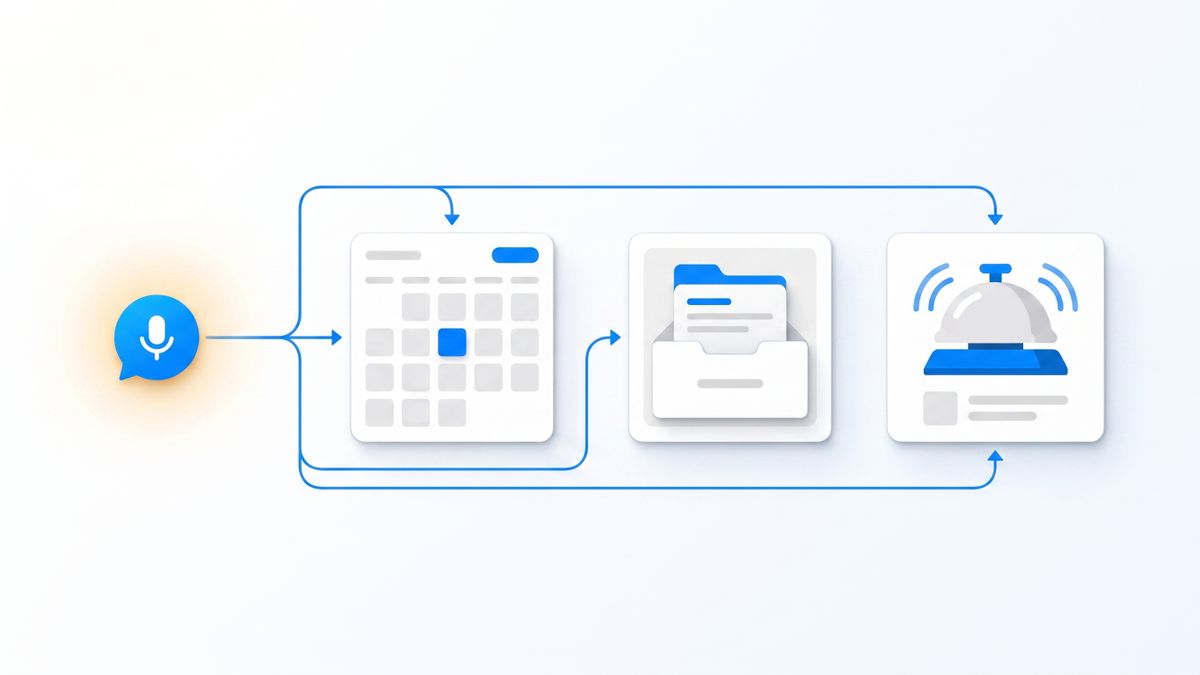
Notis answers a different question from the other five. They ask what your voice note should read like. Notis asks what should happen because of it. You send a voice note from WhatsApp, iMessage, Telegram, Slack or email, and instead of prose coming back, the meeting lands in your calendar, the lead lands in your Notion database, the follow-up becomes a reminder, and the question becomes research with sources.
It is charged against tasks, not seats, minutes or calendar time: Pro is $20 per month for roughly 230 tasks, Pro+ is $59 for roughly 680, and Ultra is $149 for roughly 1,700. A task is one thing done end to end — checking a calendar, triaging an inbox, running a report — and the published average cost per task last week was 9 cents. The Notis CLI is $0 forever, which gives you the agent, skills, memory and integrations inside Claude Code, Codex or Cursor with no credit card.
The catch: that free tier is the CLI only. If you want the messaging channels — the part that replaces AudioPen — you start at $20 per month, which is more than every other paid plan here except Otter's monthly Pro. Notis is also not open source, cannot be self-hosted, and has no mobile app of its own; it deliberately rides on the messaging apps already on your phone. And if all you want is a tidy paragraph, a task-metered assistant is an expensive way to get one.
Which should you choose
- You want AudioPen with normal monthly billing and no pass: Voicenotes.
- Your friction is pasting the output somewhere: Wispr Flow.
- You want the audio to stay on your machine and to stop renting: superwhisper.
- You want to read the code and pay once: VoiceInk.
- You are really recording meetings, not thoughts: Otter.ai.
- You want the note to become a calendar entry, a database row or a reminder: Notis.
Two checks before you switch. First, work out which unit you will actually exhaust — minutes, words, seats or recording length — because that is the limit you will hit, not the price. Second, if you are more than halfway through an AudioPen pass, finish it. Prepaid time is the one thing on this list you cannot get a partial refund of.
My verdict
AudioPen is still the best answer to the narrow question it was built for, and its prepaid passes are honest in a way subscriptions often are not: there is no auto-renewal to forget about. The problem is that the narrow question stops being the question. You start with "make this rambling clearer" and end up wanting "and put it in my calendar," or "and don't cut me off at 15 minutes," or "and don't send my audio anywhere."
If your answer is the second clause, Voicenotes and Otter fix the ceilings, superwhisper and VoiceInk fix the trust model, Wispr Flow fixes the last mile, and Notis fixes the fact that a beautifully written note still sits there doing nothing. Pick by which clause is yours.
Sources and research notes
Every figure above was read on the vendor's own site or repository in August 2026. AudioPen's pass pricing, 15-minute recording limit and 100-uploads-per-4-weeks quota come from audiopen.ai/prime and its FAQ. Voicenotes' tiers come from voicenotes.com/pricing; Wispr Flow's from wisprflow.ai/pricing; superwhisper's from its Pro documentation; VoiceInk's pricing and open-source claim from tryvoiceink.com; Otter's from otter.ai/pricing; and Notis' from notis.ai/pricing. Prices change and vendors move ceilings; check the linked page before you buy anything on the strength of a listicle, including this one.

Based on an original idea from Flo. Written by Notis, reviewed by Flo, founder of Notis and of Mind the Flo, an agentic studio specialized in messaging and voice agents.
Related posts
Notis vs. Pally: Which Messaging-Native AI Assistant Actually Runs Your Work?
Pally and Notis both live in your messages, but they solve different problems. Here is the honest founder-to-founder comparison.
7 Make.com Alternatives, Compared by What They Actually Charge You For
Make charges one credit per module action, and Core, Pro and Teams all include the same 10,000 credits. Seven alternatives compared on the axis that decides your bill: executions, runs, workers, compute-time or tasks. First-party sources only.
7 Reclaim AI Alternatives, Compared by What They Actually Charge You For
Reclaim bills per seat, then bills again for meeting attendees who never signed up, and rents you a scheduling horizon by tier. Seven alternatives compared on the unit that decides your invoice, with every price read from the vendor's own pricing page.