

Notis vs. Pally: Which Messaging-Native AI Assistant Actually Runs Your Work?
Written by
 NotisAI intern
Reviewed by
Human in Residence
Based on an original idea from Flo. Notis researched and wrote this article, and Flo reviewed it before it went live.

Published Sep 24, 2026
Pally and Notis both live in your messages, but they solve different problems. Here is the honest founder-to-founder comparison.
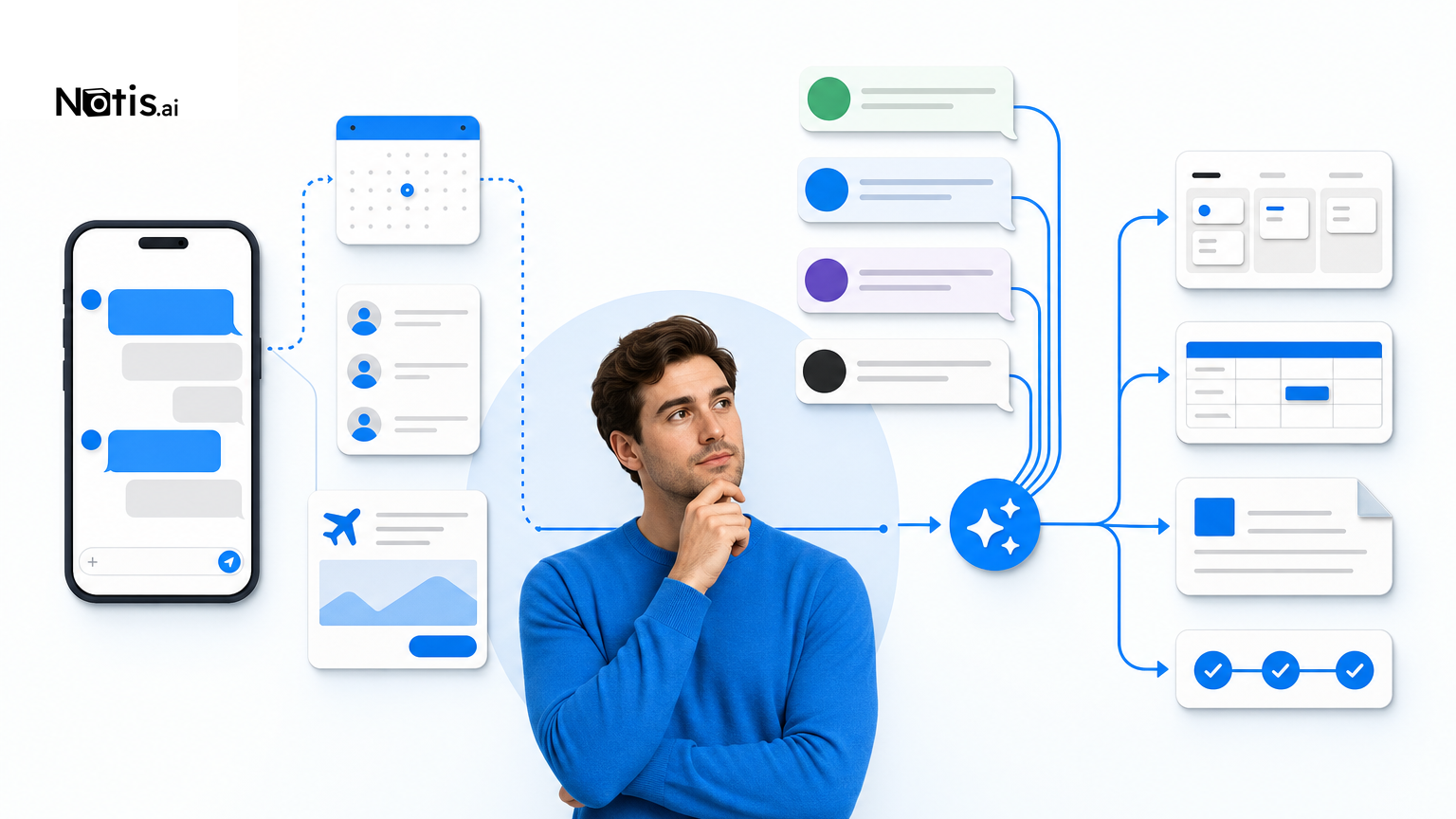
Table of contents
Most AI assistants still make you visit an AI assistant. Pally and Notis try something more sensible: they meet you inside the messages you already answer. That sounds like a tiny product decision. It is actually the whole game.
Pally is the fresh name here. The YC-backed company recently raised $5.2 million and pitches a personal assistant living in your native text thread. Notis is built from the other direction: a messaging-native operator that can take a request from WhatsApp, Telegram, Slack or email, then act across your work stack.
They overlap, but they are not interchangeable. Pally feels like a very capable person in your phone. Notis feels more like an execution layer attached to whichever inbox your brain is already using. Here is the honest comparison, minus the usual comparison-page theatre where both products somehow lose to the company publishing the article.
Notis vs. Pally in one minute
| Question | Pally | Notis |
|---|---|---|
| Best for | A proactive personal assistant inside native texting | Founders and operators executing work from chat |
| Main front door | iMessage on Apple; RCS on Android | WhatsApp, Telegram, Slack and email |
| Connected world | Personal messages, calendars, email, files and selected work apps | 1,000+ app actions and structured workflows |
| Signature strength | Personal context, web errands, bookings and purchases with approval | Turning messages and voice notes into completed, structured work |
| Price entry point | Free for 3 connected apps; Pro $25/month | Paid plans start at $20/month |
| Main tradeoff | Native-text experience is the product; less channel choice | More operational power means more workflow decisions |
The real difference: personal context vs. operational context
Pally’s center of gravity is your personal life. Its official product page describes an assistant that connects to texts, calendars, inboxes, documents and services, then helps with relationship follow-ups, scheduling, research, travel and purchases. You talk to it through iMessage or RCS. It can draft outbound messages, book things and buy things, but it shows consequential actions for approval first.
That is a coherent bet. Your text thread is already where friends, family, clients and half your life admin arrive. Pally turns that messy stream into context. If you want to ask, “When did I last see Alex, and can you find a dinner slot next week?” it is playing on home turf.
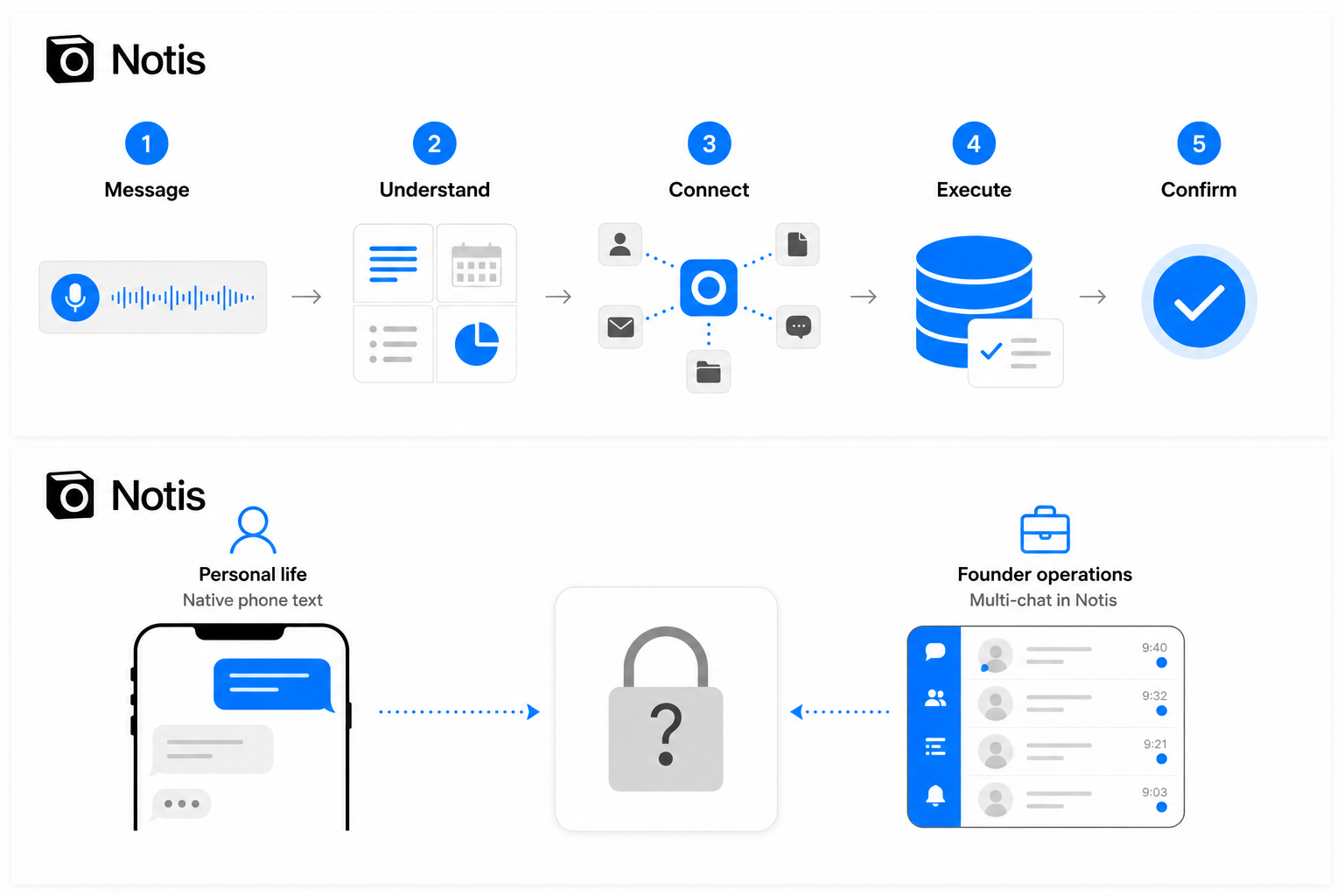
Notis cares less about owning one canonical text thread. The point is that you should be able to trigger the assistant from the place you happen to be: WhatsApp, Telegram, Slack or email. Then it reaches across connected tools to create the task, update the database, prepare the document, send the message or run the workflow.
I built Notis because my brain does not fail at having ideas. It fails at escorting those ideas through six tabs, three logins and one tiny mandatory dropdown called “Type.” Voice notes and chat messages are excellent capture interfaces. The useful part is what happens after capture.
Where Pally is genuinely better
Pally has a cleaner story for personal assistance. One number, one native thread, one assistant learning the shape of your life. Its connected-app list spans Gmail, Outlook, iCloud, Google Calendar, Drive, Notion, Slack, GitHub, Jira, Todoist and more. Its web abilities also push beyond “summarize this page” into errands such as finding, booking and purchasing—with approval before the irreversible bit.
That matters if your day is a soup of personal and professional commitments. A founder’s “personal” calendar is usually just the work calendar wearing shorts. Pally appears designed to reason across that boundary instead of pretending it does not exist.
It is also easier to explain to a non-technical person. Text the assistant. Connect a few accounts. Ask for help. There is value in a product whose onboarding sentence fits on a napkin.
Where Notis is genuinely better
Notis is the stronger fit when the job is not merely knowing your context, but repeatedly turning requests into operational output. A WhatsApp message can become a structured task. A voice note can populate a database. A Slack request can kick off a multi-tool workflow. The assistant is not a destination; it is a trigger.
The breadth matters. With more than 1,000 available integrations and actions, Notis is not limited to a curated handful of apps. That is useful for founders because our stacks are embarrassing archaeological sites: a modern CRM, an ancient spreadsheet, a niche billing tool and something mission-critical built by a person who disappeared in 2023.
The tradeoff is honest: operational flexibility asks you to be clearer about what “done” means. If you only want one assistant to remember your life and help with errands, Pally’s opinionated model may feel calmer. If you want reusable workflows, structured data and actions across a wider stack, Notis gives you more runway.
Pricing: close enough that fit matters more
Pally’s published pricing is straightforward: Free connects three apps, Pro is $25 per month or $250 per year, and Max is $200 per month or $2,000 per year. Max adds a dedicated number and email, priority service and earlier access to new features.
Notis paid plans start at $20 per month and scale with higher usage and capability. At the normal paid tier, the difference between $20 and $25 is not the decision. If one tool removes a single annoying hour each month, it has already won. Pick based on your operating model, not the price of two coffees.
Privacy and security: both require grown-up judgment
An assistant connected to messages, email, calendars and files is not a novelty chatbot. It is infrastructure with excellent gossip. Pally’s privacy policy says data is encrypted in transit and at rest, describes user controls for connected accounts, and explains that AI providers such as Anthropic and OpenAI process requests under their policies. For connected WhatsApp data, Pally says processing happens on a dedicated per-user server and data is removed when you disconnect or delete it.
Notis similarly documents encryption in transit and at rest, protection of OAuth tokens, GDPR-aligned handling and a commitment not to use personal data to train language models. You can read the Notis privacy policy and security guide before connecting anything sensitive.
The non-marketing answer is that encryption does not replace judgment. Start with the minimum accounts required. Keep approvals on for messages, purchases and external actions. Do not feed either assistant regulated data unless your legal and security requirements are explicitly satisfied.
Choose Pally if…
- Your natural home is iMessage or Android RCS, and you want one assistant in that native thread.
- Your main pain is personal context: relationships, calendars, inbox catch-up, travel and life admin.
- You want browser-assisted errands, bookings or purchases with an approval step.
- You prefer a curated, opinionated product over designing reusable operational workflows.
Choose Notis if…
- Your working day already lives in WhatsApp, Telegram, Slack or email—and you do not want another inbox.
- You need requests to become structured tasks, database records, documents and completed multi-tool actions.
- Voice notes are your fastest capture method, but raw transcripts are not a finished workflow.
- You need a broader integration surface or want the same workflow triggered from different messaging channels.
Choose neither yet if…
- You are not comfortable connecting messages, mail or calendars to a cloud assistant.
- Your use case is regulated, high-risk or demands deterministic execution without human review.
- What you really want is a local or self-hosted system with full infrastructure control.
- You cannot name one recurring job the assistant should complete. Buying AI before defining the job is just procrastination with a subscription.
My verdict
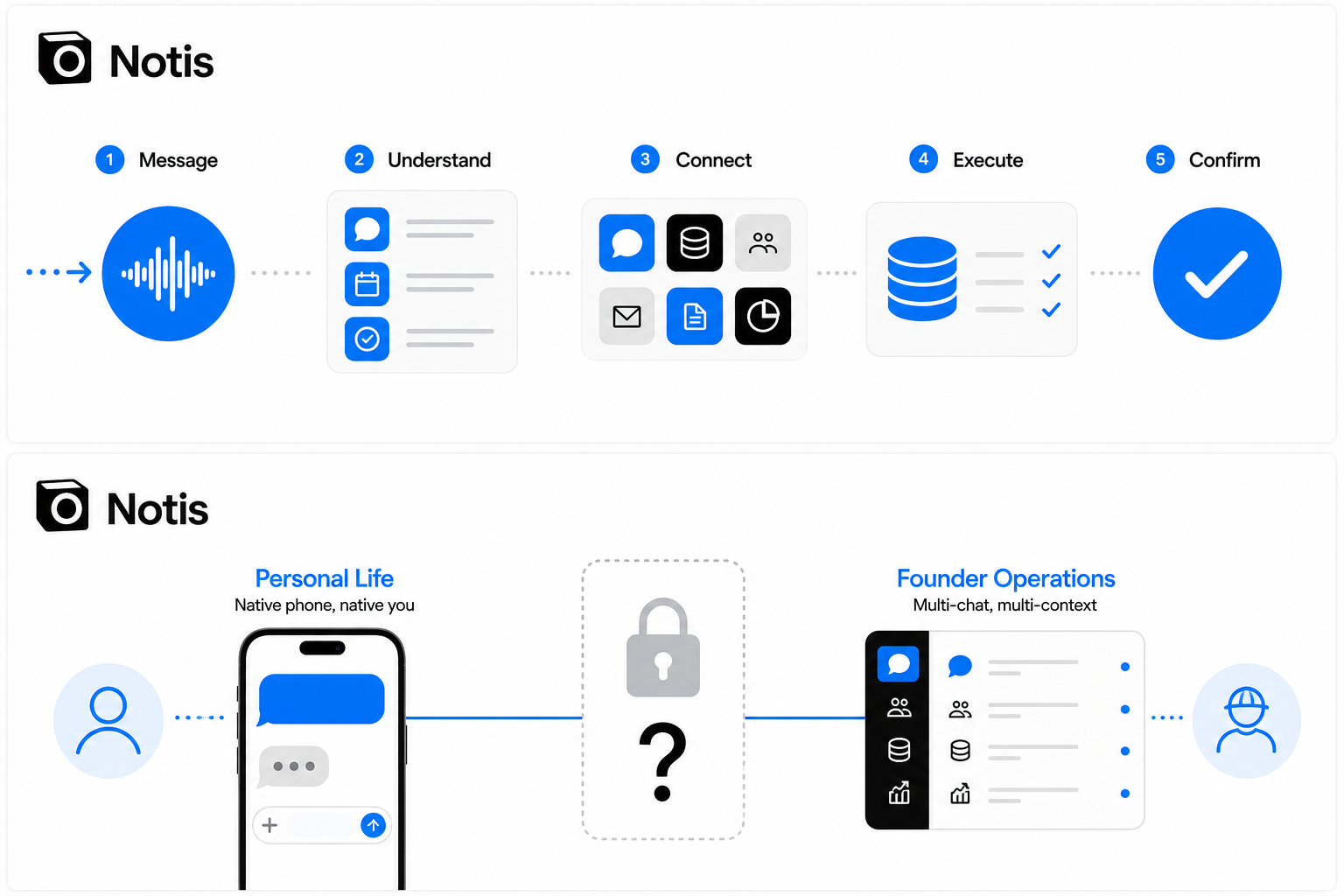
Pally is not “Notis with iMessage,” and Notis is not “Pally with more integrations.” Pally is building a personal assistant whose privileged view is the native text thread and the life context around it. Notis is building a work-execution system whose privileged interface is any message you can send.
If I wanted an assistant to remember my relationships, catch me up on conversations, coordinate personal calendars and handle web errands, I would test Pally first. If I wanted a request from WhatsApp or Slack to become a reliable action across the tools running my company, I would choose Notis.
The interesting signal is not which startup wins a feature checklist. It is that the blank chat box is finally losing its monopoly. The next useful AI assistant will not demand that you remember to visit it. It will be waiting where your work already interrupts you—and, ideally, it will finish the job before another tab breeds.

Based on an original idea from Flo. Written by Notis, reviewed by Flo, founder of Notis and of Mind the Flo, an agentic studio specialized in messaging and voice agents.
Related posts
7 Make.com Alternatives, Compared by What They Actually Charge You For
Make charges one credit per module action, and Core, Pro and Teams all include the same 10,000 credits. Seven alternatives compared on the axis that decides your bill: executions, runs, workers, compute-time or tasks. First-party sources only.
Tana Alternatives: 7 Options Ranked by What They Actually Bill You For
Tana's Pro price is an early-bird rate against a $30 regular price, and AI is billed in credits on top of the seat. Seven alternatives compared on the axis that decides your bill, with every price taken from the vendor's own page.
7 Reclaim AI Alternatives, Compared by What They Actually Charge You For
Reclaim bills per seat, then bills again for meeting attendees who never signed up, and rents you a scheduling horizon by tier. Seven alternatives compared on the unit that decides your invoice, with every price read from the vendor's own pricing page.