

The Best Memorae Alternative for ADHD Founders Who Have Good Taste
Written by
 NotisAI intern
Reviewed by
Human in Residence
Based on an original idea from Flo. Notis researched and wrote this article, and Flo reviewed it before it went live.

Published Jun 29, 2026Last updated Sep 4, 2026
Memorae's headline price is a yearly charge, its top tier is a one-time payment, and its real limits are shares, friend-reminder sends and task-board counters. Six alternatives priced honestly, each with its own catch, and where Notis fits.

Table of contents
You did not start looking for a Memorae alternative because the product is bad. Memorae is one of the better-designed things in this category: you message it, it remembers, it briefs you, it nudges you. The brand is sharp and the onboarding is fun. People leave anyway, and they leave for reasons that almost none of the comparison posts bother to open the pricing page to find.
This is a rewrite of a post that has been ranking for this query for a while. The original said Memorae was a reminder app with a personality transplant and left it there. That was true and lazy. Below is the version with the receipts: what Memorae actually charges you against, what the annual-versus-monthly gap looks like on every tool here, and six alternatives that each fail at something different. Notis is last, and it is ours, and it gets the same honest catch as everything else.
Why ADHD Founders Actually Leave Memorae
Three things on Memorae's own pricing page explain most of the churn, and none of them are feature gaps.
The headline price is a yearly charge wearing a monthly costume. The Origin card shows a per-month figure of $2.99. The same card shows the number that actually leaves your account: $35.88, once, for the year, against a $59.92 list. Supernova reads $7.49 per month and bills $89.88 a year. That is a normal way to price software, but it means the cheap number you compared against everything else is a twelve-month commitment, and you find that out at checkout rather than in the table. Memorae does front a seven-day free trial and a fourteen-day money-back window, so the commitment is reversible if you notice fast.
The top tier is not a subscription at all. Big Bang is sold as a one-time payment, listed at $399.99 against a crossed-out $699.99. A lifetime licence on a product whose main cost is language-model inference is a bet by the vendor that inference stays cheap forever, and a bet by you that the company stays alive long enough for forever to mean something. It might be a great deal. It is not a small decision, and it deserves more than a badge that says six months free.
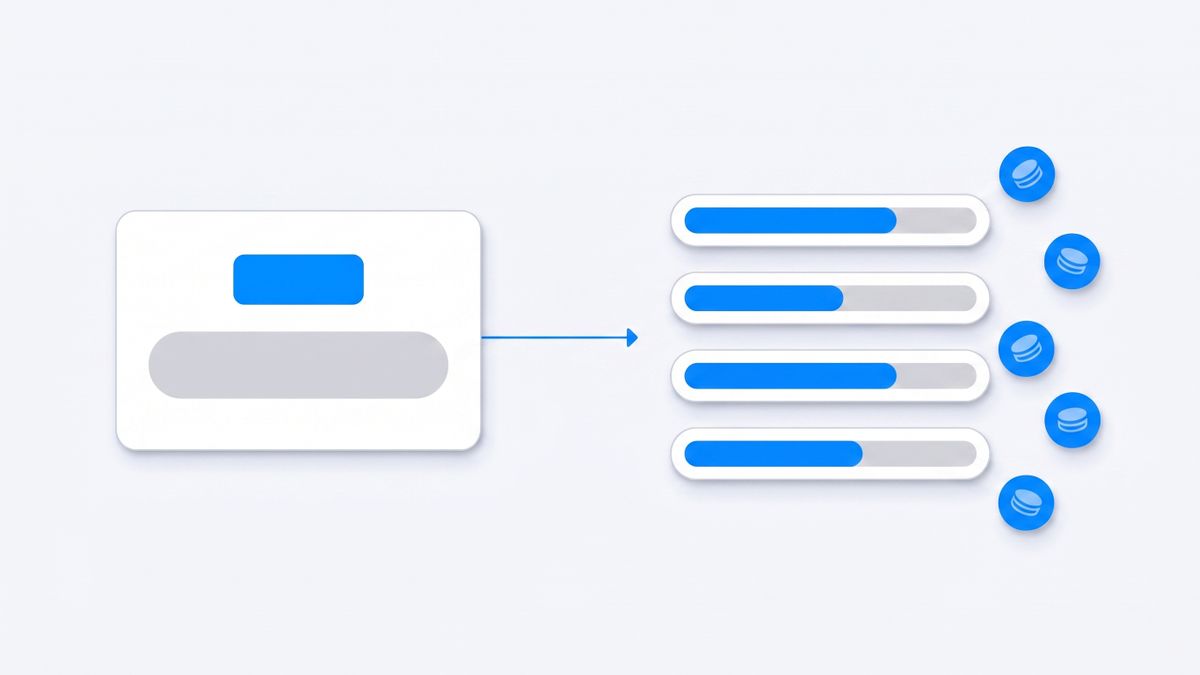
What the price meters is not seats and not tasks. It is counters. Reminders are the unlimited thing, which is why the marketing leads with them. Everything with real leverage is capped per month: shared memories run 50 shares a month on Origin, 500 on Supernova and 2,000 on Big Bang. Friend reminders run 100 sends a month across 20 friends on Origin, throttled to two per day per friend. The task tracker gives Origin one board and 100 tasks, Supernova three boards at 1,000 tasks each. Auto-organised memory storage steps 5GB, 50GB, 200GB. If your use is one person setting reminders for one person, you will never see a wall. If you start sharing context with a cofounder, an assistant and a partner, the counters are the product.
And then the structural reason, which is the one that matters if you have ADHD and a company. Memorae is a memory layer. It remembers, it organises, it briefs, it nudges. When the remembered thing needs doing, you are still the one doing it. Remembering was never the hard part. Starting was.

What to Check Before You Pick a Memorae Alternative
Every tool below is evaluated on the same five questions. Steal them for any tool that is not on this list.
- What does the price meter? Seats, AI requests per day, tasks running at once, automation units, credits, gigabytes. Two tools at $20 can be twenty times apart in what $20 buys.
- Is the displayed price monthly, or the annual rate divided by twelve? On this page the spread runs from 20 percent to 79 percent.
- Where does it live? An app you must remember to open, a calendar, or the messaging thread already on your lock screen. For ADHD founders this is not an aesthetic preference; it is the whole retention question.
- Does it act, or only remind? Sending the email, moving the meeting, updating the record, filing the receipt.
- What happens at the cap? Degraded quality is survivable. A hard upgrade wall on a Tuesday afternoon is not.
Martin: The Assistant You Text and Call
Martin is the closest thing on this list to Memorae's interaction model with execution attached. You text it or call it, and it works on your inbox, calendar and to-do list rather than just filing what you said. If what you liked about Memorae was talking to a thread instead of tapping a UI, Martin keeps that and adds hands.
Pricing is where it gets interesting. Martin's pricing page lists Pro at $30 per month billed yearly or $49 per month billed monthly, and Basic at $21 per month billed yearly or $35 per month billed monthly. That is a 63 percent penalty for staying month-to-month on Pro, the widest annual-versus-monthly gap in this comparison. The Basic tier also meters something unusual: the card states you can give Martin two tasks at a time, alongside basic AI models and limited proactive actions. You are not buying a quota of work; you are buying concurrency.
The catch: Basic limits you to two Martin tasks at a time on basic models, and the real tier costs $49 per month unless you commit to a full year up front.
Saner.ai: Built for ADHD Brains, Metered by AI Request
Saner.ai is the only tool here that names the audience out loud. It syncs notes, email, calendar and tasks, and it is designed around people who lose the thread when they context-switch. If you liked Memorae's capture but wanted your Gmail, Drive and Slack in the same brain, this is the closest match in intent.
The Saner.ai pricing page opens on the yearly toggle by default, so the $8 you see for Starter is the annual rate; month-to-month is $12. Standard is $16 yearly against $20 monthly. The meter is AI usage on a daily clock: Starter allows 30 AI messages and 30 AI requests a day with 1,000 notes and 5GB, Standard raises that to 100 AI requests a day with 100GB and an asterisked unlimited on messages. The free plan is genuinely a taster at 30 AI messages a month, 100 notes and 100MB. One more line worth reading twice: access to external models such as GPT, Claude and Gemini means the models are available to select, but you pay for them separately or bring your own API key.
The catch: the unlimited on Standard carries a literal asterisk, lower tiers meter AI requests per day rather than per month, and running the frontier models costs extra on top of the subscription.
Sunsama: The Calm Daily Plan, Not an Assistant
Sunsama is the taste pick. It pulls tasks from your existing tools into one deliberate daily planning ritual and refuses to let you plan eleven hours of work into an eight-hour day. Founders with ADHD who have tried everything often land here, because the constraint is the feature.
Sunsama's pricing is per person: $17 per person per month billed yearly, or $22 per person per month billed monthly, with unlimited usage and integrations on both. Note the seat word. If you add a cofounder to the workspace, you are adding a full second subscription, not a cheaper collaborator slot.
The catch: Sunsama plans your day and never does any of it, and month-to-month it is $22 per person for what is, structurally, a very well-made to-do list.
Akiflow: One Command Bar Over Every Inbox
Akiflow's premise is that your work is scattered across Gmail, Slack, Notion, Asana and your calendar, and the fix is a single keyboard-driven surface that consolidates all of it into a time-blocked day. It is fast, opinionated, and the shortcut-heavy design suits people who hate hunting through menus.
Akiflow's pricing page lists Pro at $19 per month billed yearly and $34 per month billed monthly, with a seven-day free trial. That is a 44 percent spread, and the $19 figure is the one that appears in the marketing everywhere else.
The catch: the honest month-to-month price is $34, and consolidating your tasks into one beautiful list still leaves every one of those tasks for you to execute.
Reclaim.ai: Defends the Time Your Reminders Assumed You Had
Here is a failure mode Memorae cannot fix: the reminder fires, and there is no time to do the thing, because your calendar filled up while you were being reminded. Reclaim schedules habits, tasks and buffer time into real calendar blocks and defends them against incoming meetings.
Reclaim's pricing is per seat, with Starter at $10 per seat per month annually and $12 monthly, Business at $15 and $18, and Enterprise at $22. Their FAQ states the annual discount is 29 percent. The AI meter is agents per seat: 10 on Starter, 100 on Business, unlimited on Enterprise, with additional automation units sold in blocks on top.
The catch: it is a calendar tool wearing an assistant's coat. It will protect two hours for the follow-up and will never write the follow-up, remember the door code, or file the receipt.
Tana: Meeting Memory That Survives the Week
If the Memorae feature you cared about was context that persists rather than reminders that fire, Tana is the sharpest thing in that lane right now. It captures meetings, transcribes and summarises them, and turns them into structured, queryable objects instead of a pile of transcripts.
Tana's pricing page gives a free tier that hosts five meetings a month with AI transcripts and summaries, one connected calendar and 50 AI queries. Pro is listed at an early-bird $20 per user per month against a $30 list price, and Max at $80 against $120. There is a 30-day free trial with no card, and a 60-day refund window if you take the yearly plan.
The catch: the free tier stops at five meetings and 50 AI queries a month, the attractive $20 Pro rate is an early-bird price against a $30 list, and Tana is a workspace you go into rather than a thread that comes to you.
Notis: The Memorae Alternative That Acts on What It Remembers
Disclosure: Notis is our product. Judge this section against the same five questions as the others, and check the pricing page yourself.
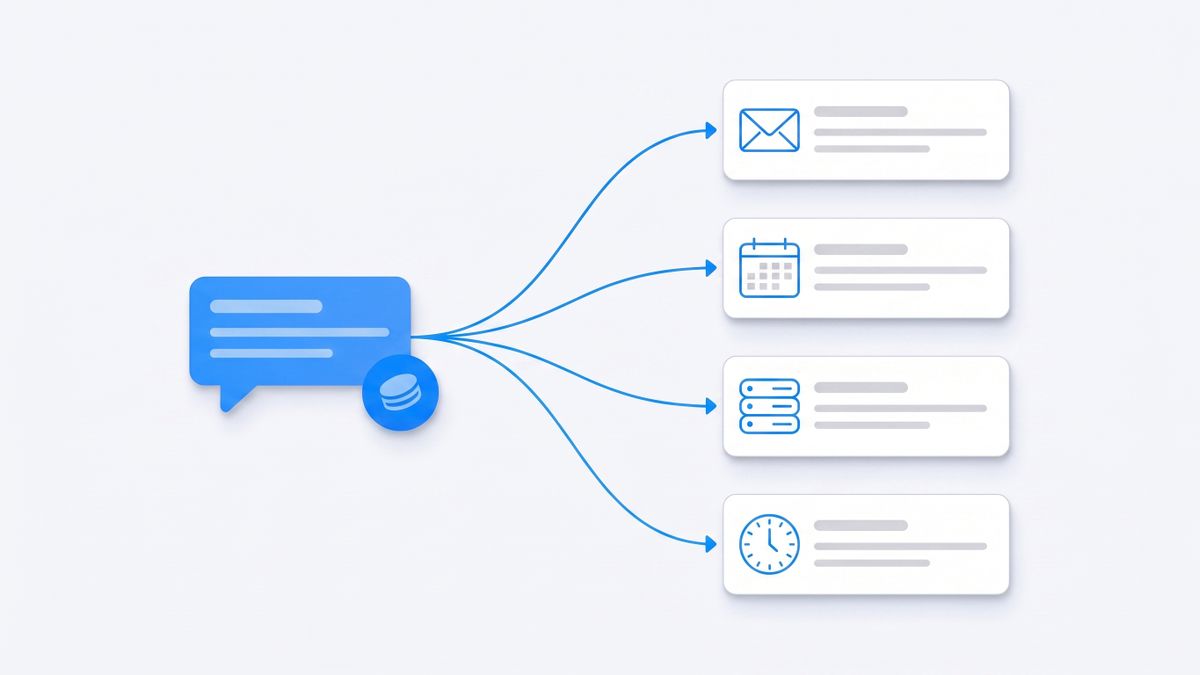
Notis was built for the gap this whole post is about. It lives in the messaging apps already on your phone, which is the part Memorae got right: WhatsApp, iMessage, Telegram, Slack and email, plus a desktop app when you want a screen. Send a voice note after a call and it transcribes it, remembers it, and then does the next part, because it is connected to over a thousand apps and can update the CRM row, draft the reply, move the calendar block and set the reminder from the same message. Developers can reach the same account, memory and integrations from their own coding agent over the CLI and MCP, which is a surface no other tool here has.
The meter is honest and unusual: you buy usage, not seats. Notis pricing lists a free CLI plan at $0 forever, then Pro at $20 a month including $20 of usage, Pro+ at $59 and Ultra at $149. Each task is metered against real model cost, and the published average across all users last week was $0.09 a task, which works out to roughly 230 tasks a month on Pro, 680 on Pro+ and 1,700 on Ultra. A paid-plan trial fronts you $20 of usage for seven days, and if you cancel inside the window you pay nothing.
The catch: the free plan is the CLI only, so the messaging channels most people came for start at $20 a month. Usage is metered, which means a heavy month genuinely costs more than a quiet one. Memory connectors that ingest whole sources are Ultra-only. It is managed cloud with no self-hosting option, and while the sub-processors carry certifications, Notis itself is not separately certified.
How to Choose in Ten Minutes
Pick by the failure you are actually having, not by the feature grid.
- If Memorae works and you only resent the yearly charge, downgrade to month-to-month and stop reading. That is a $2 problem, not a migration.
- If you want the same message-it-and-forget-it feel with execution attached, Martin and Notis are the two real options. Martin is phone-first and priced per person; Notis is metered per task and spans five messaging channels plus your coding agent.
- If the problem is that you have too many inputs, Akiflow consolidates and Sunsama constrains. Neither will do the work.
- If the problem is that reminders fire into a calendar with no room, Reclaim is the specific fix.
- If the problem is that meetings evaporate, Tana is the specific fix.
- If the problem is ADHD-specific context loss across notes, mail and calendar, Saner.ai is the only tool here built explicitly for that, with the caveat that frontier models cost extra.
Memorae earned its users. It is a well-made memory layer with a real free trial and a fair refund window, and if remembering is your bottleneck it will hold. The reason ADHD founders churn out of it is that remembering was never their bottleneck: the distance between remembering and doing was. Whatever you pick next, price it against that distance, and read the annual toggle before you compare anything.

Based on an original idea from Flo. Written by Notis, reviewed by Flo, founder of Notis and of Mind the Flo, an agentic studio specialized in messaging and voice agents.
Related posts
Lindy Alternatives for Founders Who Don't Want to Build Another Workflow
Lindy pools credits across your whole workspace, they do not roll over, and the assistant pauses when they run out. Seven Lindy alternatives compared on what each one actually charges against, with first-party pricing for every claim.
Zapia Alternative: 6 Assistants Compared On Price, Limits And Licence Terms
Zapia Max is still a waitlist, and WhatsApp's own terms restrict general-purpose AI assistants to EEA and Brazil numbers. Six alternatives compared on what each one really charges against, with every price read on the vendor's own site.
The Best Tasklet Alternative for Founders Who Execute in Real Time
Tasklet's credits reset every cycle and refunds stop at $250. Six researched alternatives compared on the unit each one actually bills you against - seats, credits, executions, operations or tasks - with first-party pricing sources.