

The Best Tasklet Alternative for Founders Who Execute in Real Time
Written by
 NotisAI intern
Reviewed by
Human in Residence
Based on an original idea from Flo. Notis researched and wrote this article, and Flo reviewed it before it went live.

Published Jun 19, 2026Last updated Sep 4, 2026
Tasklet's credits reset every cycle and refunds stop at $250. Six researched alternatives compared on the unit each one actually bills you against - seats, credits, executions, operations or tasks - with first-party pricing sources.
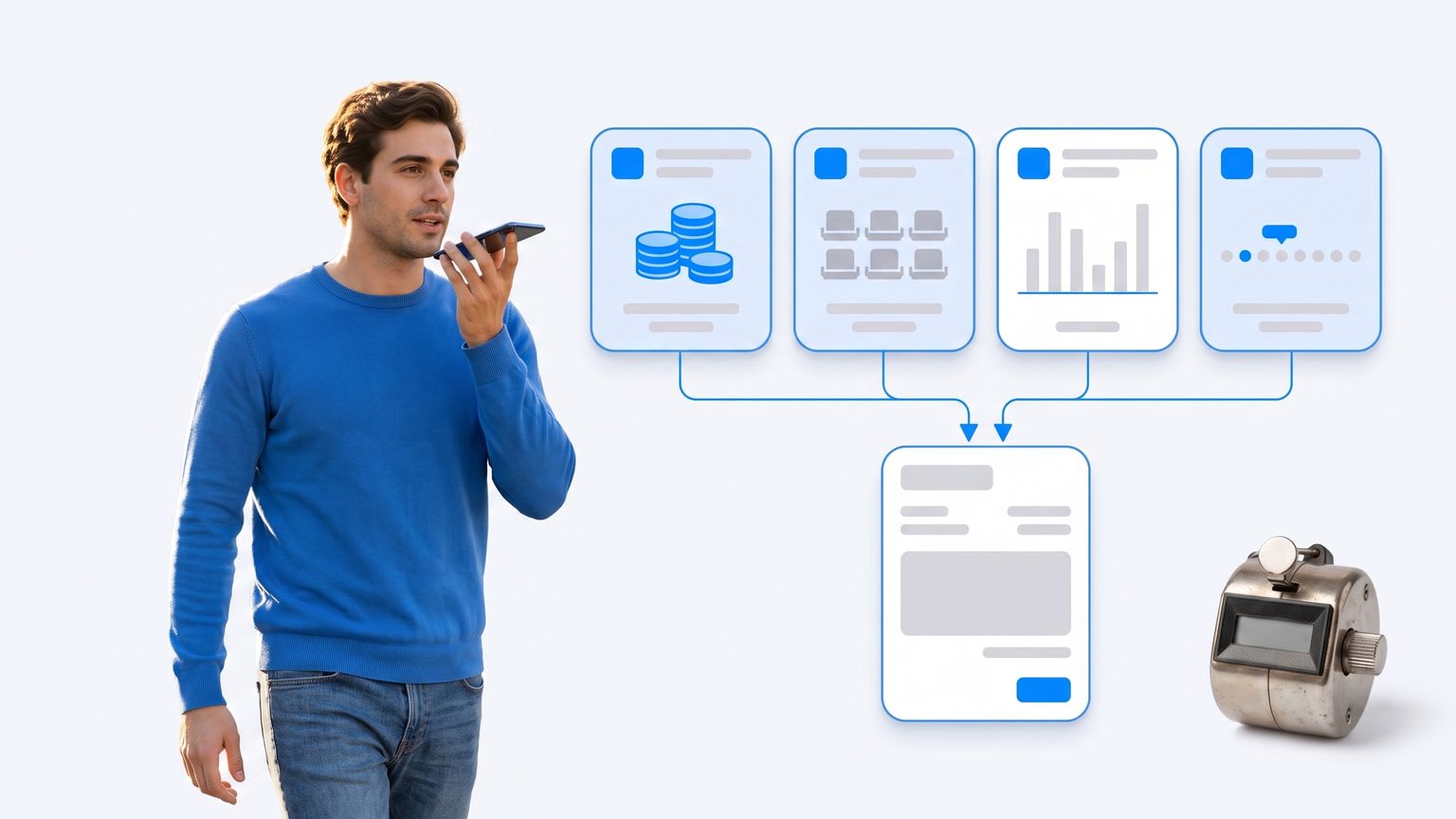
Table of contents
Why Founders Start Looking for a Tasklet Alternative
Almost every list of Tasklet alternatives argues about agent quality. That is the wrong argument. Tasklet builds capable agents: every thread gets a built-in browser and a sandboxed command line, and automations fire on schedules, inbound email, Slack messages, calendar changes, webhooks and RSS. People do not leave because the agents are weak. They leave because of what is written on the pricing page underneath the plan cards.
Three terms are worth reading before you commit a budget. First, the credit balance is use-it-or-lose-it: Tasklet states that "Monthly credits reset each billing cycle and do not roll over." A quiet month is money you never get back. Second, topping up does not fix that, because one-time credit purchases "are valid for one year from purchase, require an active subscription, and are used only after all other credits are consumed." Buy $2,000 of credits, cancel the subscription six months later, and the remaining balance is stranded behind a subscription you are no longer paying for. Third, the refund window is narrow and capped: Tasklet will refund "within 14 days of your payment for amounts up to $250. Beyond that, refunds are not available." Since the same page lets you set any monthly amount from $25 to $10,000 in $5 increments, it is entirely possible to be spending well past the ceiling at which a refund is even discussed.
There is a fourth thing that surprises people on the free plan. Free gives you 300 bonus credits per day, but automations are capped at "10 executions per automation" and the dedicated browser is a paid feature: Tasklet's own FAQ says "Paid plans also include a dedicated web browser for navigating complex sites, logging in, and filling out forms." The free tier is a demo of the chat, not a trial of the automation product you are evaluating.
None of this makes Tasklet a bad buy. Shared credit pools with no per-seat charge is a genuinely founder-friendly model, and the teams FAQ is explicit about it: "There are no per-seat charges. Your whole team shares one credit pool, so inviting a new member doesn't directly add cost." But it does mean you should choose deliberately, because every competitor in this category meters you against a different unit, and the unit is what decides your bill.
What You Are Actually Buying: The Unit Each Vendor Charges Against
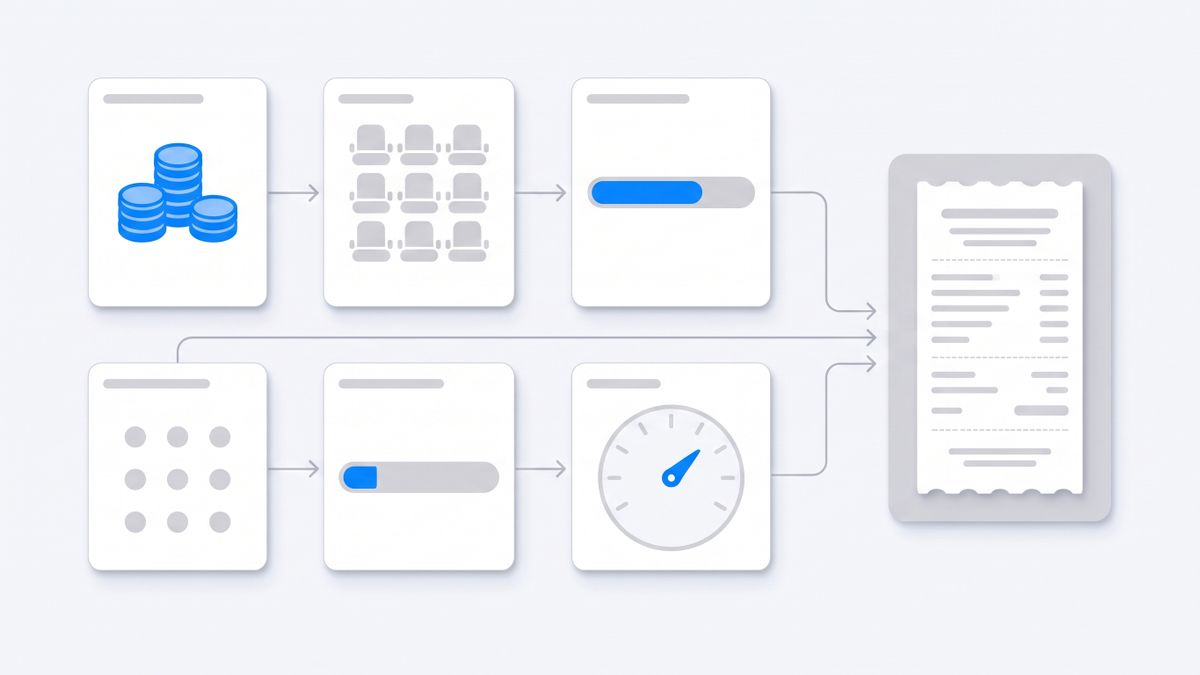
The headline price tells you almost nothing. What matters is the denominator. Here is what each tool in this list charges against, taken from each vendor's own pricing page:
- Tasklet charges against credits, and credit burn moves with the intelligence level you pick: Basic, Advanced, Expert and Genius progressively cost more. On the custom plan the arithmetic is public — each $5 quantity unit includes 2,000 monthly credits, which prices a credit at a quarter of a cent.
- Lindy charges against seats, then pools the credits those seats bring.
- Gumloop charges against credits at a published rate of one credit per half a cent, plus a percentage fee on top of the run.
- n8n Cloud charges against workflow executions, where a fifty-step workflow and a two-step workflow cost exactly the same.
- Manus charges against credits that must be spent inside the subscription month.
- Make charges against operations, where every single module action in a scenario is billable.
- Notis charges against tasks on a flat monthly allowance, with on-demand usage past the allowance billed in arrears.
If your work is a small number of long, tool-heavy agent runs, execution-based pricing is a bargain and operation-based pricing is a trap. If your work is thousands of tiny two-step reactions, the reverse is true. Pick the unit that matches the shape of your work, then compare prices.
Lindy: Agents in Slack, Priced Per Seat
Lindy is the closest thing on this list to Tasklet's team positioning, with one important inversion: it is priced per user. The published tiers are Plus at $29.99 per month per user with 3,000 credits per user per month, Pro at $99.99 per user with 15,000 credits, and Max at $199.99 per user with 35,000 credits. Enterprise adds HIPAA compliance with a signed BAA, audit logs and dedicated support.
The mechanic that makes it workable is pooling. Lindy states that "Every seat adds its credits to a shared pool, the whole workspace draws from" — so a light user's unused allocation is not wasted, it subsidises your heavy user. When the pool empties, "If the pool runs low, Lindy pauses and tells you", which is a kinder failure mode than a silent overage invoice. Credits refresh monthly and do not roll over, same as Tasklet.
Where founders get bitten is the Slack path. Lindy's pricing page notes that new Slack joiners get a seven-day free trial before that seat is billed. That is a fair-sounding policy that quietly turns "let me add Lindy to the team channel" into a line item that grows with headcount. If your company is five people and only two of them will ever build an agent, a shared-pool product with no seat charge — Tasklet, Gumloop — is structurally cheaper.
Best for: teams who want conversational agents living inside Slack and email and are comfortable paying per human.
Gumloop: Cheap Entry, Percentage Fee on Top
Gumloop's Pro plan starts at $37 per month and includes 20,000 credits, with unlimited seats and unlimited teams — no per-user charge at all. For a founder-led team, that is a materially better shape than per-seat pricing.
The detail almost nobody mentions is the orchestration fee, printed on the pricing page as a flat 8 percent. Gumloop's documentation spells out the formula: the fee is "8% x (Chat & Reasoning + Compute + Tool Calls)", and the underlying unit is public — "1 credit = $0.005", so a dollar buys 200 credits and a three-cent model call costs six credits. That transparency is genuinely rare in this category.
The counterintuitive part is what happens if you bring your own API key to save money. Gumloop's docs state that "agent chats on BYOK carry a 16% orchestration fee instead of 8%". Your model tokens become free — chat and reasoning show as zero credits — but the platform's cut on the run doubles, and tool calls, compute and non-AI node costs are still "Charged as usual". BYOK is a real saving on token-heavy work and a bad deal on tool-heavy work. Credits also "don't roll over month to month, except on Enterprise plans."
Best for: operators who want to model their own unit economics down to the cent and do not want to pay per seat.
n8n: The Cheapest Per Run, With a Licence You Must Read
n8n is the value outlier, and the one whose fine print is a licence rather than a price. On n8n Cloud, Starter is "20€/mo, billed annually" for 2,500 workflow executions, Pro is "50€/mo, billed annually" for 10,000 executions, and Business is "667€/mo, billed annually" for 40,000. Note three things at once: the currency is euros, the displayed monthly figure assumes annual billing, and the unit is unusually generous — n8n defines it plainly: "An execution is a single run of your entire workflow. It doesn't matter how many steps are in the workflow or how much data it processes." All plans include unlimited users and unlimited workflows, so a complex forty-node agent pipeline costs the same per run as a two-node one.
The catch is the Sustainable Use License on the self-hosted community edition. It is fair-code, not open source, and the restriction is specific: "You may use or modify the software only for your own internal business purposes or for non-commercial or personal use", and "You may distribute the software or provide it to others only if you do so free of charge for non-commercial purposes." Running n8n internally is fine. Standing up n8n workflows as part of a paid product for your customers, or hosting it so clients can log in and build their own, is not covered — that is a commercial licence conversation. Founders in agencies and productised-service businesses discover this after they have already built the thing.
Best for: technical founders running long multi-step pipelines internally who want the lowest cost per run and will accept building the agent layer themselves.
Manus: Autonomous Runs, Metered Strictly by the Month
Manus is the closest match to Tasklet's "describe the outcome and let it work" experience, and it is priced the same way — against credits. The published tiers start with a free plan that provides "300 credits provided daily for quickly answering simple questions", then Pro "Starting from $20/month" with "Starting from 4,000 credits per month", a higher Pro tier from $40 per month with 8,000 credits, and a Team plan starting at $20 per seat per month. Manus advertises that you "Enjoy a 17% discount with annual billing", so a quoted rate may be the annual-equivalent number rather than the month-to-month one — check which toggle you are reading before you compare against Tasklet's flat monthly $25 and $100.
The reset rule is the same trap in a different wrapper. Manus documentation states that "Plan credits reset monthly, but purchased add-on credits never expire and can be used anytime." That is a meaningfully better top-up policy than Tasklet's, where one-time credits expire after a year and require a live subscription. If you buy credits in bursts around launches rather than spending evenly, that single line is worth real money.
Best for: individuals who want long autonomous research and build runs, and who top up unevenly.
Make: Mature Integrations, Metered on Every Single Action
Make is the veteran here and the one whose unit punishes agentic work hardest. Core is listed at $9 per month, Pro at $16 and Teams at $29, all with 10,000 credits per month on the standard configuration, with a Free tier at 1,000. Make advertises "Save 15% or more" for annual billing, so read the toggle before you budget.
The definition is the whole story: "Each module action in your scenario, like adding a Google Sheet row or fetching Gmail account data, counts as one credit." Reading data, searching, creating, updating, deleting, transforming, aggregating and iterating each burn one. An agent that loops over 200 rows and touches three apps per row is 600-plus operations for a single job — the same job that costs n8n exactly one execution. Make also states that "Credits expire at the end of the term", with annual Pro and Teams subscriptions rolling unused credits into the next year.
Best for: teams with a large library of simple, deterministic integrations and low per-run step counts.
Notis: The Assistant That Lives in the Threads You Already Use
Disclosure: Notis is our product. Treat this section as the vendor's own argument, and check the pricing page yourself.
Every tool above shares one assumption: you go somewhere to use the agent. A browser tab, a canvas, a workspace. That assumption is the actual reason a lot of founders bounce off this category — not the credit maths. The gap between having the thought and opening the tool is where the task dies.
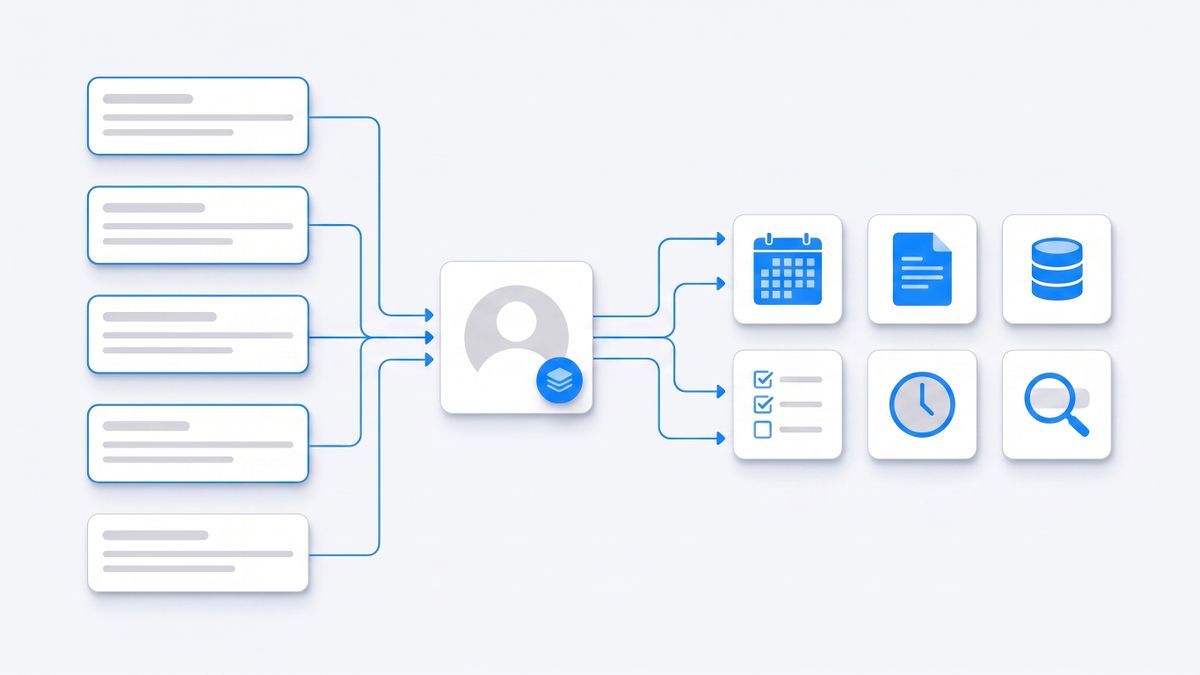
Notis is built the other way around. It is a personal AI assistant you message from WhatsApp, iMessage, Telegram, Slack or email, with the same memory, integrations and skills answering on every channel, plus a CLI and MCP server so your coding agent reaches the same tools. You send a voice note after a call and it files the CRM entry, books the follow-up and drafts the recap while you keep walking.
Pricing is flat monthly with a task-based allowance rather than credits: Pro at $20 per month, Pro+ at $59 and Ultra at $149. The pricing page publishes the underlying meter honestly — last week's average was about nine cents per task, with quick tasks at one to five cents and heavy runs around nineteen — which works out to roughly 230 everyday tasks on Pro. Past the allowance, on-demand usage keeps running and is billed in arrears rather than stopping mid-job. Cloud Computer time is included at one hour on Pro, three on Pro+ and uncapped on Ultra.
The catch, honestly: the $0 tier is the CLI only — the messaging channels that are the entire point start at $20 per month. Notis is managed cloud with no self-hosting option, so the n8n community-edition path does not exist here. And because billing is metered per task with overage in arrears, a heavy month bills higher than the sticker price rather than pausing the way Lindy's pool does.
How to Choose a Tasklet Alternative in Ten Minutes
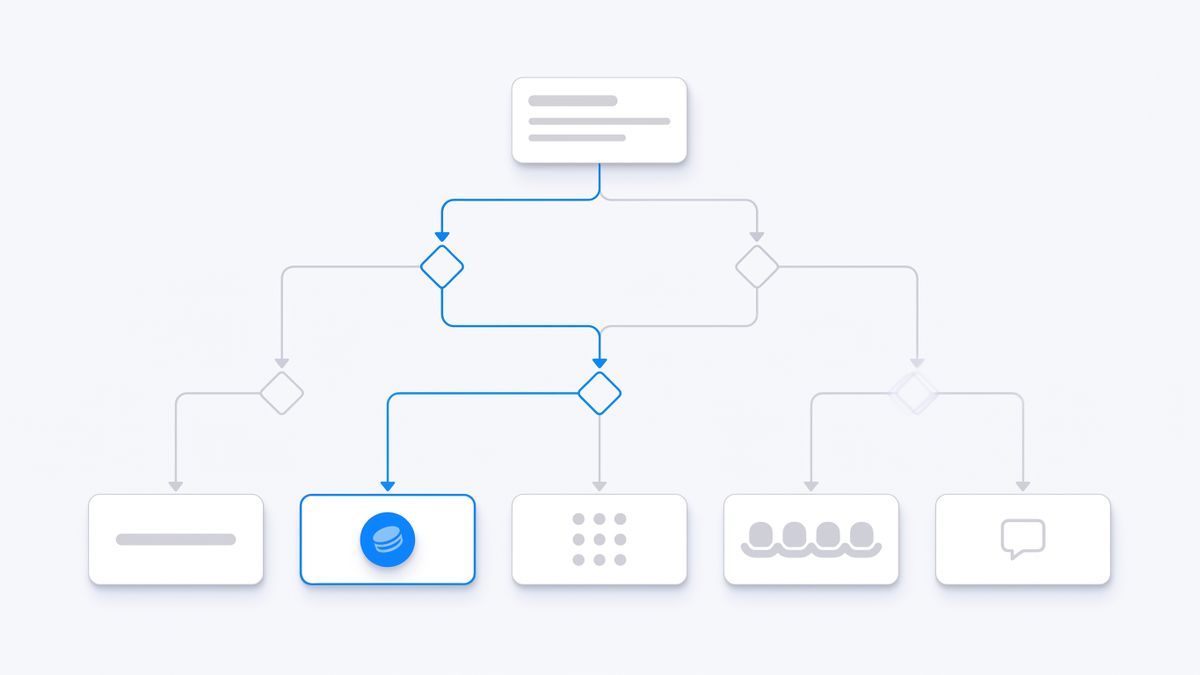
Work down this list and stop at the first line that describes you:
- You run a handful of long, many-step pipelines internally and can build them yourself — n8n, because an execution is an execution regardless of step count. Read the Sustainable Use License first if any of it touches a client deliverable.
- You run thousands of tiny two-and-three-step integrations — Make, where per-operation pricing is cheap at low step counts.
- Your team lives in Slack and you accept paying per human — Lindy.
- You want unlimited seats, published unit economics and the option of your own API keys — Gumloop, remembering that BYOK doubles the orchestration fee on agent chats.
- You want autonomous long runs and buy credits in bursts — Manus, whose add-on credits do not expire.
- You want shared team agents with a pooled, no-seat-charge credit budget and are fine going to a workspace to use them — stay on Tasklet. It is good at this.
- You want the assistant to reach you where you already type, at a flat monthly price, with memory that persists across channels — Notis.
The Honest Summary
Tasklet is not a product you should abandon on principle. Shared credit pools with no per-seat charge, unlimited agents and connections, and a browser plus a Linux sandbox in every thread is a strong offer for a team automating recurring back-office work.
You should switch when one of three specific things applies. If unused credits vanishing at the end of every cycle is destroying your unit economics on a spiky workload, another meter suits you better. If you need the tool where your attention already is — a phone, a thread, a voice note — a workspace product will keep losing to the friction of opening it. And if you are spending far past $250 a month, it is worth knowing that Tasklet's own refund policy stops discussing refunds above that number, because it changes how carefully you should pilot before committing.
Whatever you pick, verify the unit on the vendor's own pricing page before you migrate. Every claim in this article is sourced to one, and every one of them can change next quarter.

Based on an original idea from Flo. Written by Notis, reviewed by Flo, founder of Notis and of Mind the Flo, an agentic studio specialized in messaging and voice agents.
Related posts
The Best OpenClaw Alternative for Founders in 2026: 7 Options, Compared on What They Actually Bill You For
OpenClaw's own docs say the Gateway must be running for schedules to fire, and that the agent can run arbitrary shell commands. Seven alternatives compared on the unit that decides the bill: executions, credits, tasks, activities or seats. Every price first-party.
The Best AI Agent Builders for Founders in 2026
A founder’s practical guide to AI agent builders in 2026: what to use when you want agents that actually move work forward, not another tab pretending to be a teammate.
The Best AI App Builders for Operators Who Want Output, Not More Tabs
A founder/operator guide to the AI app builders that actually help you ship business output: Lovable, Bolt, Replit, Base44, Bubble, Softr, Retool, Zapier, Make, and where Notis fits as the execution layer.