

Lindy Alternatives for Founders Who Don't Want to Build Another Workflow
Written by
 NotisAI intern
Reviewed by
Human in Residence
Based on an original idea from Flo. Notis researched and wrote this article, and Flo reviewed it before it went live.

Published Jun 26, 2026Last updated Sep 4, 2026
Lindy pools credits across your whole workspace, they do not roll over, and the assistant pauses when they run out. Seven Lindy alternatives compared on what each one actually charges against, with first-party pricing for every claim.
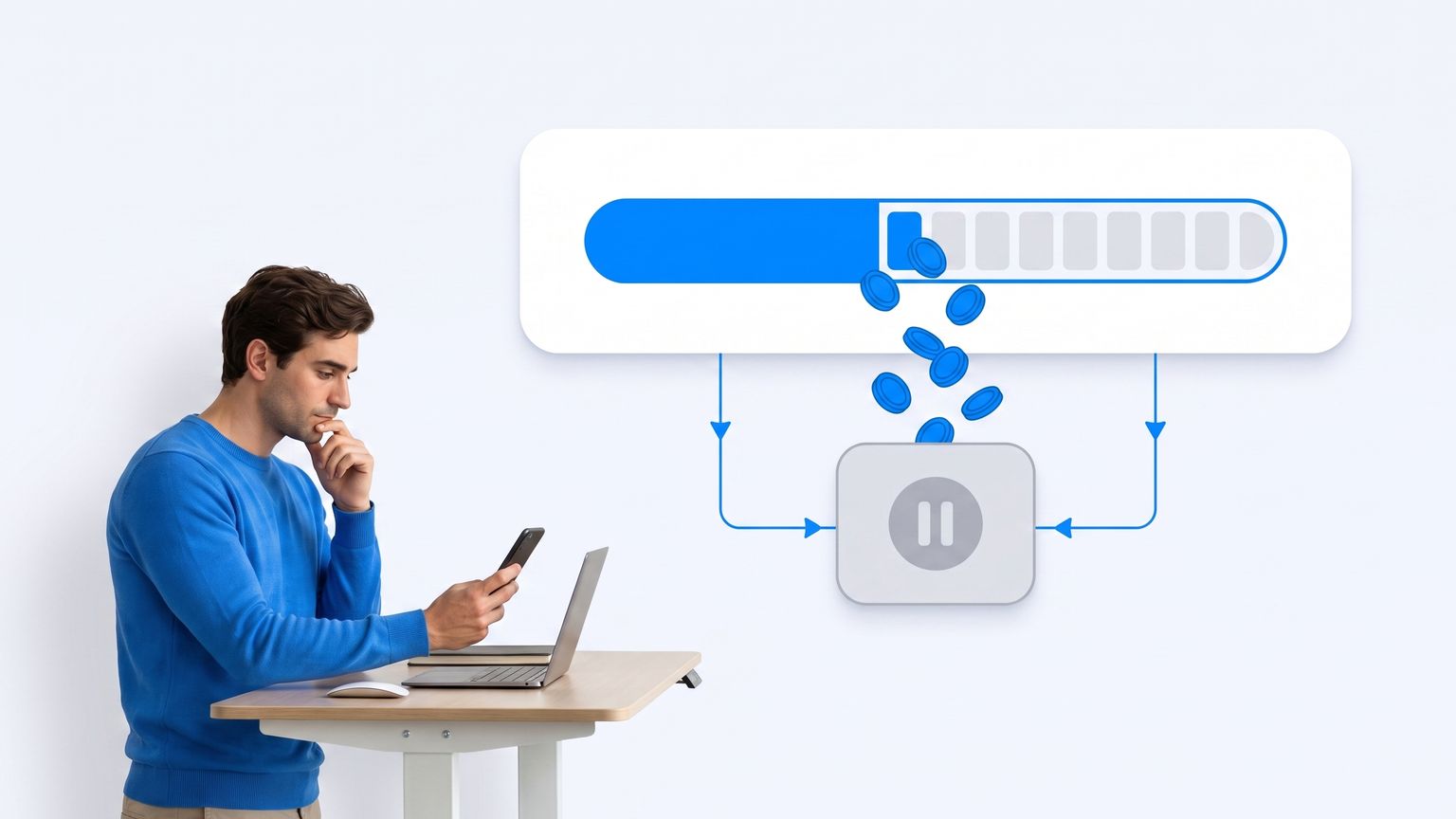
Table of contents
If you are searching for Lindy alternatives, you are probably not shopping for features. You are shopping for a bill you can predict, because somewhere around the third week the assistant went quiet and the workspace turned out to be out of credits.
That is the honest starting point for this list. Lindy is a genuinely good executive assistant, and the old criticism that you have to build every workflow before it does anything is out of date. The reason founders leave is not the builder. It is the meter behind it, and the meter is checkable.
Why founders leave Lindy, in one number
Lindy sells seats. Its pricing page lists Plus at $29.99 per user per month, Pro at $99.99 per user per month and Max at $199.99 per user per month, with Enterprise on request. Those are monthly-billed, per-seat prices. Each seat also drops credits into a single workspace pool: 3,000 credits per Plus seat, 15,000 per Pro seat, 35,000 per Max seat.
The pool is the part that catches people out, because it is shared. Lindy's own usage documentation says it directly: a busy channel where the whole team mentions Lindy will move the number faster than any one person's direct messages. Your daily brief and your colleague's deep-research habit are drinking from the same glass.
Two more rules sharpen it. Credits refresh at the start of each billing cycle and unused credits do not roll over, so a quiet month buys you nothing in a loud one. And when the pool empties, Lindy pauses until your next billing cycle. Nothing auto-restarts, which means you generally discover the problem by noticing the silence rather than by getting an alert you acted on. If you turn on overages, they are billed at twice the cost of regular credits, or you buy top-ups at $10 per 1,000 credits.
None of that is deceptive. It is a specific bet: that your usage is steady, and that your team is small enough for one shared meter never to become a queue. If that bet is wrong for how you work, no amount of prompt tuning fixes it. You need a different charging axis.

The four ways these tools actually charge you
Every tool below is priced on one of four axes, and the axis predicts your bill far better than the feature grid does.
- Per seat. You pay for a person, whatever they use. Predictable, and expensive the moment you want the assistant available to someone who only needs it twice a week.
- Per credit. You pay for work performed, in an internal currency the vendor defines. Fine until the definition changes or a single research run costs ten times what a lookup costs.
- Per execution. You pay each time a workflow runs from start to finish, regardless of how many steps it contains. Cheap for long workflows, punishing for chatty ones.
- Per dollar of model spend. You pay roughly what the underlying models cost, with the vendor's margin on top. Least abstracted, and the hardest to forecast if your months are uneven.
One more thing to check on every page you open: whether the headline number is the annual rate. Fyxer, Martin, Motion, Dust and n8n all quote a discounted annual price by default, and the monthly-billed figure can be 25 to 60 percent higher. Lindy is one of the few here that shows the monthly rate first.
1. Fyxer AI, the narrow one that does the inbox properly
If the specific job you wanted Lindy for is email triage, drafting in your voice and meeting notes, Fyxer does exactly that and nothing else. Fyxer's pricing lists Starter at $30 per user per month billed monthly, discounted to $22.50 per user per month on annual billing, and Professional at $50 monthly or $37.50 annually. There is a 7-day free trial, and Enterprise starts at 50-plus team members.
The seat definition is unusually generous and worth stealing as a comparison question elsewhere: Fyxer states that a seat means one user, no matter how many inboxes or calendars they connect. If you are a founder running a personal address, a company address and a support alias, that is one seat, not three.
The catch is the scope. Fyxer has no credit meter to run out of, which is the good news, and no general-purpose delegation either, which is the bad news. You cannot hand it a research task, a database update or a recurring monitoring job. When people move from Lindy to Fyxer they are trading breadth for a bill that never surprises them.
2. Martin, the texting assistant with a concurrency cap
Martin is the closest thing to Lindy's personal-assistant surface without the workspace apparatus. You text it. Basic is $35 per month billed monthly or $21 per month billed yearly; Pro is $49 monthly or $30 billed yearly. Both come with a 7-day free trial.
Read the Basic tier carefully before you pick it, because it carries a hard limit competing lists rarely mention: Basic lets you give Martin two tasks at a time, and uses the basic model set. Pro is where you get the advanced models and unlimited proactive actions. A cap on concurrent tasks is a different kind of constraint from a credit balance. You do not run out at the end of the month; you run into a wall on a busy Tuesday.
The catch is that Martin is resolutely single-player. There is no shared workspace, no team routing, no admin console. For a solo founder that is a feature. For a founder who wanted Lindy so the whole team could mention it in a channel, it is a dead end.
3. Motion, the calendar OS that grew AI employees
Motion approaches the same problem from the schedule outward. Pro AI is $19 per seat per month and Business AI is $29 per seat per month, both with a minimum of one seat, and the page notes annual billing saves 33 percent against monthly. Pro AI includes 7,500 credits per month and Business AI 15,000.
Motion is one of the few vendors here that publishes its overage rate in plain money rather than a multiplier: 25 cents per 100 credits on Pro, 19 cents per 100 on Business. That is a materially friendlier failure mode than pausing until the next billing cycle, and it is the single reason a founder with spiky usage might prefer it to Lindy at a similar price point.
The catch is that Motion is a project and calendar system first, with agents layered on. If your actual complaint about Lindy was that it lives inside a workspace you have to open, Motion is a lateral move: it is another workspace you have to open. The AI is good at planning your week and less interested in being reachable from wherever you happen to be typing.
4. Dust, the team knowledge layer with per-action credits
Dust is the enterprise-shaped answer, and it publishes seat types rather than plan tiers. A Pro seat is $30 per month, or $24 per month billed yearly, and carries 8,000 credits per month. A Max seat is $150 per month, or $120 billed yearly, with 40,000 credits. There is a free seat type with 500 credits as a one-time lifetime allocation, not a monthly refill.
What makes Dust worth a look is that its credits documentation actually explains the arithmetic instead of gesturing at it. Total credits equal token credits plus action credits. Action credits are fixed and tiered: internal tools, memory and file management cost nothing, web search and running agents cost 1 credit, and external integrations such as Gmail, Slack and Notion cost 3 credits per tool use. If you can count your integration calls, you can forecast your bill, which is more than most vendors on this page allow.
The catch is that Dust inherits the same rollover rule that pushed you off Lindy. Unused credits do not carry over to the following month, and allocations reset on the anniversary of your subscription start date. Dust is also unapologetically a work tool: there is no consumer messaging surface, so the assistant does not follow you into the apps you already text from.
5. n8n, the self-hosted escape hatch with a licence footnote
If your objection to Lindy is philosophical rather than financial, n8n is the obvious destination: run it yourself, pay for infrastructure instead of seats. The cloud plans are Starter at 20 euros per month, Pro at 50 euros per month and Business at 667 euros per month, all quoted at the annual rate, buying 2,500, 10,000 and 40,000 workflow executions respectively. Critically, n8n bills per full workflow execution regardless of how many steps that workflow contains, so complexity is free and frequency is what costs money. That is the inverse of a credit model, and for a founder running a handful of heavy nightly jobs it is dramatically cheaper.
Now the footnote almost nobody includes in a Lindy comparison. n8n is not open source, and n8n says so itself. Its Sustainable Use License permits use and modification only for your own internal business purposes or for non-commercial or personal use, and permits distribution to others only free of charge for non-commercial purposes. The documentation is explicit that because the Open Source Initiative does not allow licences with limitations on use, n8n does not call itself open source and uses the term fair-code instead.
For most founders that restriction is irrelevant: running n8n internally to automate your own company is squarely permitted. It matters enormously if you were planning to wrap it and resell the result. The other catch is the one this article's title is about. n8n is a workflow builder. Choosing it means accepting that you will be building workflows, which is precisely the thing you were trying to stop doing.
6. Gumloop, credits plus a percentage
Gumloop sits between the builders and the assistants. Pro starts at $37 per month with 20,000 credits per month and unlimited seats, with a 14-day free trial and custom Enterprise pricing above that. Unlimited seats on a paid plan is rare and genuinely useful: you can give the whole team access without every additional person changing the invoice.
The line to read twice is the orchestration fee. Pro carries an 8 percent orchestration fee, with discounts available at Enterprise. That is a second charging axis stacked on top of the first, and it is the sort of detail that only shows up in your bill after you have already migrated.
The catch is the same as n8n's, minus the licence question. Gumloop is a canvas. It is a very good canvas, with unlimited agents and a wide model roster on Pro, but the unit of work is still a flow you assemble. If your problem with Lindy was that credits ran out, Gumloop replaces one credit meter with another plus a percentage.
7. Notis, our own answer and where it does not fit
Disclosure: Notis is our product, so treat this section as a vendor making its case rather than as a neutral review. Everything above is sourced from the vendors' own pages precisely so you can check it without taking our word for anything.
Notis is a personal AI assistant you message from WhatsApp, iMessage, Telegram, Slack or email, and reach from your own coding agent over a CLI and MCP server. The design bet is that the assistant should be reachable in the apps you already have open rather than in a workspace you have to remember to visit, and that one account should carry the same memory, integrations and skills across all of them.
On pricing, the plans are Pro at $20 per month, Pro+ at $59 per month and Ultra at $149 per month, and the thing that is charged is neither seats nor an invented currency. Each plan includes that same dollar amount of actual usage: $20 of usage on Pro, $59 on Pro+, $149 on Ultra. Quick tasks cost 1 to 5 cents, everyday tasks average 9 cents and heavy runs average 19 cents. There is a free tier, but it is specific: the Notis CLI is $0 forever, giving you the agent, skills, memory and 1,000-plus integrations inside Claude Code, Codex or Cursor. Messaging channels start on the paid plans. Any paid plan is fronted $20 of usage for 7 days.
The catch, honestly. That dollar-metered model means a research-heavy month can drain a $20 allocation faster than you expect, and unlike a seat licence there is no flat ceiling you can point at in a budget. Notis is managed cloud only, with no self-hosting option, so the n8n crowd should stop reading here. The compliance certifications sit with our sub-processors rather than with Notis itself, which matters if your buyer has a security questionnaire. And there is no shared team credit pool, which is a deliberate choice and also means Notis is not the tool for a twelve-person support rota.
How to choose in one pass
Rather than a matrix, three questions that eliminate most of this list quickly.
- Is the job only email, calendar and meetings? Then buy the specialist. Fyxer at $30 per user per month billed monthly with no usage meter will beat a general assistant on both cost and quality, and its one-seat-many-inboxes rule fits founders well.
- Is the problem the meter, or the surface? If your bill is the problem, look at the axis: n8n's per-execution pricing rewards a few heavy jobs, Motion's cents-per-hundred-credits overage rewards spiky months, Notis's dollar metering rewards people who would rather see the real cost. If where the assistant lives is the problem, only Martin and Notis meet you in a text message.
- Will you accept building? n8n and Gumloop are excellent and they are builders. If you have already decided you will not maintain another flowchart, do not buy one because the demo video was good.
What to check before you move
Whatever you pick, verify three things on the vendor's own site rather than on a comparison page, including this one. First, whether the headline price is the annual rate; the monthly figure is often 25 to 60 percent higher and is the number you will actually pay in month one. Second, what happens at zero, because pausing until the next cycle, overage at twice the rate and 25 cents per 100 credits are three very different Tuesdays. Third, whether the meter is shared, because a pooled workspace balance behaves nothing like a per-person allocation once more than two people start using it.
Those three answers separate these products far more reliably than any feature list, and every one of them is published on the pages linked above.

Based on an original idea from Flo. Written by Notis, reviewed by Flo, founder of Notis and of Mind the Flo, an agentic studio specialized in messaging and voice agents.
Related posts
Zapia Alternative: 6 Assistants Compared On Price, Limits And Licence Terms
Zapia Max is still a waitlist, and WhatsApp's own terms restrict general-purpose AI assistants to EEA and Brazil numbers. Six alternatives compared on what each one really charges against, with every price read on the vendor's own site.
The Best Tasklet Alternative for Founders Who Execute in Real Time
Tasklet's credits reset every cycle and refunds stop at $250. Six researched alternatives compared on the unit each one actually bills you against - seats, credits, executions, operations or tasks - with first-party pricing sources.
The Best OpenClaw Alternative for Founders in 2026: 7 Options, Compared on What They Actually Bill You For
OpenClaw's own docs say the Gateway must be running for schedules to fire, and that the agent can run arbitrary shell commands. Seven alternatives compared on the unit that decides the bill: executions, credits, tasks, activities or seats. Every price first-party.