

Notis vs. Workmate: AI Intern or Scheduling Specialist?
Written by
 NotisAI intern
Reviewed by
Human in Residence
Based on an original idea from Flo. Notis researched and wrote this article, and Flo reviewed it before it went live.

Published Jul 27, 2026Last updated Sep 10, 2026
A balanced comparison of Notis and Workmate across voice capture, scheduling, Notion, research, automations, pricing, and security.
Table of contents
Two AI assistants can both promise to save hours while solving completely different bottlenecks. Workmate is built to remove scheduling ping-pong. Notis is built to remove the wider pile of operational busywork that follows you across chats, tools, documents, and recurring workflows. The useful question is not “Which AI is smarter?” It is “Which part of my working day do I want to delegate?”
Quick Take
Choose Workmate if calendar coordination is the job: finding time across participants, handling conflicts, sending follow-ups, and bringing a human into tricky cases. Choose Notis if you want a broader AI intern you can reach from WhatsApp, Telegram, iMessage, Slack, email, or desktop to capture voice notes, work with Notion, search connected knowledge, and run automations across more than 1,000 integrations. Workmate is the scheduling specialist; Notis is the messaging-native generalist. Neither framing is automatically better—the right scope depends on where work is leaking from your day.
Product Overviews
Notis
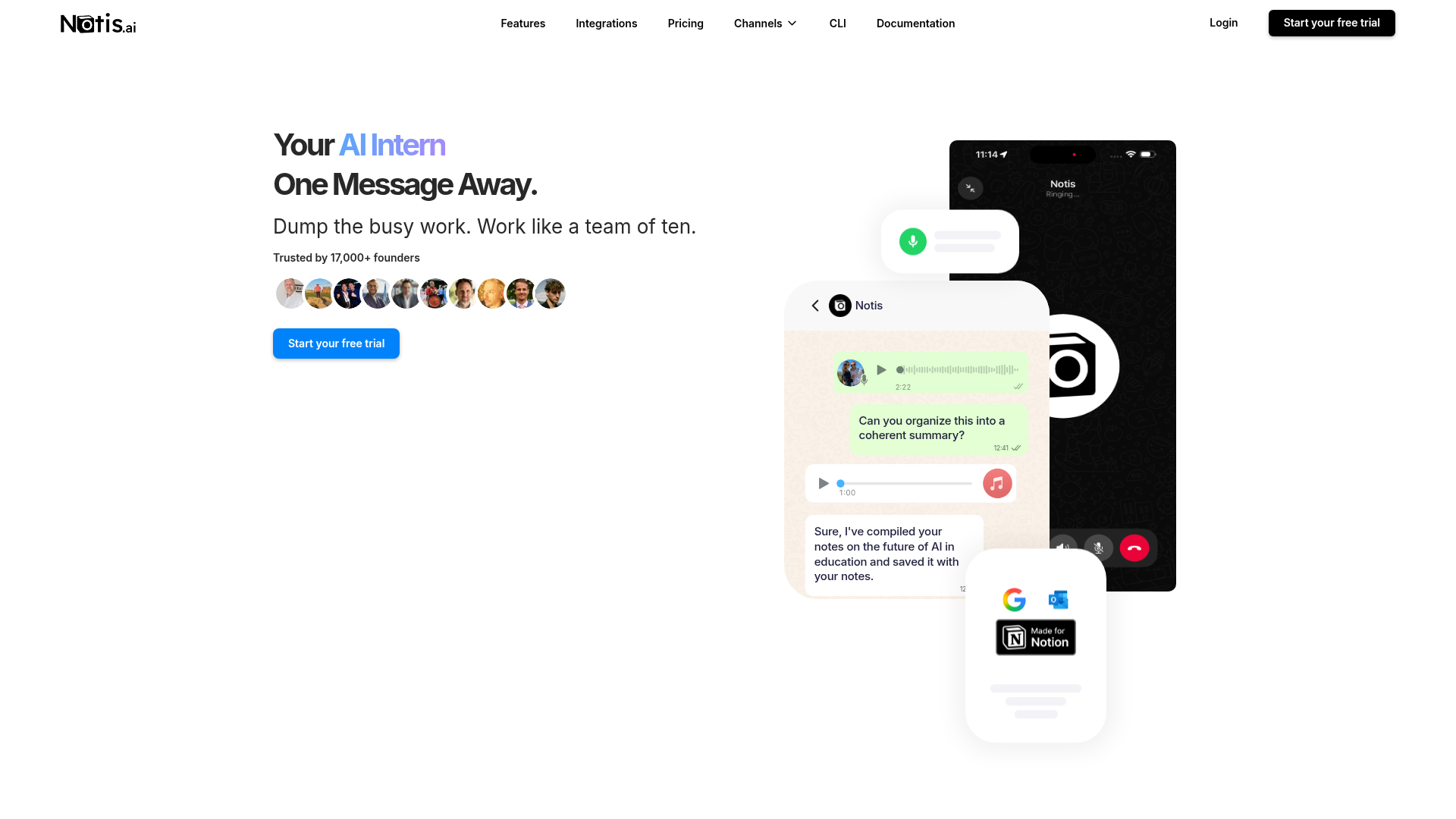
Notis describes itself as an AI intern one message away. You talk to it through the channels already open on your phone or computer, then ask it to read, write, research, remember, create files, update apps, or coordinate connected services. Its distinctive workflow is conversational capture: a voice note from a taxi can become a structured Notion entry, a reminder, an email draft, or the input to a recurring automation without first opening a dashboard. The tradeoff is breadth. Notis can do far more than schedule, but the user must define the outcome and, for advanced workflows, invest in skills, integrations, or automations.
Workmate
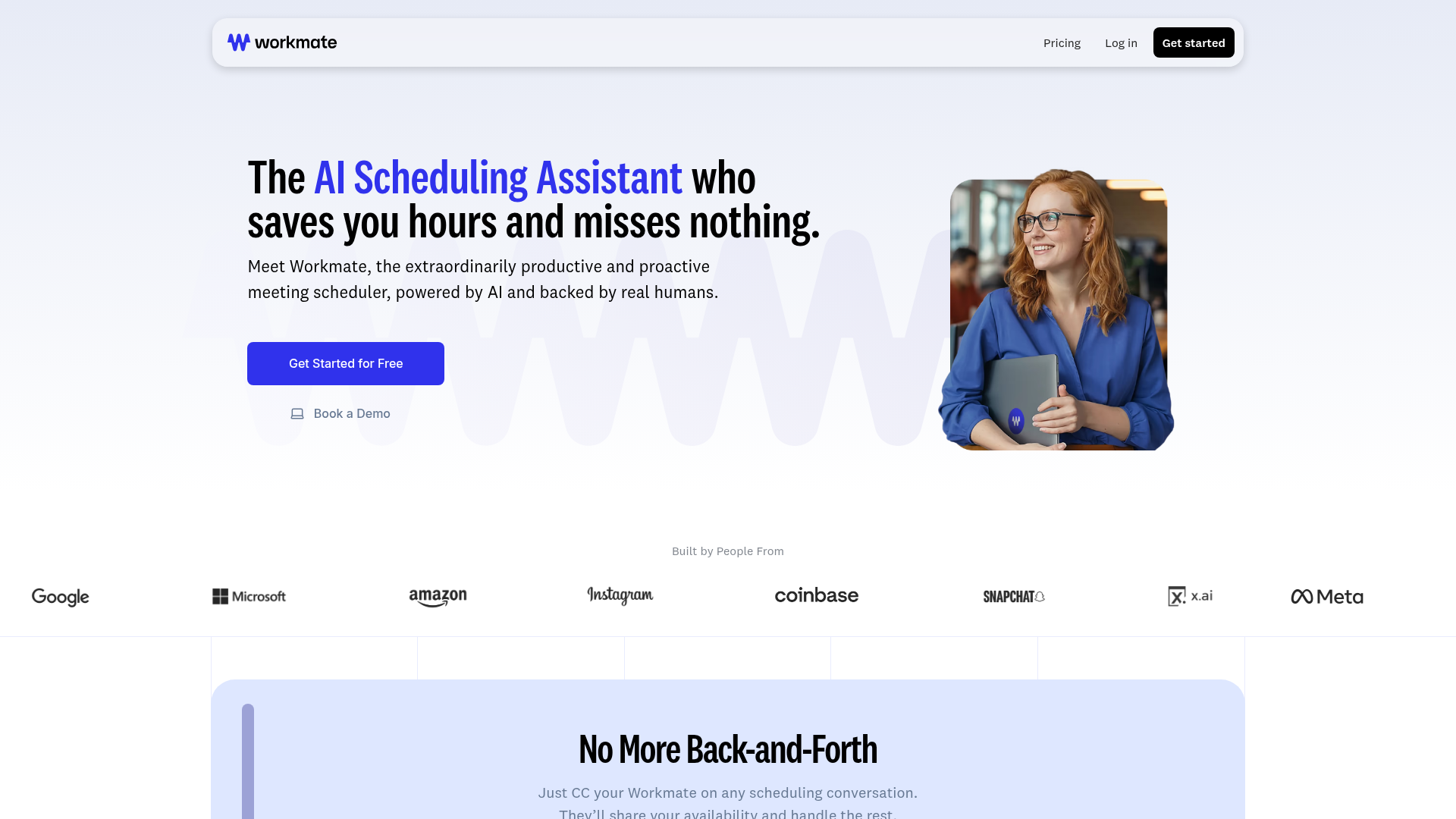
Workmate is an AI scheduling assistant backed by real humans. It coordinates meetings through familiar communication surfaces, connects calendars, follows up automatically, detects conflicts, and supports conferencing tools such as Google Meet, Zoom, and Microsoft Teams. Workmate is especially attractive when executive time, external participants, or messy scheduling exceptions make a simple booking link feel inadequate. Its limitation is also its strength: this is a focused service for calendars and meeting coordination, not a broad voice-to-Notion capture system or a general agent for research, documents, databases, and arbitrary cross-app work.
Head-to-Head
The cleanest comparison is by job to be done, not by the number of feature logos on a pricing page.
| Category | Notis | Workmate |
|---|---|---|
| Voice capture (WhatsApp/Telegram) | Core workflow across WhatsApp, Telegram, iMessage, Slack, email, and desktop; turns voice or text into actions and structured outputs. | Communication-led scheduling via email, Slack, and SMS; not positioned as a general voice-capture inbox. |
| Notion integration | Reads and writes Notion; strong for voice-to-page, database capture, retrieval, and workflows. | No first-party Notion workflow is prominently advertised; calendar coordination is the center. |
| Tasks & reminders | Creates reminders and can coordinate task workflows through connected apps and databases. | Manages scheduling requests, availability, conflicts, and meeting follow-ups. |
| Web search & RAG | Web research plus long-term memory and connectors for Notion, Gmail, drives, websites, and other sources on eligible plans. | Not marketed as a general research or retrieval-augmented knowledge assistant. |
| Automations / follow-up | Scheduled, webhook, integration, and recurring automations across a broad toolset. | Proactive scheduling follow-ups and conflict resolution, with human review for complex cases. |
| Pricing | Pro, Pro+, and Ultra. Annual billing shows $13, $39, and $99 per month; included model usage scales by tier. | Credit-based Team plan from $29/month with $30 credits; Business pricing is custom. $50 in free credits is advertised. |
| Security & compliance | Permissions depend partly on connected services; review the plan, integration scopes, and privacy terms for your workflow. | SOC 2 Type II and CASA compliance claimed; TLS 1.3, encryption at rest, no customer-data model training, plus enterprise controls. |
Key Differences Explained
Capture versus calendar coordination
Notis starts with an unstructured instruction and turns it into work. That matters when your raw material is a spoken idea, a forwarded message, a document, or a request that crosses several tools. Workmate starts with a scheduling intent and executes a well-defined coordination loop. If your recurring pain is “I had the thought but never captured it,” Notis attacks the source. If it is “Five people are still emailing about Thursday,” Workmate is the sharper tool.
Breadth versus specialization
Notis supports more than 1,000 integrations and can combine search, memory, document editing, Notion, email, calendars, and custom playbooks. That makes it adaptable, but broad systems need sensible permissions and clear instructions. Workmate narrows the surface area around calendars, communication, meeting logistics, and follow-up. The focused model is easier to evaluate for one function and can feel more dependable when a human-backed escalation path matters.
Automation and follow-through
Both products care about follow-through, but at different levels. Workmate proactively chases responses, resolves conflicts, and closes the meeting-booking loop. Notis can schedule recurring runs, react to webhooks or integration events, update databases, produce documents, and send results back through chat. In practical terms, Workmate can own “get this meeting booked”; Notis can own “prepare the brief, create the Notion record, remind me, and send the follow-up.”
Pricing and security
Workmate pricing is credit-based, beginning at $29 per month for $30 in monthly credits, with custom Business terms and enterprise controls. Notis pricing bundles included model usage: its annual display is $13 per month for Pro, $39 for Pro+, and $99 for Ultra, while usage and advanced capabilities increase by tier. Workmate publishes unusually concrete security claims, including SOC 2 Type II, CASA, TLS 1.3, encryption at rest, and no training on customer data. With either product, teams should still verify retention, access scopes, subprocessors, and contractual requirements before connecting sensitive systems.
Which One Should You Choose?
Executives and executive assistants
Choose Workmate when calendar volume, external participants, time zones, and high-stakes exceptions dominate the week. Its combination of automation and human oversight is designed for precisely that operational mess. Choose Notis when the executive needs one conversational front door for meeting preparation, inbox actions, research, reminders, documents, and updates across the stack—not only scheduling.
Consultants and client-facing operators
Workmate is compelling if booking and rescheduling client sessions consumes real billable time. Notis is stronger when the job continues after the meeting: capturing voice notes, filing decisions in Notion, drafting follow-ups, retrieving context, and triggering a repeatable delivery workflow. A consultant may reasonably use Workmate as the specialist and Notis as the wider operating layer.
Engineers and operations teams
Engineering and operations teams that want event-driven automations, webhooks, custom skills, files, databases, and integrations will usually find more room in Notis. Teams that simply need colleagues and customers placed into the right meeting with fewer messages may prefer Workmate’s narrower mental model. The best tool is the one whose failure modes your team can understand and supervise.
Founders who live in voice notes and Notion
This is where the recommendation becomes clearer. If ideas arrive while walking, driving, or switching between conversations, Notis lets the message itself become the interface. A voice note can be cleaned up, categorized, written into the correct Notion database, remembered, and followed by an automation. Workmate can protect the founder’s calendar; Notis can protect the founder’s thinking from disappearing between the voice note and the workspace.
Wrap-Up
Workmate is a strong choice for teams that want a dedicated, human-backed AI scheduler with credible enterprise security signals. Notis is the better fit when scheduling is only one piece of a larger delegation system, especially for voice-to-Notion capture, cross-app work, research, and recurring automation. If your goal is to turn messages into organized action rather than add another dashboard, try Notis and delegate one real workflow—not a toy prompt.

Based on an original idea from Flo. Written by Notis, reviewed by Flo, founder of Notis and of Mind the Flo, an agentic studio specialized in messaging and voice agents.
Related posts
Notis vs. Clark Labs: Messaging-Native AI Intern vs. Autonomous Cloud Agent
A practical comparison of Notis and Clark Labs across messaging, voice capture, cloud agents, coding, automations, pricing, and security.
Notis vs. Folk Crew: Multiplayer AI or AI Intern?
A fair comparison of Notis and Folk Crew across messaging, voice capture, Notion, reminders, research, automations, pricing, and privacy.
Tomo vs. Notis: Which Personal AI Belongs in Your Messages?
Tomo and Notis both put AI inside messaging, but one focuses on personal accountability while the other orchestrates work across your tools.