


7 Notion AI Alternatives, Ranked by What They Actually Charge You For
Notion AI only ships on Business and above at $20 per member per month, plus $10 per 1,000 agent credits. Seven alternatives compared on the unit each one bills against, with every price taken from the vendor's own page.
Notion AI is a good product that a lot of people are quietly trying to leave. Not because the writing is bad or the agents do not work, but because of three things you can check on Notion's own pages in about four minutes. This is a ranked list of what to use instead, with every price, limit and licence taken from the vendor's own site or repository.
The real reason people leave Notion AI
Most roundups open with a feature table. Open Notion's help centre instead. The AI FAQ states that Notion AI is only available on Business and Enterprise plans, and that people on Free and Plus get a limited number of complimentary AI responses so they can try the features out. So committing to Notion AI is really a decision to move the workspace to Business, at $20 per member per month, with a note on the page that yearly billing saves up to 20%.
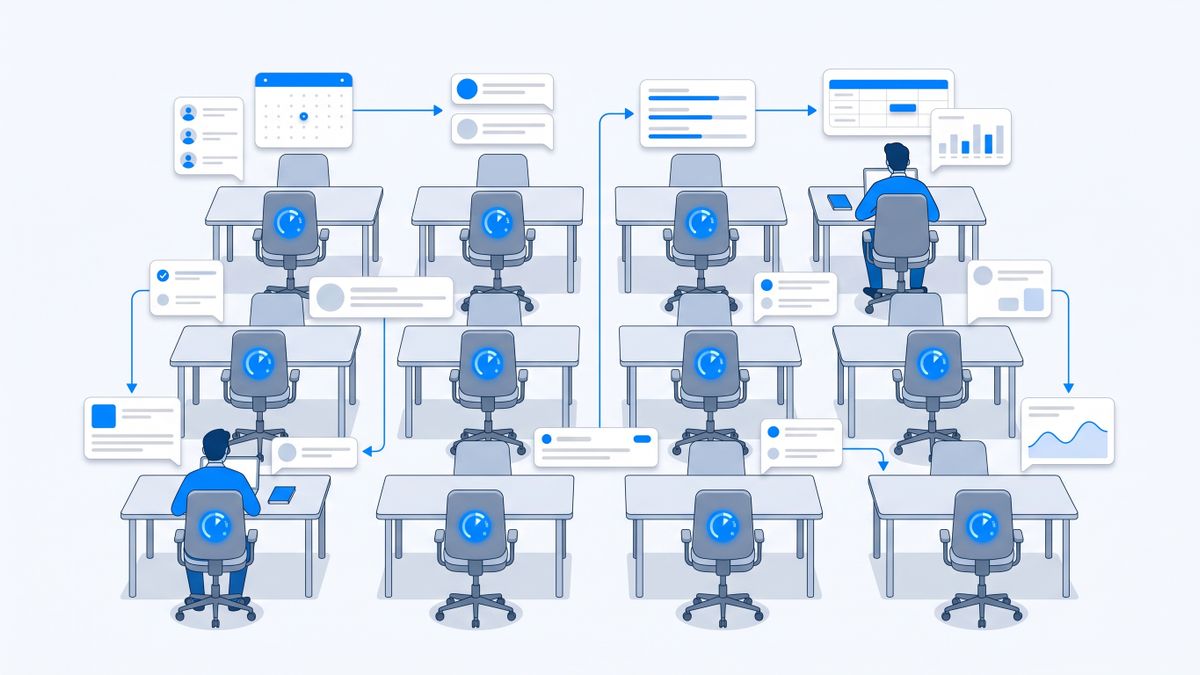
Per member. Not per AI user. The designer who opens Notion twice a week to read a spec is billed exactly like the operations lead running agents all day. On a ten-person workspace that is $2,400 a year in seats before a single agent has done anything useful, because two people wanted an assistant.
Then there is the second meter. Notion's pricing page lists custom agents as free to try, then $10 per 1,000 monthly Notion credits, and Workers, the background version, as free to try now and starting to consume credits on October 15. Seats and credits are different units bought for different reasons: seats for the humans, credits for the machines. And the AI FAQ is blunt about what happens when you run past the allowance, saying that if the workspace uses Notion AI beyond its usage allowance you may see a temporary pause, which an owner on Business or Enterprise can clear by spending credits.
None of that makes Notion AI bad. Once your work genuinely lives in Notion, an agent that reads your databases is hard to beat. The reasons people leave are structural rather than qualitative: AI priced against every seat in the workspace, a separate credit meter for agents, and the small matter of having to move into a workspace before any of it helps you.
How I picked these
- Every price, limit and licence below comes from the vendor's own pricing page or public repository. Review sites, roundups and marketplace listings were not used as sources; where I could not verify a tool first-party, I dropped it and picked another.
- I state what each price is charged against: seats, messages, notes, credits, tasks or compute hours. Those words are not interchangeable, and the unit is what decides your bill far more than the headline number.
- Where a vendor quotes the annual rate by default, I say so and give the month-to-month figure too.
- Every tool gets one honest catch, including ours. Notis publishes this article and is ranked last, not first.
- Prices were checked in August 2026 in USD as shown on each vendor's own page. Vendors change prices; verify before you buy.
The short version
- Tana if you want an assistant that reads structure instead of prose, and you accept AI metered in queries and credits.
- ClickUp Brain if the work is projects and tasks, and you can stomach AI as a second per-seat line item on top of the seat.
- Microsoft 365 Copilot if your company already lives in Word, Outlook and Teams and can sign an annual commitment.
- Mem if you are one person and would rather be billed against messages and notes than seats.
- AppFlowy if open source matters and you want the option to run the whole thing on your own hardware.
- Obsidian if you want no AI meter at all and are happy to bring your own model key.
- Notis if you do not want a workspace, and you want the assistant to reach you in WhatsApp, iMessage, Telegram, Slack or email. This one is ours.
1. Tana
Tana is the closest structural replacement for what Notion AI actually does well: reasoning over a workspace whose contents have shape. Everything is a node with fields, so an agent asking "which of my meetings this month had no follow-up" is running against typed data rather than guessing from paragraphs.
The pricing is charged per user per month and the AI on top is charged in queries and credits. The free plan includes 50 AI queries, Pro is listed at $20 per user per month as an early bird rate against a $30 regular price, and Max at $80 early bird against $120. Pro is described as 20 times more AI than free, Max as five times more AI than Pro, and you can top up AI credits with custom amounts when you exhaust the allowance. That is a more honest structure than a vague "unlimited", but it is still a meter.
The catch: the early bird prices are explicitly temporary, so the number you sign up at is not necessarily the number you renew at. Tana also asks you to learn supertags and nodes before it pays off, which is a genuinely steeper on-ramp than a Notion page.
2. ClickUp Brain
If what you actually wanted from Notion AI was "summarise this project and tell me what is late", a work-management tool answers that better than a document tool. ClickUp Brain sits on top of tasks, docs and chat and answers against the project graph.
Read the pricing carefully, because there are two prices. Seats come first: Unlimited is $7 per user per month billed annually, $10 month to month, and Business is $12 annually against $19 month to month. AI is then a separate per-seat add-on: Brain AI at $9 per user per month, which adds 1,500 AI Super Credits per user per month, or Everything AI at $28 per user per month for 5,000 credits per user per month, with the credit allowance shared across the workspace. So the real cost per person is seat plus AI, and Everything AI more than triples what a Business seat costs.
The catch: the AI add-on is charged per seat across the workspace in the same way Notion charges for Business, so if the problem you were escaping was "we pay for AI for people who never use it", ClickUp does not solve it. It only changes what the AI is good at.
3. Microsoft 365 Copilot
The unglamorous answer for a lot of companies. If the documents are already in Word, the mail is in Outlook and the meetings are in Teams, then the assistant that reads all three without a migration is worth more than a better assistant that reads nothing you own.
Microsoft lists the Copilot business add-on at $18.00 per user per month paid yearly, discounted from $21.00, states that an annual commitment is required and that promotional pricing applies to the first year only, and requires a separate licence for a qualifying Microsoft 365 plan. Bundled options exist, with Business Standard with Copilot listed from $23.50 per month paid yearly.
The catch: you are buying two subscriptions and a twelve-month commitment, and the price you evaluate in year one is not the price in year two. It is the least reversible option on this list, which is precisely the opposite of why most people are looking to leave a bundled AI in the first place.
4. Mem
Mem is the personal end of the market and it prices against a unit almost nobody else uses: messages and notes. The free tier is 25 messages to Mem and 25 new notes per month with 3 hours of voice mode. Plus is $9 per month, Pro is $29 per month for 100 messages, 100 new notes, 25 voice hours, one custom routine and one connection, and the tiers ladder upward by multiples to Pro 20x at $199 per month for 2,000 messages and 2,000 notes, with a $50 per month extra usage add-on above that.
What is good about this is the honesty of the axis: you buy a countable number of interactions, so you can look at last month and know exactly which tier you belong in.
The catch: those caps are low if you actually like talking to an assistant. One hundred messages a month is roughly three a day, and the jump from Pro to Pro 5x is $29 to $99. It is also a single-player product, so it replaces personal Notion AI rather than a team workspace.
5. AppFlowy
AppFlowy is the one to look at when the objection to Notion is not the price but the arrangement: your documents, your databases and now your AI prompts all living inside one vendor. AppFlowy describes itself as an open source workspace for wikis and projects, and says it can be fully self-hosted and deployed on infrastructure you control, using Docker, Kubernetes or your preferred stack. Running the whole thing yourself is a supported path rather than a hack.
On the managed side, the free plan is free forever with one workspace of up to two members, 5 GB of storage and a deliberately small AI allowance of 10 AI responses and 2 AI images. Pro is $10 per user per month billed annually, with an AppFlowy AI MAX add-on at $8 per user per month billed monthly for unlimited AI responses, and a Vault workspace at $6 per user per month billed annually that runs local AI on your own hardware for privacy.
The catch: ten AI responses a month on the free tier is a demo, not a plan, so the meaningful comparison is Pro plus the AI add-on. AppFlowy also calls its own model open-core, so not every part of the commercial product is the part you can host. And self-hosting is only free in the sense that your own time is free: you own the upgrades, the backups and the incident at 2am.
6. Obsidian
Obsidian is the answer for people whose real complaint is the meter itself. The app is free without limits and requires no sign-up, your notes are plain markdown files on your own disk, and the pricing page has no AI line on it at all. Sync is $4 per user per month billed annually or $5 month to month, Publish is $8 per site per month billed annually, and a commercial licence is $50 per user per year, which Obsidian describes as encouraged rather than required for organisational use.
The AI arrives from the community catalogue instead of a subscription. Obsidian's community site advertises 6,942 plugins and 703 themes built by the community, with an AI category of its own, and the common pattern is to install a plugin and paste in your own model API key. You then pay the model provider directly for tokens you consumed, with no seat and no credit pack in between.
The catch: nobody supports the result. Plugin quality varies, an update can break your setup, and the assistant you assemble will be less coherent than one a vendor designed end to end. You are trading polish for control, deliberately.
7. Notis
Disclosure: Notis is our product and we publish this article. It is ranked last here on purpose, and the limitations below are the real ones.
Notis takes the opposite position from everything above: there is no workspace to move into. You message it from WhatsApp, iMessage, Telegram, Slack or email, and the homepage's own phrasing is that there is nothing to install. It writes into the tools you already use rather than asking those tools to come to it, and developers can reach the same agent from a coding agent through the CLI.
The pricing is charged against tasks, not seats. The CLI is $0 forever, including the agent, skills, memory and integrations, with no card required. Pro is $20 per month and includes $20 of usage, which the page estimates at roughly 230 tasks at average rates; Pro+ is $59 for about 680 tasks; Ultra is $149 for about 1,700. Individual rates are published, from roughly one to five cents for a quick task up to about nineteen cents for a heavy run, and cloud computer time is capped by plan at one hour a month on Pro rising to uncapped on Ultra.
The catch: Notis is not open source and cannot be self-hosted, so AppFlowy and Obsidian beat it outright on control. There is no Notis mobile app, by design, which is a downside if you wanted a dedicated home for your notes. And the free tier is the CLI only, so the messaging channels most people come for start at $20 per month. Usage pricing also cuts both ways: a quiet month is cheap, but a heavy month costs more than a flat seat would.

Which one should you choose
- You are a team already deep in Notion and only two people want AI. Do the arithmetic on Business at $20 per member per month across everyone first. Often the answer is a separate assistant for those two people rather than repricing the whole workspace.
- Your content has real structure. Tana. It is the only tool here whose AI advantage comes from the data model rather than the model provider.
- The questions are about deadlines and delivery. ClickUp Brain, with your eyes open about the second per-seat charge.
- The company is a Microsoft shop. Copilot, accepting the annual commitment and the qualifying-licence requirement.
- It is just you and you keep hitting caps. Mem if you can predict your volume, Notis if you cannot and would rather pay for what you actually ran.
- Owning the stack is the point. AppFlowy self-hosted, or Obsidian with your own API key.
My verdict
The honest summary is that "Notion AI alternative" is two different searches wearing one query. If you want a better workspace assistant, Tana is the most interesting answer on this list and ClickUp Brain is the most practical one for teams that ship work rather than write documents. If what you actually want is to stop paying for AI per head across an entire company, none of the workspace tools fix that, because they are all built on seats.
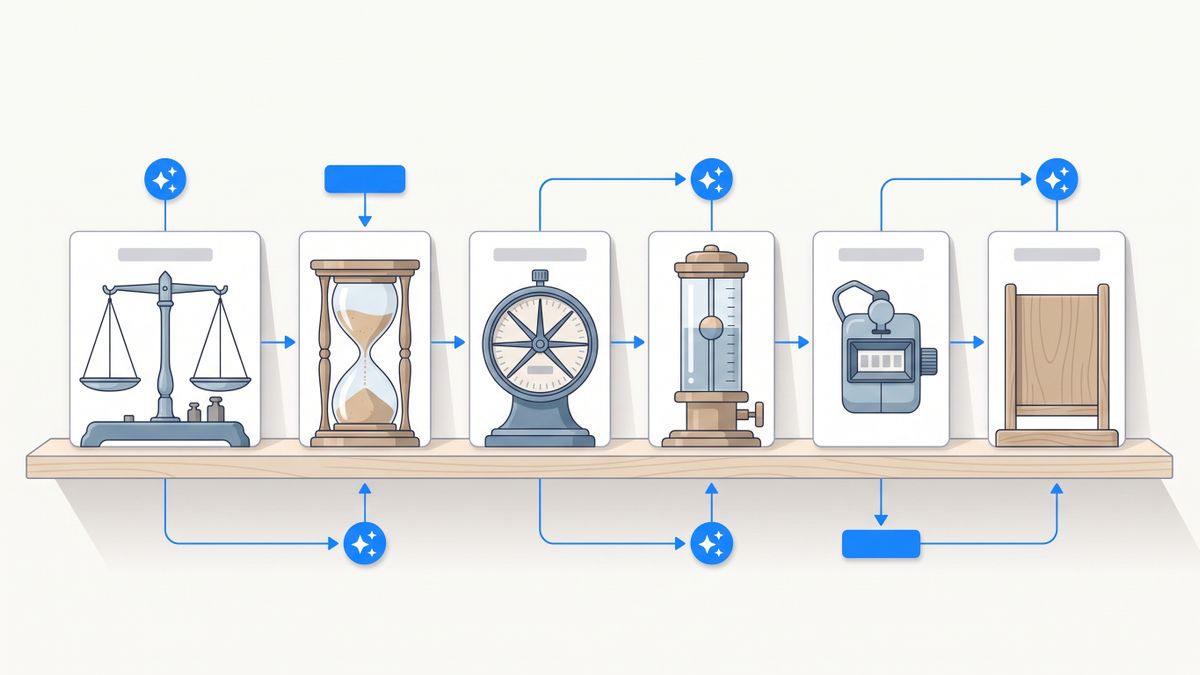
The alternatives that genuinely change the economics change the unit: AppFlowy by letting you host it, Obsidian by removing the vendor meter entirely, Mem by counting messages, and Notis by counting tasks. Pick your unit before you pick your product, because six months from now the unit is what you will be arguing about with finance.
Sources and research notes
All figures were read directly from vendor pages in August 2026, in USD where the vendor publishes USD. Notion's plan prices and the credit pricing for custom agents come from notion.com/pricing, and the plan availability and usage-pause behaviour from Notion's AI FAQ. Tana's tiers and AI query limits come from tana.inc/pricing, and ClickUp's seat and Brain add-on prices from clickup.com/pricing. Microsoft's Copilot price, annual commitment and licence prerequisite come from Microsoft's Copilot for business page. Mem's message and note caps come from get.mem.ai/pricing. AppFlowy's plans come from appflowy.com/pricing, its open source positioning from appflowy.com/about and its self-hosting statement from its own Notion comparison page. Obsidian's free-without-limits statement, commercial licence and Sync price come from obsidian.md/pricing, and the plugin counts from community.obsidian.md. Notis figures come from notis.ai/pricing.
One caveat: credit and usage allowances move fastest of anything on an AI price list, so re-check the meter before committing a team.

Flo is the founder of Mind the Flo, an Agentic Studio specialized into messaging and voice agents.
Related posts
Best AI Chat Apps for Founders in 2026: Conversation Isn’t Delegation
The best AI chat app is not necessarily the one with the smartest answer. For founders, the real test is whether it can move work across email, calendar, C
Fireflies AI Alternatives: 7 Meeting Tools Compared on Price, Limits and Licence
Fireflies charges per seat but meters its AI on a team-wide credit pool that does not grow with headcount. Seven alternatives compared on what the price is actually charged against, every number sourced from the vendor's own pages.
Lindy AI Review: What It Costs, What It Is Good At, and Where It Breaks
A Lindy AI review with real pricing, what it is genuinely good at, the complaints that show up in independent reviews, and who should skip it.