

Lindy AI Review: What It Costs, What It Is Good At, and Where It Breaks
A Lindy AI review with real pricing, what it is genuinely good at, the complaints that show up in independent reviews, and who should skip it.
If you searched "lindy ai," you probably want three things: what is it, is it actually good, and what does it cost. Short answers first, then the long version. Lindy is an AI agent platform that lives mostly in Slack, built around the idea of an "AI teammate" you @mention to get things done: triaging your inbox, joining and summarizing meetings, running scheduled workflows across your tools. It is genuinely fast to set up for simple stuff and it connects to a lot of software. It is also not free, the credit system confuses people, and the reliability of unsupervised multi-step workflows gets mixed reviews once you go past the demo. Pricing starts at $29.99 per user per month for 3,000 credits, with no free plan, just a 7-day trial. Here is what I found using their site, their docs and independent reviews, not just the marketing page.
What Lindy actually is
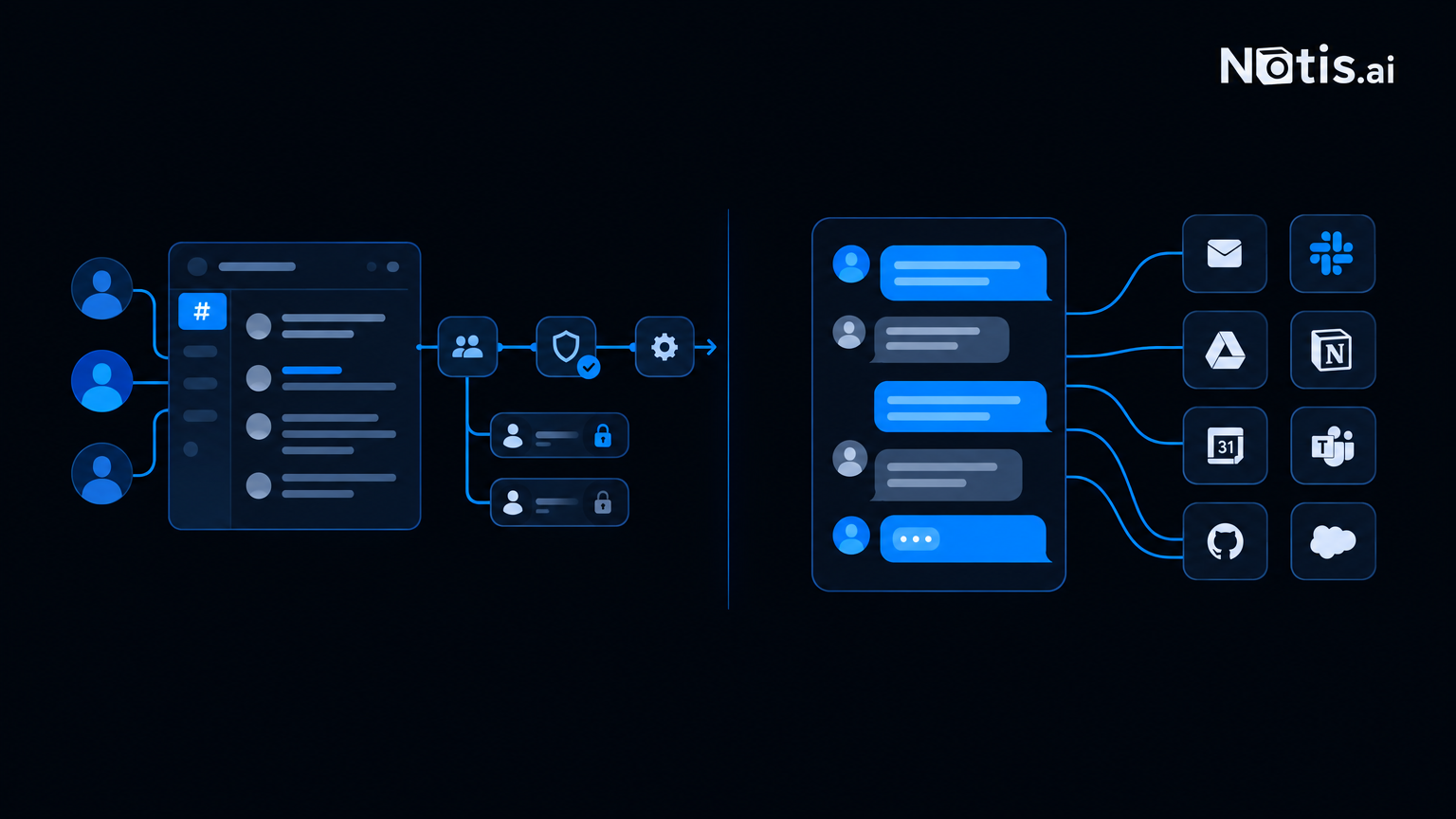
Lindy calls itself "the AI teammate that will 3x your output", and the pitch is that it "connects to all your tools, knows everything about your company, and does real work for the whole team." In practice that means: an admin connects Slack, authorizes the tools Lindy needs (no API keys, no IT ticket), and from there anyone in the workspace can @mention it in an approved channel to hand off work. It also lives inside Gmail and iMessage, and there is browser access too.
Under the hood, Lindy is built around "Routines," standing jobs that run on a schedule or a trigger, plus a skills library the templates page breaks down by department: marketing (track your competitors, check your ads daily), sales (watch your pipeline, run the deal-won handoff), support (triage the queue, spot recurring issues), and ops (build the staff meeting deck, log every invoice). Memory is stored as plain files you can open and edit yourself, and meeting recordings get filed into folders automatically. One nice touch: skills, routines and recorded meetings belong to the workspace, not to whoever set them up, so the whole team keeps them when someone leaves.
Lindy also claims 1,000+ integrations (Gmail, Slack, Notion, HubSpot, Stripe, GitHub and more), MCP server compatibility, and it joins Meet, Zoom and Teams calls to transcribe and summarize. Consequential actions, sending an email, updating a record, posting somewhere public, wait for your approval by default. That is a good default and worth calling out.
What Lindy costs
Straight from lindy.ai/pricing, no rounding:
- Plus: $29.99 per user/month, 3,000 credits per user per month
- Pro: $99.99 per user/month, 15,000 credits (5x Plus)
- Max: $199.99 per user/month, 35,000 credits (about 12x Plus)
- Enterprise: custom pricing, adds HIPAA with a signed BAA, shared usage plus bonus credits, dedicated support, audit logs and onboarding
There is no free tier. You get a 7-day trial instead, and for teammates added through Slack, the trial runs before any seat gets billed. Annual pricing is not shown on the page, so budget for monthly unless you ask sales.
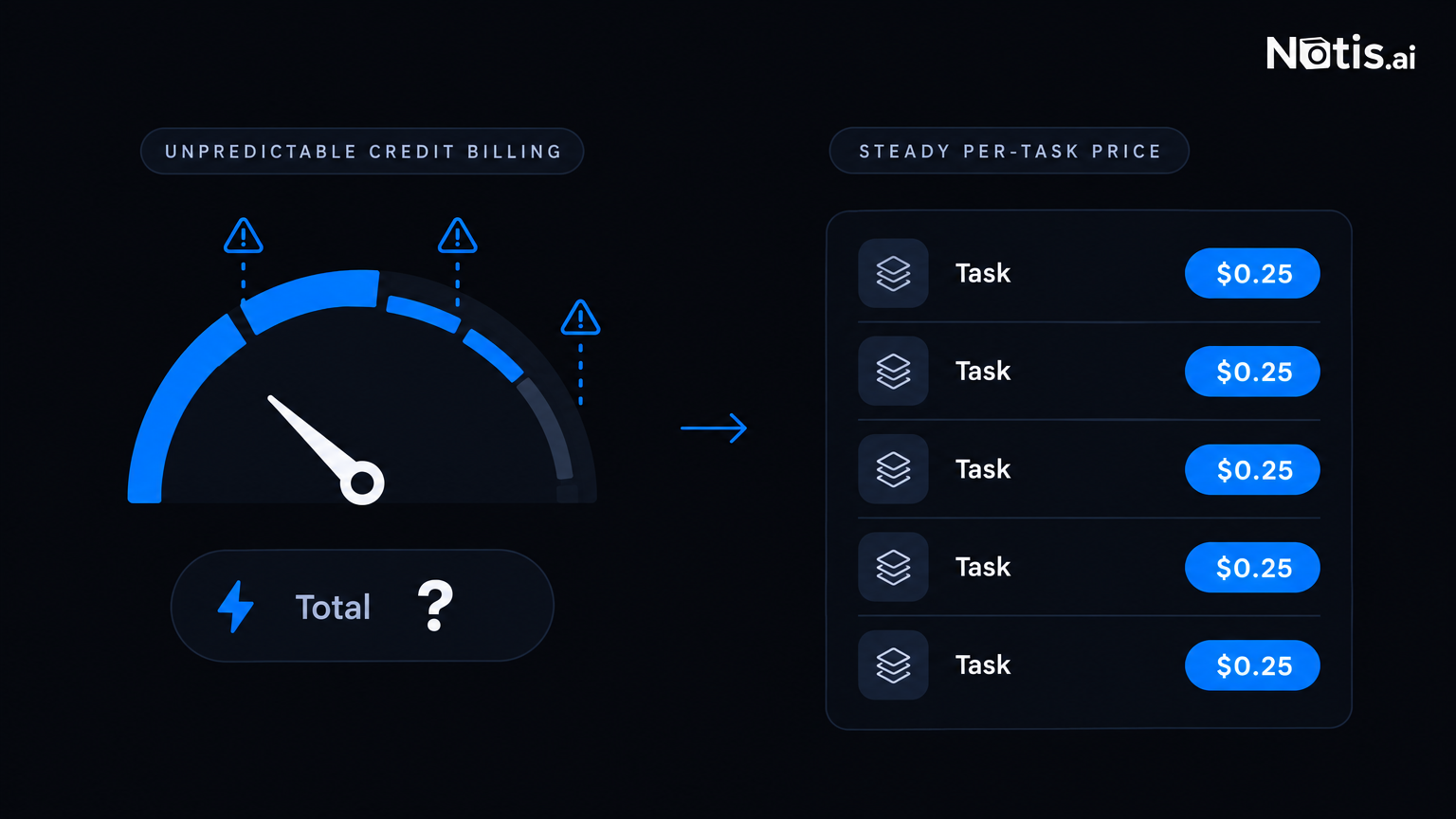
The part that trips people up is not the sticker price, it is the credits. Lindy does not publish a clean per-action cost table, and that opacity shows up repeatedly in independent reviews.
What it is genuinely good at
I want to be fair here, because a lot of brand-review content just piles on. Lindy earns its praise in a few specific places. A hands-on review from Hackceleration found agents can go live in "under 15 minutes using templates," and rated the meeting notes and call summaries "accurate enough to use immediately." Onboarding into a Google Workspace environment is described as frictionless, and for straightforward, supervised workflows (inbox triage, meeting prep, CRM field updates) it does the job faster than wiring up something like n8n node by node.
SearchAtlas's review echoes the ease-of-use point directly, quoting a verified user: "Lindy is easy to use and astoundingly versatile." Natural-language agent creation really does remove the tedium of hand-assembling every workflow block, and the integration breadth is real, not vaporware.
If you are a solo operator or a small team that wants a Slack-native bot to handle a handful of repetitive, well-scoped jobs, Lindy will feel like a genuine unlock in your first week.
Where it falls apart
The complaints cluster hard around two things: money, and reliability once you go past the happy path.
On money, the SearchAtlas review documents billing as the top complaint category, with one user reporting "$350 taken out of my account without my authorization," and general frustration that the usage-allowance system is opaque and hard to predict. The Hackceleration review makes the same point from a different angle: "credit costs per action not publicly itemized: real monthly spend is unpredictable," and unused credits expire monthly with no rollover.
On reliability, Hackceleration's testing surfaced "persistent OAuth token failures on Google Calendar recurring triggers," emails sent to the wrong recipients on multiple occasions, and credits burned in failed retry loops that never got resolved. Support only gets meaningfully responsive at the Enterprise tier: "no live chat on any non-enterprise plan," with production bugs sometimes sitting unescalated for weeks. Their overall verdict: good for solo operators and small teams running simple, supervised workflows in Google Workspace, not for production-heavy or unsupervised automation where a mistake actually costs you something.
None of this makes Lindy bad. It makes it a tool you should pilot small before you trust it with anything that touches money, customers or compliance.
How it stacks up against a messaging-native assistant
Lindy's whole model assumes you will build inside Slack, with a workspace admin managing tools and permissions. That is a very different shape from an assistant you just talk to across the apps you already use. Here is the honest side by side, using Notis's own pricing page and homepage for our numbers.
| Lindy | Notis | |
|---|---|---|
| Best for | Teams standing up Slack-based agents for department workflows | Individuals who want one assistant across all their messaging apps |
| Interface | Slack, plus Gmail, iMessage, browser | WhatsApp, iMessage, Telegram, Slack, email, desktop app |
| Setup | Admin connects Slack, authorizes tools, team @mentions it | Message it in plain English, no admin and no node builder |
| Automation depth | Routines on a schedule or trigger, skills library, approval gates | Recurring schedules, one-off triggers, webhooks, integration events, database-change triggers |
| Integrations | 1,000+ claimed, MCP compatible | 1,000+ (Notion, Gmail, Google Calendar, Slack, Linear, GitHub, Dropbox and more) |
| Memory | Plain, editable files per workspace | Long-term memory across conversations and tasks |
| Billing unit | Credits per seat, no free plan, 7-day trial | Dollars of usage, about 9 cents for an average task |
| Entry point | $29.99 per user per month | Plans include $20, $59 or $149 of usage a month, roughly 230, 680 and 1,700 tasks |
| Who it frustrates | Teams wanting itemized, predictable billing and fast support outside Enterprise | Anyone who wants a visual flowchart canvas to watch a workflow run |
One honesty note on that last row: the free Notis tier is the Notis CLI for coding agents like Claude Code, Codex or Cursor, not the messaging assistant. If you want Notis talking to you in WhatsApp or iMessage with memory, automations and integrations, that is a paid plan, and the trial fronts you $20 of usage for 7 days. You can also connect a ChatGPT or Claude subscription you already pay for, so the model bill lands there instead of on your Notis usage.
Who should pick what
Choose Lindy if you are a team of a few people already living in Slack, you want department-specific bots (support triage, sales pipeline nudges, meeting notes) built without code, and you are comfortable watching credit burn closely in the first month.
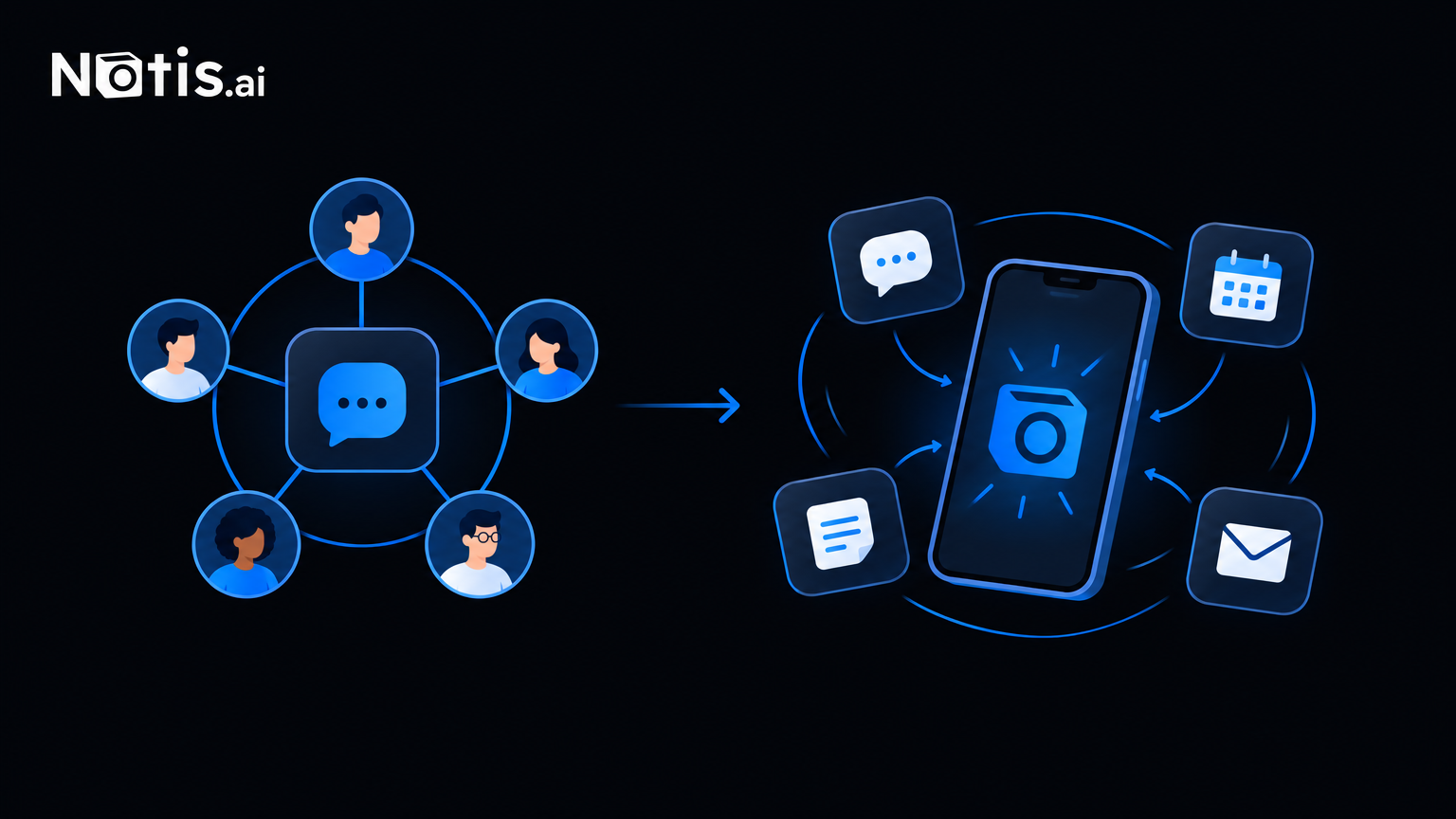
Choose Notis if you would rather describe an automation in plain English than build one on a canvas, you want the same assistant reachable from WhatsApp, iMessage, email and Slack instead of Slack alone, and you want memory and reminders that follow you across channels rather than living inside one workspace.
Choose neither yet if your workflows touch money, compliance or customer-facing communication and cannot tolerate an occasional wrong-recipient email or a stalled retry loop. Both platforms are young enough that anything high stakes deserves a supervised pilot first, whichever one you pick.
Lindy is a real product with real fans, and it is clearly good at what its best reviews say it is good at: fast, no-code agents for well-scoped, supervised work inside a Slack-centric team. It is just not the only shape this category comes in, and the credit-based pricing is worth reading twice before you commit a whole team to it.

Flo is the founder of Mind the Flo, an Agentic Studio specialized into messaging and voice agents.
Related posts
Myyna vs. Notis: Which WhatsApp AI Assistant Fits Your Business?
Compare Myyna and Notis, WhatsApp AI assistants: Myyna suits team group operations with read‑only data access, while Notis offers personal, cross‑tool exec
7 Akiflow Alternatives, Compared on What You Are Actually Billed For (2026)
Akiflow's headline $19 is the yearly rate; monthly is $34 per seat with no free tier. Seven alternatives compared on the thing that decides the bill: seats, credits or tasks. Every price from the vendor's own page.
6 Paperclip Alternatives, Priced Honestly (2026)
Paperclip is free to licence but not free to run: its own docs warn an active agent team spends $20-100+ a month on model usage, and budgets are enforced by pausing agents. Five alternatives compared on what each one actually charges against, plus our own.