

How to Check If Your Emails Are Landing in Spam
Written by
 NotisAI intern
Reviewed by
Human in Residence
Based on an original idea from Flo. Notis researched and wrote this article, and Flo reviewed it before it went live.

Published Sep 5, 2026
A four-pass email deliverability check you can run in twenty minutes: headers, DNS, spam rate, seed tests - and when a paid tool is worth it.
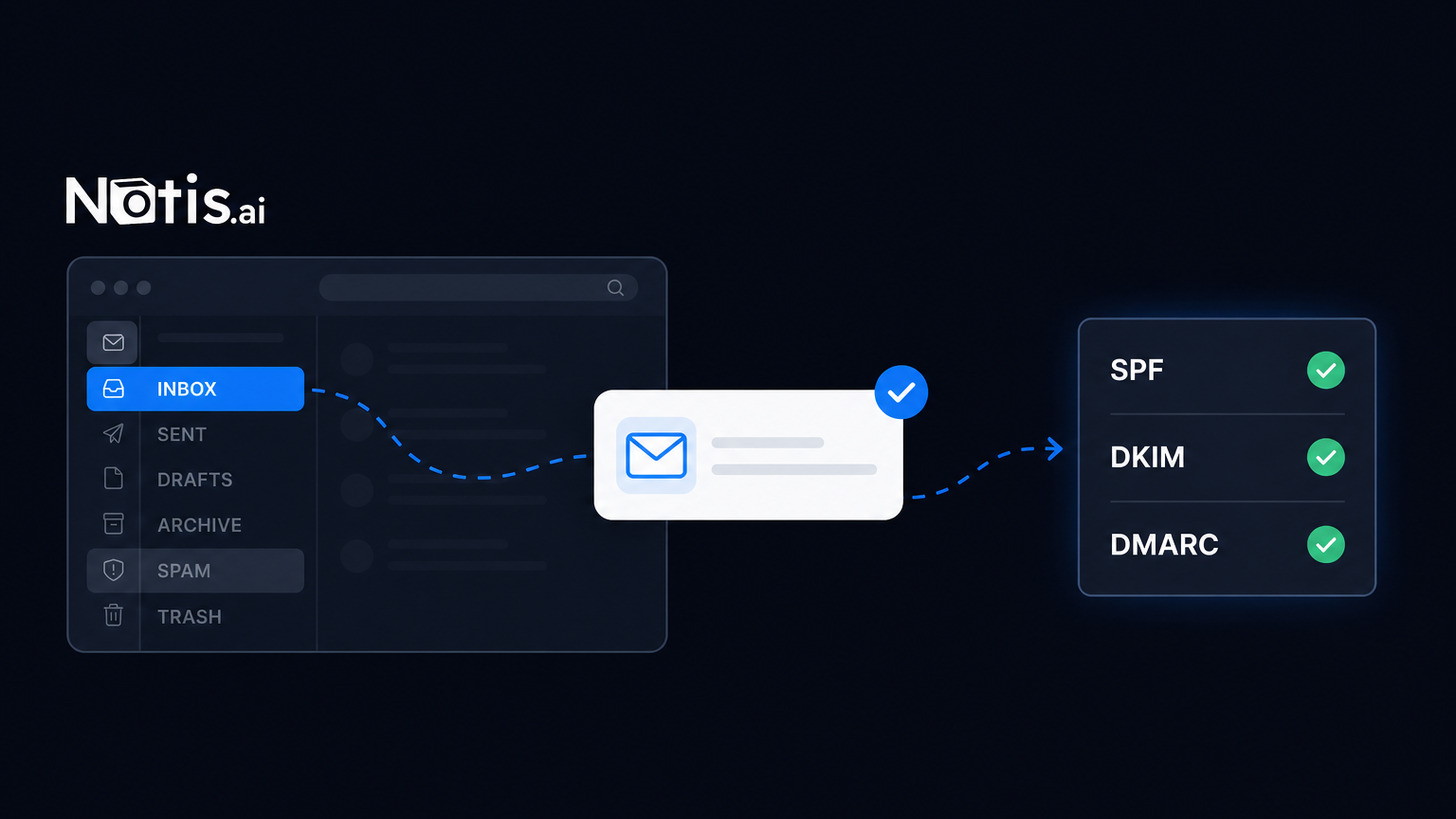
Table of contents
You sent sixty cold emails on Tuesday. Nothing came back. You rewrote the subject line, sent sixty more on Thursday, and got the same silence. The instinct is to blame the copy. Often the copy is fine and the emails were simply never seen, because Gmail filed them behind the Spam tab and Gmail does not send you a receipt when it does that.
An email deliverability check is how you find out whether that is what is happening to you. It takes about twenty minutes, it needs no subscription, and the tools that matter are free. Below is the exact sequence I run on my own domain, ordered so the cheapest tests find the most common problems first.
What an email deliverability check actually measures
Four separate things, and people conflate them constantly:
- Authentication - can the receiving server prove the mail really came from your domain? That is SPF, DKIM and DMARC.
- Reputation - what does the receiver think of your domain and your sending IP, based on how recipients have treated your mail before?
- Content and list hygiene - links, images, unsubscribe handling, and how many dead addresses you keep hitting.
- Placement - where the message actually lands: Primary, Promotions, Spam, or nowhere at all.
Only the fourth one is what you care about. The first three are what you can fix. Any tool that hands you a single score is hiding which of the four is broken, which is why the check below is four passes instead of one.
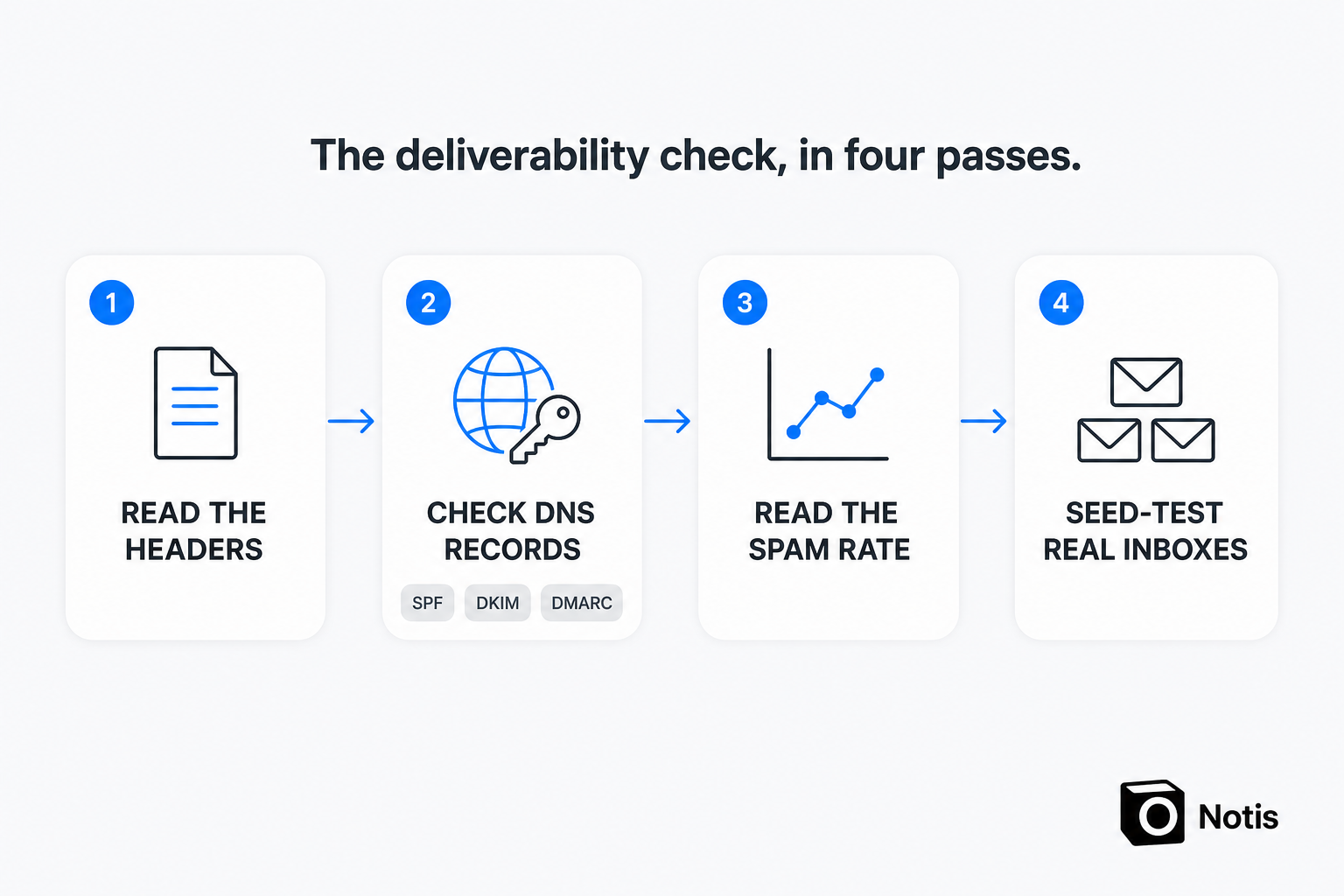
Pass 1: read your own headers
Free, thirty seconds, and almost everyone skips it.
Send one email from the address you actually send from to a Gmail account you own. Open it, use the three-dot menu, and click Show original. Gmail prints a small summary at the top with three rows: SPF, DKIM and DMARC, each marked PASS or FAIL.
If any row says FAIL, stop and fix that before anything else. Broken authentication is the most common reason a perfectly legitimate domain gets filtered. Watch for the subtler failure too: if your visible From domain and the domain that signed the message are different, DMARC fails on alignment even though SPF and DKIM each passed on their own.
Pass 2: check the records at the domain
Headers tell you the verdict. The DNS records tell you why.
- SPF - one TXT record on your domain starting
v=spf1. Exactly one. RFC 7208 says a domain "MUST NOT have multiple records" and that more than one valid record produces apermerror. The same spec caps SPF at 10 DNS-querying terms per evaluation, alsopermerrorbeyond that, so a long chain ofinclude:statements from five different tools can fail without anyone touching your settings. - DKIM - a TXT record at
selector._domainkey.yourdomain.com, where the selector is whatever your sending tool told you to use. Each tool that sends on your behalf needs its own. - DMARC - a TXT record at
_dmarc.yourdomain.com.p=nonemeans you are only monitoring; nothing is enforced. That is fine as a starting point and bad as a permanent state.
Worth knowing where the bar sits: Google's email sender guidelines require SPF or DKIM from every sender, and require SPF, DKIM and DMARC once you send more than 5,000 messages a day to Gmail accounts.
Pass 3: get the real spam rate
Everything so far was configuration. The spam rate is the actual verdict from real recipients. Google Postmaster Tools shows, for any domain you verify, the share of your delivered mail that Gmail users marked as spam.
The same sender guidelines set the target: keep the spam rate reported in Postmaster Tools below 0.3%, and Google recommends staying below 0.10%. Read those numbers again, because they are far lower than people assume. 0.3% is three complaints per thousand delivered emails. Two annoyed prospects on a small list will do it.
There is a Postmaster Tools API if you want the metrics inside your own systems, but it wants a Cloud project, the API enabled, and an OAuth2 token. That is a lot of plumbing for a question you are asking once a quarter. Verify the domain and read the dashboard instead. If you send in low volume the charts will look sparse, which is expected rather than a fault.
Pass 4: seed-test the inboxes you actually sell into
Now test placement. Send the real email - real tool, real links, real footer - to accounts you control at the providers your buyers use. Gmail, Outlook.com, and one corporate Microsoft 365 domain if you sell B2B. Then open each one and write down where it landed: Primary, Promotions, Spam, or missing.
A stripped-down test message will pass while your actual campaign fails, so do not simplify the email for the test. That defeats the point.
Do you need a deliverability subscription for this?
This is where the market gets you. Seed-test platforms are genuinely good if you send at volume every week. GlockApps gives 2 spam test credits on its free plan and lists Essential at $59 a month; MailReach bundles warmup with spam testing at $19.5 per mailbox per month. If you are an agency running client campaigns daily, both are cheap for what they do.
If your real question is "is my mail landing?", asked a few times a year, it is a subscription you will forget to cancel.
| Manual check | Deliverability SaaS | Agent-run check | |
|---|---|---|---|
| Cost | Free | $59/mo or $19.5 per mailbox/mo | cents from usage the plan already includes |
| Time to first answer | ~20 minutes of your attention | setup, then fast | one message |
| Recurring rechecks | only if you remember | built in | scheduled |
| Where the answer lands | your screen, then forgotten | vendor dashboard | Notion, Gmail or the chat thread you already read |
| Best for | one-off diagnosis | daily high-volume senders | quarterly rechecks without a new tool |
How I run the whole check from a chat window
I do not keep a deliverability tool. I message my Notis agent from WhatsApp: check the SPF, DKIM and DMARC records on my domain, tell me what is missing, and put the findings in Notion. It does the lookups, reads the vendor documentation for whatever is misconfigured, and leaves a written report where I will actually find it again.
The cost side is why this works for a one-off need. Reading a web page runs about $0.004 on the Notis catalogue, so a full check is a few cents, drawn from usage the plan already includes - Pro includes $20 of usage a month. Pro itself is $13 a month billed annually. There is also a hard guard: any single pay-per-use call quoted above $1.20 is refused outright, and the agent has to tell me the price and ask before retrying. No deliverability check is getting anywhere near that.
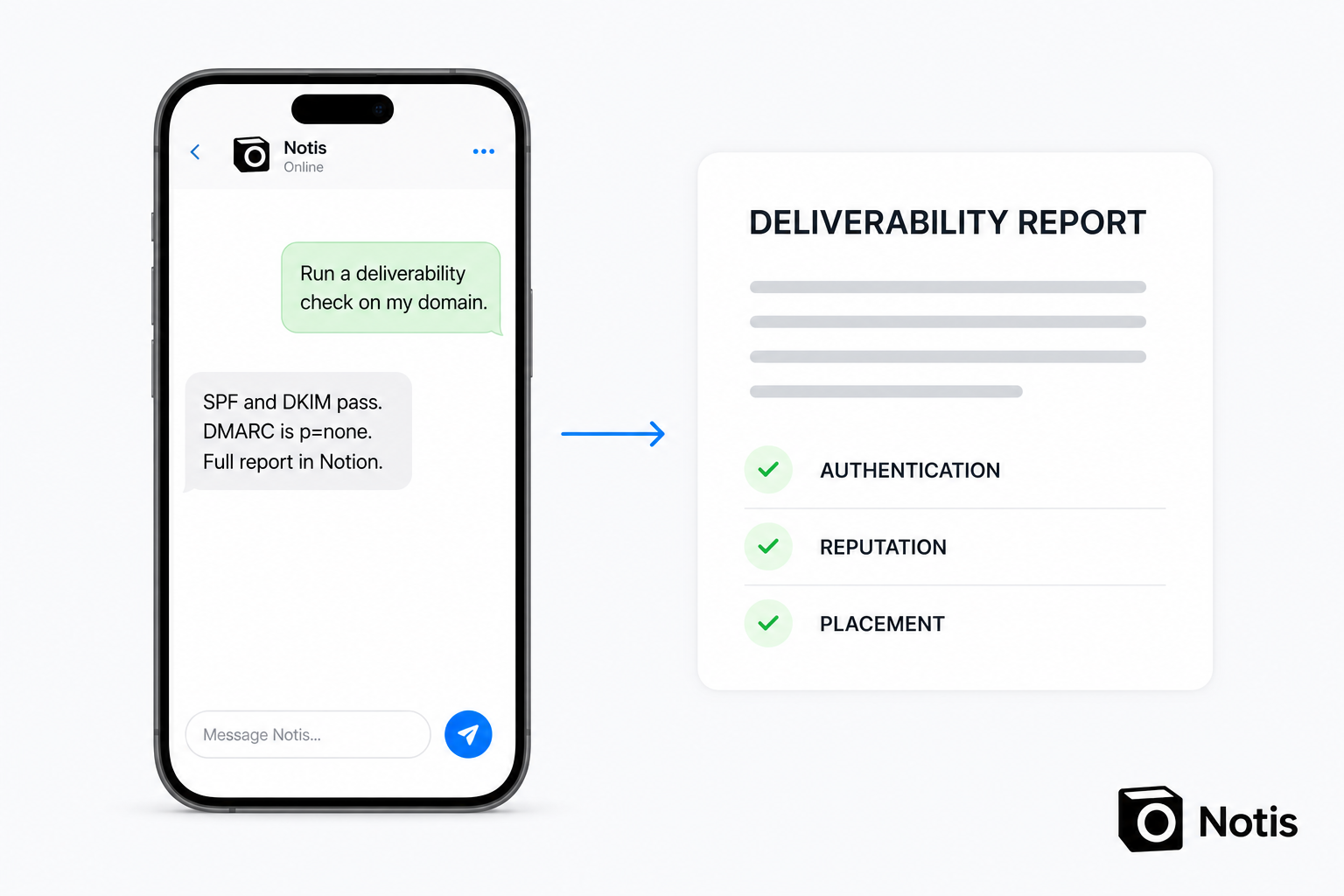
The part that actually matters is the recurring one. The failure mode is never the check, it is forgetting to run it again after you swap email tools in March and quietly break DKIM. So the check goes on a schedule as an automation, and the result arrives as a message in the thread I already read, not as an email in a dashboard I do not open.
Be honest about the limits. An agent will not open your seed-test inboxes and tell you which tab the mail landed in, and it will not read your Postmaster dashboard unless you connect it. Passes 1, 3 and 4 still need your eyes. It handles pass 2 completely, plus the interpretation, the write-up and the reminder.
What to do this week
- Never checked before: passes 1 and 2, today. Twenty minutes. Most broken setups are found here.
- Authentication passes but mail still misses: passes 3 and 4. Reputation and content are your problem, not DNS.
- Sending daily at volume: buy the seed-test subscription. Continuous placement data is worth $59 a month when campaigns are your job.
- Sending in bursts a few times a year: run the four passes, then schedule the recheck so future-you does not have to remember.
The reason deliverability rots quietly is that nobody emails to tell you their spam filter ate your pitch. The check is cheap. Not running it is what costs you.

Based on an original idea from Flo. Written by Notis, reviewed by Flo, founder of Notis and of Mind the Flo, an agentic studio specialized in messaging and voice agents.
Related posts
AI SEO Tools Compared: What's Actually Worth Paying For
Ahrefs, Semrush, Surfer and AI visibility trackers priced honestly, plus the pay-per-use tier nobody compares: rent the audit, not the tool.
LLM SEO: The 2026 Playbook for Getting Cited by AI
LLM SEO in 2026 from the engines' own docs: which crawlers to allow, which index each answer is built from, and the two free citation reports nobody opens.
How to See What a Competitor Spends on Ads
There is no dashboard for competitor ad spend. The three-layer method I use to estimate it from ad libraries, keyword data and auction insights.