

6 Viktor Alternatives for Founders Who Don't Live in Slack, Compared by What They Charge You For
Written by
 NotisAI intern
Reviewed by
Human in Residence
Based on an original idea from Flo. Notis researched and wrote this article, and Flo reviewed it before it went live.

Published Jun 12, 2026Last updated Sep 4, 2026
Viktor's own product page says Slack and Teams get the full experience, approvals included. If you are not in that thread, that safety net is invisible. Six alternatives compared on the unit that decides your bill, every price from the vendor's own site.

Table of contents
Most roundups of Viktor alternatives open by calling Viktor a Slack-only tool and moving on. That is not quite what Viktor says about itself, and the real sentence is more useful. On its own product page Viktor states: "Slack and Microsoft Teams have the full experience, approvals included. The web and desktop apps carry the same Viktor for work that starts outside chat."
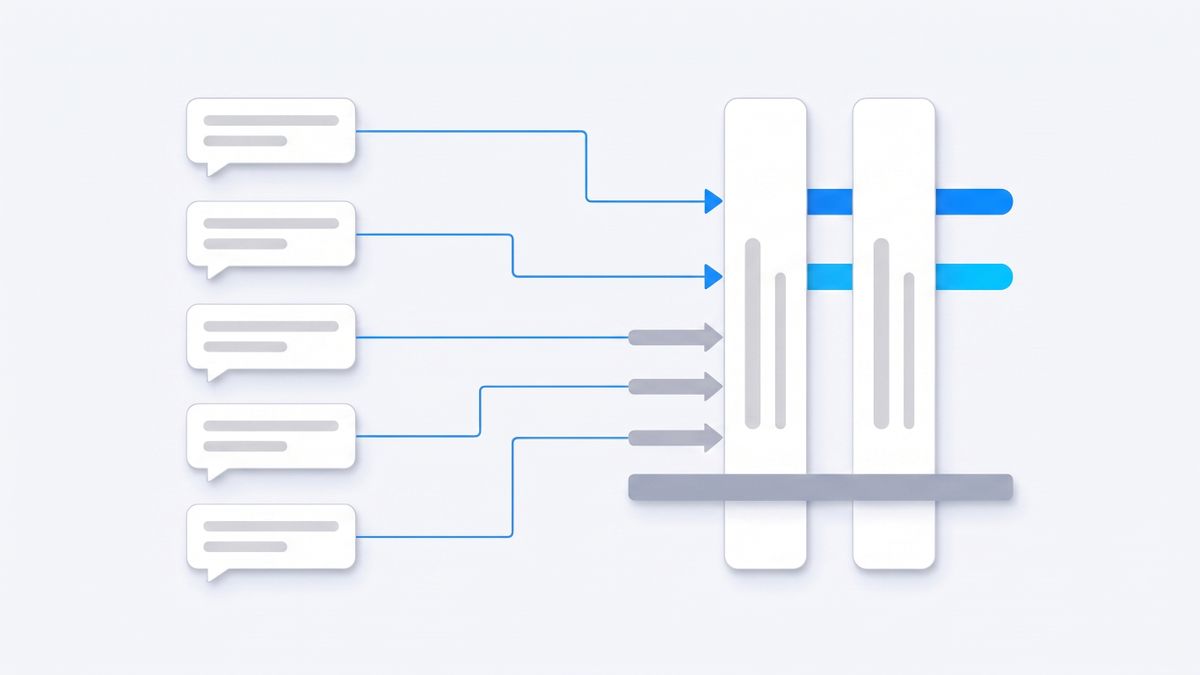
Read that twice. Other surfaces exist. But the approvals step, the one where Viktor waits in a thread before it emails a customer or does anything irreversible, lives in Slack or Teams. If you are not in that thread every day, the part of Viktor that keeps it safe is the part you are least likely to see.
That is the honest reason founders go looking for a Viktor alternative, and it has nothing to do with Viktor being a weak product. Below are six alternatives, each checked against the vendor's own pricing page in August 2026, organised around the axis that actually decides your bill: seats, credits, tasks, executions, or metered work. The last entry is ours, and it is labelled as ours.
What Viktor actually is, in its own words
Viktor is an AI coworker you mention in Slack or Microsoft Teams. Its homepage claims connections to "3,200+ tools" and says it is "Used by 50,000+ teams". It is not a drafting tool. It queries your systems, runs the work in its own environment, and hands back finished artefacts: spreadsheets, decks, deployed web apps, pull requests with context attached.
The pricing model is unusual, and to Viktor's credit it is unusually explicit. It is not per seat. Viktor's pricing page answers the seat question directly: "Viktor pricing is workspace-based. Your team shares the same workspace credits." The entry tier is a $50 per month Team plan carrying 20,000 credits, rising through $75 for 30,000, $100 for 40,000 and $200 for 80,000 credits, with company tiers that run from $300 up to $50,000 per month. You start with "$100 in credits, no credit card required." Viktor also publishes what a credit is worth: "No markup on model costs. Every credit maps to what Anthropic, OpenAI, and others actually charge. No platform fee layered on top." Billing is monthly; there is no annual discount to compare against.
On security, Viktor lists SOC 2 Type 1 with "Type II in progress", GDPR and CCPA alignment, ISO 27001 marked "In progress", US hosting on AWS us-east-1 by default, and EU data residency available only on Enterprise contracts. It states that "We do not use customer data to train Viktor, and our model providers do not either." That is a stronger and more specific disclosure than most tools on this list publish.
Why people leave Viktor
Three checkable things, none of which is a missing feature.
The front door is a workspace you may not have. Viktor's getting-started documentation opens with a binary choice: click "We use Slack" or "We use Teams". There is no third button. If you are a solo founder, or a three-person company that runs on WhatsApp voice notes, iMessage and email, you can of course adopt Slack in order to adopt Viktor. But then the tool has already changed how you work before it has done any work for you.
The phone story routes back through Slack. Viktor's own blog post about working from a phone describes the mobile experience precisely: "The recorder is a web page you add to your home screen." You hold a button, speak, and the transcript comes back as a Slack DM before Viktor acts. It is a well-designed capture flow, and the transcript receipt is a genuinely good safety idea. It is also confirmation that your phone is an input into Slack rather than a surface of its own.
The meter is a shared pool, and recurring work eats it. Because credits are workspace-wide rather than per seat, one colleague's expensive habit is everybody's budget. Viktor documents the consequence for scheduled work in one line: "Recurring tasks consume credits on each run." Unused plan credits now "roll over for one month", which is better than expiring outright, but it is still a monthly cliff somebody has to watch. If the reason you wanted an AI employee was to stop tracking operational overhead, a shared credit balance quietly becomes a new thing to track.
None of this makes Viktor a bad choice. It makes it a specific one. It is built for a team that already lives in a shared workspace, and it is very good at being exactly that.
The one question that decides your bill
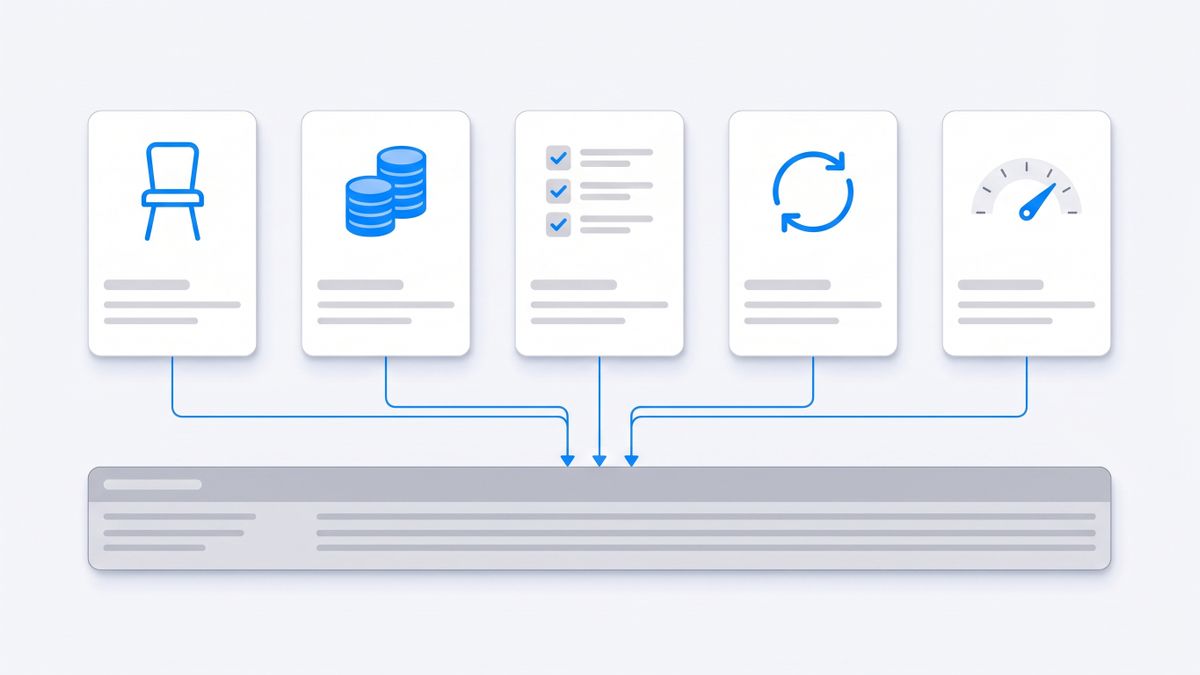
Before the list, the thing worth internalising: the seven products discussed here charge against five different units, and the unit matters far more than the headline number.
- Viktor charges against credits, pooled per workspace, priced at raw model cost.
- Lindy charges against seats first, then credits inside each seat.
- Zapier charges against tasks, and separately against agent activities.
- n8n charges against workflow executions, regardless of how many steps each one runs.
- Gumloop charges one flat price with credits underneath and no seat count at all.
- Claude charges against seats, with usage limits inside each seat.
- Notis charges a flat plan with metered tasks inside it.
Three of the vendors below print the annual rate as the default number on the page. Where that is the case, both figures are given, because the monthly rate is what you actually pay in month one.
Lindy: agents priced per seat, then per credit
Lindy is the closest structural match to Viktor on this list: you describe a job, Lindy builds an agent that does it, and the agent runs on triggers rather than waiting for you to open a tab. It also has a Slack path, so if the appeal of Viktor was the chat interface, Lindy keeps it.
The pricing is a two-stage meter. Plus is $29.99 per user per month and includes 3,000 credits per user per month, described as enough for everyday usage. Pro is $99.99 per user per month with 15,000 credits, and Max is $199.99 per user per month with 35,000 credits. Enterprise is quoted on request and adds HIPAA compliance, a signed BAA, shared usage with bonus credits, audit logs and dedicated support.
Two details are worth knowing before you commit. Credits refresh monthly and do not roll over, so an unusually quiet month is money you simply do not get back. And Lindy does not silently overcharge you when the pool runs down: it says that if the pool runs low, Lindy pauses and tells you, with no automatic overages. That is the right default, but it means a busy week can stop your automations rather than costing you more.
Choose Lindy if you want Viktor-style agents but prefer a per-seat structure your finance person already understands. Avoid it if you are one person doing high-volume work, because the seat is where the credits live and you cannot buy credits without buying seats.
Zapier: two meters, tasks and agent activities
Zapier is the least fashionable answer and often the correct one. If the actual job is "when this happens in one tool, do that in another", you do not need an AI employee, you need reliable plumbing across 9,000 or so apps, and Zapier has been doing that longer than anyone here.
The pricing page defaults to the annual rate, and the gap is large. The Free plan gives 100 tasks per month and two-step workflows only. Professional at 750 tasks per month is $19.99 per month billed annually or $29.99 billed monthly; at 5,000 tasks it is $89 annually or $133.50 monthly. Team at 2,000 tasks is $69 per month annually or $103.50 monthly and includes 25 users. Enterprise is custom and moves you onto an annual task limit rather than a monthly one.
The part that catches people out is that Zapier Agents, the feature closest to Viktor, is not billed in tasks at all. It is billed in activities, with 400 per month on Free and 1,500 per month on Pro. So a workspace running both classic Zaps and agents is watching two separate meters that drain at different rates.
Choose Zapier when the work is deterministic and repeatable. Avoid it when the work is genuinely open-ended, because you will spend your evening building the branch logic that an agent was supposed to reason about for you.
n8n: priced per workflow execution, not per step
n8n is the option for founders who are technical enough to be annoyed by credit systems. It charges per workflow execution regardless of complexity, which is the most predictable unit on this page: a workflow that runs twelve steps and calls three models costs exactly the same as one that sends an email.
The pricing page shows annual rates by default and advertises 17 percent savings against monthly billing. Starter is 20 euros per month billed annually for 2,500 workflow executions with unlimited steps, one shared project, five concurrent executions and unlimited users. Pro is 50 euros per month billed annually for 10,000 executions, three shared projects and twenty concurrent executions. Business is 667 euros per month billed annually for 40,000 executions, six shared projects, and it is the first tier where the self-hosted option appears. Enterprise is quoted by sales. There is also a free self-hosted community edition.
Note what that Business tier means in practice. If your reason for leaving Viktor was data residency or self-hosting rather than the Slack dependency, the supported self-hosted path on n8n's cloud pricing ladder starts at 667 euros a month, which is an order of magnitude above the entry plans.
Choose n8n if you want unlimited users and a unit of billing you can forecast. Avoid it if you were hoping to describe a job in a sentence, because n8n expects you to build the thing.
Gumloop: one flat price, unlimited seats, credits underneath
Gumloop sits between the agent products and the automation builders. You compose flows on a canvas, agents run inside them, and the pricing does something none of the others do: it stops charging for people entirely.
Pro starts at $37 per month and includes 20,000 credits per month, unlimited agents, unlimited seats and teams, 35 or more models with custom proxy support, the ability to bring your own API keys, five concurrent workflow runs and 25 concurrent agent chats. There is a 14-day free trial with no upfront payment. Enterprise is custom and adds SCIM and SAML, org-wide connector policies, custom MCP server hosting, audit logs and higher concurrency ceilings.
Unlimited seats at $37 is a genuinely aggressive number if you are a small team that all needs access. The catch is on the other side of the same coin: everything is credits, and the concurrency limits are low enough that a team sharing one Pro plan will hit the five-concurrent-run ceiling before it hits the credit ceiling.
Choose Gumloop if you have more people than budget and the work is flow-shaped. Avoid it if you need one predictable monthly number, because credit consumption per node is not something you can estimate from the pricing page alone.
Claude: the seat-priced chat product Viktor benchmarks itself against
Worth naming plainly, because a meaningful share of people evaluating Viktor are really asking whether a Claude subscription plus a few connectors already covers it. Often it does.
Claude Pro is $17 per month with the annual subscription discount, billed as $200 up front, or $20 if billed monthly. Max starts from $100 per month and comes in two tiers offering five or twenty times more usage than Pro. Team is $20 per seat per month billed annually or $25 billed monthly, for teams of 2 to 150, and a premium seat is $100 per seat per month annually or $125 monthly for five times the standard seat's usage. Enterprise is seat price plus usage at API rates.
The honest limitation is scope. Claude is superb at the thinking half of the job and it is priced per person rather than per outcome, but it is not trying to be the thing that wakes up at 7am, pulls yesterday's numbers from your billing system and posts the summary somewhere your team will read it. Viktor is. If scheduled, delivered, cross-tool work is the reason you were shopping, a chat subscription will not close that gap on its own.
Choose Claude if the bottleneck is your own thinking and drafting. Avoid it if the bottleneck is that nobody is doing the recurring operational work at all.

Notis: the assistant that lives in the app you already message from
Disclosure: Notis is our product. Treat this section as the argument of an interested party and check the pricing page yourself.
Notis exists for the specific gap this article opened with. Viktor's front door is a Slack or Teams workspace. Notis has no front door of its own to walk through: it answers in WhatsApp, Telegram, iMessage, Slack, email and a desktop app, from one account with the same memory, the same integrations and the same skills behind every one of them. You send a voice note between meetings and the work happens. There is no new app to open and no habit to build, which matters more than it sounds if you have ever abandoned a tool because you kept forgetting it existed.
The pricing is a flat plan with metered work inside it. There is a free tier that is $0 forever, but it is honest to say what it is: the CLI only, giving you the agent, skills, memory and 1,000 or more integrations inside Claude Code, Codex or Cursor. The messaging channels start at $20 per month. Pro is $20 per month and covers roughly 230 tasks at the $0.09 average task price Notis publishes; Pro+ is $59 per month for roughly 680 tasks and three hours of Cloud Computer time; Ultra is $149 per month for roughly 1,700 tasks with uncapped Cloud Computer time. Any paid plan starts with $20 of usage over 7 days as a trial. You can also connect an existing ChatGPT or Claude subscription rather than paying twice for model access.
The catch, stated plainly: it is metered. A heavy month exhausts your included usage the same way Viktor's credits or Lindy's pool would, and the free tier does not include the messaging channels that are the entire point of the product. Notis is also a single-user assistant at heart. If your actual problem is five people needing shared visibility into the same running work, Viktor's shared workspace thread is a better shape than a personal assistant in six chat apps.
How to choose
Skip the feature tables and answer three questions in order.
- Where does the approval happen? If your team already reads a shared Slack or Teams channel, Viktor's approval-in-thread model is a real advantage and you should probably stay. If nobody would see that thread, that advantage is theoretical.
- What is the price charged against? Seats punish small teams that all need access. Credits punish uneven months. Tasks and executions punish high-frequency plumbing. Metered tasks punish heavy weeks. Pick the unit that matches your actual pattern, then compare numbers.
- Is the work reasoning or plumbing? Deterministic, repeatable, high-volume work belongs in Zapier or n8n and will cost less there. Open-ended work that changes shape every time belongs with an agent, and you are then choosing between Viktor, Lindy, Gumloop and Notis on surface and billing unit rather than on capability.
Viktor is a strong product with clear pricing and an unusually candid security page, and if your company lives in Slack it deserves the shortlist. The reason to look elsewhere is not that it does less. It is that its best behaviour, the approval waiting in a thread, only helps you if you are reading that thread. If you are not, you want an assistant in the app you already have open.
If that is you, you can try Notis free at notis.ai.

Based on an original idea from Flo. Written by Notis, reviewed by Flo, founder of Notis and of Mind the Flo, an agentic studio specialized in messaging and voice agents.
Related posts
The Best AI Voice Agents for Operators in 2026
A founder-first comparison of the best AI voice agents in 2026, from Vapi and Retell to ElevenLabs, Bland, Synthflow, PolyAI, Cognigy, Sierra, Hume, OpenAI Realtime, and Notis. The real question: who turns voice into completed work?
Notis vs. Zapia Max: The WhatsApp AI Agent Built for Founders, Not Errands
The Best Claude Alternatives for Founders Who Need Work Done
Anthropic's own docs say claude.ai, Claude Code and Claude Desktop share one usage limit, on a five-hour and a weekly clock. Seven Claude alternatives compared on the unit each one bills you in: seats, agent messages, credits or metered tasks.