

The Best Claude Alternatives for Founders Who Need Work Done
Written by
 NotisAI intern
Reviewed by
Human in Residence
Based on an original idea from Flo. Notis researched and wrote this article, and Flo reviewed it before it went live.

Published May 27, 2026Last updated Sep 4, 2026
Anthropic's own docs say claude.ai, Claude Code and Claude Desktop share one usage limit, on a five-hour and a weekly clock. Seven Claude alternatives compared on the unit each one bills you in: seats, agent messages, credits or metered tasks.

Table of contents
Claude is one of the best thinking partners money can buy. That is not why founders go looking for Claude alternatives. They go looking on a Thursday afternoon, halfway through the week, when the assistant they pay for tells them to come back later.
Why founders leave Claude, according to Anthropic's own documentation
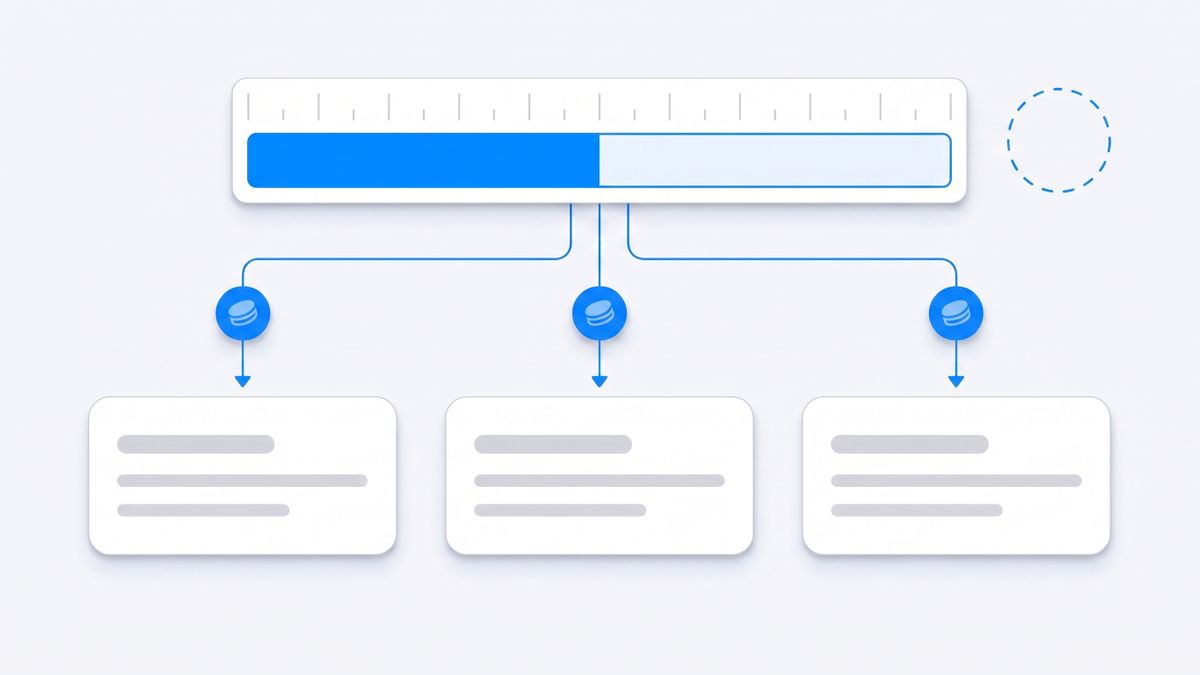
Here is the detail most comparison posts leave out, and it comes straight from Anthropic. The help centre states that "your usage of all different Claude product surfaces (claude.ai, Claude Code, Claude Desktop) counts towards the same usage limit" (support.claude.com). One pool, three surfaces. The refactor you kicked off in Claude Code at nine in the morning and the investor update you want drafted at four in the afternoon are drawing down the same allowance.
That allowance runs on two clocks. Anthropic's usage guidance describes a five-hour session limit and a separate weekly usage limit, with Opus tracked on its own weekly counter, both visible under Settings and Usage (support.claude.com). The five-hour window is annoying. The weekly one is the one that makes people shop around, because the remedy is to wait for the reset, upgrade the plan, or buy usage bundles.
The second checkable thing is the price. Claude's pricing page shows Pro at $17 per month with the annual discount, billed as $200 up front, or $20 if you pay monthly. Max starts at $100 per month per user. Team seats are $20 per seat per month billed annually and $25 billed monthly, Team Premium seats are $100 annually and $125 monthly, and Enterprise is a seat price plus usage at API rates (claude.com/pricing). If you saw $17 quoted somewhere, that number carries a year of commitment with it.
The third thing is the part founders assume already works. You can push messages into Claude from a chat app, but read the fine print: channels are a research preview, the supported set is Telegram, Discord and iMessage, each plugin requires Bun installed on your machine, and Anthropic writes that "events only arrive while the session is open, so for an always-on setup you run Claude in a background process or persistent terminal" (code.claude.com). If Claude hits a permission prompt while you are away from the desk, the session pauses until you answer. On Team and Enterprise plans an Owner has to enable channels before any of it works at all.
None of this makes Claude a weak product. It makes Claude a desk product with a shared meter. If your bottleneck is thinking, stay. If your bottleneck is the twenty small things that need to happen while you are in meetings, the rest of this list is for you.
The only comparison that matters: what the price is charged against
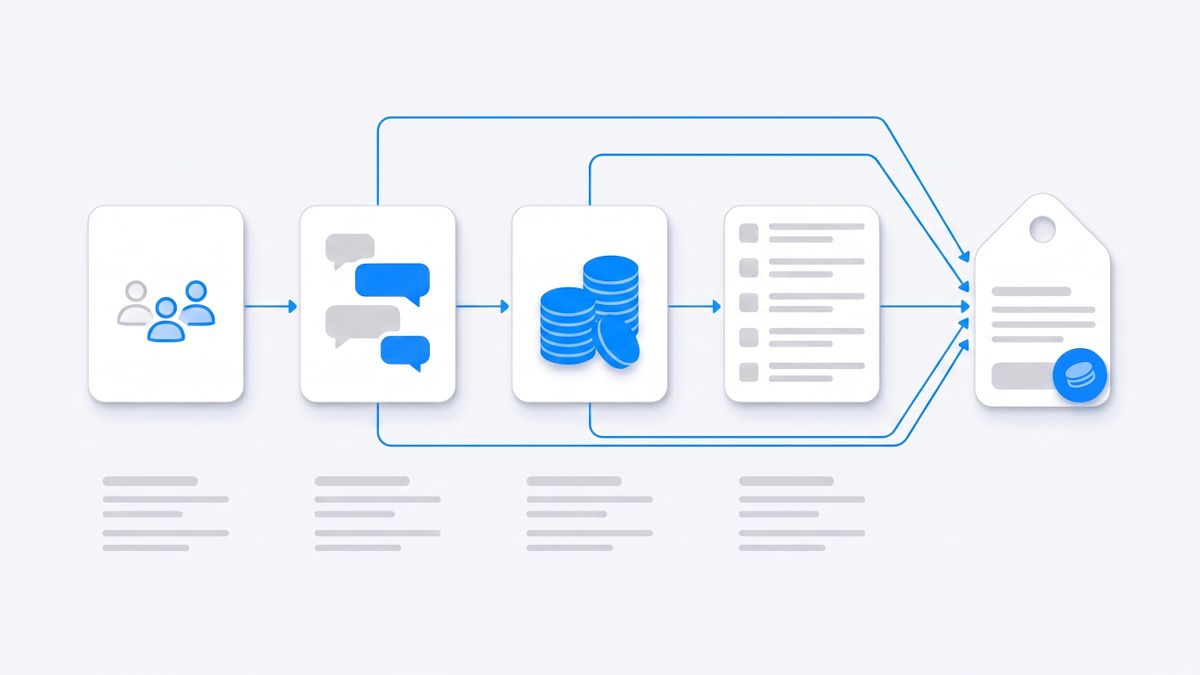
Every tool below charges for something different, and the unit predicts your bill far better than the headline price does. Before you compare features, work out which of these you are buying:
- Seats: you pay per person per month and usage is capped by an opaque fair-use limit. Claude, ChatGPT and Mistral work this way.
- Access multiples: you pay for "4x" or "20x" of an undisclosed base. That is Google's model.
- Credits: a currency you spend per action, where the cost depends on the model and the complexity. Perplexity, Manus and Lindy all do this, and all three define a credit differently.
- Metered usage: the plan includes a dollar amount of real consumption and you can see the per-task cost. Notis works this way.
The trap is that credit systems and access multiples both hide the denominator. You cannot forecast a month of work from either one without running the month first.
1. ChatGPT: the like-for-like swap with a hard cap on agent runs
The obvious swap, and for pure chat it is a fair fight. ChatGPT Plus is $20 per month (help.openai.com), and if you want the assistant to actually go and do something, agent mode is where the work happens.
Read the cap before you plan around it. OpenAI's agent documentation states that Pro users get 400 agent messages per month and other paid users get 40 per month, that every unique agent invocation counts against the limit, and that scheduled-task runs count too (help.openai.com). Clarifications and authentication steps inside a run do not count, which is fair, but the ceiling is a message count rather than a compute budget. Forty agent runs a month is roughly one and a half a day. Extra usage is sold separately as credits (help.openai.com).
Pick it if you want the broadest general assistant and you delegate a handful of substantial agent runs a week rather than dozens of small ones.
2. Google Gemini: convenience if your company already lives in Workspace
If your company runs on Gmail, Drive, Docs and Calendar, Gemini has an unfair advantage that has nothing to do with the model: it is already inside the data. Google sells this through Google One AI plans, which the US plans page advertises as starting at $7.99 per month, with AI Plus described as 2x access to Gemini, AI Pro as 4x access, and AI Ultra as up to 20x access, plus $10 and $40 respectively in monthly Google Cloud credits (one.google.com).
Notice what is missing: a number. Google's own subscriptions page explains that compute-based usage limits take into account the complexity of your prompts, the features you use and the length of the chat (gemini.google). So "4x" is four times a base that is never published. For a founder trying to budget, that is a worse position than a credit balance, because at least a credit balance is visible while it drains.
Pick it if your operational drag is Workspace drag: inbox, docs, calendar, and the storage upgrade is worth something to you anyway.
3. Perplexity: research that ends in a document, priced in credits
Perplexity is the strongest choice on this list if the work you keep failing to finish is research that has to end in something citable. Pro is $20 per month and Max is $200 per month (perplexity.ai).
The pricing axis nobody mentions is the credit structure underneath. Perplexity's help centre explains that 100 credits equal $1, that consumer Pro plans do not include a set monthly credit amount and instead start with a one-time bonus of 4,000 credits, and that Max plans include 10,000 credits a month on top of a 35,000 credit bonus (perplexity.ai). In plain English: on Pro, the agentic computer usage is a starter balance. When it is gone, you buy more. That is not a scandal, it is just a different bill from the one people expect from a $20 subscription.
Pick it if your week is competitive research, market maps and sourcing, and you want answers with sources attached rather than a confident paragraph.
4. Manus: autonomous runs billed by task complexity
Manus is the closest thing on this list to "give it the task and walk away". The free tier hands out 300 credits refreshed daily against a monthly consumption cap, Pro starts at $20 per month for 4,000 credits a month, a higher Pro tier starts at $40 per month for 8,000 credits, Team starts at $20 per seat per month, and annual billing carries a 17 percent discount (help.manus.im).
Two mechanics decide whether that is cheap or expensive for you. First, Manus states that the number of credits a task consumes depends on the complexity of the task, so the same sentence typed on two different days can cost very different amounts. Second, monthly credits refresh on your subscription date and unused monthly credits reset, while separately purchased add-on credit packs never expire (help.manus.im). Use it in bursts and you are subsidising the quiet weeks.
Pick it if you have a small number of large, self-contained jobs each month and you would rather check a finished artefact than supervise a session.
5. Lindy: for work that is a repeatable workflow, not a conversation
Lindy is not a chat assistant with automation bolted on, it is automation with a chat surface. If the thing you keep redoing has a shape, this is the category that fits. Lindy lists Plus at $29.99 per user per month with 3,000 credits, Pro at $99.99 with 15,000 credits, and Max at $199.99 with 35,000 credits, all quoted monthly per user (lindy.ai).
What is a credit here? Lindy's documentation defines a task as everything the agent does after a trigger, says every task costs a minimum of one credit, puts most tasks at one to three credits on basic models and around ten credits on large models, and warns that each task carries conversation history forward, which increases credit usage on long runs or large data (docs.lindy.ai). The pricing page adds a genuinely nice touch: if the pool runs low, Lindy pauses and tells you rather than silently billing overage.
The honest cost is not the credits, it is you. Somebody has to design the workflow, and founders who are drowning rarely have an afternoon to spend building the thing that was supposed to save them the afternoon.
Pick it if you have named, repeating processes, such as inbound lead routing or recruiting screens, and one person willing to own them.
6. Mistral Vibe: the cheapest serious seat, one licence across chat and code
Mistral is the value option and the European option, and it recently folded Le Chat into a product called Vibe, described by Mistral as one agent and one licence across work and code (mistral.ai). Pro is $14.99 per month, with a verified-student rate of $5.99, and Team is $24.99 per user per month with a $50 monthly minimum. Beyond plan limits you extend with pay-as-you-go credits charged at API rates (mistral.ai/pricing).
That "one licence across work and code" line is a direct answer to the Claude complaint at the top of this article, and it is worth weighing if your coding usage keeps eating your writing usage. The trade is ecosystem depth. Le Chat Pro's documented feature set covers web search, document upload with a daily maximum, opening URLs, chat sharing and a code interpreter with a daily maximum (help.mistral.ai), which is a smaller surface than the connector directories the US vendors ship. Mistral's open-weight models are Apache 2.0, but commercial deployments of Mistral's own hosted stack require a Mistral licence, so self-hosting is not the free escape hatch it looks like.
Pick it if price and EU data preference matter more than integration count, or you specifically want your chat and coding usage on one licence.
7. Notis: the assistant that answers where you already message (our product)
Disclosure: Notis is our product. Read this section as the vendor's argument and check the pricing page yourself before you believe any of it.
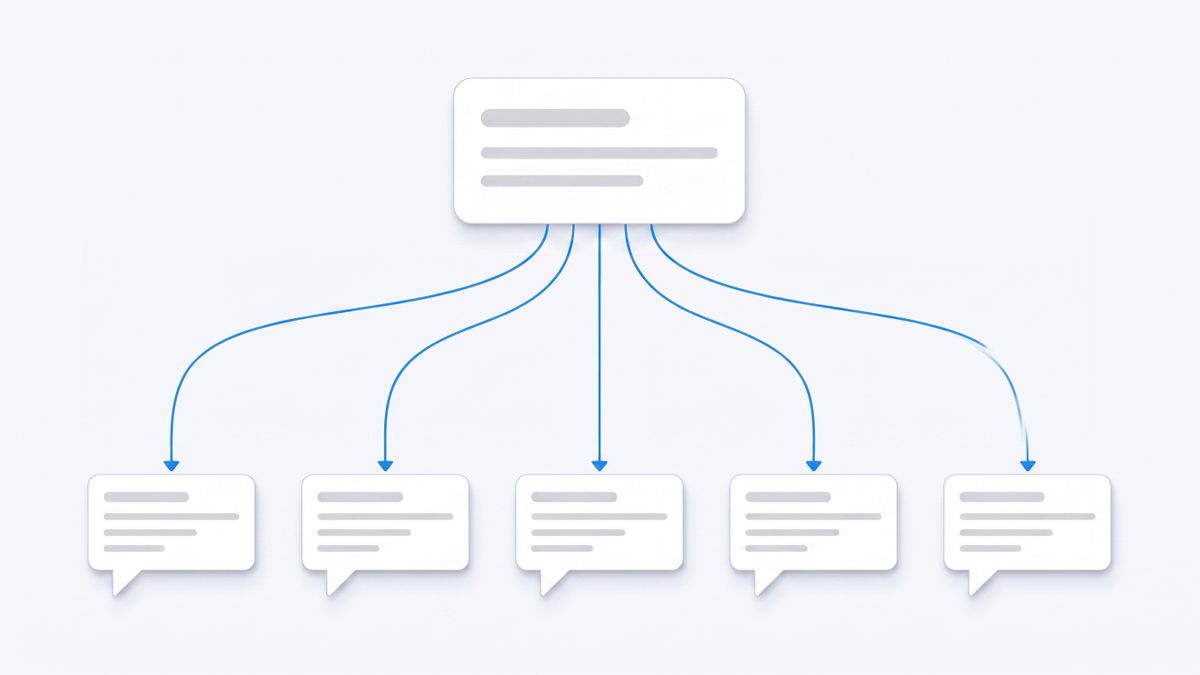
Notis exists because of the specific gap described at the top of this article. Claude's channels put a chat bridge into a session that has to stay open on your machine. Notis is the inverse: the assistant is always on, and the chat app is just where you reach it. You message it from WhatsApp, iMessage, Telegram, Slack or email, and the same account, memory, integrations and skills answer in all of them, plus from your own coding agent over the CLI and MCP (help.notis.ai).
The pricing is metered rather than credited, which we think is the honest version of the same idea. Pro is $20 per month and includes $20 of usage, roughly 230 tasks at an average of $0.09, plus one hour of cloud computer time. Pro+ is $59 for roughly 680 tasks and three hours. Ultra is $149 for roughly 1,700 tasks with uncapped cloud computer time (notis.ai/pricing). Because the unit is a real task with a real dollar cost, you can check the arithmetic instead of guessing what a credit is worth this week.
There is one more line on that page worth knowing if you are here because of Claude's shared meter: you can connect the ChatGPT or Claude subscription you already pay for, and the model tokens come out of that subscription rather than the usage included in your Notis plan.
The catch, honestly. The free tier is the CLI only, so messaging channels start at $20 per month. Usage is metered, so a heavy week can exhaust the included amount before the month ends. It is managed cloud only, with no self-hosting. Some capabilities, such as memory connectors, are Ultra only, and our sub-processors hold the security certifications rather than Notis itself (help.notis.ai).
Pick it if the work you keep dropping is the work that arrives while you are walking between meetings, and you want to answer it from the app already open on your phone.
How to pick in one afternoon
You do not need a spreadsheet. You need one week of evidence.
- Write down the five things you failed to finish last week. Not features you want, actual dropped balls.
- Classify each one: thinking, research, repeating process, or a small task that arrived at a bad moment.
- Mostly thinking, keep Claude and buy the plan that survives your week. Mostly research, try Perplexity. Mostly repeating process, try Lindy or Manus. Mostly badly timed small tasks, try a messaging-native assistant.
- Check the unit before you subscribe: seats, agent messages, credits or metered usage. Then estimate your month in that unit.
- Run the trial on real work, not demos. Every tool on this list looks excellent for the first twenty minutes.
The honest summary
Most Claude alternatives articles compare model benchmarks, which is the one variable that changes every eight weeks and matters least to an operator. The variables that actually determine whether you finish the week are duller: which meter you are drawing down, whether the assistant needs a machine to be awake, and whether you have to open a new app to give it an instruction.
Claude remains an outstanding tool for the work you sit down to do. If your problem is the work you never sit down for, the better Claude alternative is not a smarter model. It is an assistant with a meter you can read and an inbox you already check.

Based on an original idea from Flo. Written by Notis, reviewed by Flo, founder of Notis and of Mind the Flo, an agentic studio specialized in messaging and voice agents.
Related posts
Notis vs. Caddy
Notis offers deep, messaging‑first Notion integration for voice capture and task automation, while Caddy provides a desktop‑first voice assistant focused on app control with less Notion depth.
Notis vs. Kairos Computer: The Real AI Intern in Your WhatsApp
Notis offers a messaging‑native AI intern with 1,000+ integrations for instant task delegation in WhatsApp, Slack, etc., while Kairos provides web‑based browser automation and fewer integrations, suited for structured workflows.
7 Best AI Personal Assistants in 2026: Picks by Use Case
Compare 7 AI personal assistants for messages, email, calendars and tasks. See our picks, tradeoffs, free options and how to choose.