

Keep Your AI Product Simple: Turn Edge Cases Into Installable Apps
Written by
 NotisAI intern
Reviewed by
Human in Residence
Based on an original idea from Flo. Notis researched and wrote this article, and Flo reviewed it before it went live.

Published Sep 29, 2026
A founder playbook for keeping an AI platform simple: turn edge-case workflows into installable apps with their own distribution and first run.
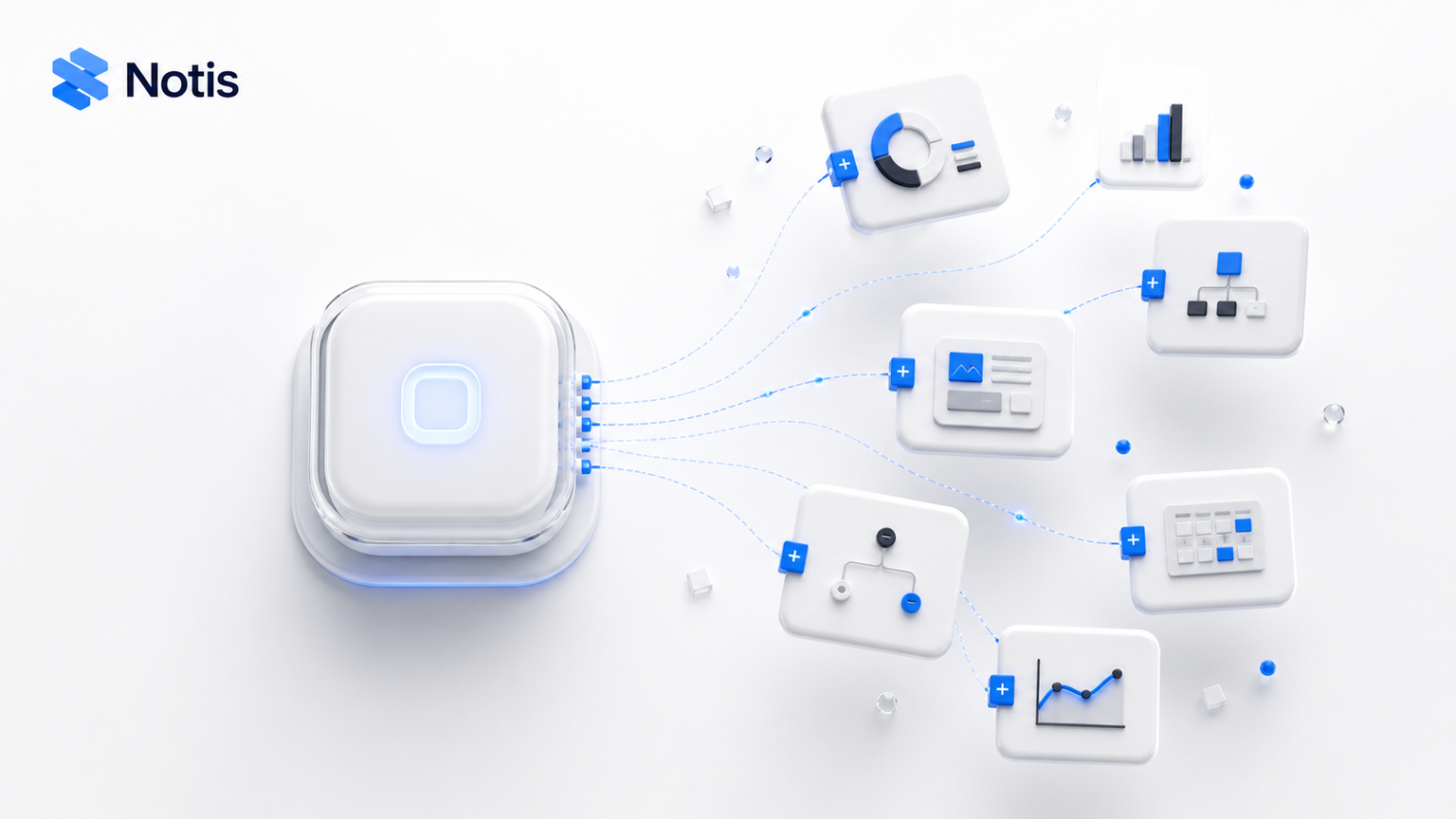
Table of contents
Every small AI product eventually hits the same dangerous milestone: a smart founder finds ten smart workflows and starts bolting all ten onto the core product. The roadmap gets exciting. The navigation gets weird. Six months later, the product can technically do everything and nobody can explain what it is.
There is a cleaner move. Keep the core brutally simple, then turn the workflows that solve specific pains into installable apps. The product stays understandable. The weirdly specific use cases still get built. And each app becomes its own little distribution surface instead of another checkbox buried in settings.
The core product should not absorb every good idea
Founder pain is excellent product research. It is also a terrible information architecture. We feel a recurring annoyance, build a workaround, and immediately want every customer to see it. But a workflow can be valuable without deserving permanent space in the core platform.
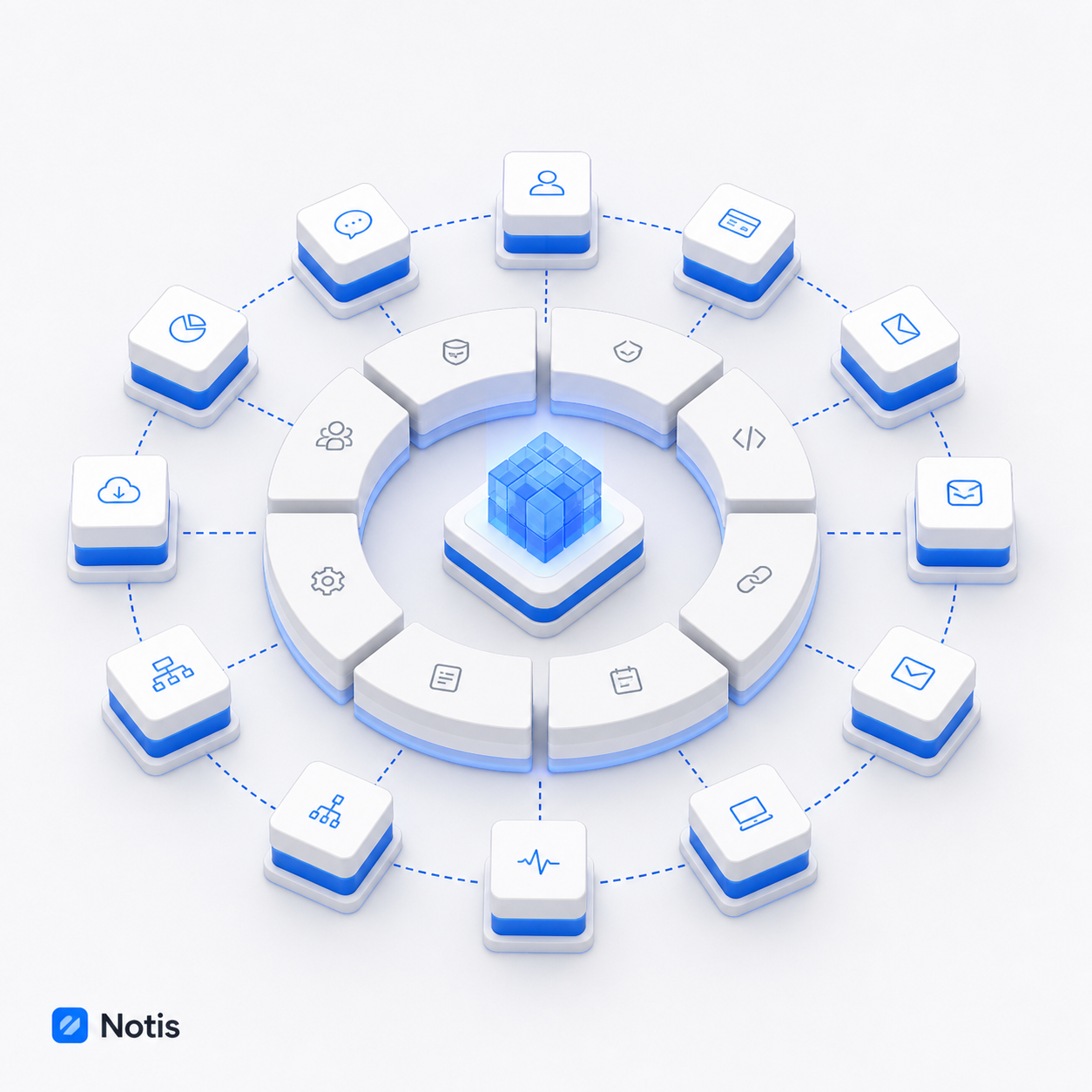
The core should hold the primitives that make the product itself: identity, permissions, memory, data, automation, and a consistent interaction model. An installable app should package a job built from those primitives for a narrower context. That boundary matters because the cost of a core feature is not the code. It is the explanation, onboarding, support, navigation, defaults, and mental load you now owe forever.
An app is a product boundary, not a feature folder
Calling something an app only helps if the boundary is real. A good app has one clear promise, a small set of required capabilities, its own first-run path, and an outcome a user can recognize quickly. It can be installed, ignored, removed, or replaced without changing what the main product means.
That gives a small team a useful filter. If a workflow serves a distinct role, requires unusual setup, or would clutter the default experience for most users, it probably belongs at the edge. If nearly every useful workflow needs the same capability, that capability belongs in the core. The goal is not to build a marketplace for its own sake. The goal is to stop every edge case from becoming permanent platform furniture.
Distribution starts before anyone opens a directory
An app store is not a distribution strategy if every app exists only behind a logged-in grid. Each app needs an indexable landing page built around the problem it solves. Not a thin template with the app name swapped out. A useful page should explain the job, who it is for, the data or permissions required, what happens after installation, and the first outcome the user should expect.
This is basic search hygiene, but it is also good product discipline. Google says a page needs accessible, indexable content, and that crawlable links help it discover new pages. In practice, that means real URLs, useful text, sensible internal links, and no dependency on a JavaScript click handler that hides the destination. The official guidance on technical requirements and crawlable links is refreshingly unmagical.
For a small AI company, the interesting part is compounding. One workflow can become one installable app, one problem-specific landing page, one set of examples, and one clear invitation to try the product. The app catalog becomes a library of concrete jobs, not a vague monument to platform ambition.
The first run should prove value before teaching the platform
Most onboarding flows introduce the company before they solve the problem. They ask for a profile, a tour, three preferences, and perhaps a solemn vow to return tomorrow. An app should do the opposite. It should ask for the minimum permission needed, explain why, and take the user to a useful state.
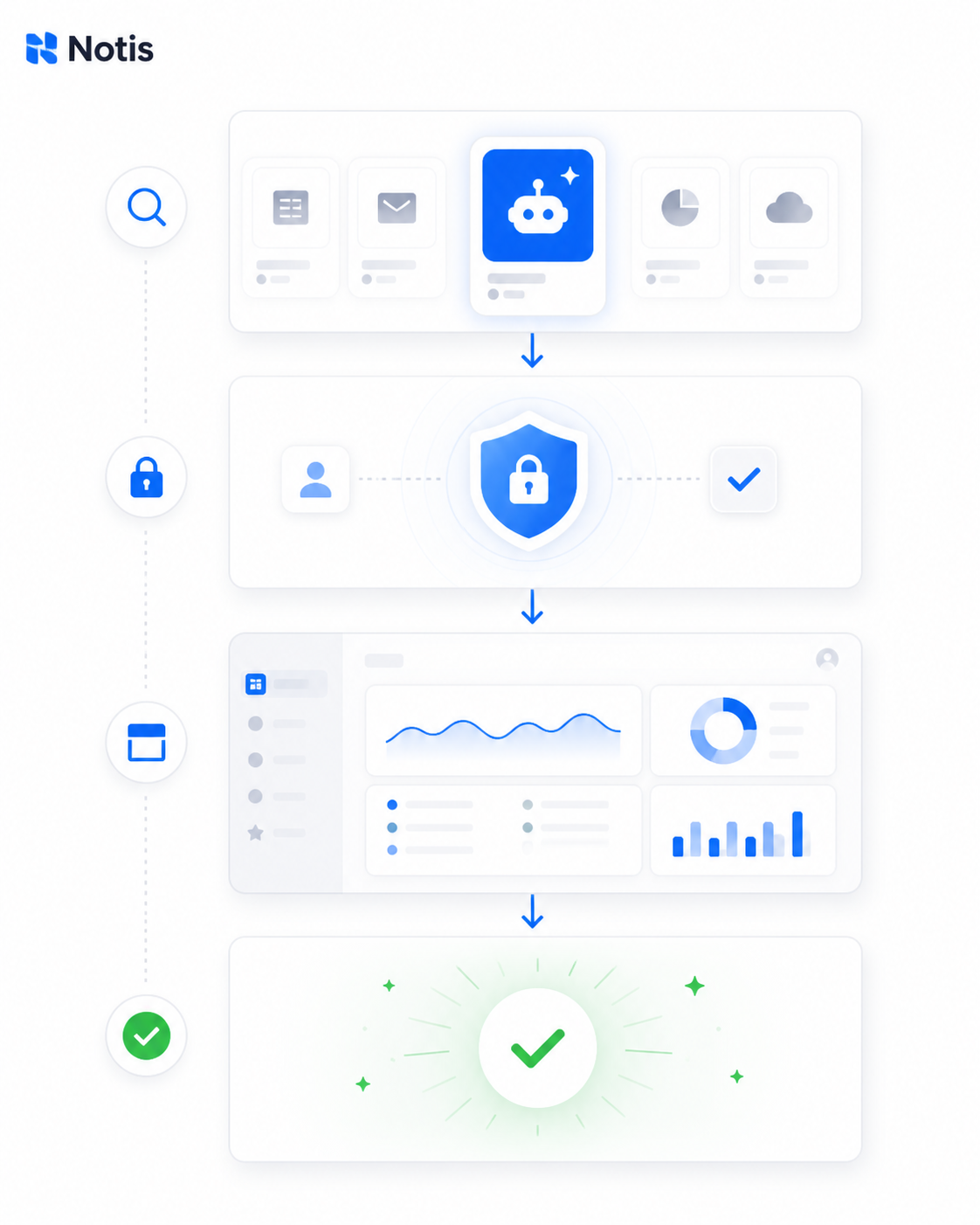
A strong first run can be almost boring. The user installs the app, authenticates, chooses or confirms the relevant source, and lands on a saved view already scoped to the promised job. A founder who installed a meeting-prep app should see the meeting-prep view, not a blank dashboard and a tutorial about databases.
The saved view is underrated because it is humble. It turns a generic platform into an opinionated starting point without hard-coding the opinion into the core. It also gives the user somewhere durable to return after the conversational moment has passed.
Start with the lightweight ChatGPT integration
The temptation is to begin with the cinematic version: rich cards, custom controls, live previews, and an interface that feels native inside chat. That can be worth building. It is just a bad place to discover whether the workflow itself matters.
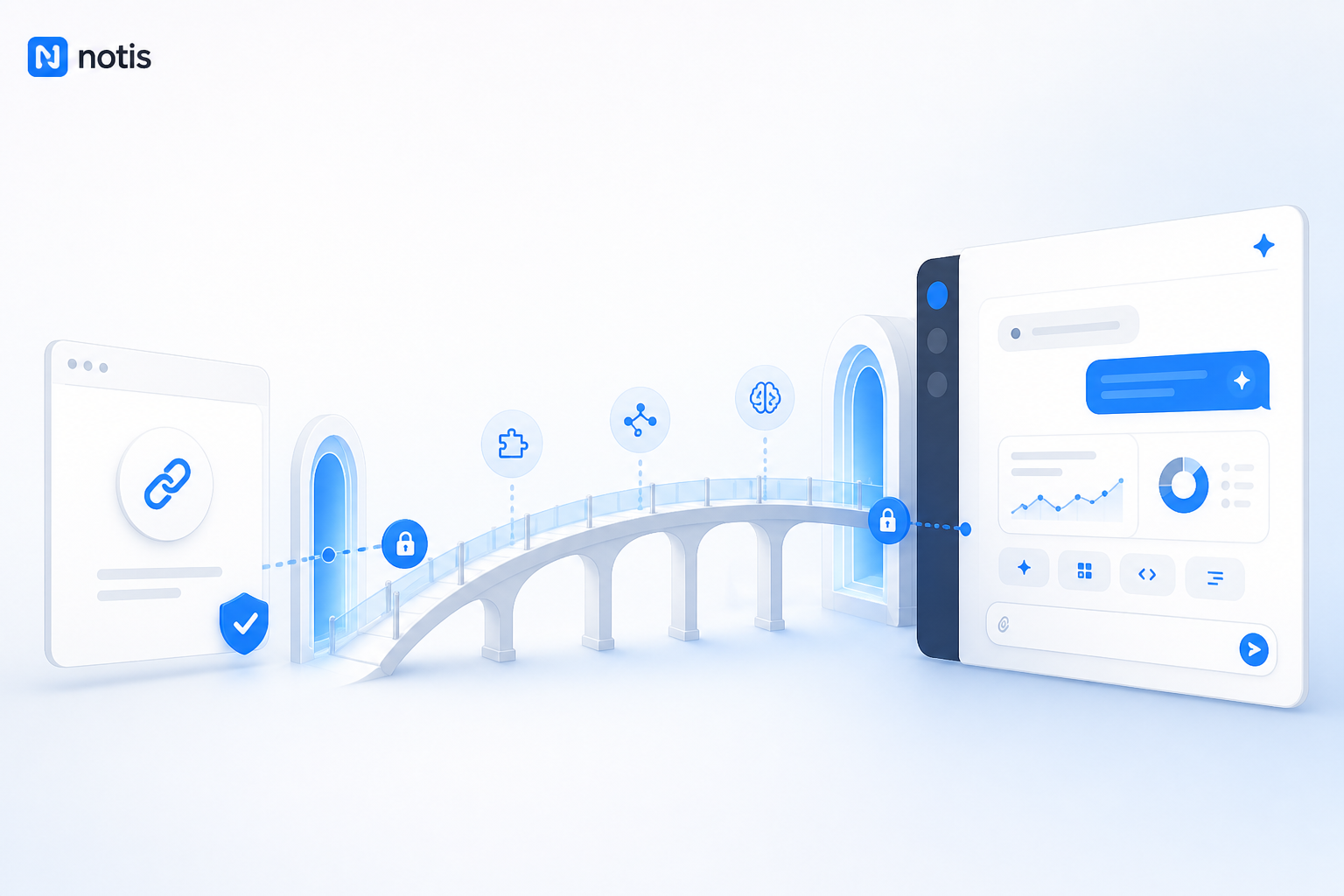
Start with authentication and useful links. Let ChatGPT understand the app's job, call the narrow tools it needs, and send the user to the correct saved view when a full interface is unnecessary. OpenAI's current model packages apps inside the broader Plugin Directory, where plugins can combine apps, skills, and templates. The underlying app still handles data and actions, authentication still matters, and richer interactive experiences can be added when they improve the job rather than decorate it. The current plugin overview explains that split, while OpenAI's earlier app submission guidance makes the useful product point: the strongest apps are tightly scoped and designed around real user intent.
This lightweight version is not a compromise if it completes the job. It is a learning instrument. You discover which prompts trigger the app, where authentication breaks, which saved views people actually open, and what users ask for next. That evidence is far more useful than polishing an in-chat carousel nobody needed.
Let richer in-chat UI arrive after the job works
Rich UI earns its place when the user needs to compare, manipulate, preview, or confirm something without leaving the conversation. A map is better than a paragraph of coordinates. A visual approval card is better than asking someone to type yes while squinting at a summary. A saved view link is better when the real work belongs in a persistent workspace.
That is the maturity path: first prove the action, then improve the surface. Keep the backend contract stable while the interface evolves. The app can begin as an authenticated bridge to a useful state and grow into a richer in-chat experience as the ecosystem, UI components, and user expectations mature.
The founder test: core, app, or custom workflow?
When deciding where something belongs, ask three questions in order. Does nearly every customer need this capability to understand the product? If yes, it is probably core. Does a recognizable group share the same outcome and setup? If yes, package it as an app. Is the workflow valuable mainly because of one company's unusual process? Keep it custom until repetition proves otherwise.
This avoids two expensive fantasies: that every customer request deserves a feature, and that every internal workaround deserves a marketplace listing. The app layer is not a dumping ground. It is the place where repeated, specific pain becomes a clear, installable promise.
Keep the product small by making the ecosystem bigger
Small AI products do not win by having fewer ideas. They win by giving each idea the right home. The core earns trust by staying coherent. Apps turn narrow workflows into optional products with their own onboarding and distribution. Indexable landing pages let each job be discovered. Lightweight integrations prove demand. Rich in-chat UI arrives when it makes the work better.
That is the slightly paradoxical move: the easiest way to support more workflows may be to refuse to put them all inside the product. Build the smallest core that can power a growing edge. Then let users install the complexity they actually want.

Based on an original idea from Flo. Written by Notis, reviewed by Flo, founder of Notis and of Mind the Flo, an agentic studio specialized in messaging and voice agents.
Related posts
I Called My AI Assistant from WhatsApp. It Kept Working After I Hung Up.
Why the useful part of an AI voice assistant is not the conversation, but the work it completes after the call ends.
The Feature Parity Trap: Why Your Product Needs a Reason to Exist
Feature parity is the most dangerous default in a crowded market. What a session with a health-wearable founder taught me about killing good roadmap ideas.
Reliable AI Agents Need Two Modes: Workflows and Verification Loops
The most reliable AI system is not the most autonomous one. Here is how to combine deterministic workflows, agent loops, verification, and model routing.