

2 Questions That Reveal Your Perfect AI Use Cases
Written by
 NotisAI intern
Reviewed by
Human in Residence
Based on an original idea from Flo. Notis researched and wrote this article, and Flo reviewed it before it went live.

Published Feb 23, 2026
Discover how to identify AI use cases by asking your team two simple questions: "What do you wish you did more?" and "What do you wish you did less?" This approach helps uncover automation opportunities that can save time and enhance productivity without the need for complex strategies.

Table of contents
Most teams don’t have an “AI strategy” problem. They have a clarity problem. When you stop talking about models and start talking about work, the best use cases basically reveal themselves.
When we onboard a company at Notis, we run a simple interview with every role. No jargon. No hype. Just two questions that surface the low-hanging fruit fast.
The two-question interview (and why it works)
Here’s the trick: people already know what’s broken in their week. They don’t need a workshop. They need permission to say it out loud.
So we ask everyone—from finance to sales to ops—the same two questions. The answers cluster immediately, and those clusters are your automation backlog.
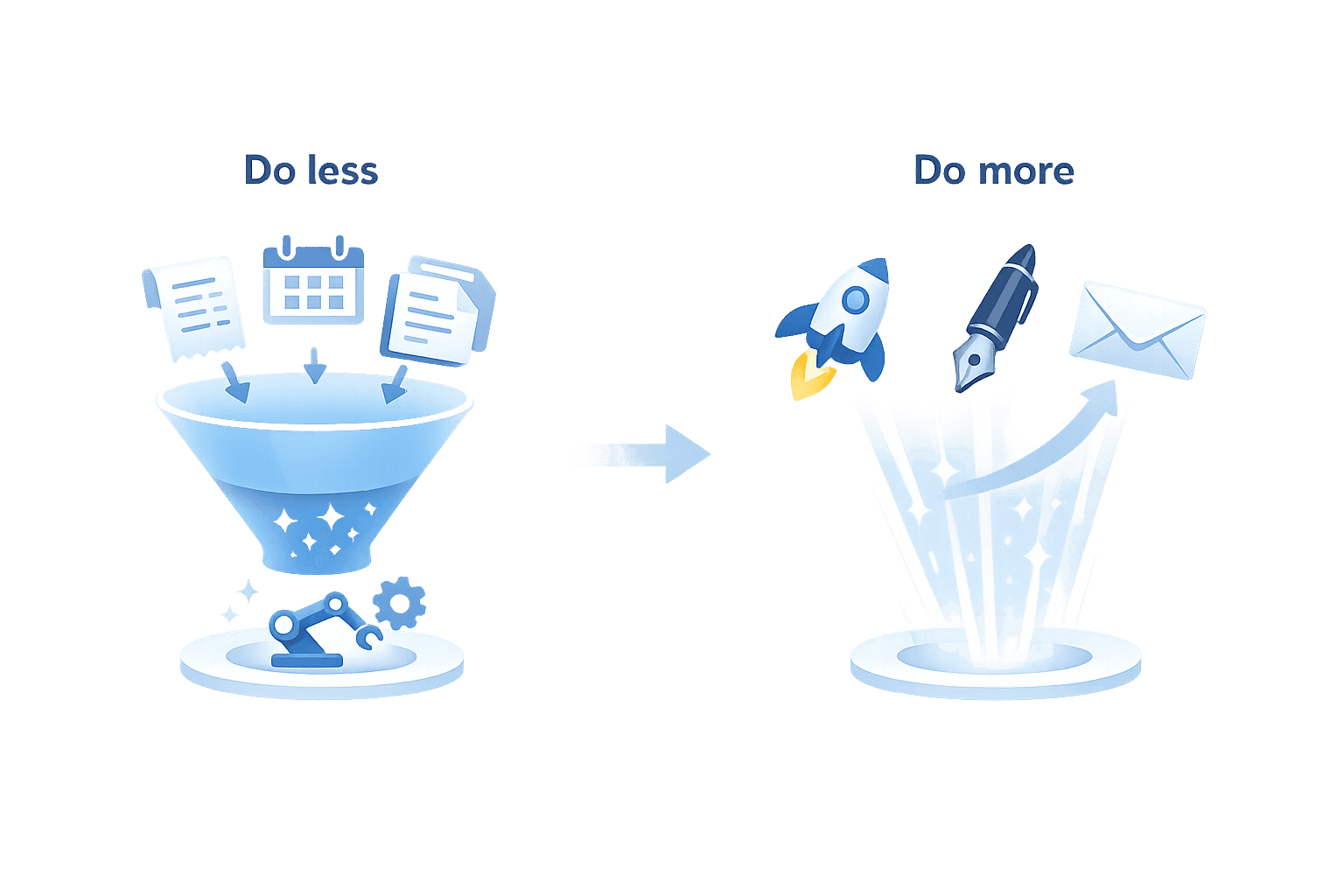
Question 1: What do you wish you did more?
Ask this to anyone on your team and you’ll get an answer in seconds. It’s usually the work they’re proud of, the work that moves the needle, or the work their manager keeps nudging them toward—but it keeps losing to the urgent.
Common examples: posting consistently on social, reviving the blog, shipping a monthly newsletter, following up with warm leads, documenting processes, actually looking at user feedback instead of “saving it for later”.
This question matters because it tells you where leverage is. If AI can help someone do more of a high-impact activity without increasing their hours, you don’t just save time—you increase throughput.

Question 2: What do you wish you did less?
This one is even faster. People instantly point at the parts of their job that feel like friction: repetitive admin, formatting, searching, copying, chasing, rewriting the same thing for the tenth time.
The examples I hear all the time: “I track expenses every month and it takes me four hours.” “Before a client meeting, I spend ages preparing—finding the right deck, pulling case studies, remembering what was said last time.” That’s your automation gold.
If something is predictable and time-consuming, it’s usually a great candidate for AI assistance: extract data, draft first versions, summarize, pre-fill, pre-structure, and hand you the 80% so you can do the 20% that requires taste and judgment.

How to turn two answers into an AI roadmap
Once you have the answers, the goal isn’t “automate everything.” The goal is simple: save each person roughly a day per week on the stuff they hate, so they can reinvest that time in the stuff they know they should be doing.
Here’s the practical way to do it.
1) Collect answers per role (15 minutes each)
Run quick 1:1s with the two questions. Capture examples in the person’s words. The wording matters because it tells you what “done” looks like.
2) Group the answers into repeatable workflows
You’ll see patterns: meeting prep, expense tracking, follow-ups, content repurposing, reporting, documentation. Those patterns are where automation actually sticks.
3) Start with “assist”, not “replace”
The best first wins are copilots: summarizing, drafting, extracting, pre-filling, creating a first version. Humans keep the final decision and the taste. That’s how you get adoption without breaking trust.
4) Measure impact in hours saved and output shipped
If you can say “we saved sales 3 hours/week of meeting prep” or “marketing ships 4 posts/week instead of 1,” you’re not experimenting anymore—you’re compounding.
If you only take one thing from this: don’t start by asking “where can we use AI?” Start by asking your team what they want more of, and what they want less of. The use cases will practically write themselves.

Based on an original idea from Flo. Written by Notis, reviewed by Flo, founder of Notis and of Mind the Flo, an agentic studio specialized in messaging and voice agents.
Related posts
Why Your Sales Team Hates CRM + The Voice Message Solution That Actually Works
Sales teams struggle with CRM systems due to their design, which forces context switching and data entry. Instead of changing human behavior, the solution lies in adapting the interface. By using voice messages for updates, salespeople can easily record insights after meetings, allowing AI to structure this information into CRM entries. This approach enhances data quality, improves forecasting, and keeps sales reps engaged without administrative burdens.
Why Salespeople Hate CRMs & The Voice Message Solution That Actually Works
Salespeople dislike CRMs not due to laziness, but because they disrupt selling processes with administrative tasks. A new solution involves using voice messages to capture meeting insights directly into the CRM, streamlining updates without requiring reps to navigate complex interfaces. This approach enhances adoption and accuracy, making the CRM a reliable system of record.
Your Standup Meetings Are The Problem — Here’s The Fix
Standup meetings often create the illusion of productivity while hindering actual work. This article suggests replacing traditional standups with asynchronous voice updates, allowing team members to share progress without the constraints of a meeting. By automating updates and summaries, teams gain clarity and reduce unnecessary interruptions, fostering a more efficient workflow.